Rndom Scotsman
Members
-
Joined
-
Last visited
-
Hi all, I have downloaded the myAudi and MMI Connect apps but they don't seem to want to connect with my car. I have been looking at the MMI interface and I don't have the Connect icon so I think I have an older version of the MMI software. Can this connection be made using a wireless ODB2 connector? If so, any recommendations for a good make and model of connector? Cheers Stephen
-
We have just bought an Audi A6 which does not have the rear armrest cup holders. I have looked on various site about them and the actual cup holders are reasonably cheap and readily available even on Ebay etc. The expensive bit seems to be the front panel which has to be changed to accommodate the new spring out part for the cups themselves. Has anyone found these front panels at a reasonable cost?
-
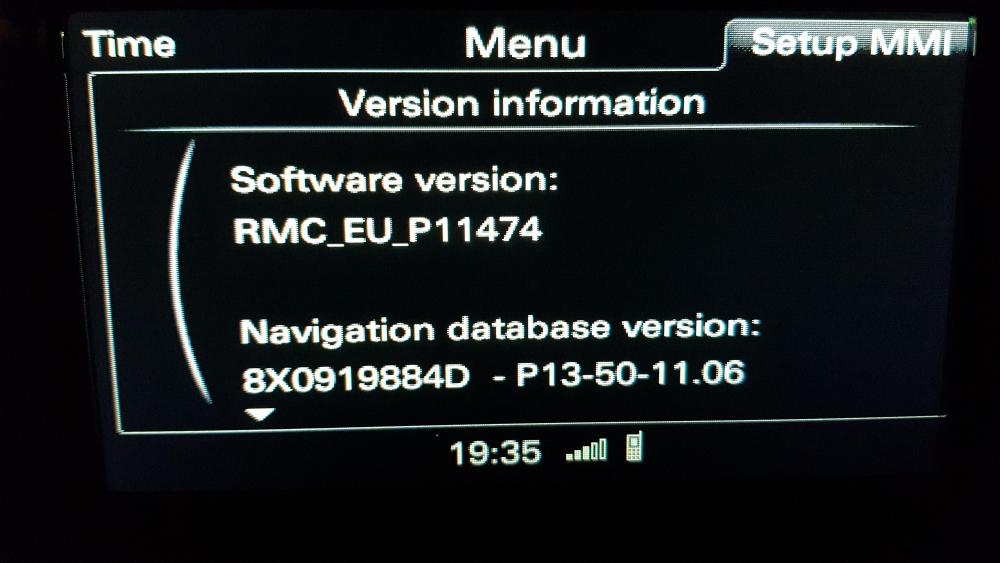
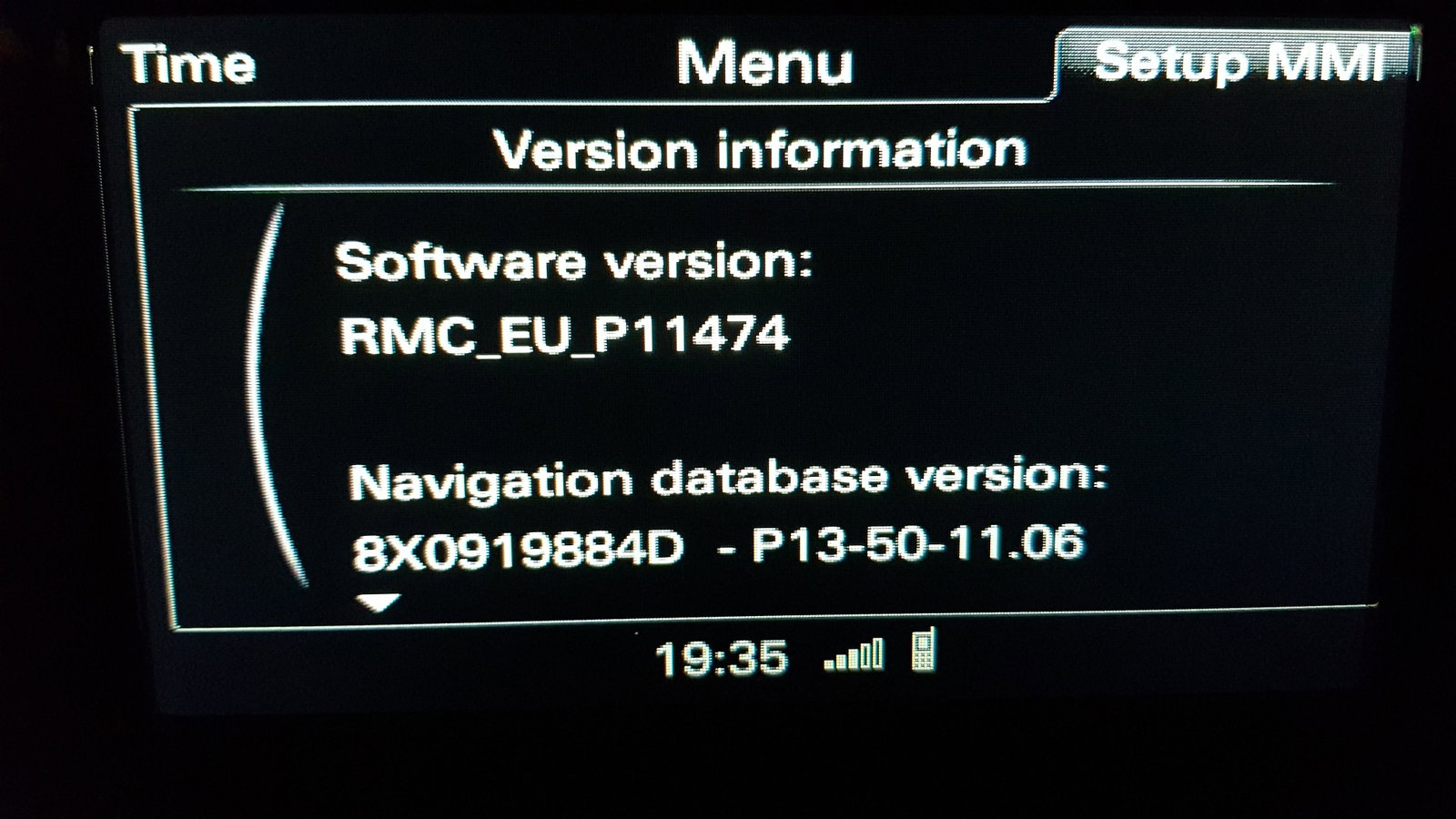
Hi, I have just bought a 2013 A6 and I am getting REALLY confused with the different versions of the MMI. I have attached a photo with the version number of the system in my car and want to know what the most recent version is and how I can upgrade it?