RealRichO
Members
-
Joined
-
Last visited
Everything posted by RealRichO
-
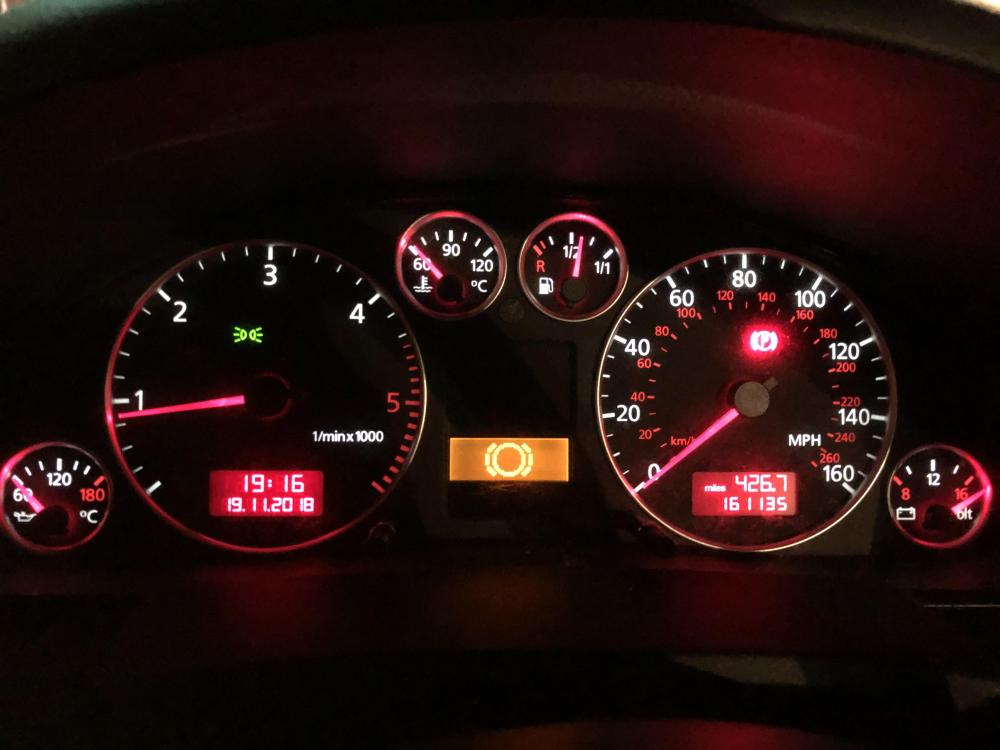
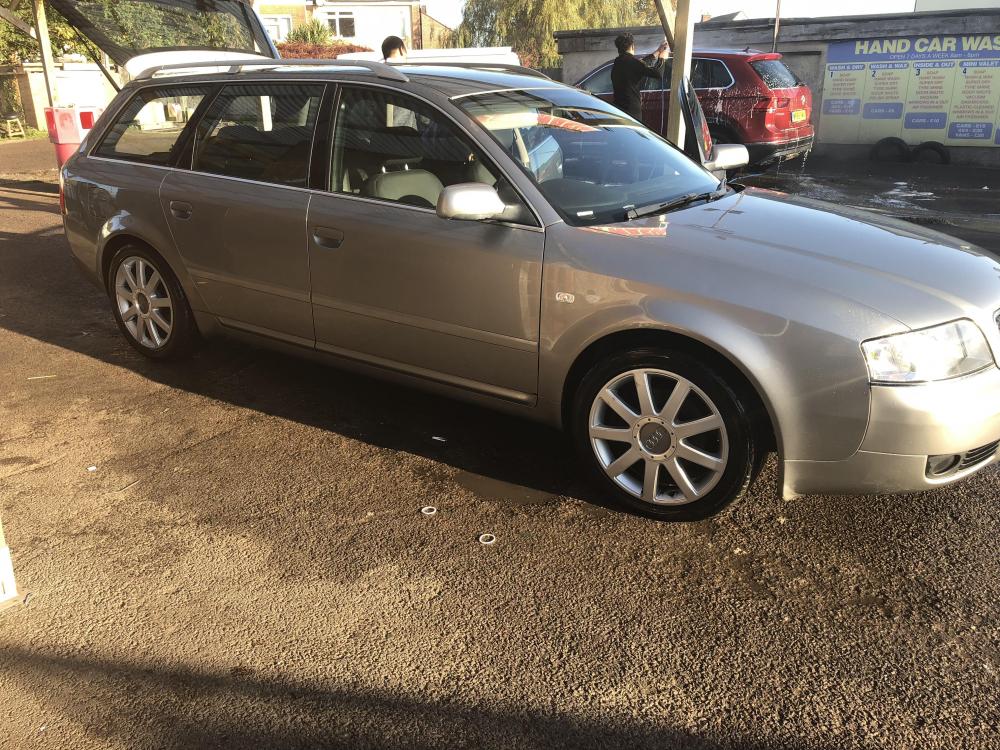
Hello! Ive recently been converted to an Audi (by circumstance more than choice but not complaining!) had my A6 avant for about 6 weeks and I LOVE IT! BUT, minor issues with instrument cluster and poor fuel economy are getting to me a bit. Oil temp, water temp and fuel gauge don’t work and I suspect the LCD display is faulty, well fuel gauge moves but is not accurate at all, light comes on when it’s showing half way and it’s actually near empty (my wallet aches at the moment!) and from a 130pd engine 25mpg is not normal! Is there anything I can look for before taking it to the tuners? i suspect the previous owner has had it remapped as it’s super quick for a big old bus but might explain the poor fuel if they downloaded a generic map off the net or just got a mate with YouTube and an ODB plug from his laptop to mess with it.