




Skip to content
View in the app

A better way to browse. Learn more.

Audi Owners Club (UK)

A full-screen app on your home screen with push notifications, badges and more.

To install this app on iOS and iPadOS
  1. Tap the Share icon in Safari
  2. Scroll the menu and tap Add to Home Screen.
  3. Tap Add in the top-right corner.
To install this app on Android
  1. Tap the 3-dot menu (⋮) in the top-right corner of the browser.
  2. Tap Add to Home screen or Install app.
  3. Confirm by tapping Install.


jamiesmachon

Members
  • Joined

  • Last visited

Everything posted by jamiesmachon

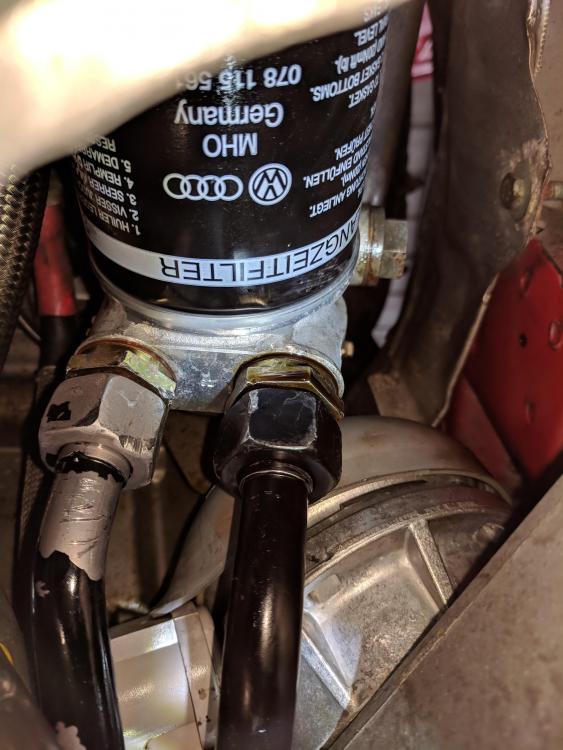
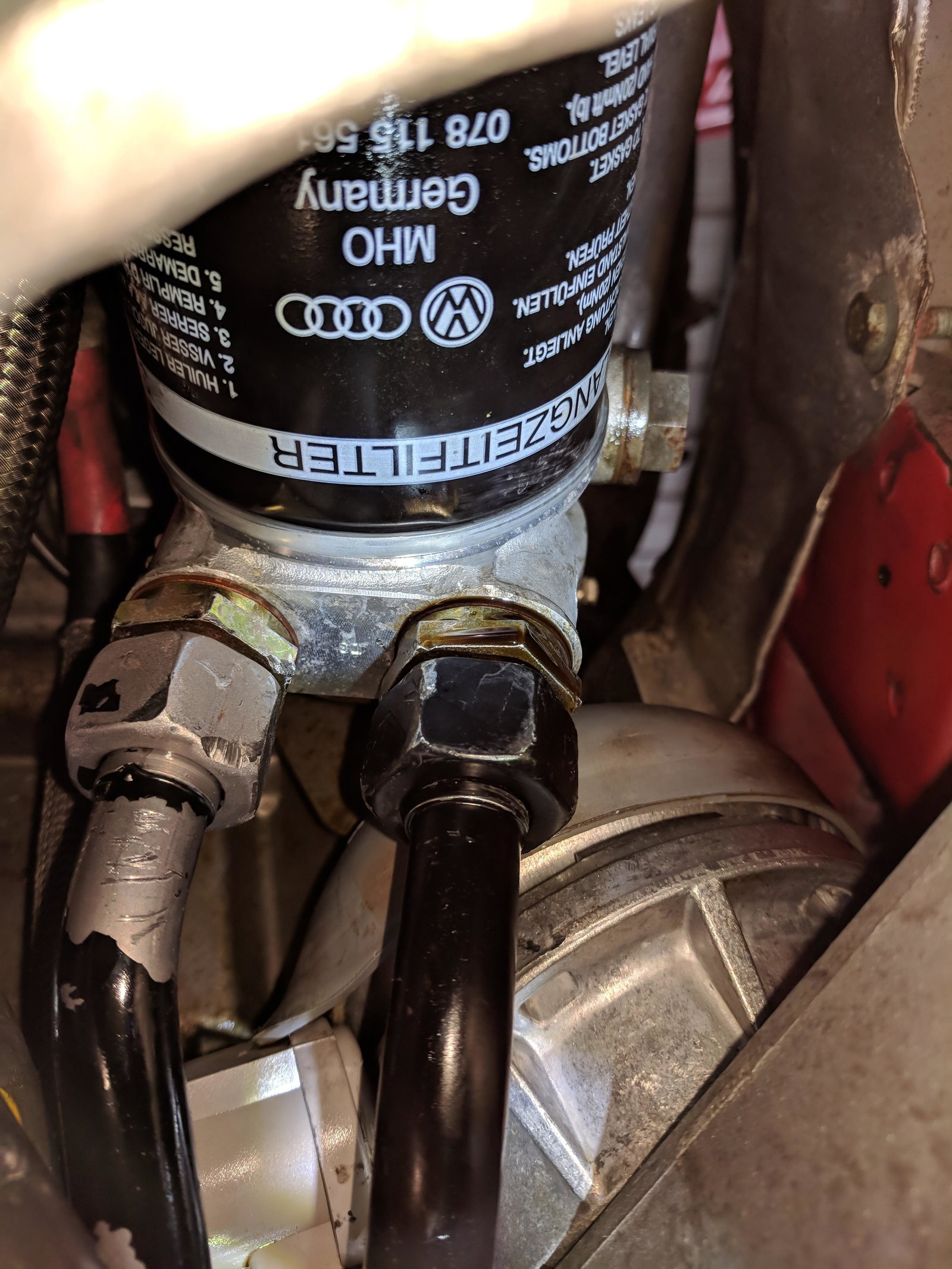
  1. Hi everyone, I was wondering if anyone has any ideas on how to remedy this problem or what may be causing it. I am trying to stop an oil leak that is coming from the oil filter housing. I have changed the copper O-Rings on the connections of the pipes to the housing but it had very little to no effect. I think I may have to replace the oil filter bracket that the filter itself and the send and return for the oil cooler pipes connect too. Does anyone have any idea where I could get such a part and it's part number. I did a bit of googling and found the following number 078115405A but this may be wrong. Hear is a link to an image of the leak https://photos.app.goo.gl/Vg6YBisSJBY4gCs48 Any help would be greatly appreciated! All the best


Background Picker
Customize Layout

Account

Navigation

Search

Search

Configure browser push notifications

Chrome (Android)
  1. Tap the lock icon next to the address bar.
  2. Tap Permissions → Notifications.
  3. Adjust your preference.
Chrome (Desktop)
  1. Click the padlock icon in the address bar.
  2. Select Site settings.
  3. Find Notifications and adjust your preference.