Skip to content
View in the app

A better way to browse. Learn more.

Audi Owners Club (UK)

A full-screen app on your home screen with push notifications, badges and more.

To install this app on iOS and iPadOS
  1. Tap the Share icon in Safari
  2. Scroll the menu and tap Add to Home Screen.
  3. Tap Add in the top-right corner.
To install this app on Android
  1. Tap the 3-dot menu (⋮) in the top-right corner of the browser.
  2. Tap Add to Home screen or Install app.
  3. Confirm by tapping Install.


ajdh

Members
  • Joined

  • Last visited

  1. A friend of mine has the last registered, next to last production Audi Quattro in the same colour, his is in mint condition.
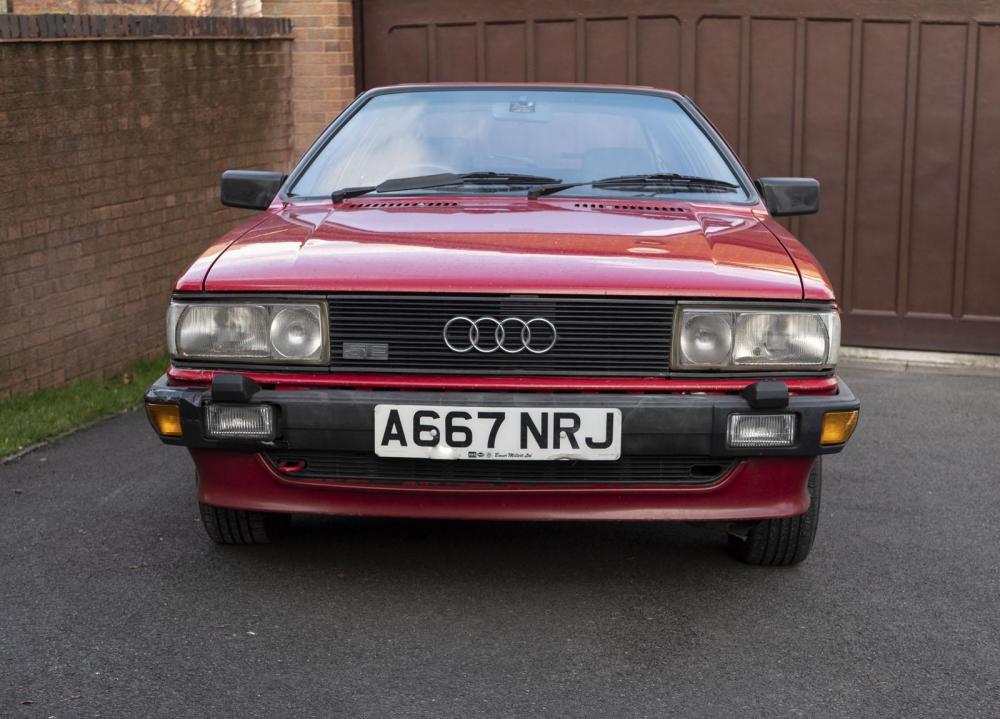
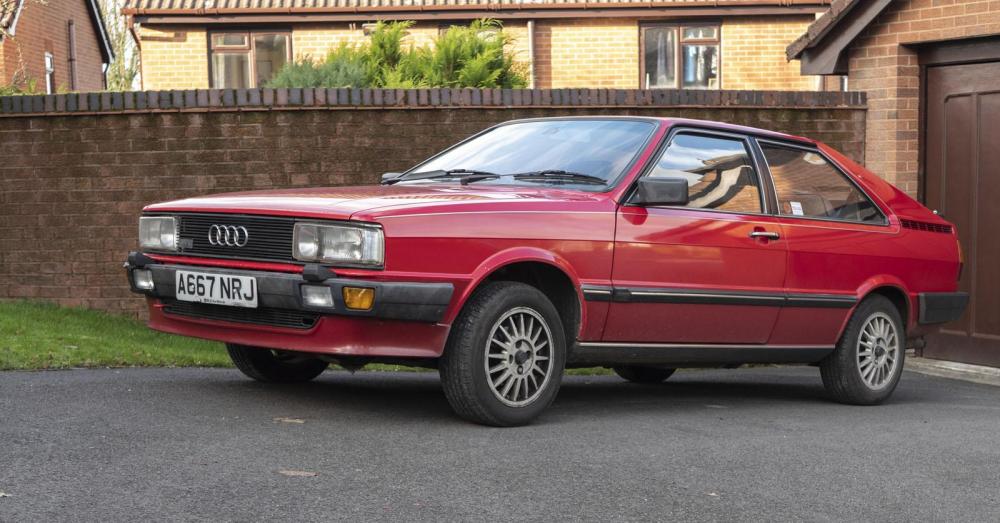
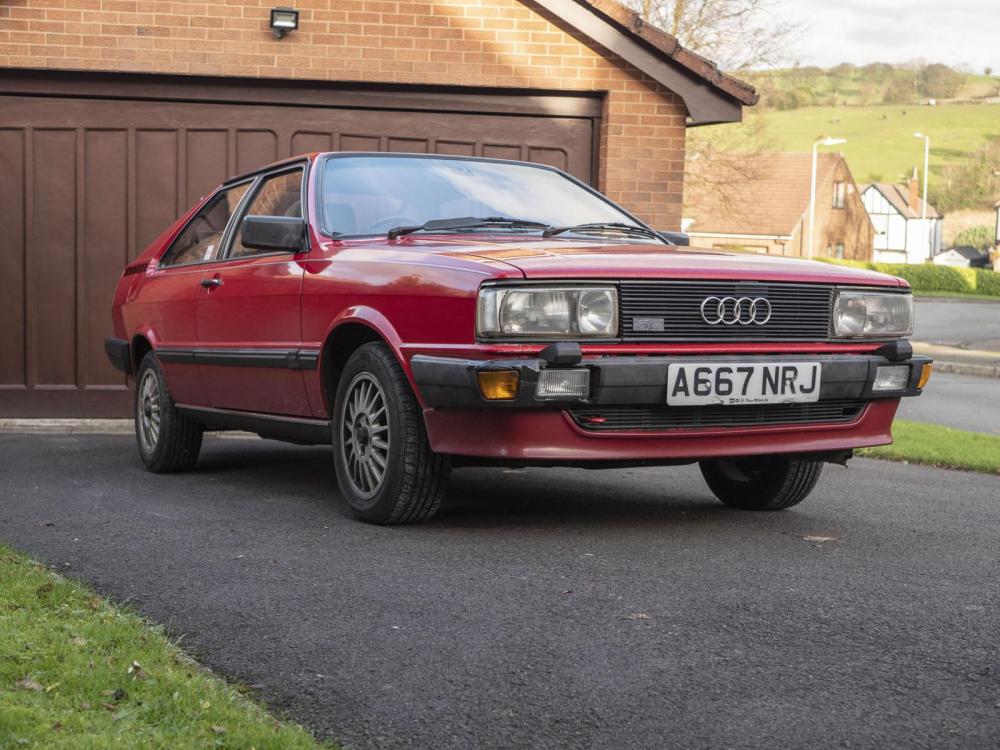
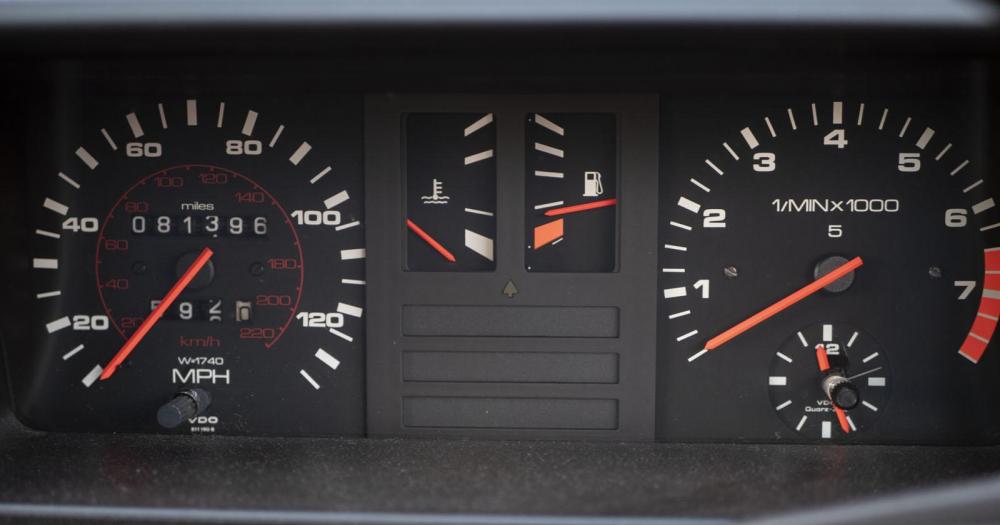
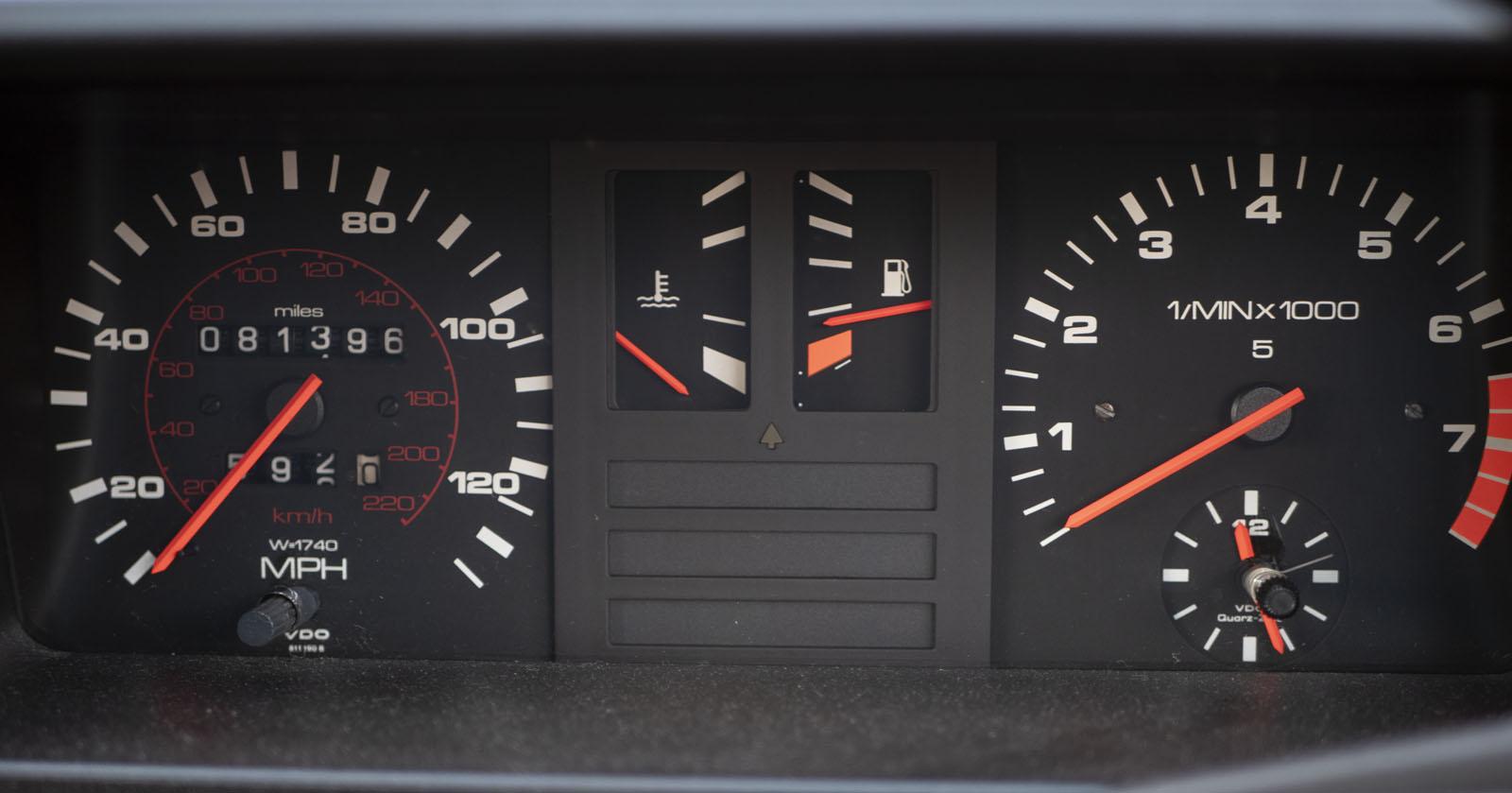
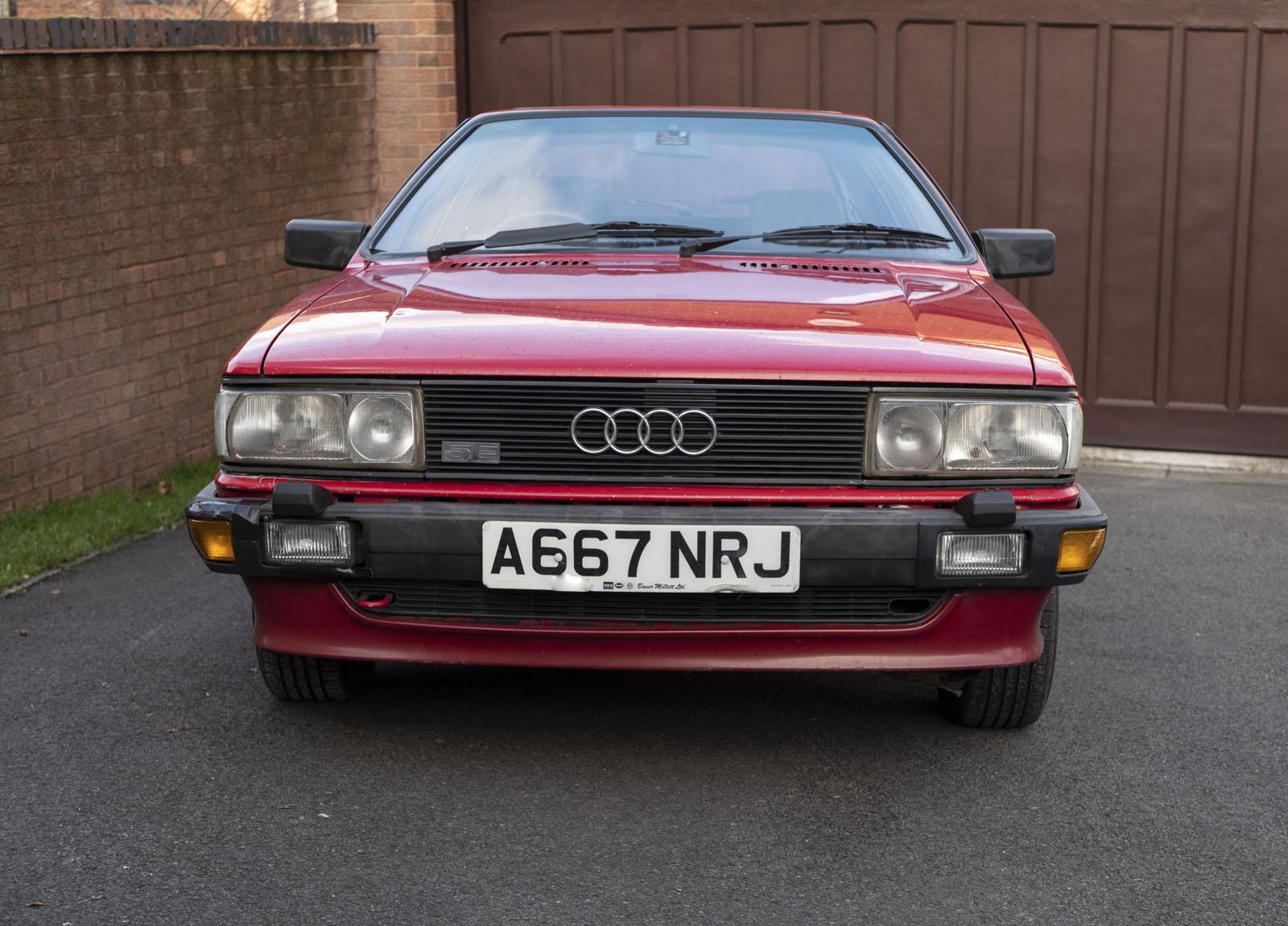
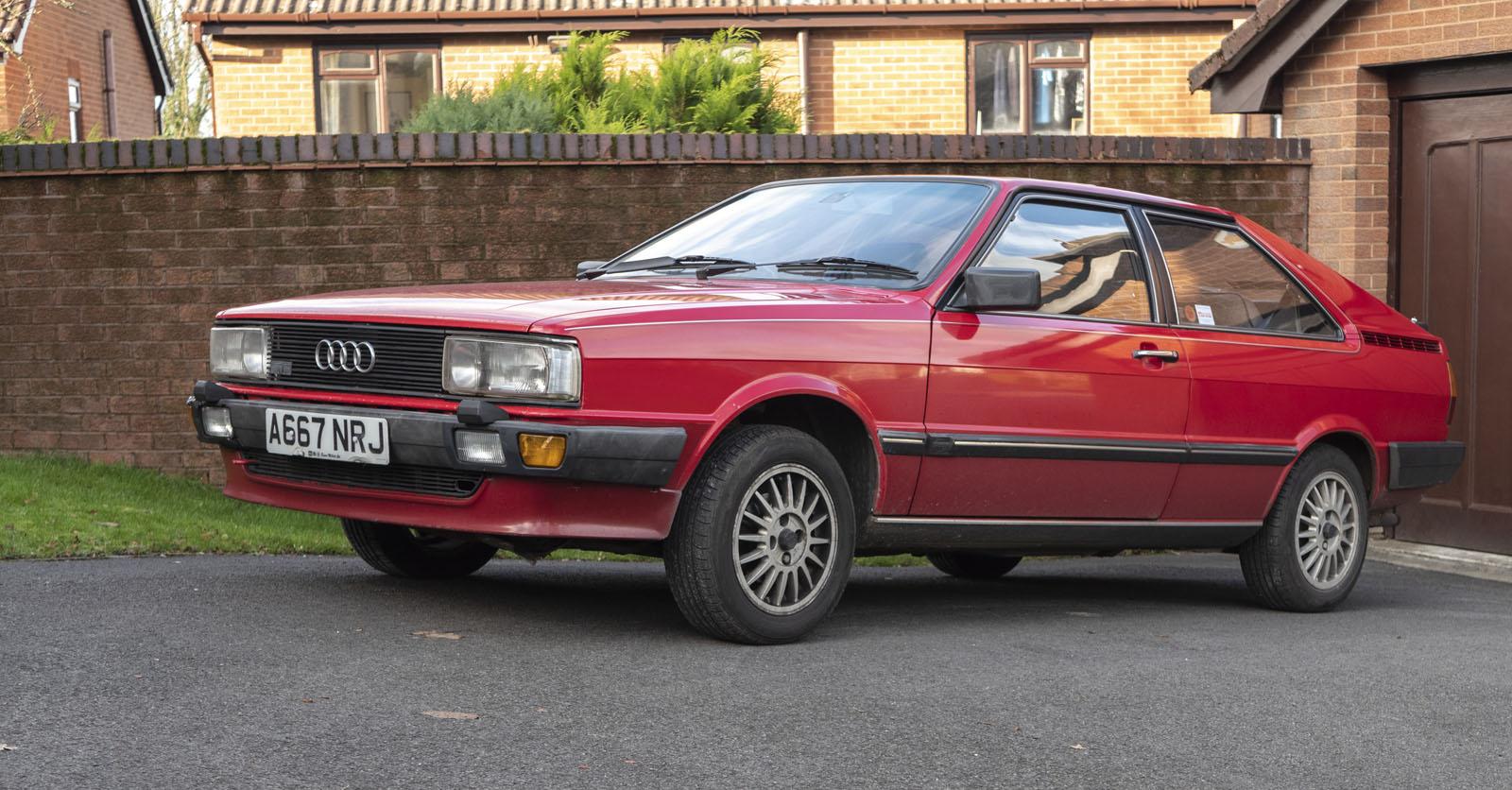
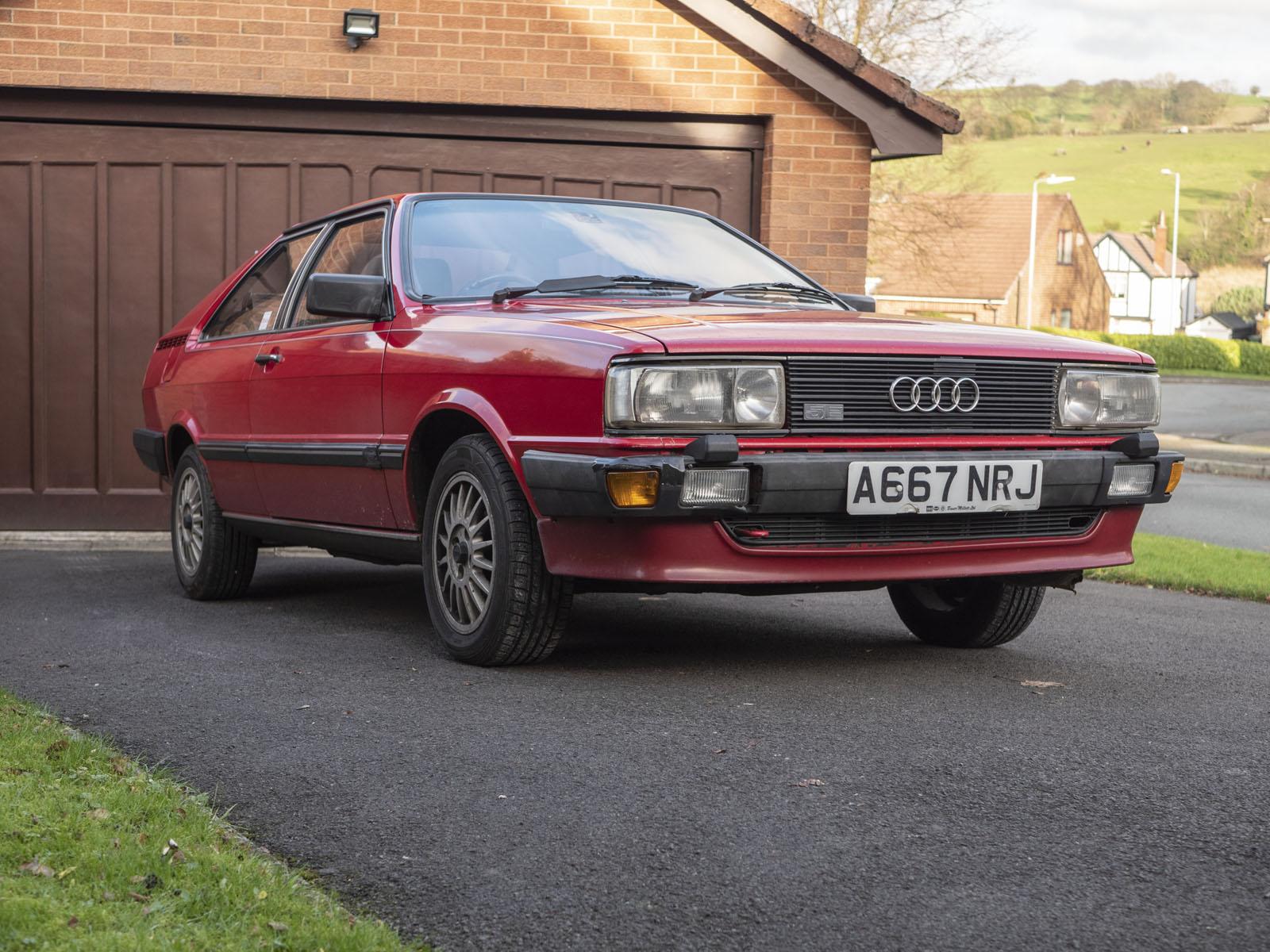
  2. I've just taken these this morning. It's a bit mucky but it's too cold to give it a clean. The mileage is accurate due to me working in Saudi Arabia for 38.5 years and the car only being driven for two months of the year from 1984. My wife now uses it a couple of times a week.
  3. Hello, I've just signed up. I have two Audi cars, the first is a 1984 Coupe 2.2 5E GT that I've owned from new. The other is a 2009 A4 S Line with a 2 litre TDI engine. I'm hoping to order a new Q5 in the next few day but on the Audi website, there's only one choice of engines at the moment.
Background Picker
Customize Layout

Account

Navigation

Search

Search

Configure browser push notifications

Chrome (Android)
  1. Tap the lock icon next to the address bar.
  2. Tap Permissions → Notifications.
  3. Adjust your preference.
Chrome (Desktop)
  1. Click the padlock icon in the address bar.
  2. Select Site settings.
  3. Find Notifications and adjust your preference.