




Skip to content
View in the app

A better way to browse. Learn more.

Audi Owners Club (UK)

A full-screen app on your home screen with push notifications, badges and more.

To install this app on iOS and iPadOS
  1. Tap the Share icon in Safari
  2. Scroll the menu and tap Add to Home Screen.
  3. Tap Add in the top-right corner.
To install this app on Android
  1. Tap the 3-dot menu (⋮) in the top-right corner of the browser.
  2. Tap Add to Home screen or Install app.
  3. Confirm by tapping Install.

ProDAN

Members
  • Joined

  • Last visited

Everything posted by ProDAN

  1. Cheers Simon, I thought this might well be the case with the firmware/hardware not being present.
  2. Hi all, My 2015 (65) B8 does not have Audi Drive Select (eco, auto, dynamic etc), is that a customisable option in VCDS? Girlfriend's A3 has it but it's a 2017 so understandable. Wondering if it's possible to code in, approximate cost etc? It's an S Line Black Edition so has Sports Suspension fitted - does it need other equipment for ADS to be possible? Thanks in advance.
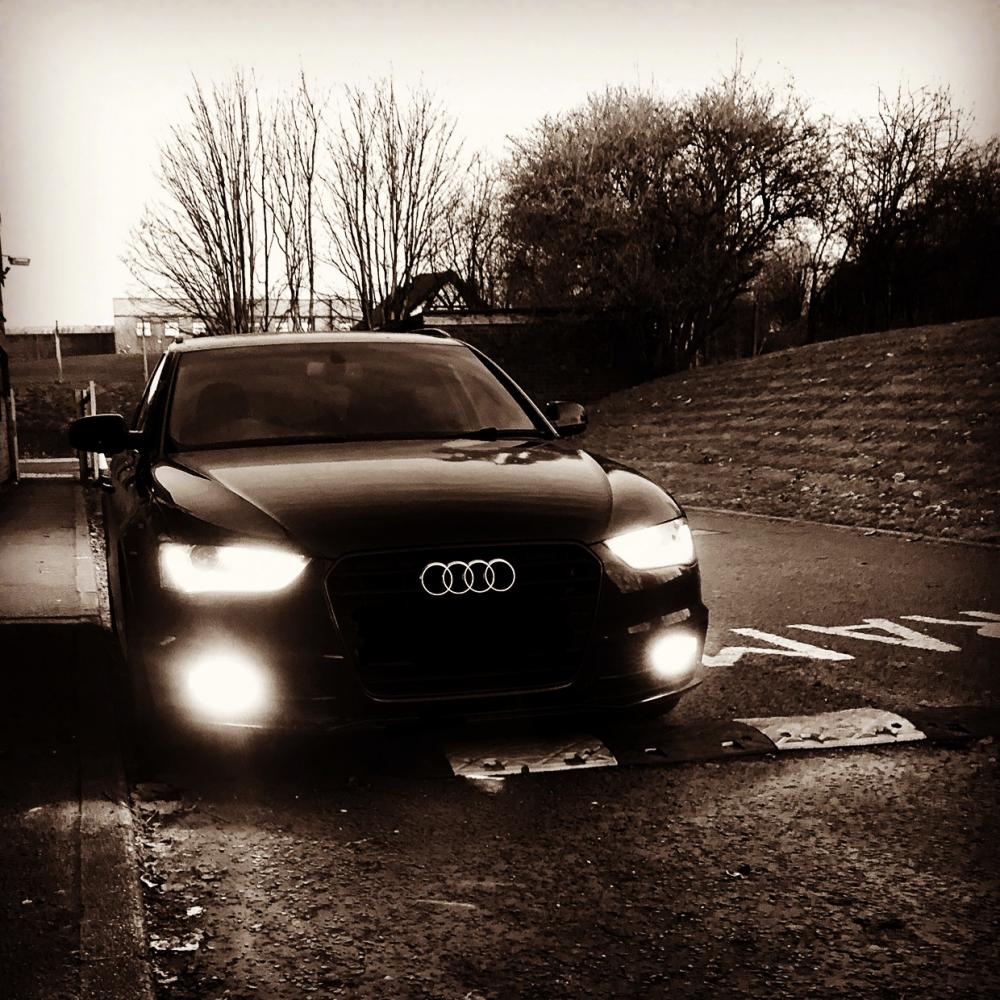
  3. Hi all, New to the forums - hello to everyone! First time Audi owner, previously had a VW Golf but been around Audi's for many years. Recently purchased an A4 Avant 2.0 TDI S Line Black Edition (190PS), have to say I'm made up with it - drives so smooth, pulls like a train and looks fantastic. Look forward to speaking with you all.


Background Picker
Customize Layout

Account

Navigation

Search

Search

Configure browser push notifications

Chrome (Android)
  1. Tap the lock icon next to the address bar.
  2. Tap Permissions → Notifications.
  3. Adjust your preference.
Chrome (Desktop)
  1. Click the padlock icon in the address bar.
  2. Select Site settings.
  3. Find Notifications and adjust your preference.