Pinhead
Members
-
Joined
-
Last visited
Everything posted by Pinhead
-
Hi All, The deflection roller on my A4 2.TDI decided to implode. The bearing was "Shot". I've replaced it and now I'm having problems getting the Serpentine belt on. I have it routed correctly but just can't get the belt un the adjuster. I've spent two days fighting with it and the only result is several layers of skin hanging off my knuckles. I've seen a couple of youtube videos and they make it loo really easy. I need a mechanic who knows what they are doing. I've phoned around and they all seem to be topped up with work.k. HEEEELLLLPPPP!!!!! Peter
-
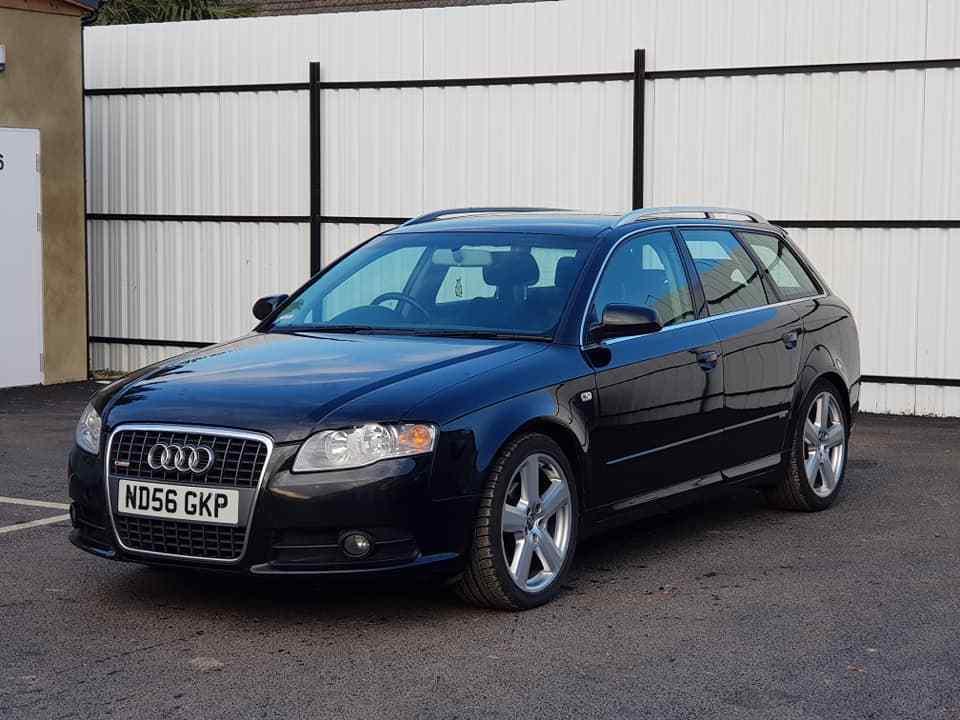
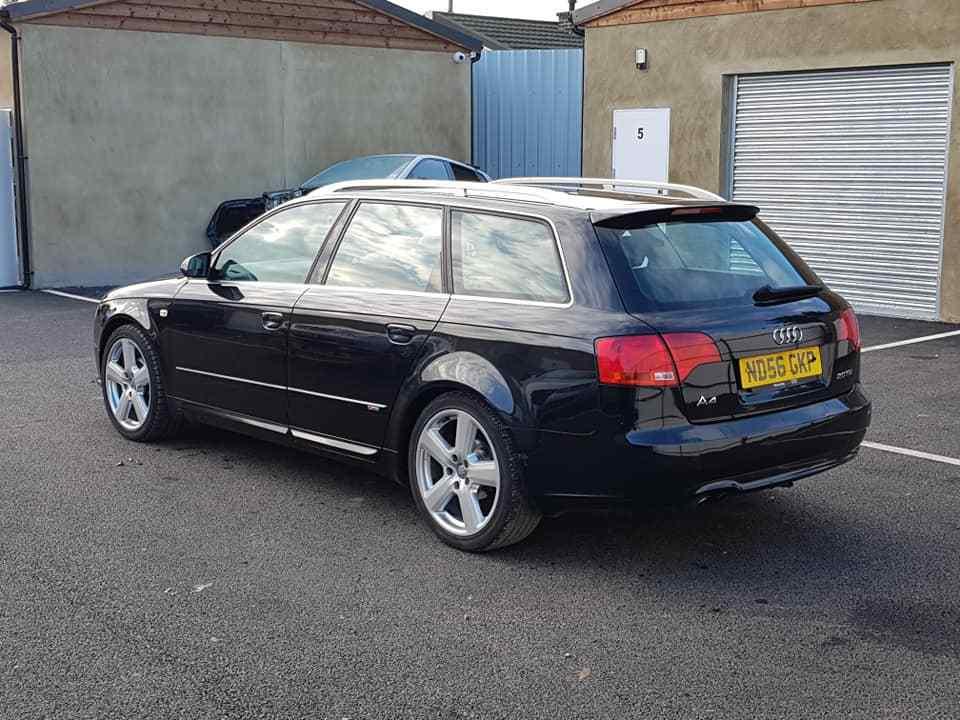
This evening, the bearing on my "Deflection Pulley" decided it'd had enough on the M25 at about 4:30pm. Called the AA out and was finally towed home at 8:45pm. I've ordered one and it'll be here Thursday....... But now I have to fit it, it would happen in the freezing cold. But that's life. It'll probably be a ballache of a job, not least working out where the drive belt goes around all the pulleys😒.The inner bearing race is still on the engine. So if anyone can give me any pointers on fitting one it'd be a big help. My car is a A4 2.L TDI. Avant S Line. Thanks to All Peter
-
Thanks for the welcome😋
-
I'm in very !Removed! cold Egham. Just a bit up the A3.
-
Hi All, Just joined after buying a A4 AVANT 2.0 TDI S LINE. Hope to contribute a bit and maybe pick a brain or two along the way. Cheers Peter