Skip to content
View in the app

A better way to browse. Learn more.

Audi Owners Club (UK)

A full-screen app on your home screen with push notifications, badges and more.

To install this app on iOS and iPadOS
  1. Tap the Share icon in Safari
  2. Scroll the menu and tap Add to Home Screen.
  3. Tap Add in the top-right corner.
To install this app on Android
  1. Tap the 3-dot menu (⋮) in the top-right corner of the browser.
  2. Tap Add to Home screen or Install app.
  3. Confirm by tapping Install.


otto

Members
  • Joined

  • Last visited

Everything posted by otto

  1. otto replied to otto's topic in Audi A3 (8V) Forum
    Thanks for the advice Gareth, I'll try the suggestions and let you know if I have any luck/or not. Thanks again
  2. otto replied to otto's topic in Audi A3 (8V) Forum
    Thanks for the advice Steve, there is no service history with the vehicle, hence the post. Regards Otto
  3. otto replied to otto's topic in Audi A3 (8V) Forum
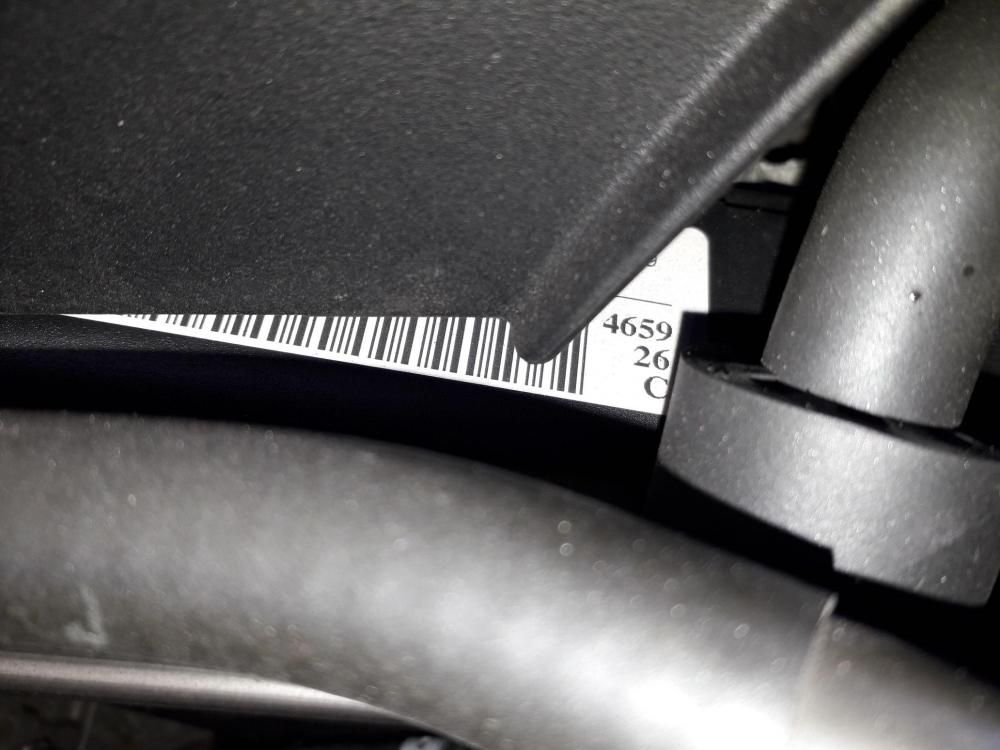
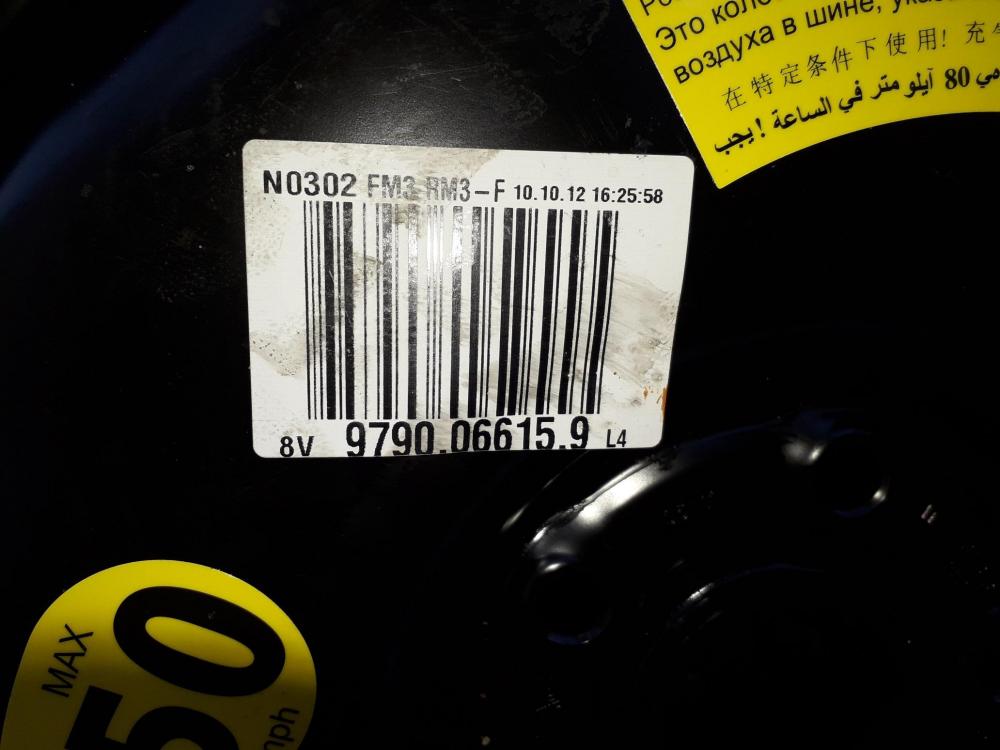
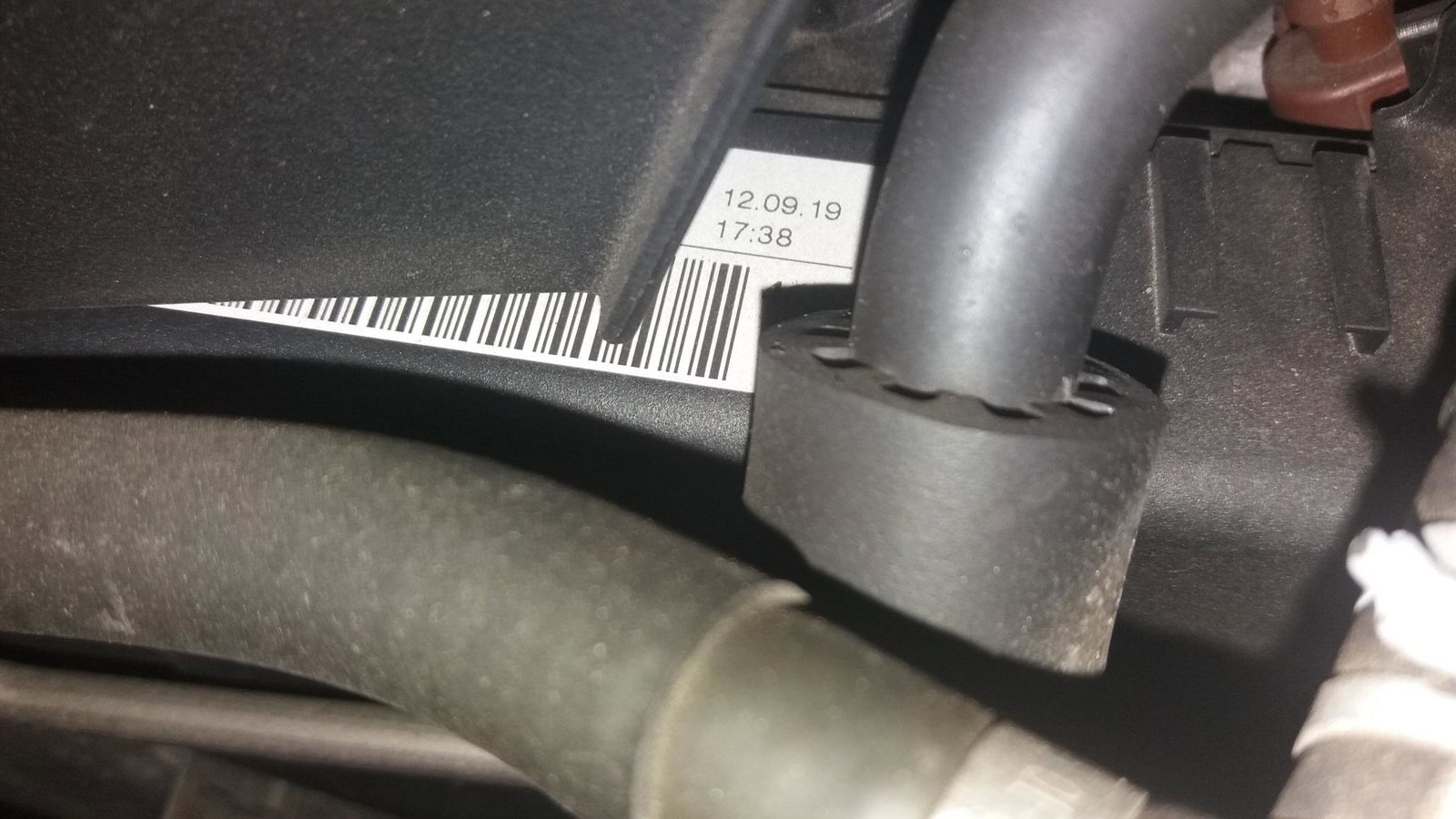
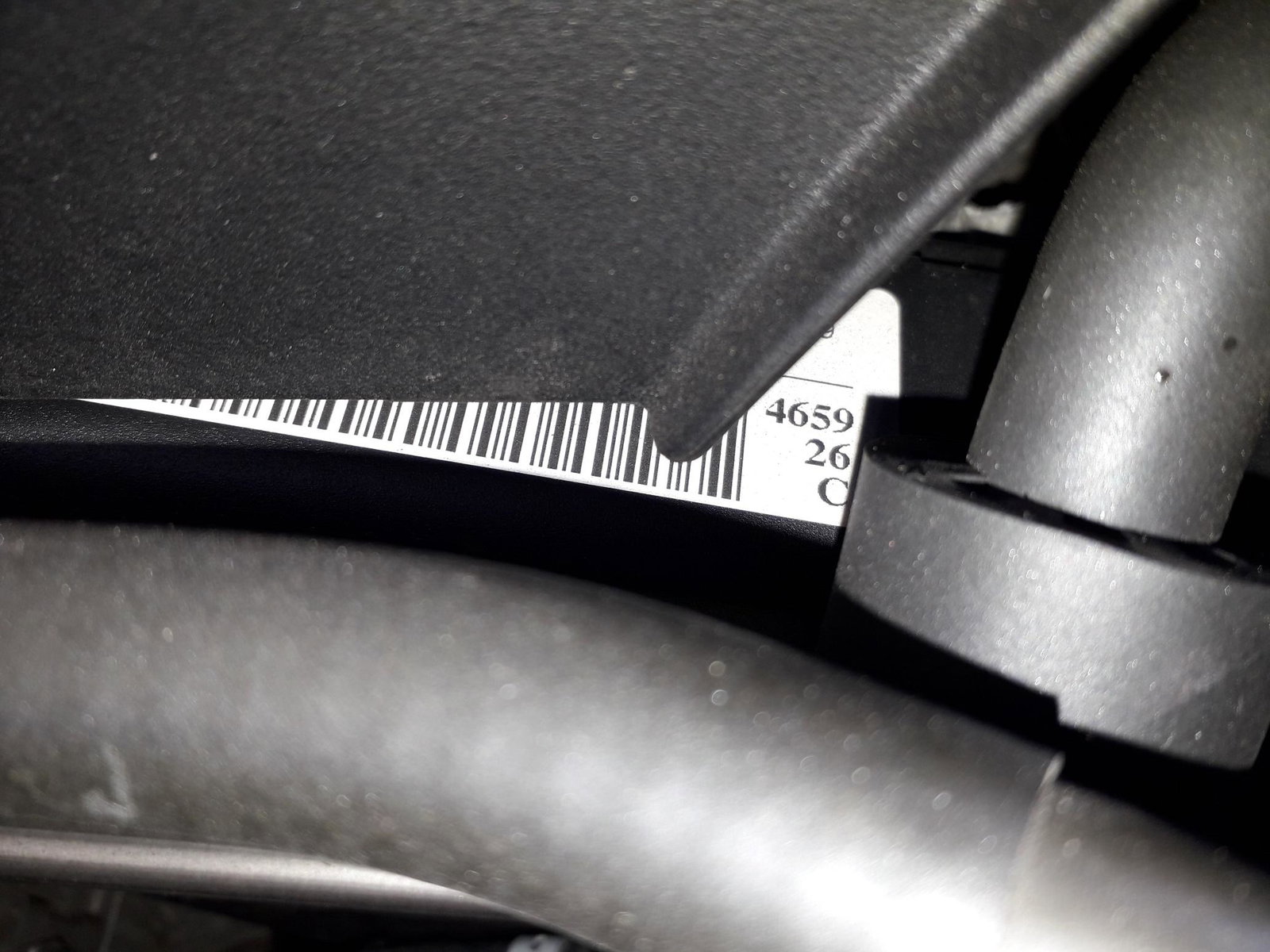
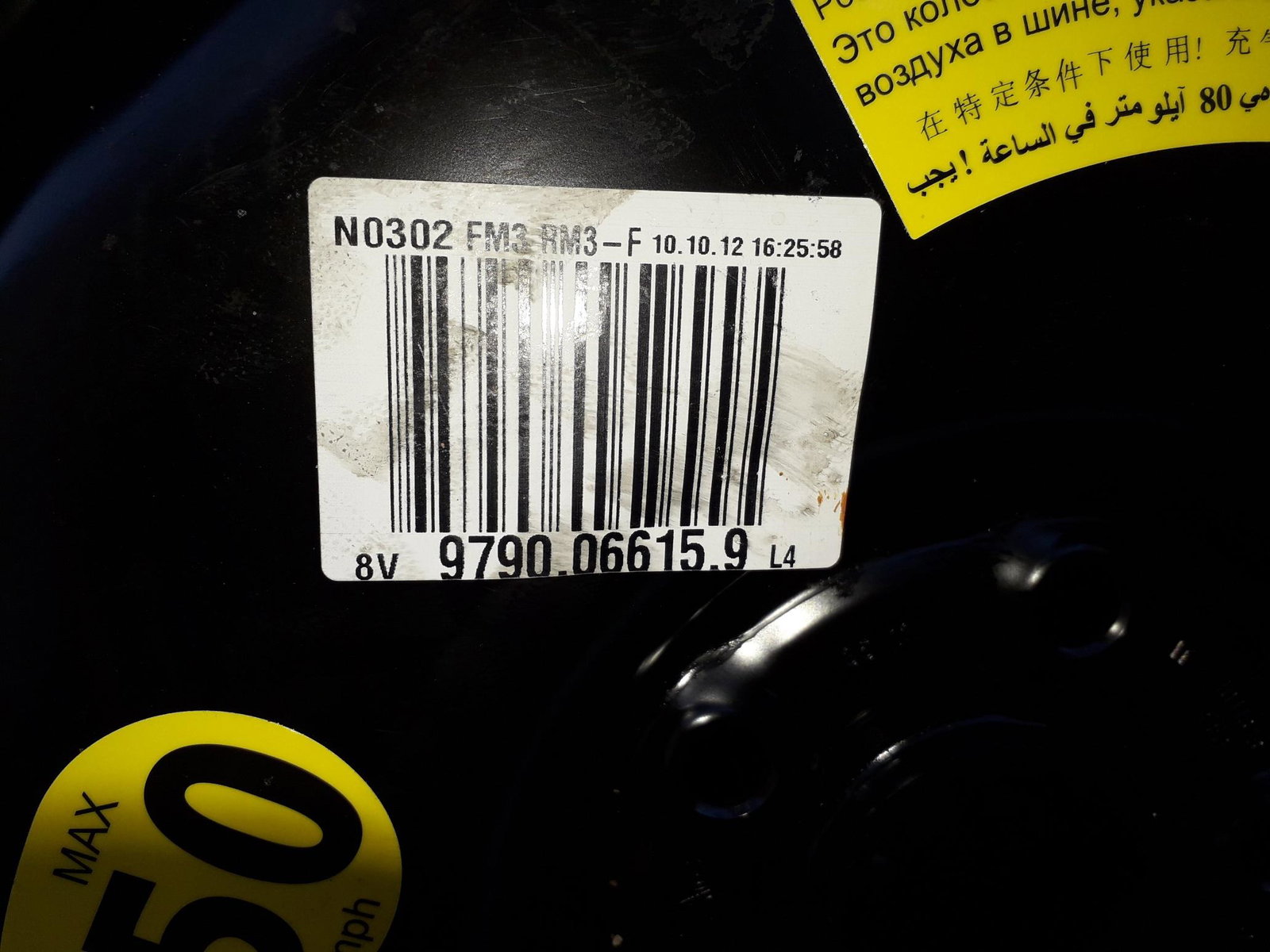
    Markings on cover, and someone mentioned the sticker under the spare wheel describes enigine type. The current belt is stamped "VW AG ROCG4 04L 260849C EPAM CONTITE" TIA
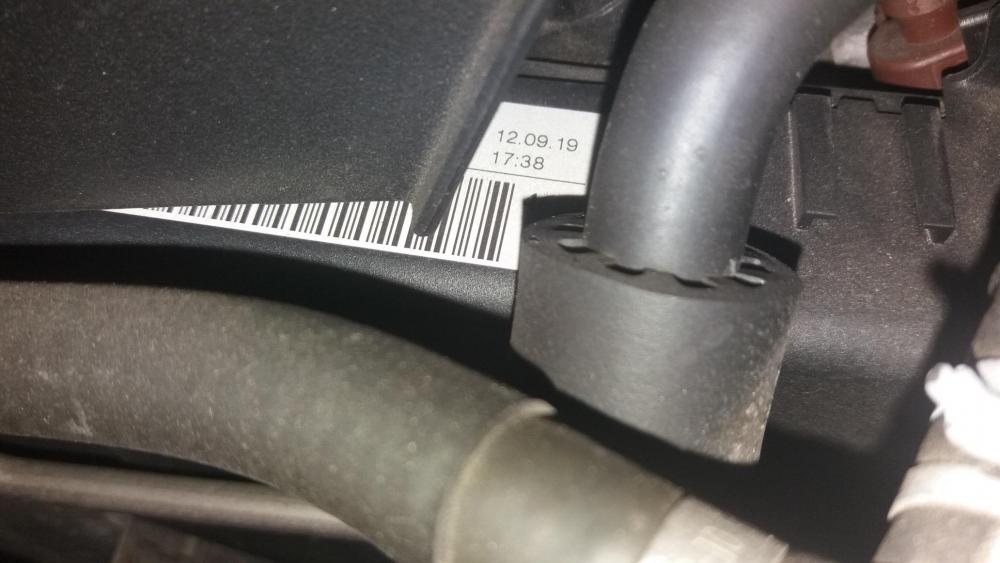
  4. Hi group, my partner recently purchased an Audi A3 sport 1968cc diesel, 2012 with no service history, it has done 63k, is there any way to check if the cambelt has been replaced before parting with a chunk of cash. Any advice really appreciated, Otto in sunny Cumbria

Background Picker
Customize Layout

Account

Navigation

Search

Search

Configure browser push notifications

Chrome (Android)
  1. Tap the lock icon next to the address bar.
  2. Tap Permissions → Notifications.
  3. Adjust your preference.
Chrome (Desktop)
  1. Click the padlock icon in the address bar.
  2. Select Site settings.
  3. Find Notifications and adjust your preference.