Ally
Members
-
Joined
-
Last visited
Everything posted by Ally
-
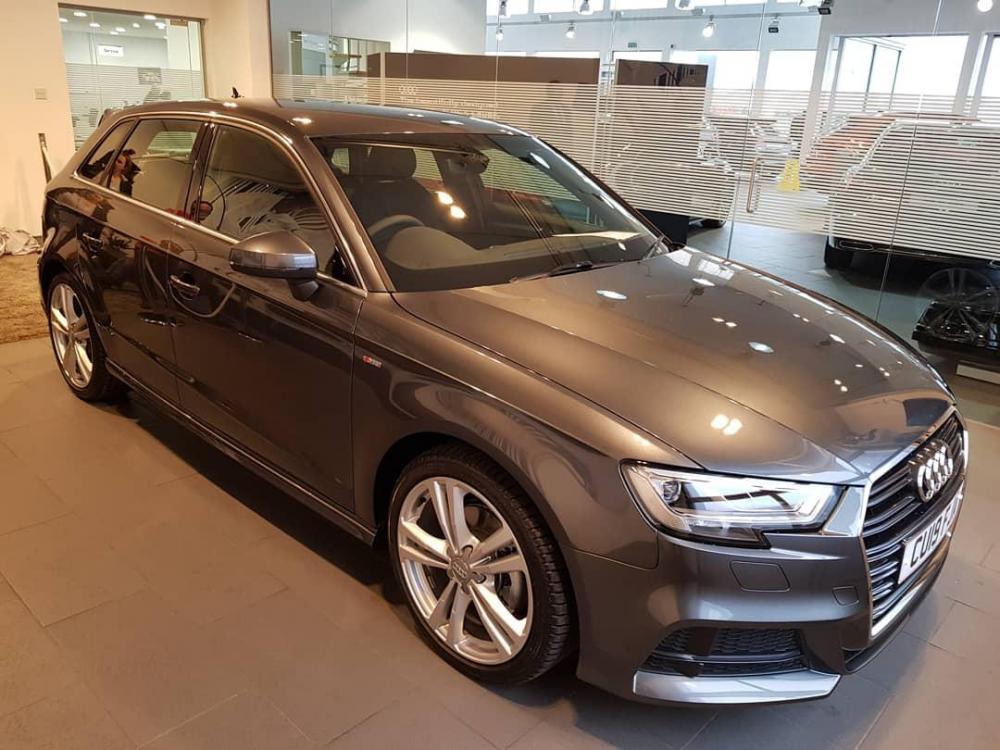
❤ my new Audi A3 S line in Daytona grey 😊
-
Thank you for your reply! Pleased to say i am getting to grips with it now 😊
-
Hi Just bought my first Audi last week, it's an A3 S line with manual gear box. i am slightly confused with the difference between the electronic parking brake and hill assist function! My question is, do i need to press or do anything when stopped on a hill before pulling away?? Ive always had a fear of rolling back during a hill start even when using a normal hand brake, so i am nervous of driving my new car when it comes to any hills! I have kept away from any really steep hills while i just get used to driving the car, but can't do this for ever! I have been driving a manual Mini Cooper for the past 13 years and have never driven an Audi or any car with electronic brake before. Can anyone help a nervous first time Audi owner? Thanks!!