Alfie3121
Members
-
Joined
-
Last visited
-
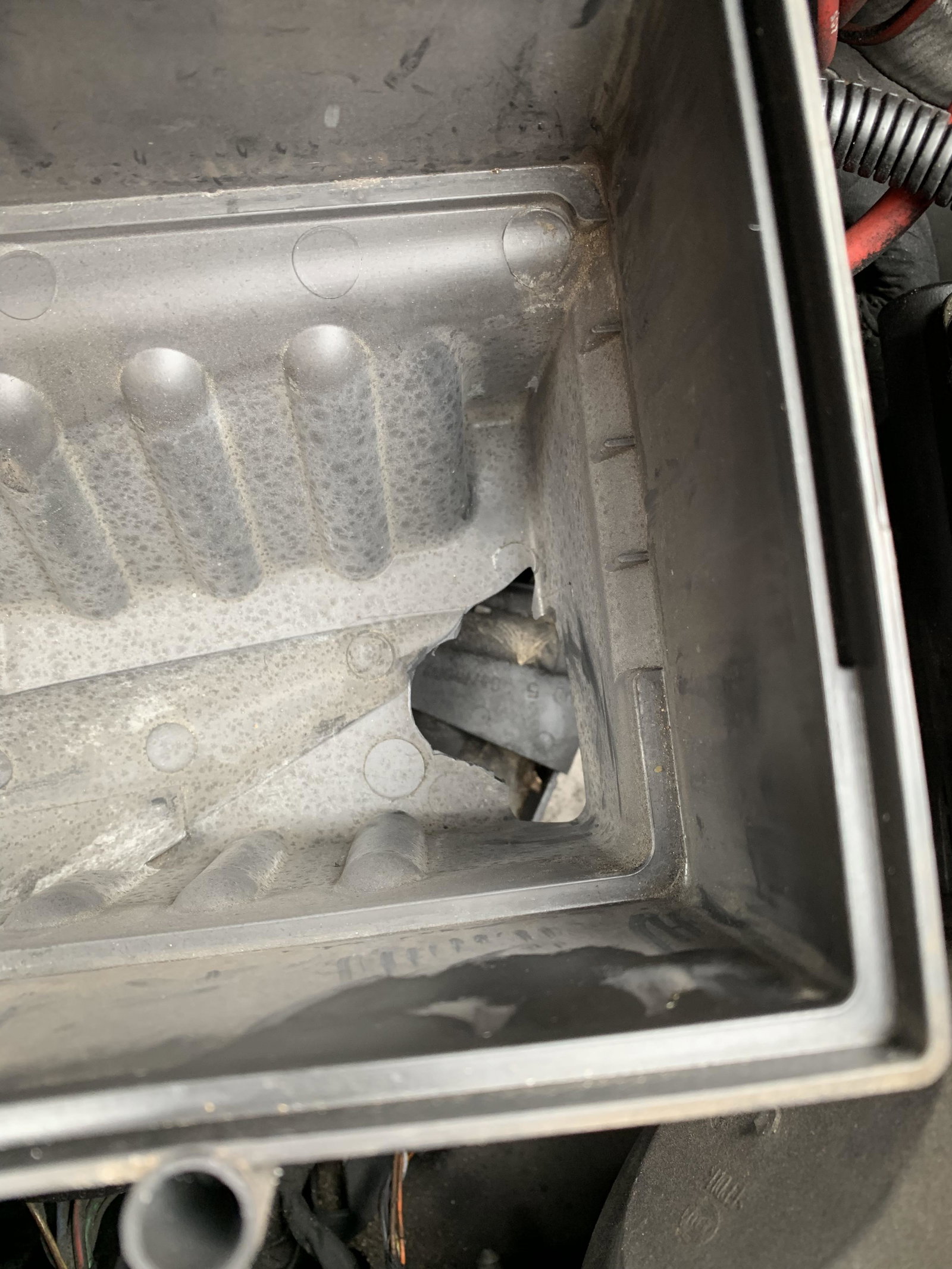
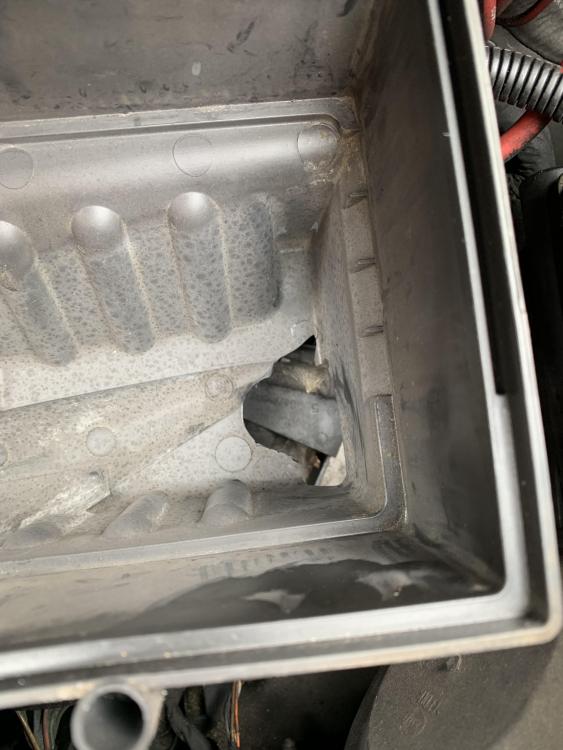
Figured out this is where the air box drain pipe used to be - no idea how it broke off but it did 👎
-
I’m assuming there shouldn’t be this big ugly hole at the bottom of my air filter compartment should there? 😂
-
Cheers Gareth. I don’t know much about cars but read your post and ordered myself 2 new anti roll bar links instead. Cheers
-
Hi Mate. I’ve spoken to 3 of them now and they’ve all asked for the size of the hole and if I need a small, medium or large cover
-
Alfie3121 joined the community
-
Hi all! I’ve got a 2011 Audi A3 sportback 1.6 TDI and just got the following advisories on the MOT: Nearside Front Anti-roll bar linkage ball joint dust cover severely deteriorated (5.3.4 (b) (i)) Offside Front Anti-roll bar linkage ball joint dust cover severely deteriorated (5.3.4 (b) (i)) Trying to order some but have no idea what size I need to purchase. Does anyone here know? Thanks