


Marlborolites
Members
-
Joined
-
Last visited
Everything posted by Marlborolites
-
A few pics...
-
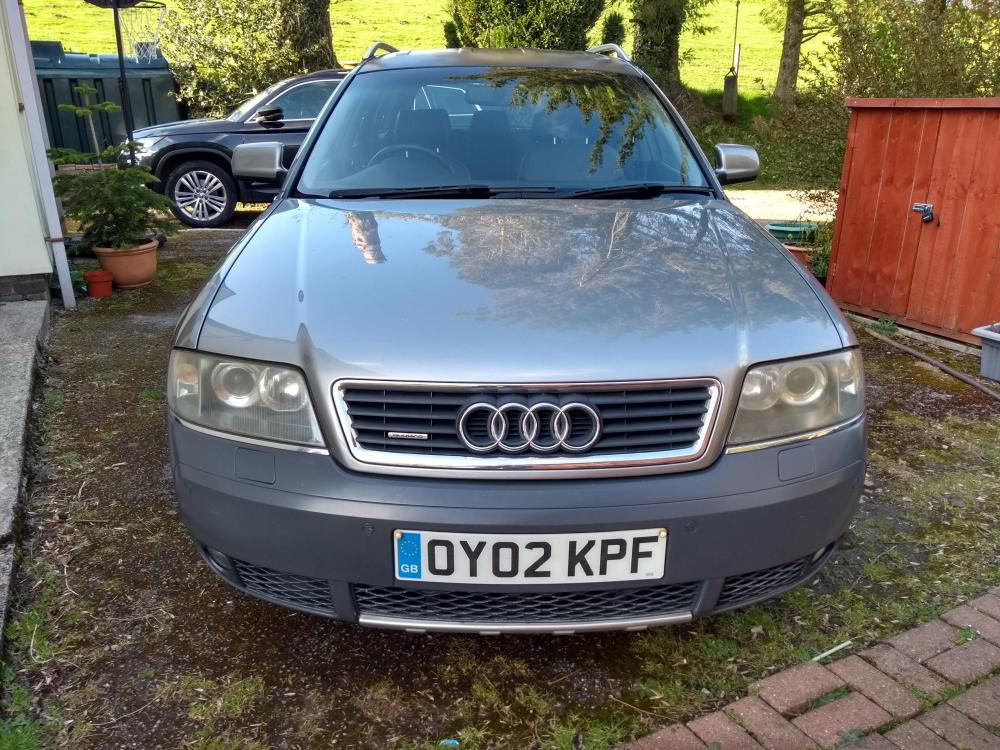
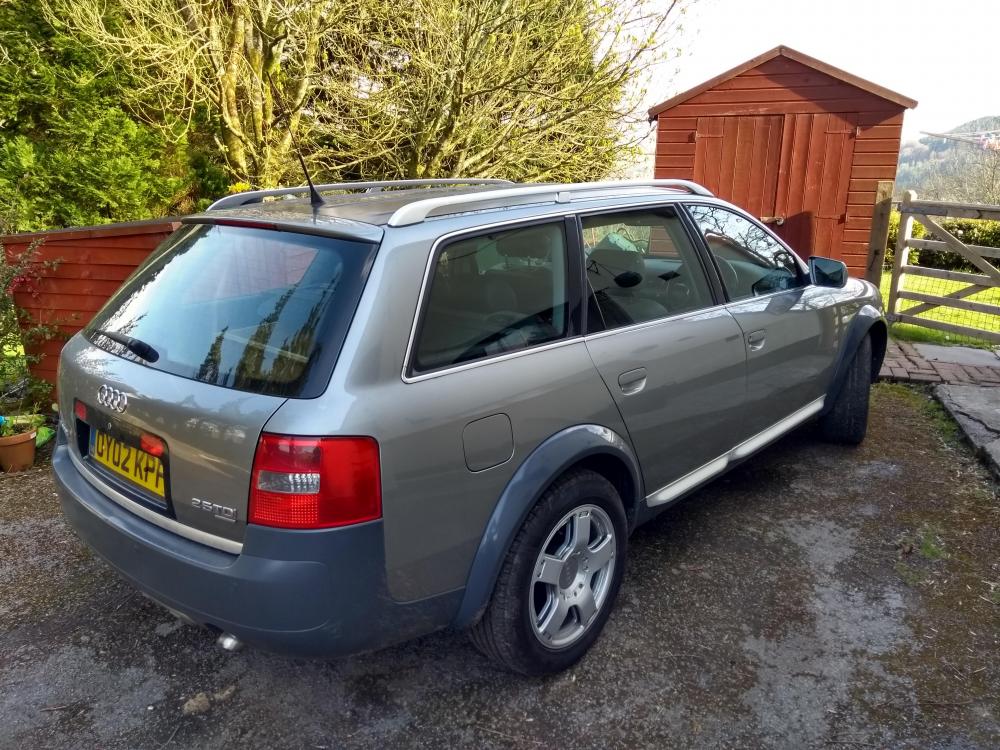
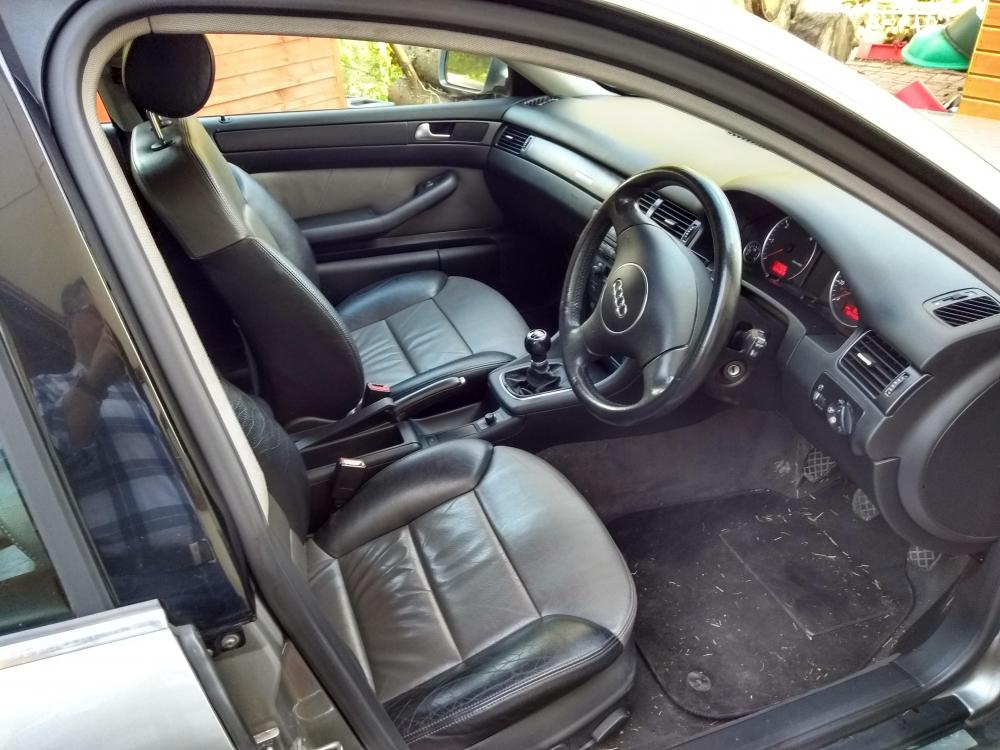
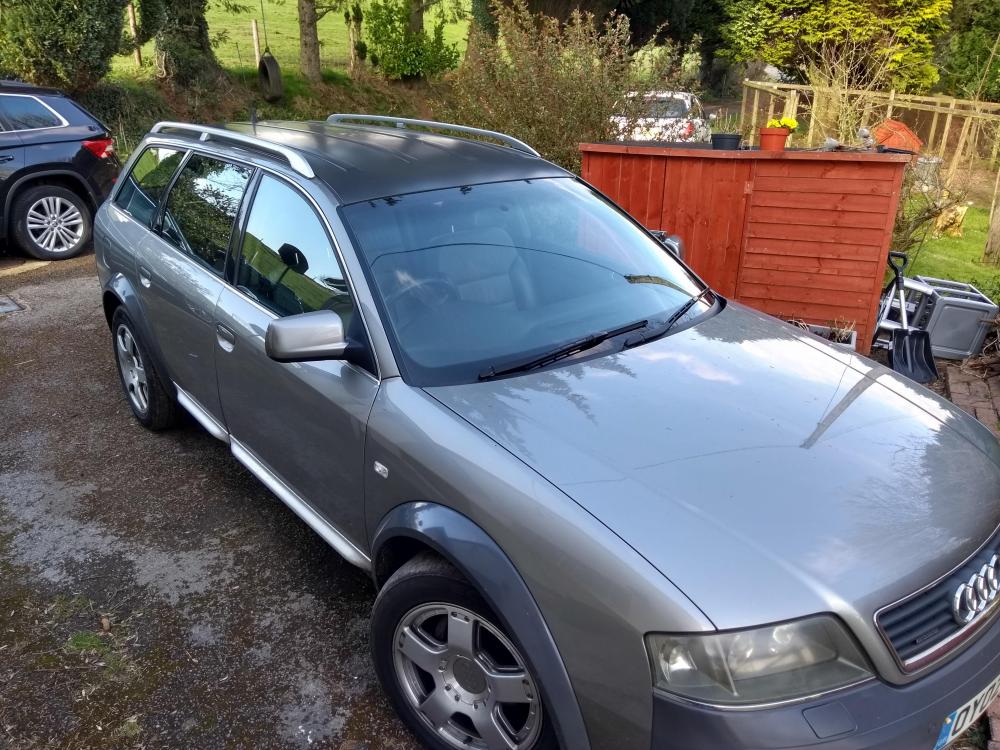
Good day to you. I've recently purchased a pretty much immaculate 2002 Audi Allroad 2.5 TDI. Fancied one for a long long time. Owning a 1999 A6 Avant 2.8 Tiptronic Quattro a few years back was a great intro to Audi ownership. What a car! I live in a remote part of the world and my daily is a Kodiaq 2.0tsi 4x4. I wanted something which I wouldn't mind getting dirty or scuffed when the snow was down. Hence the Allroad purchase. She's finished in metallic grey with the contrasting darker grey roof and bumpers. The alloy wheels look like split rim 5 spokes. The paintwork is fantastic but the alloy roof bars and door blades need refurbing. I'm trying a recommended Meguiars product for that. The interior switchgear was showing its age with the climatronic buttons displaying the white plastic beneath and the Symphony led display erratic. I have replaced both units to improve matters and also the headlamp switch panel which was also scuffed and scraped. I'm on the lookout for some genuine rubber mats to finish the interior off. I've also fitted a heavy duty boot liner to protect the boot carpet. I seem to be averaging 35mpg around town... 40 on a run. I'm pleased with that. At 164,000 she's barely run in! I'll add some pictures when the weather improves!


