riber3
Members
-
Joined
-
Last visited
-
Thanks Cliff
-
Any help would be most welcome
-
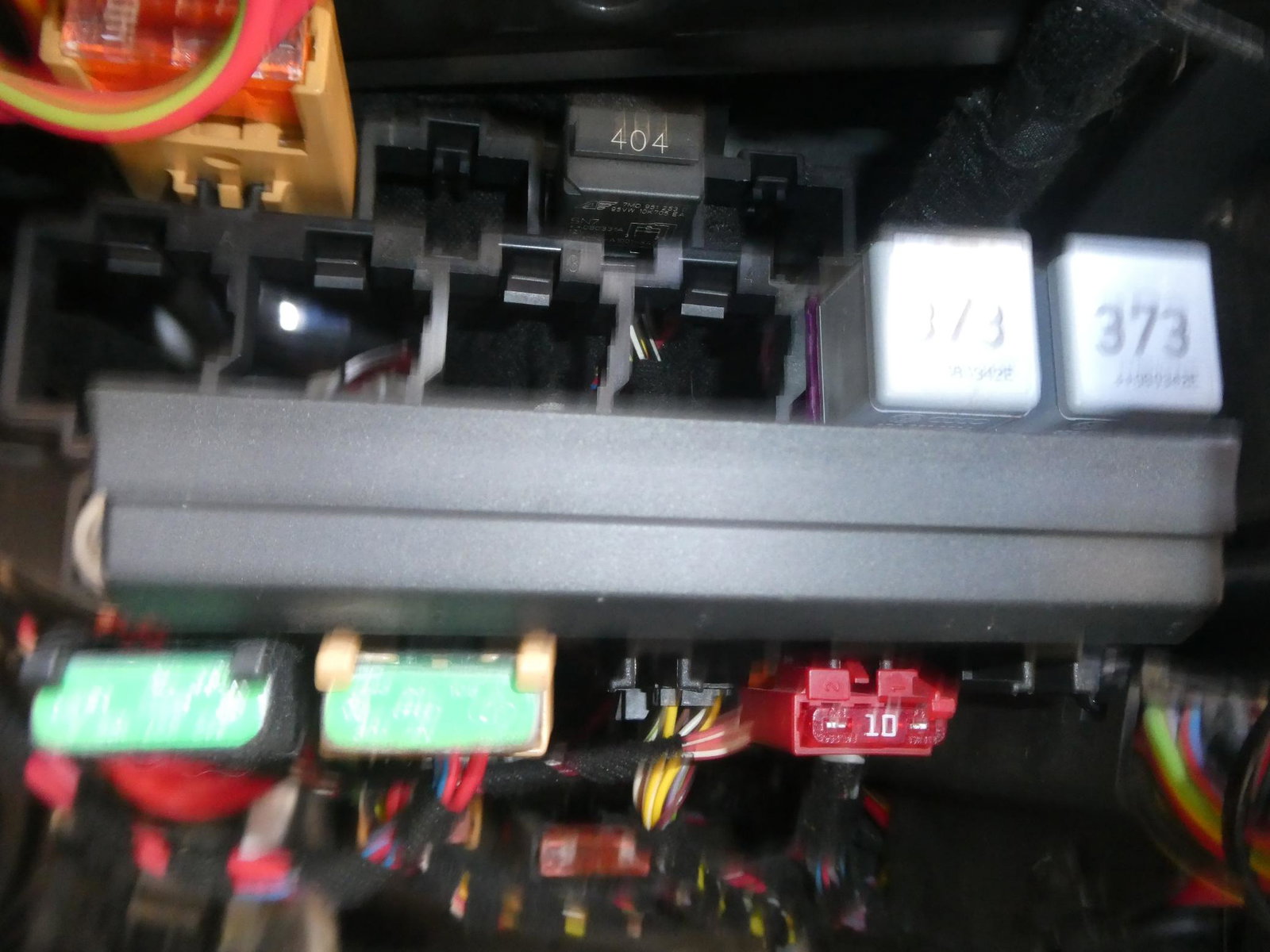
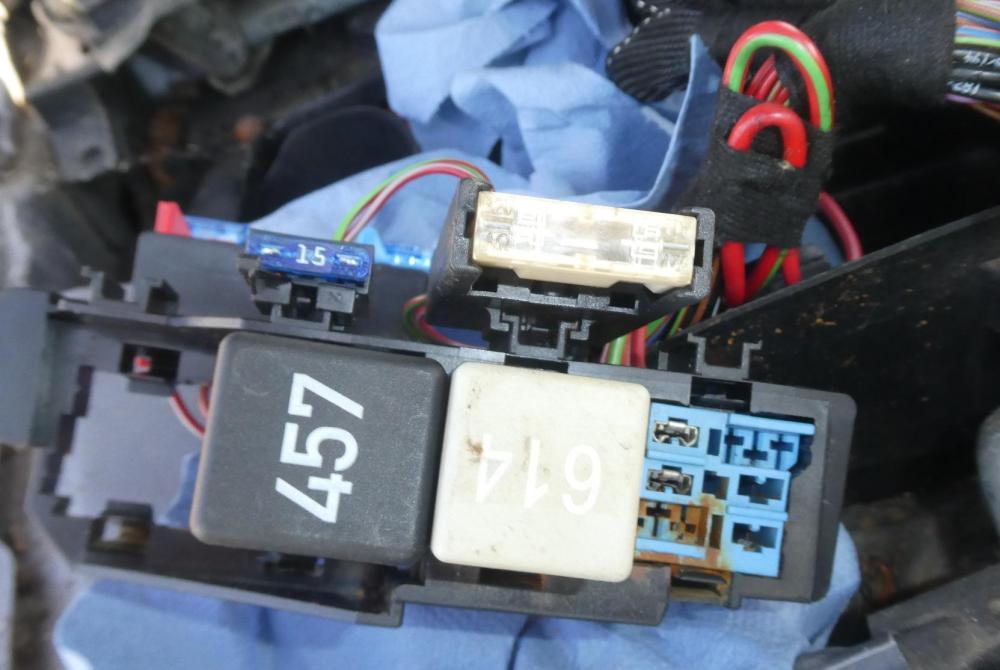
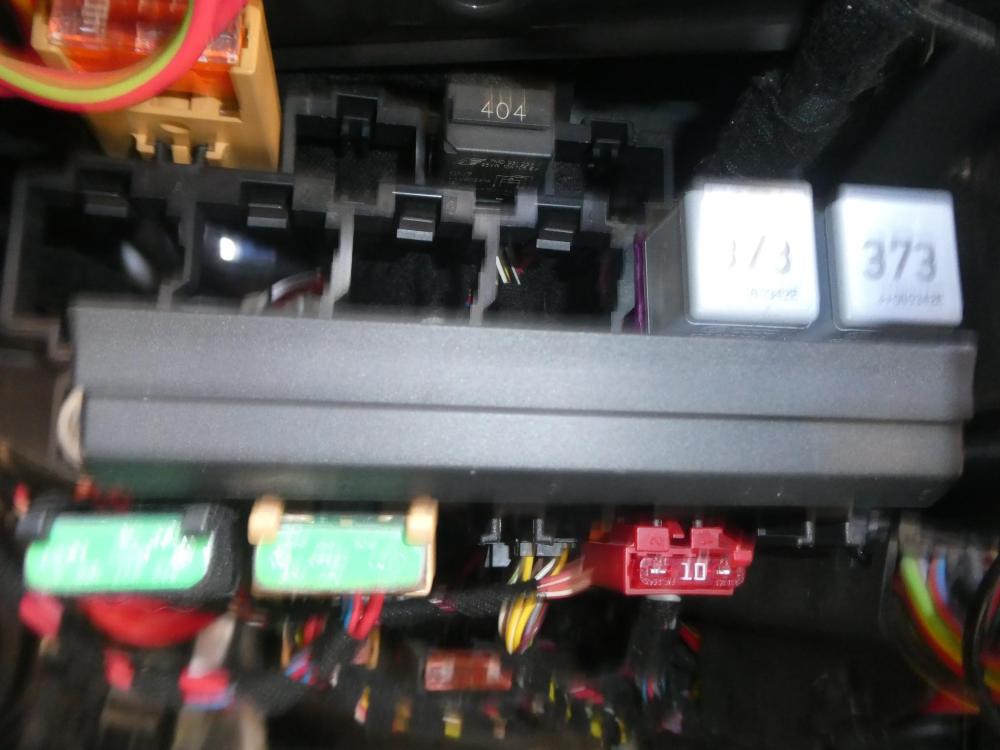
The other 404 relay sits beside the 614 relay which I had unplugged for testing prior to taking photo
-
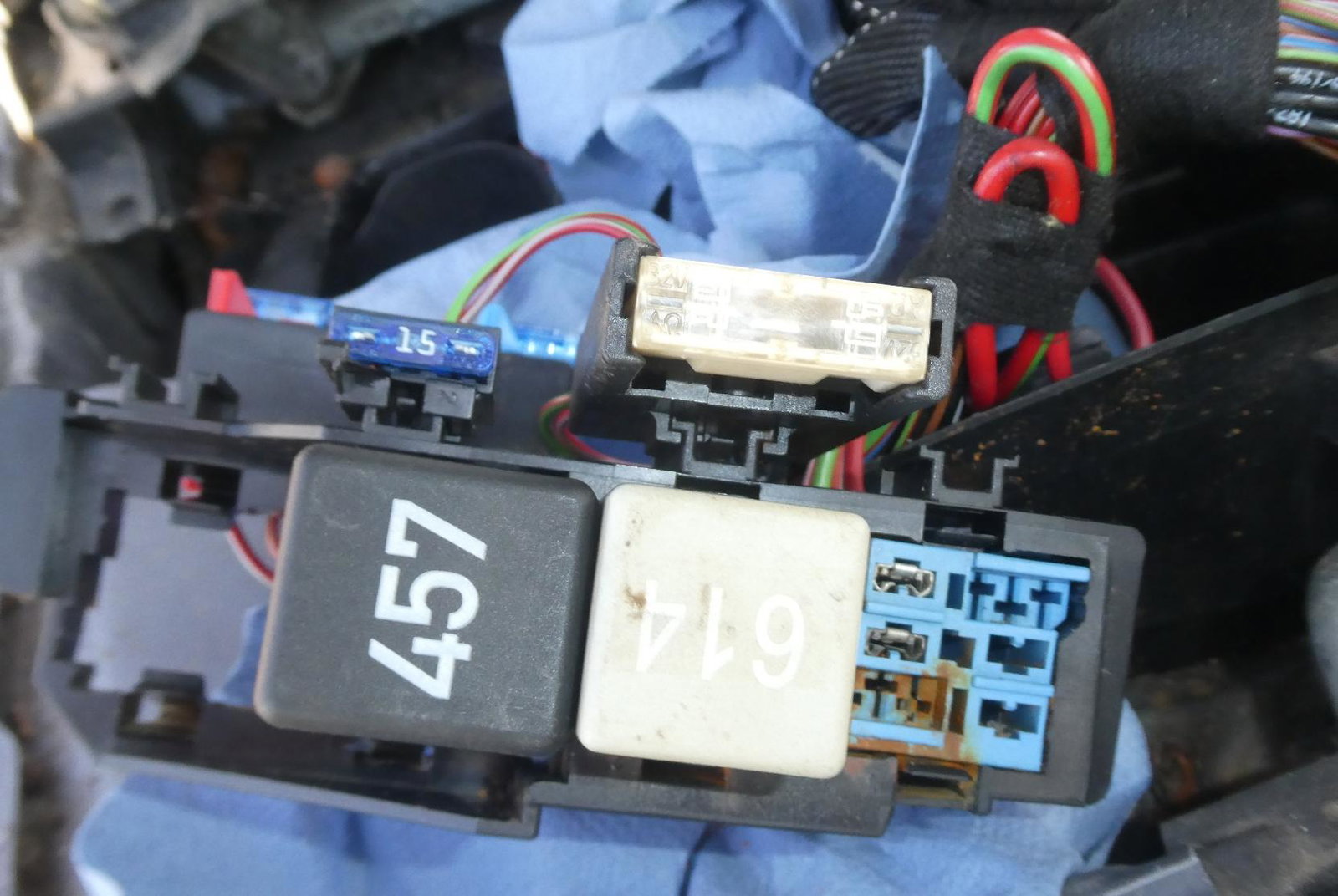
Hi Everyone I have a 2008 Audi A4 2.0TDI Cabriolet that has had the usual water flood by the ecu and I would be grateful if someone can just confirm the relay numbers for me. I have a 457 which I think is the glow plug relay? A 614 relay which I think is the ECU relay?and should this be replaced with a 644 relay? as I heard it was an upgrade? A 404 relay which I think is the fuel pump relay? If I am wrong I apologise in advance as I don't have a workshop manual to hand I did notice that there is another 404 relay under the dash not sure what this for yet and whether I could use it to help start the car as the top one is broken as I am in a no start situation although it will fire with a bit of easy start then die so any help would be very welcome. I have added photos to help
-
Can anyone please point in the direction of a suspension diagram ad is the the same as a mark 2 Golf?
-
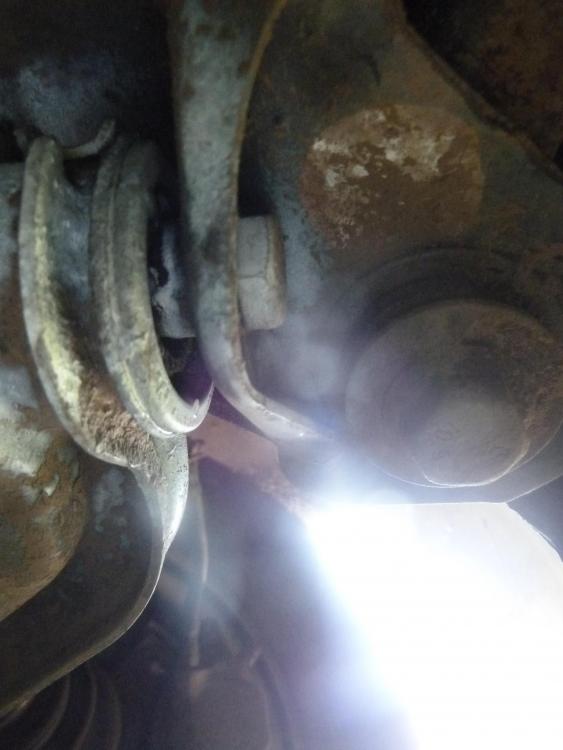
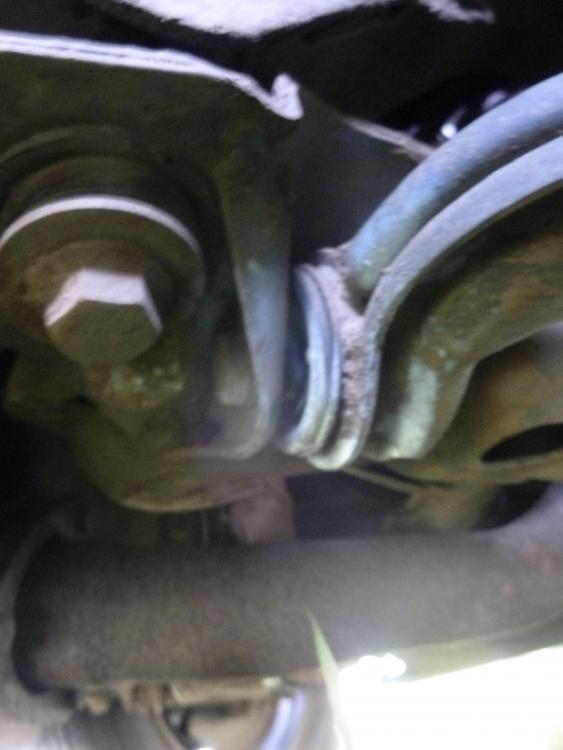
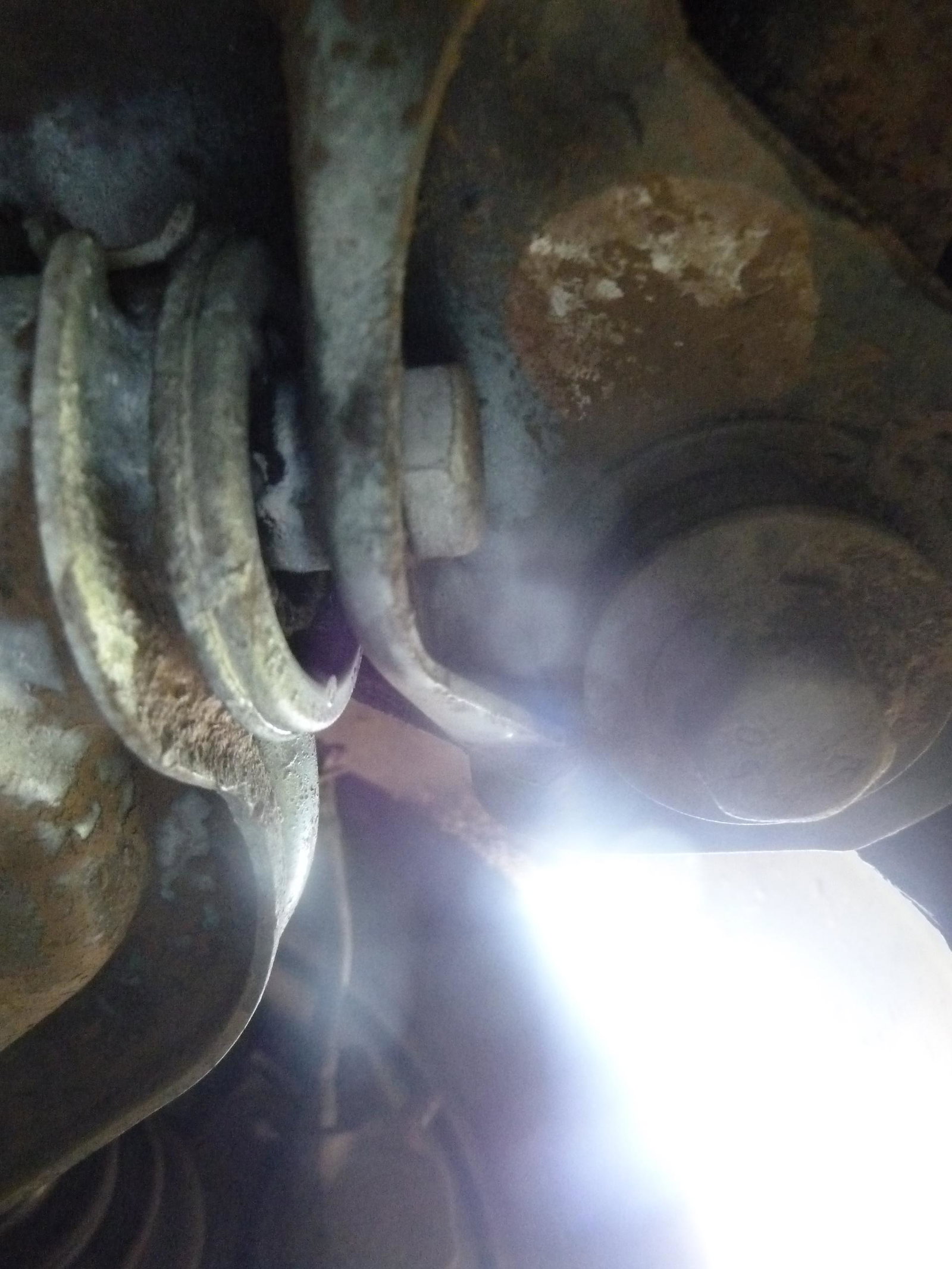
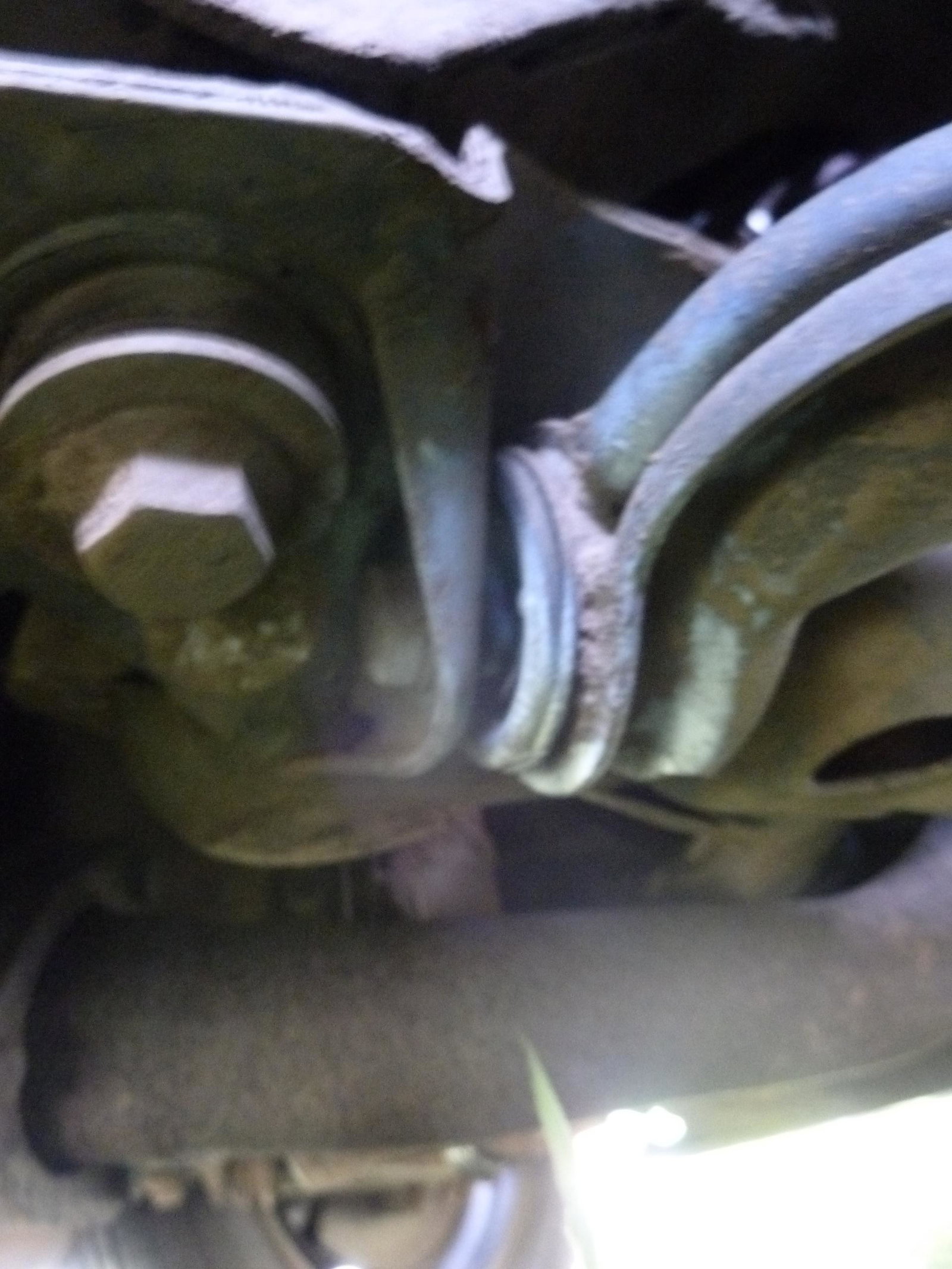
Hi everyone I am trying to help someone with an Audi 80 that he bought but I think there is something wrong with the front offside lower suspension arm as the bushing doesn't look right. I haven't got a book or diagram to check but if anyone could take a look at the attached photos (sorry about the quality) and point out anything obvious I would be most grateful