Skip to content
View in the app

A better way to browse. Learn more.

Audi Owners Club (UK)

A full-screen app on your home screen with push notifications, badges and more.

To install this app on iOS and iPadOS
  1. Tap the Share icon in Safari
  2. Scroll the menu and tap Add to Home Screen.
  3. Tap Add in the top-right corner.
To install this app on Android
  1. Tap the 3-dot menu (⋮) in the top-right corner of the browser.
  2. Tap Add to Home screen or Install app.
  3. Confirm by tapping Install.

boomer

Members
  • Joined

  • Last visited

Everything posted by boomer

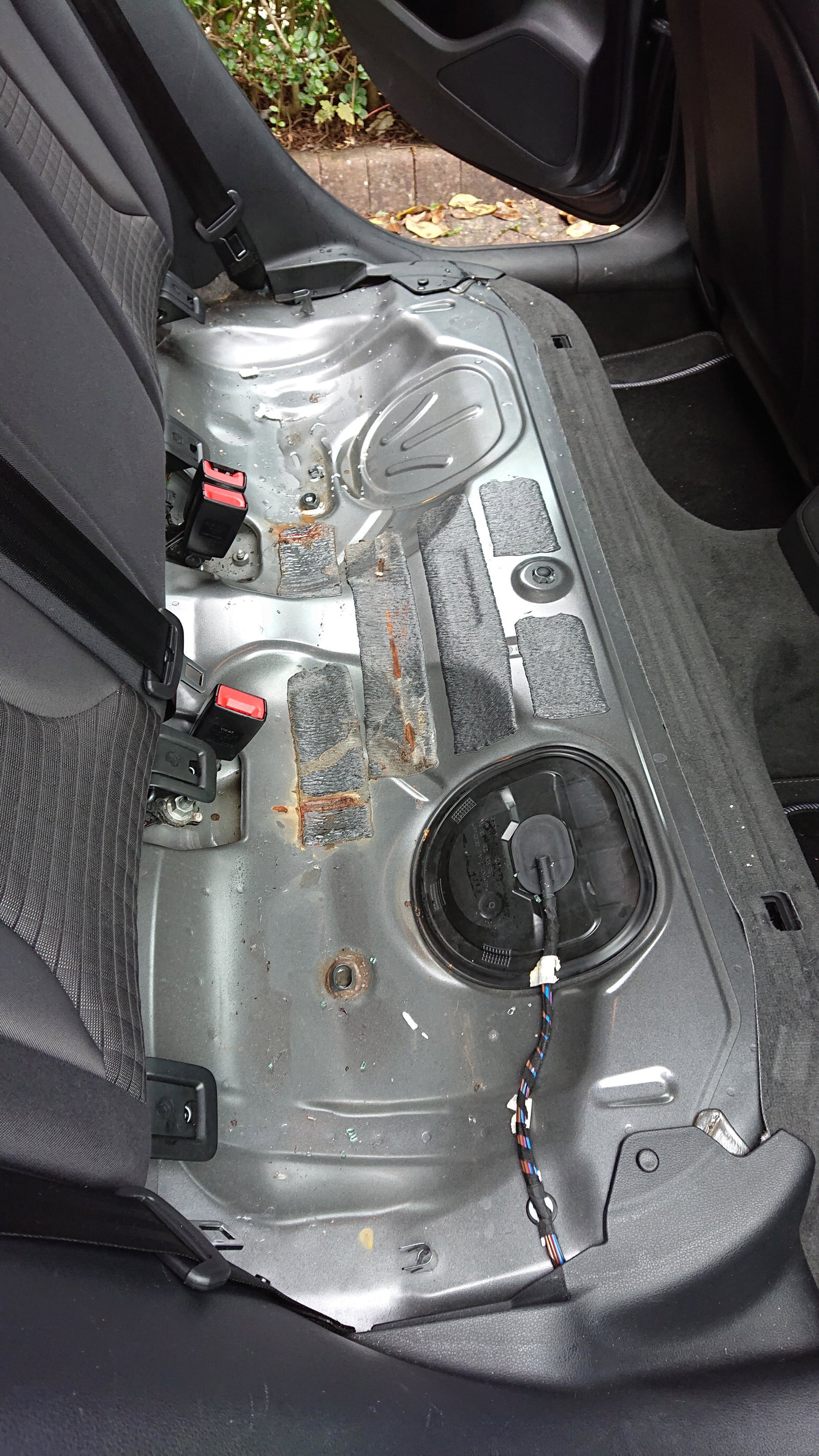
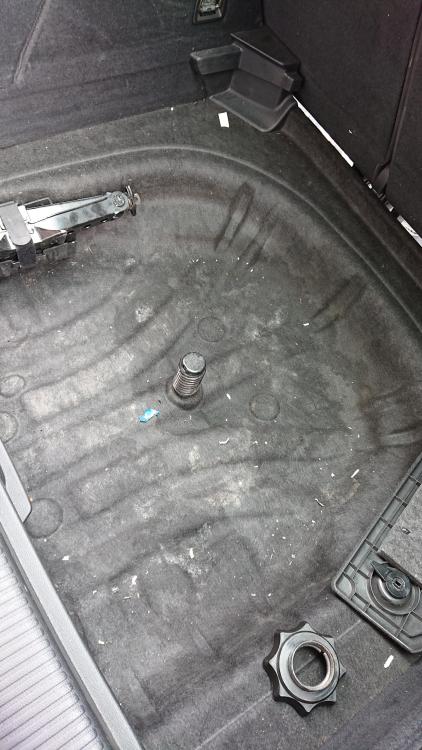
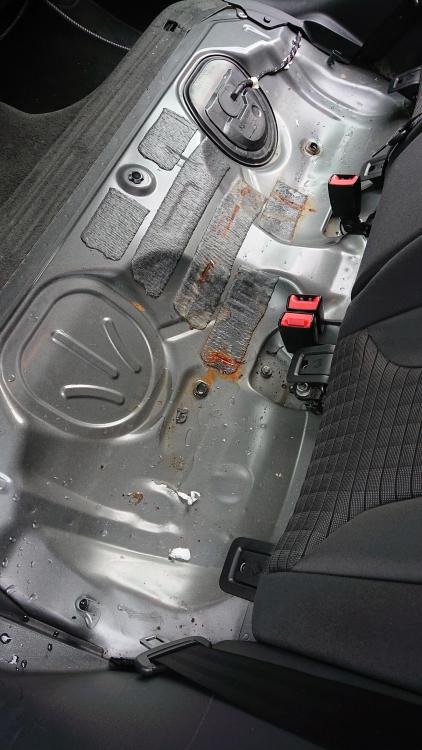
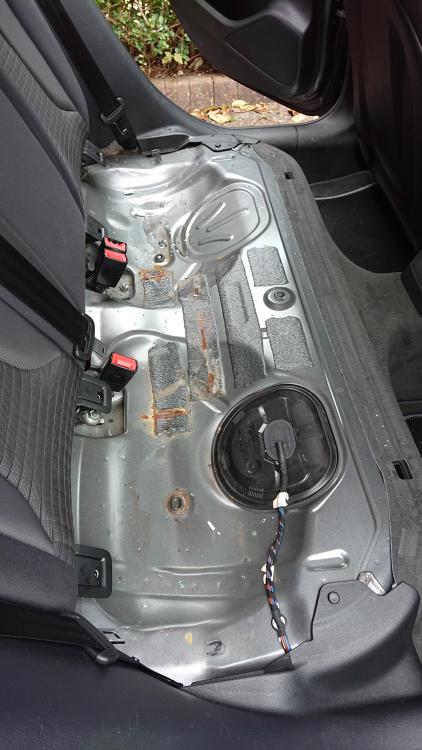
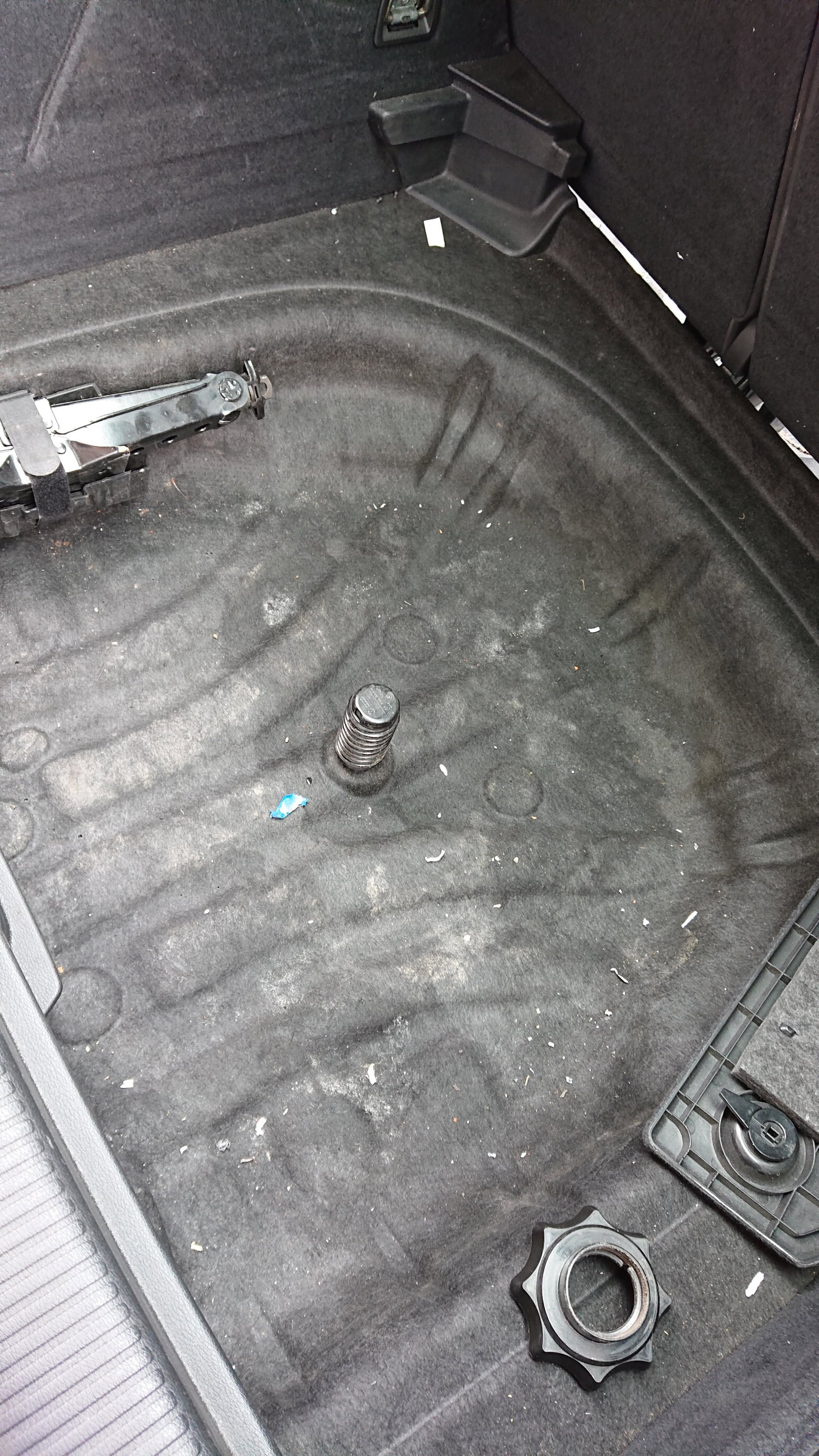
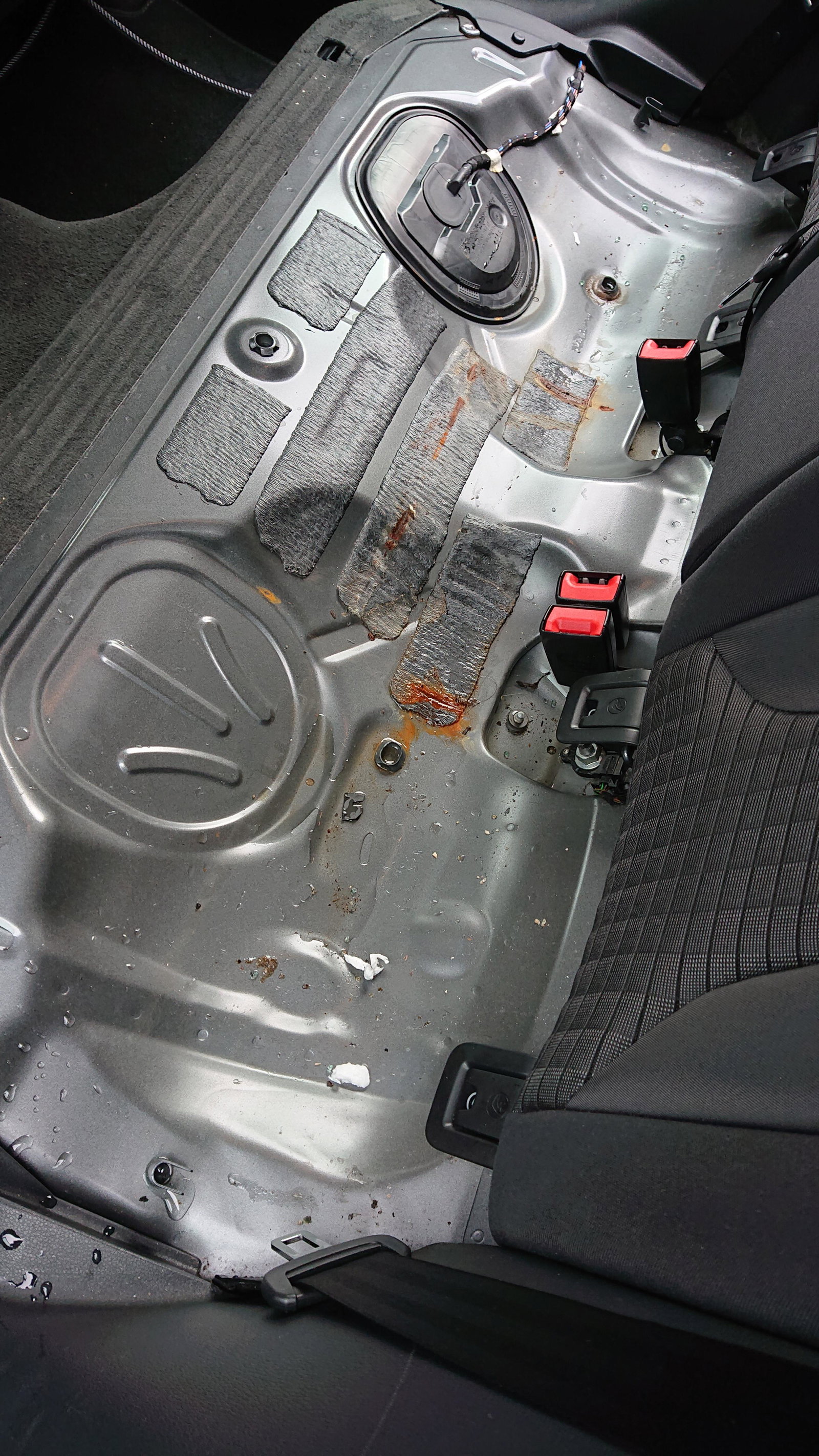
  1. Bought an A3 2015 last week, I noticed the rear seats were damp to touch, so pulled them out and found a pool of water underneath across the back. From the rust marks it looks like this has been leaking for some time. I cleared out the boot and found more evidence of rainwater penetration in the spare wheel area, also behind both rear light clusters. The car has had a history of rear end damage and been repaired. I have cleared out the drain holes in both sides of the boot behind the rear light clusters, is there anywhere else the water may be getting in from? Any help would be much appreciated.
Background Picker
Customize Layout

Account

Navigation

Search

Search

Configure browser push notifications

Chrome (Android)
  1. Tap the lock icon next to the address bar.
  2. Tap Permissions → Notifications.
  3. Adjust your preference.
Chrome (Desktop)
  1. Click the padlock icon in the address bar.
  2. Select Site settings.
  3. Find Notifications and adjust your preference.