OneJonO
Members
-
Joined
-
Last visited
-
OneJonO changed their profile photo
-
-
-
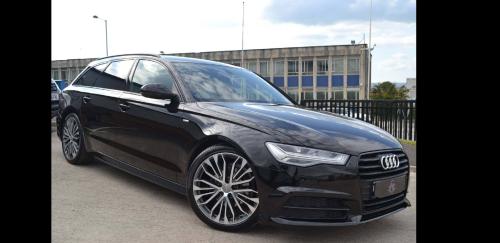
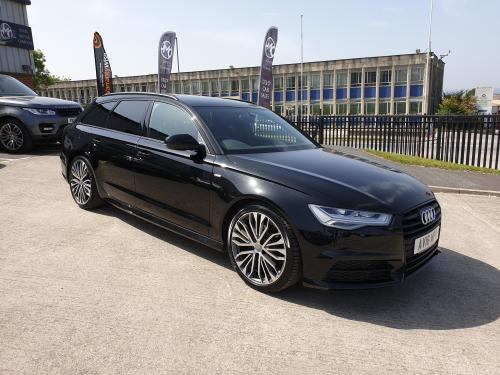
Good Morning all! Lots of previous history on forums, ranging from the S2000 owners club, 350z/370z owners clubs, was also on the MX5 (wifes) and MR2 clubs (I owned a blue Veilside roadster many moons ago!). More recently its been mostly Audi. A5 2.7multi 3 door, 2x A3 sline COD, 1x S3 Black Edition and lastly the A4 AVT Black Edtion. A massive love for cars and lots of time spent talking about them! I recently purchased and collected my A6 Ultra AVT with tech pack high, black pack, 20 inch wheel upgrade and heated seats etc last week and absolutely love it! Our growing family now demands the extra space on trips/holidays etc. The upgrade made from my 64 reg A4 black edition has been proven to be a great decision on so many levels. I my few days of ownership I have noted a few things that I need help clearing up please. The questions I have are:- 1) Folding mirrors work fine when selected in the drivers door switch, however I thought these would fold when locking? Is that not the case? I have checked the MMI at length. No option to turn on or off. 2) When streaming music on bluetooth from Amazon Music or Mixcloud, the music pauses every 2 or 3 seconds. Not a 4G or Wifi issue as full signal on screen. Any help or advice is appreciated Jon