Skip to content
View in the app

A better way to browse. Learn more.

Audi Owners Club (UK)

A full-screen app on your home screen with push notifications, badges and more.

To install this app on iOS and iPadOS
  1. Tap the Share icon in Safari
  2. Scroll the menu and tap Add to Home Screen.
  3. Tap Add in the top-right corner.
To install this app on Android
  1. Tap the 3-dot menu (⋮) in the top-right corner of the browser.
  2. Tap Add to Home screen or Install app.
  3. Confirm by tapping Install.

Stanny98

Members
  • Joined

  • Last visited

Everything posted by Stanny98

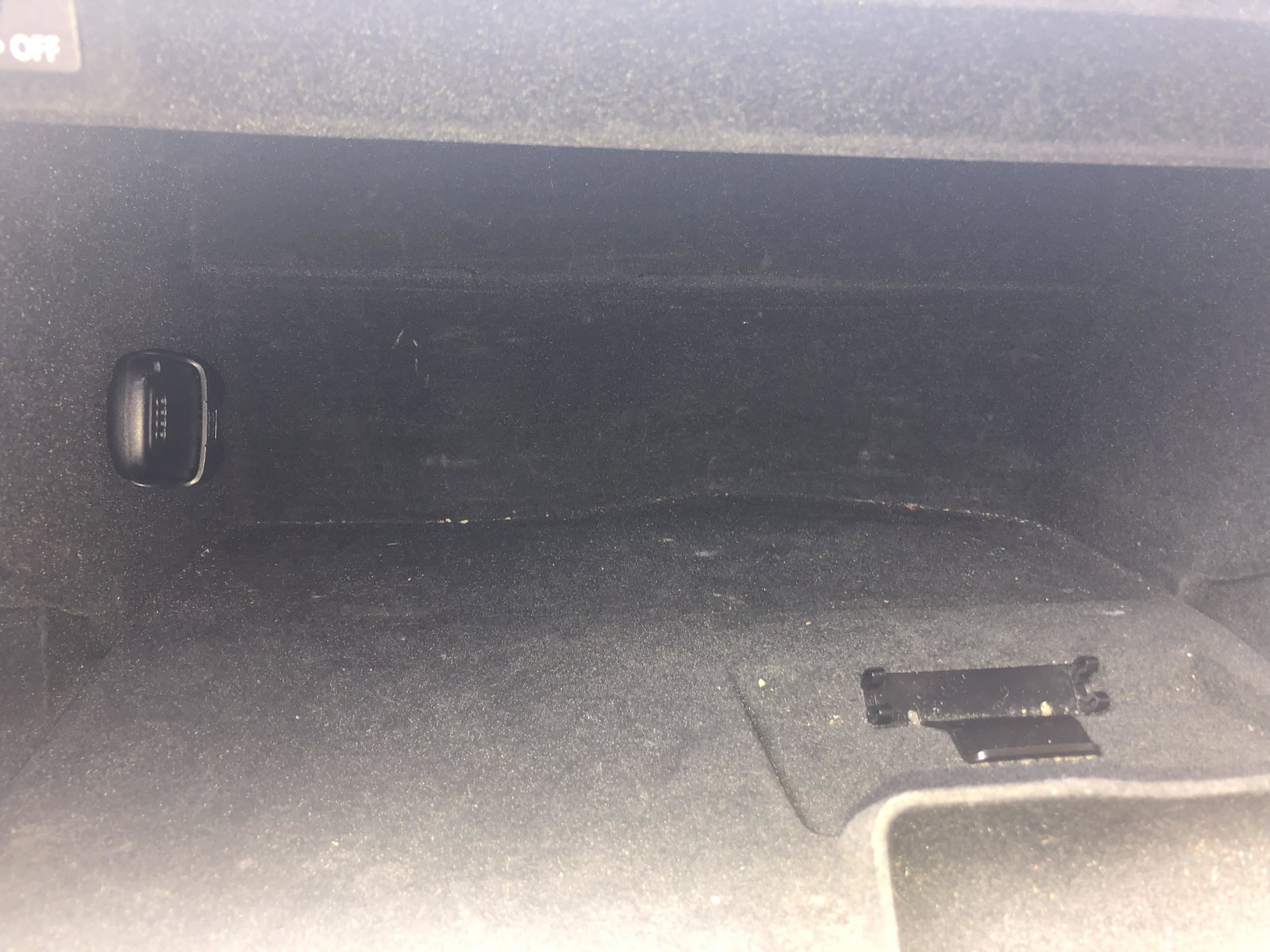
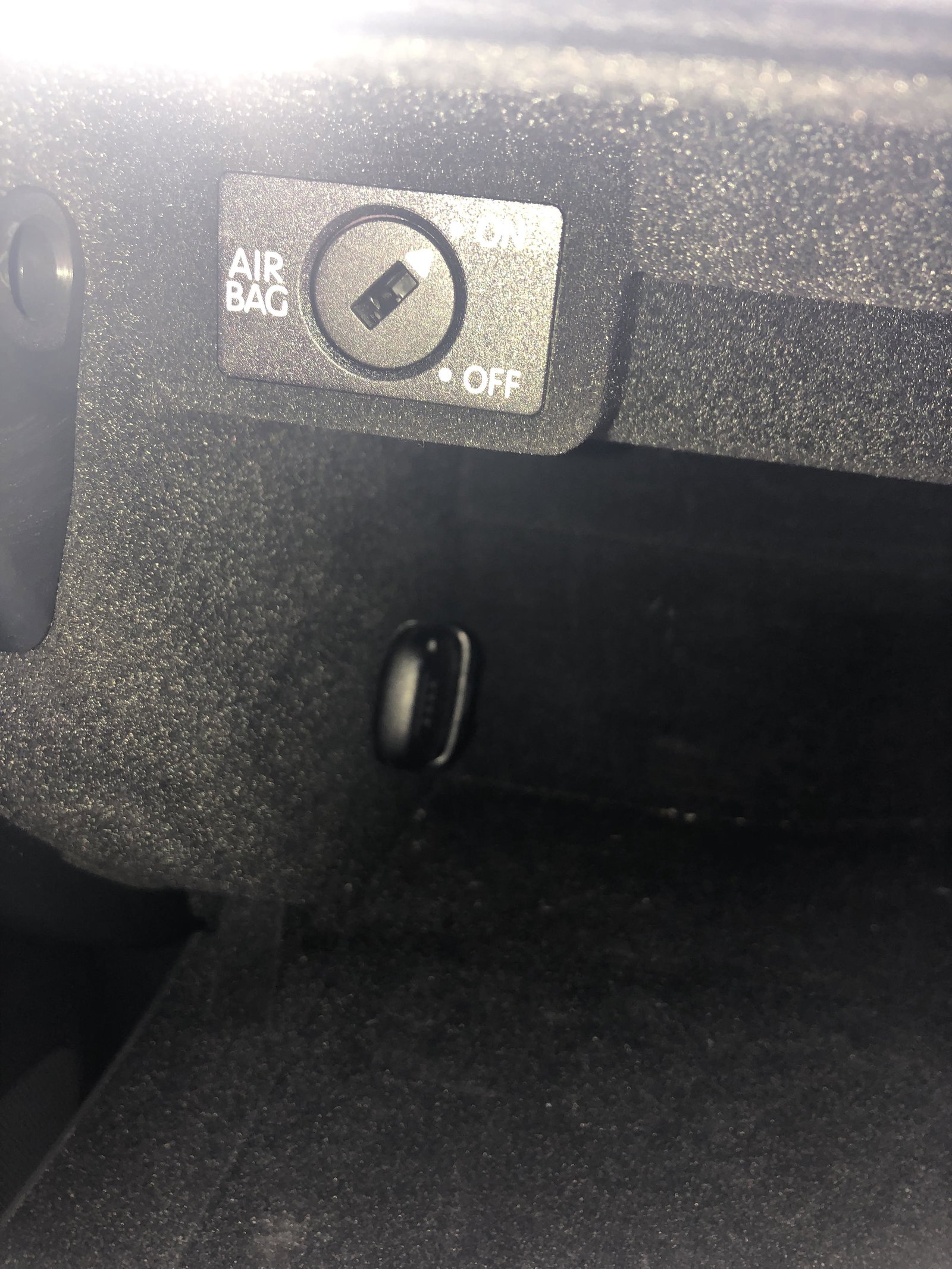
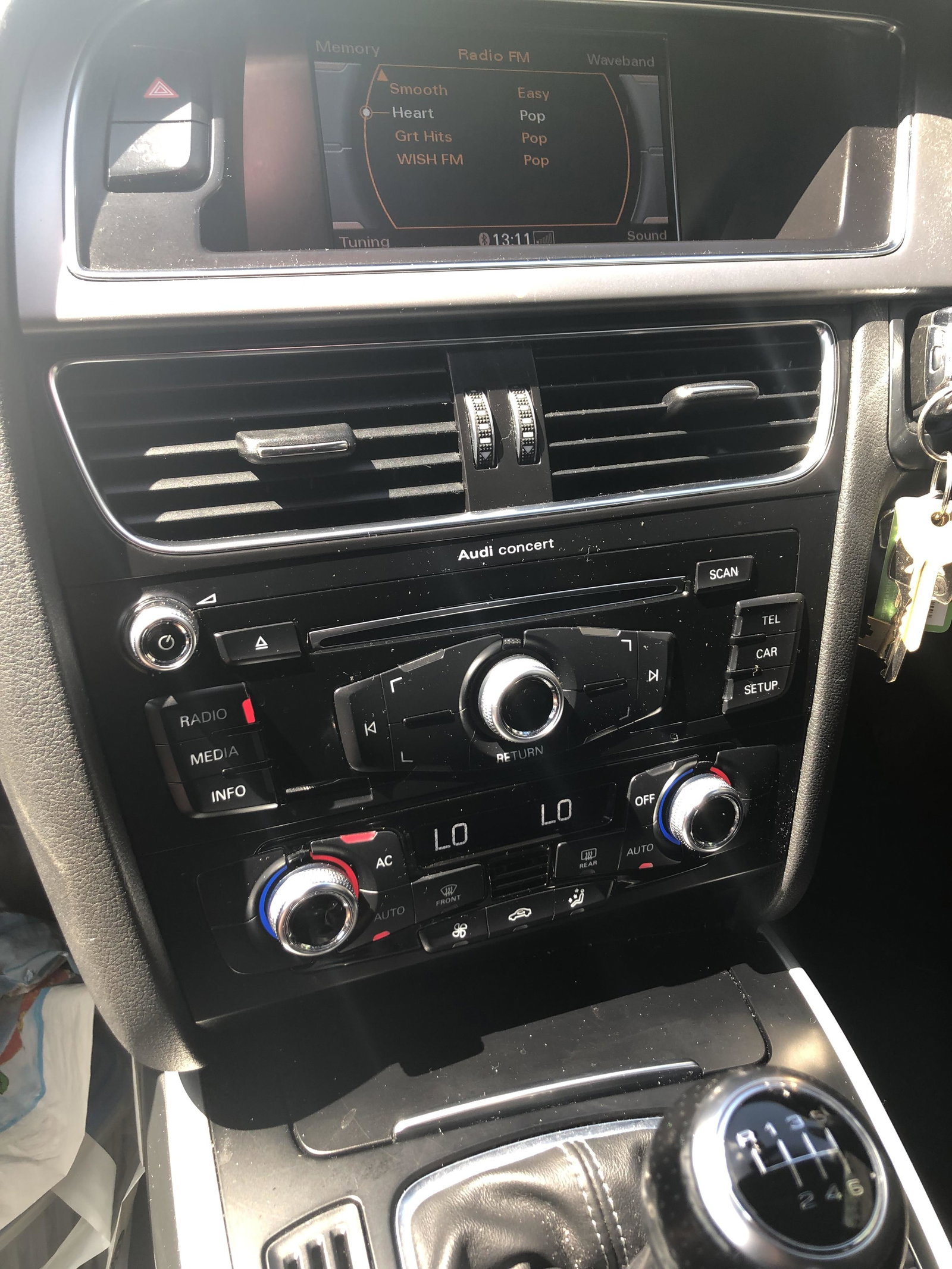
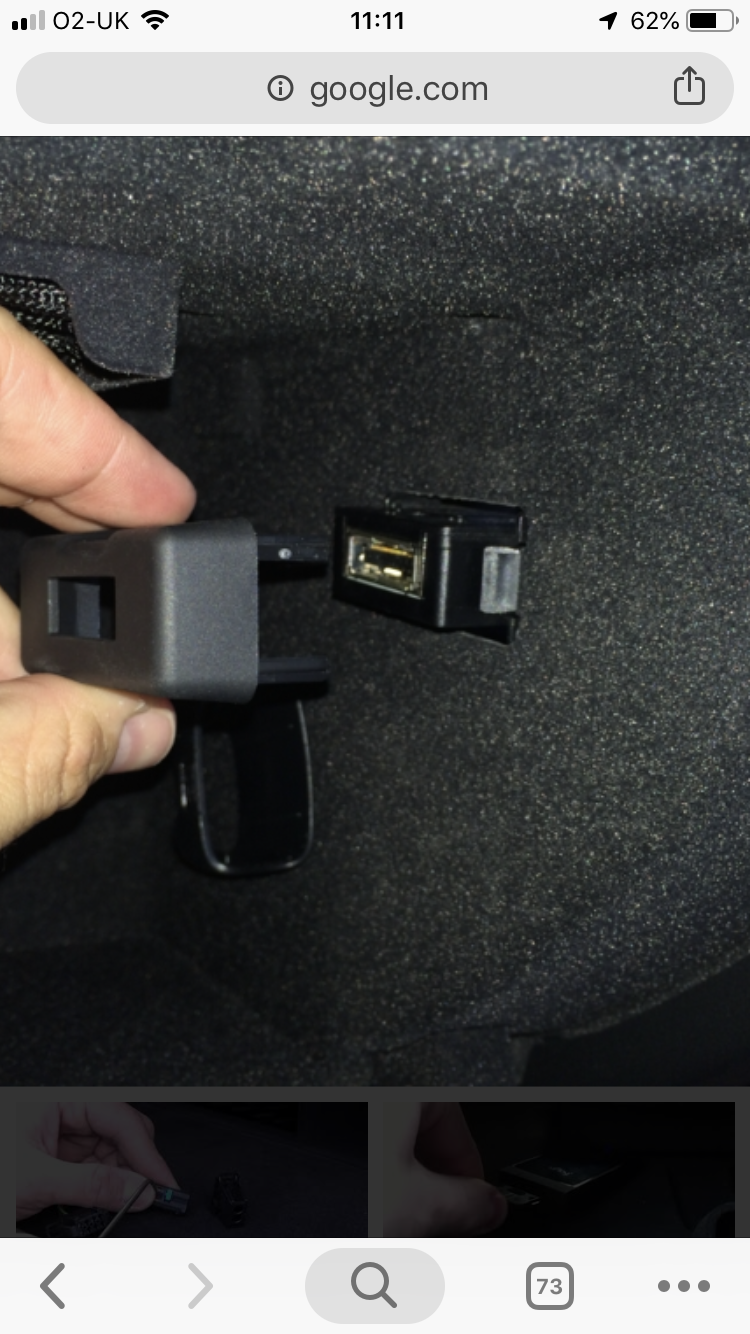
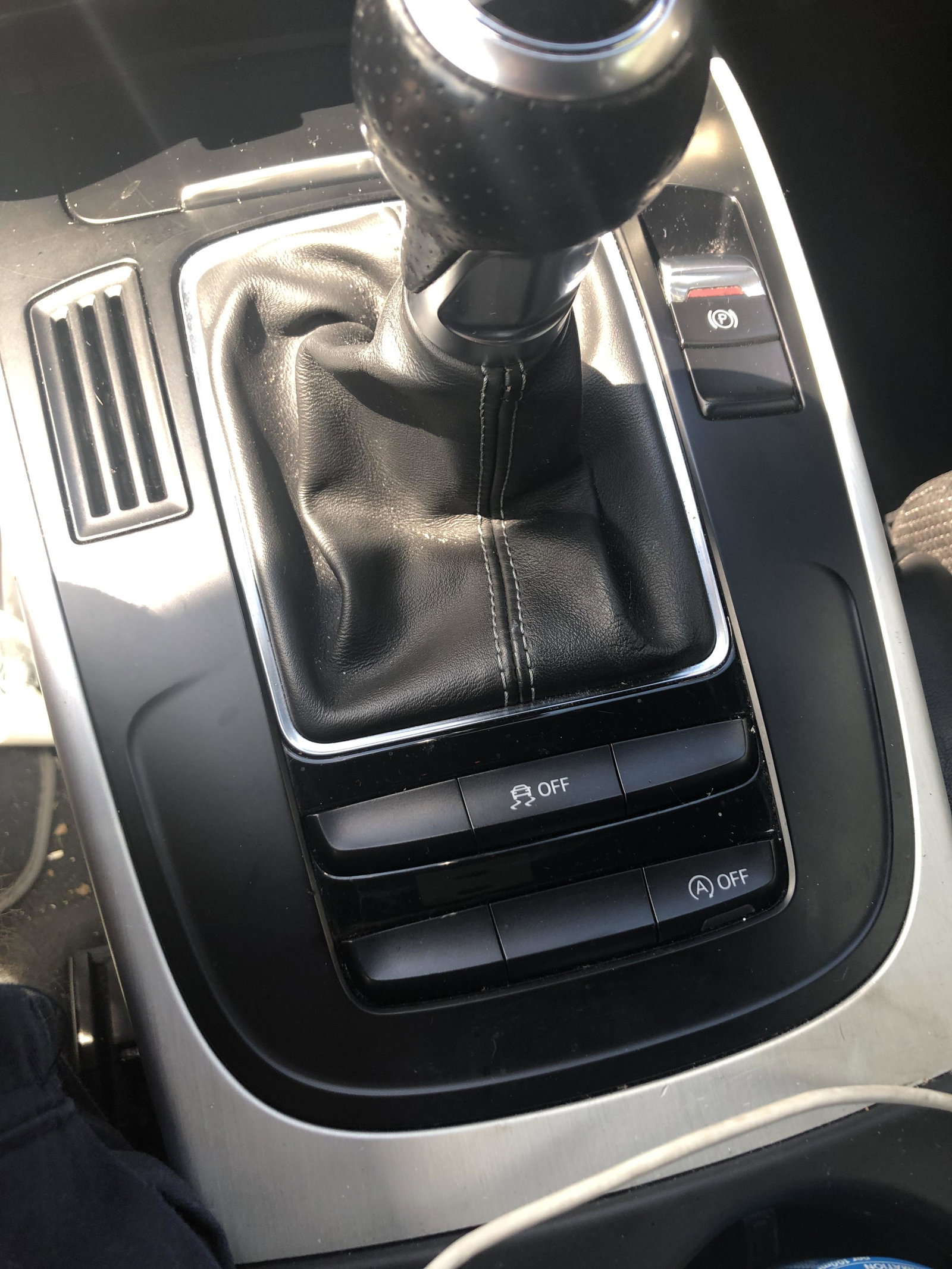
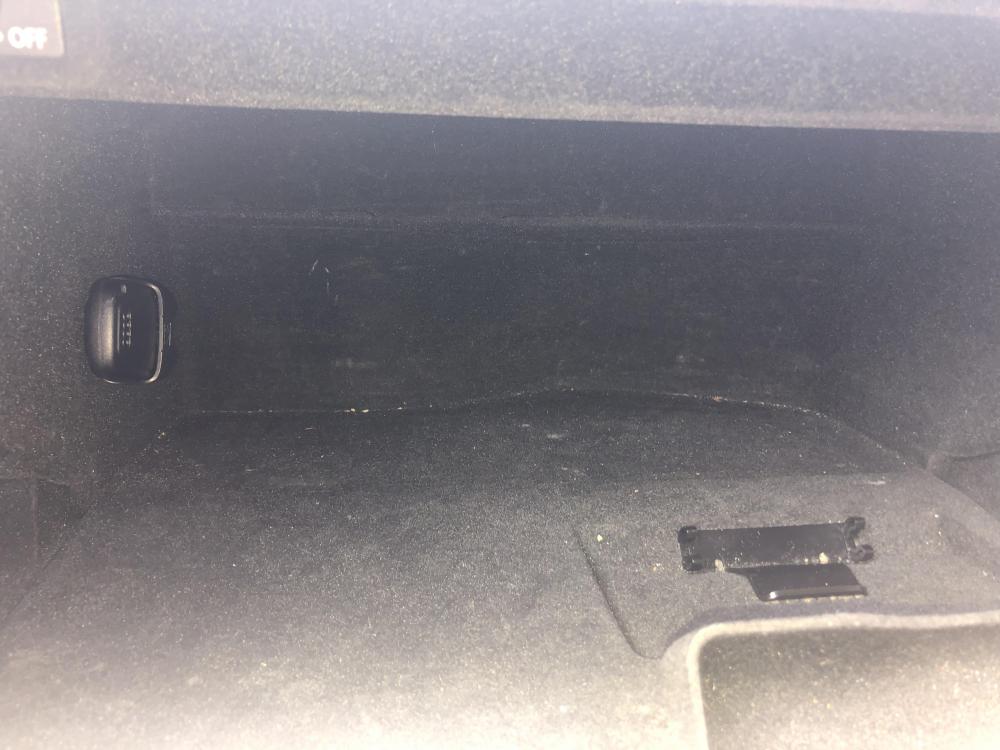
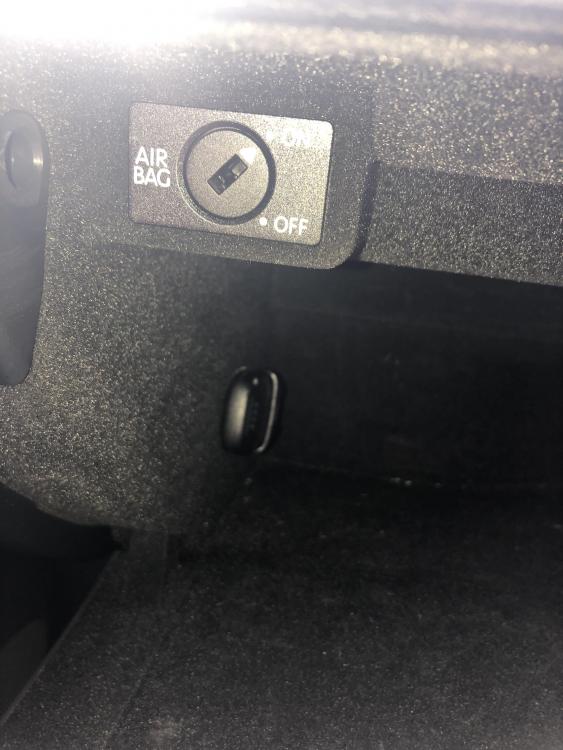
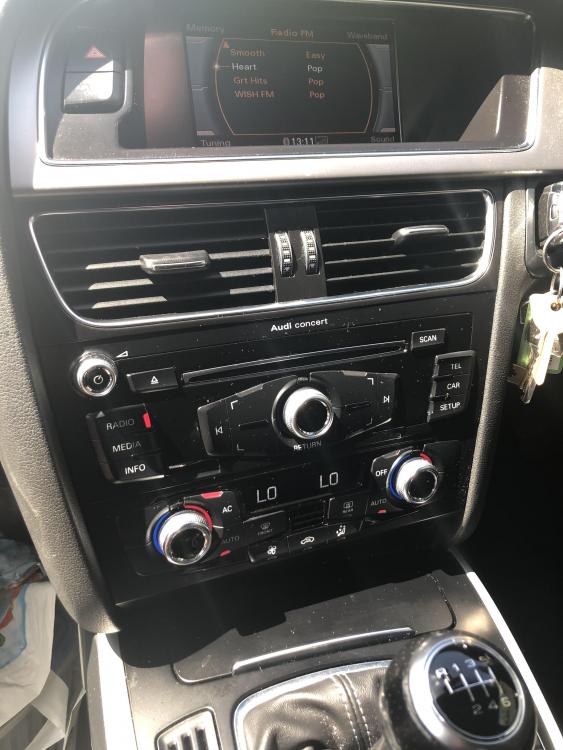
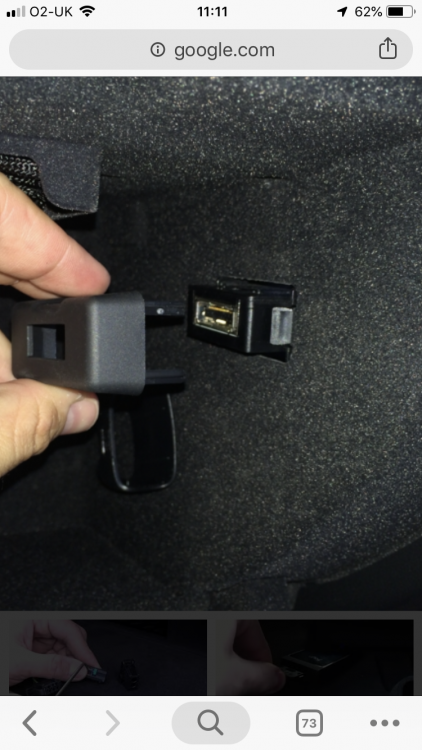
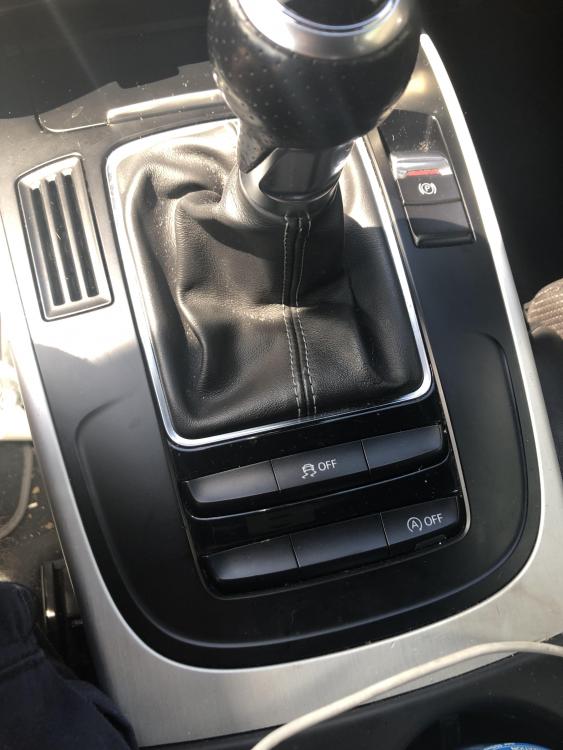
  1. I have an Audi A4 2013 and I want to play my music via Bluetooth but my car doesn’t support it even though I can call through it so I’ve looked online and you can buy Bluetooth receivers that plug into the mmi/ami port but I cant find it even though on the internet it says it’s in the glove box,ive also checked the centre console but that only has an aux and a power outlet in. I’ve attached pictures of my glovebox and radio aswell as A picture of the connector I am looking for incase I’ve gave it the wrong name
Background Picker
Customize Layout

Account

Navigation

Search

Search

Configure browser push notifications

Chrome (Android)
  1. Tap the lock icon next to the address bar.
  2. Tap Permissions → Notifications.
  3. Adjust your preference.
Chrome (Desktop)
  1. Click the padlock icon in the address bar.
  2. Select Site settings.
  3. Find Notifications and adjust your preference.