




Skip to content
View in the app

A better way to browse. Learn more.

Audi Owners Club (UK)

A full-screen app on your home screen with push notifications, badges and more.

To install this app on iOS and iPadOS
  1. Tap the Share icon in Safari
  2. Scroll the menu and tap Add to Home Screen.
  3. Tap Add in the top-right corner.
To install this app on Android
  1. Tap the 3-dot menu (⋮) in the top-right corner of the browser.
  2. Tap Add to Home screen or Install app.
  3. Confirm by tapping Install.


Wallace1989

Members
  • Joined

  • Last visited

  1. Wallace1989 joined the community
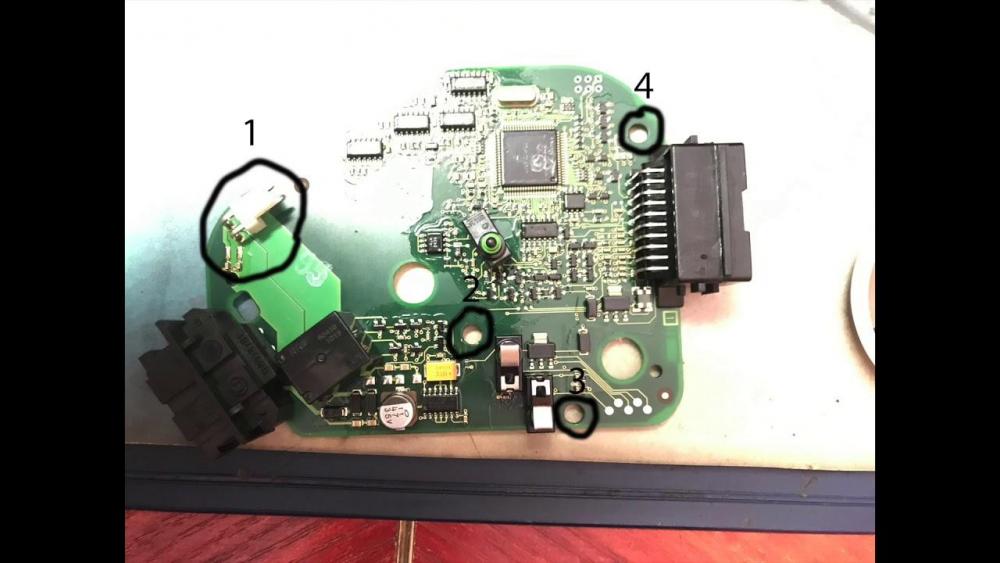
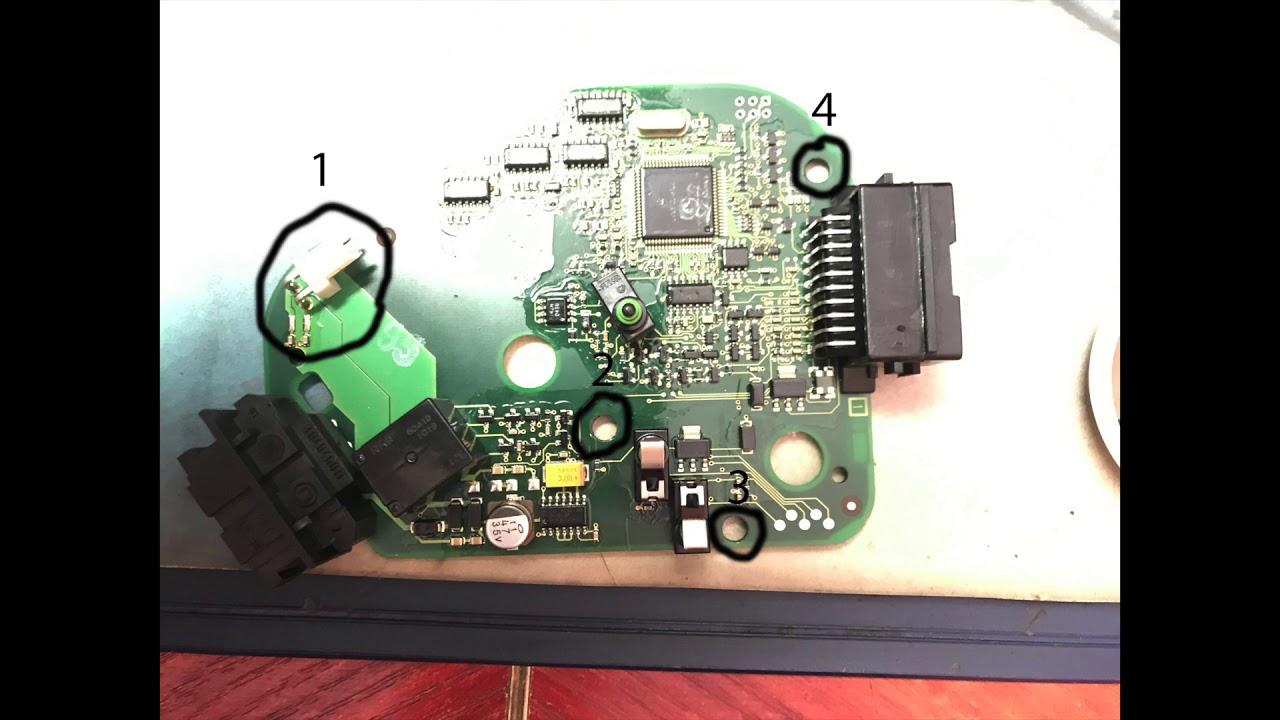
  2. Hi I'm new to the Audi world and I am the proud owner of a Audi a6 2.7 s line 57 plate so here goes I came to my car the other morning and my dash was completely dear radio and every thing else powers up but the clocks in the car doesn't. start or even try to I have had the rac out and I got told it was the steering colum module that's stopped working could someone please help I dont know where to start on getting this part sorted and it's a shame it just sat there had a lot of fun driveing this car any advice would be amazing thanks Chris


Background Picker
Customize Layout

Account

Navigation

Search

Search

Configure browser push notifications

Chrome (Android)
  1. Tap the lock icon next to the address bar.
  2. Tap Permissions → Notifications.
  3. Adjust your preference.
Chrome (Desktop)
  1. Click the padlock icon in the address bar.
  2. Select Site settings.
  3. Find Notifications and adjust your preference.