




Skip to content
View in the app

A better way to browse. Learn more.

Audi Owners Club (UK)

A full-screen app on your home screen with push notifications, badges and more.

To install this app on iOS and iPadOS
  1. Tap the Share icon in Safari
  2. Scroll the menu and tap Add to Home Screen.
  3. Tap Add in the top-right corner.
To install this app on Android
  1. Tap the 3-dot menu (⋮) in the top-right corner of the browser.
  2. Tap Add to Home screen or Install app.
  3. Confirm by tapping Install.

Turismo Todd

Members
  • Joined

  • Last visited

  1. Hi Gareth, Excuse my ignorance but I thought rolling diameter was the size of the tyre IE 17in? I'm looking to change from 225 50 17 to 225 45 17.
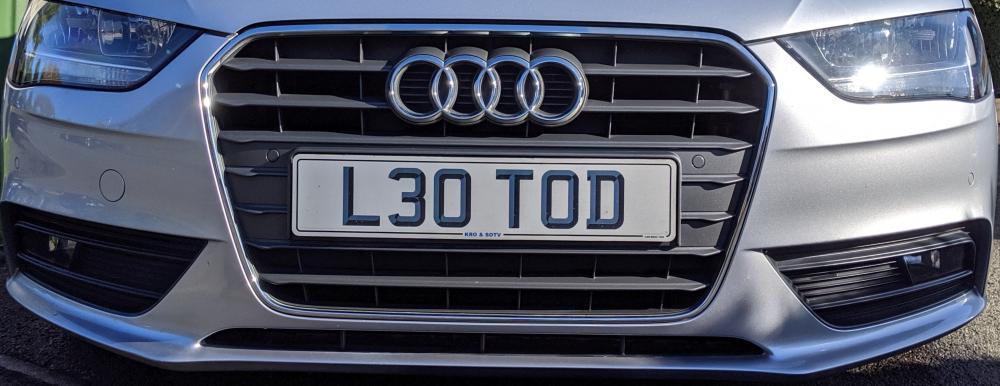
  2. Turismo Todd changed their profile photo
  3. Hi Trev, thanks for the reply. Appreciate that dropping the profile could potentially reduce ride comfort especially with our roads!!!!! however my previous two cars (none Audi's) had 45's or 35's and both were fine. From a personal prospective I just don't like the look of the 50's and I'm hoping to improve the look with changing to the 45's, again just my personal choice. Rolling diameter staying the same as is the width. Todd..
  4. Currently running with "225 50 17" but was wondering if I could drop the profile size down to "45" without affecting any of the electronics like the ABS sensors for example? Thanks in advance...




Background Picker
Customize Layout

Account

Navigation

Search

Search

Configure browser push notifications

Chrome (Android)
  1. Tap the lock icon next to the address bar.
  2. Tap Permissions → Notifications.
  3. Adjust your preference.
Chrome (Desktop)
  1. Click the padlock icon in the address bar.
  2. Select Site settings.
  3. Find Notifications and adjust your preference.