




Skip to content
View in the app

A better way to browse. Learn more.

Audi Owners Club (UK)

A full-screen app on your home screen with push notifications, badges and more.

To install this app on iOS and iPadOS
  1. Tap the Share icon in Safari
  2. Scroll the menu and tap Add to Home Screen.
  3. Tap Add in the top-right corner.
To install this app on Android
  1. Tap the 3-dot menu (⋮) in the top-right corner of the browser.
  2. Tap Add to Home screen or Install app.
  3. Confirm by tapping Install.


Coolas4k

Members
  • Joined

  • Last visited

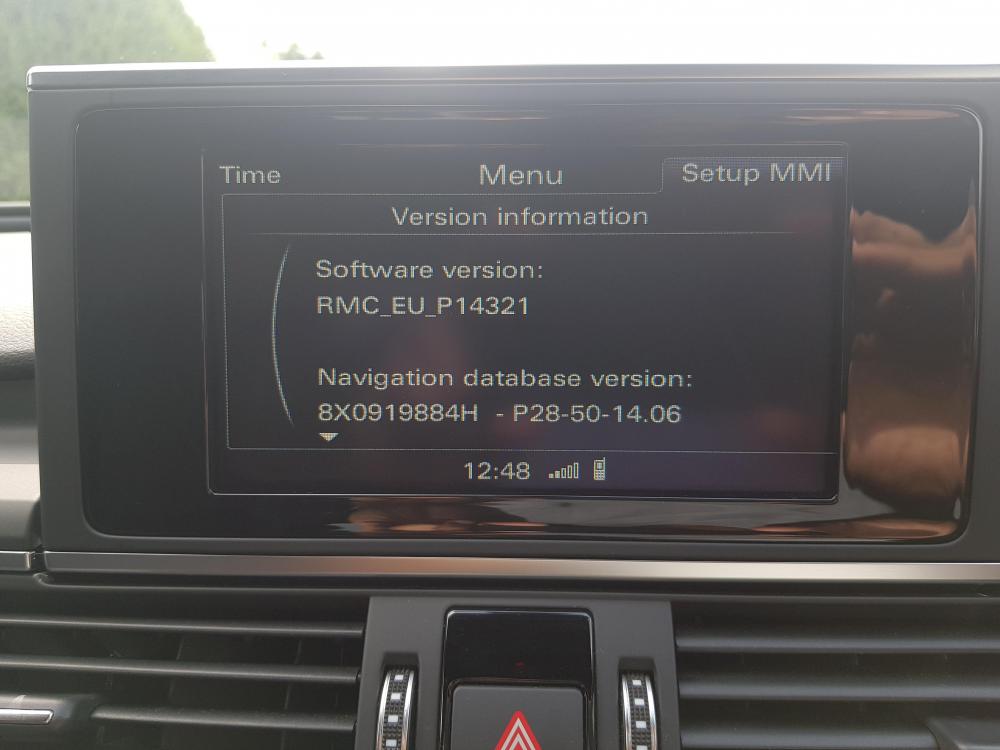
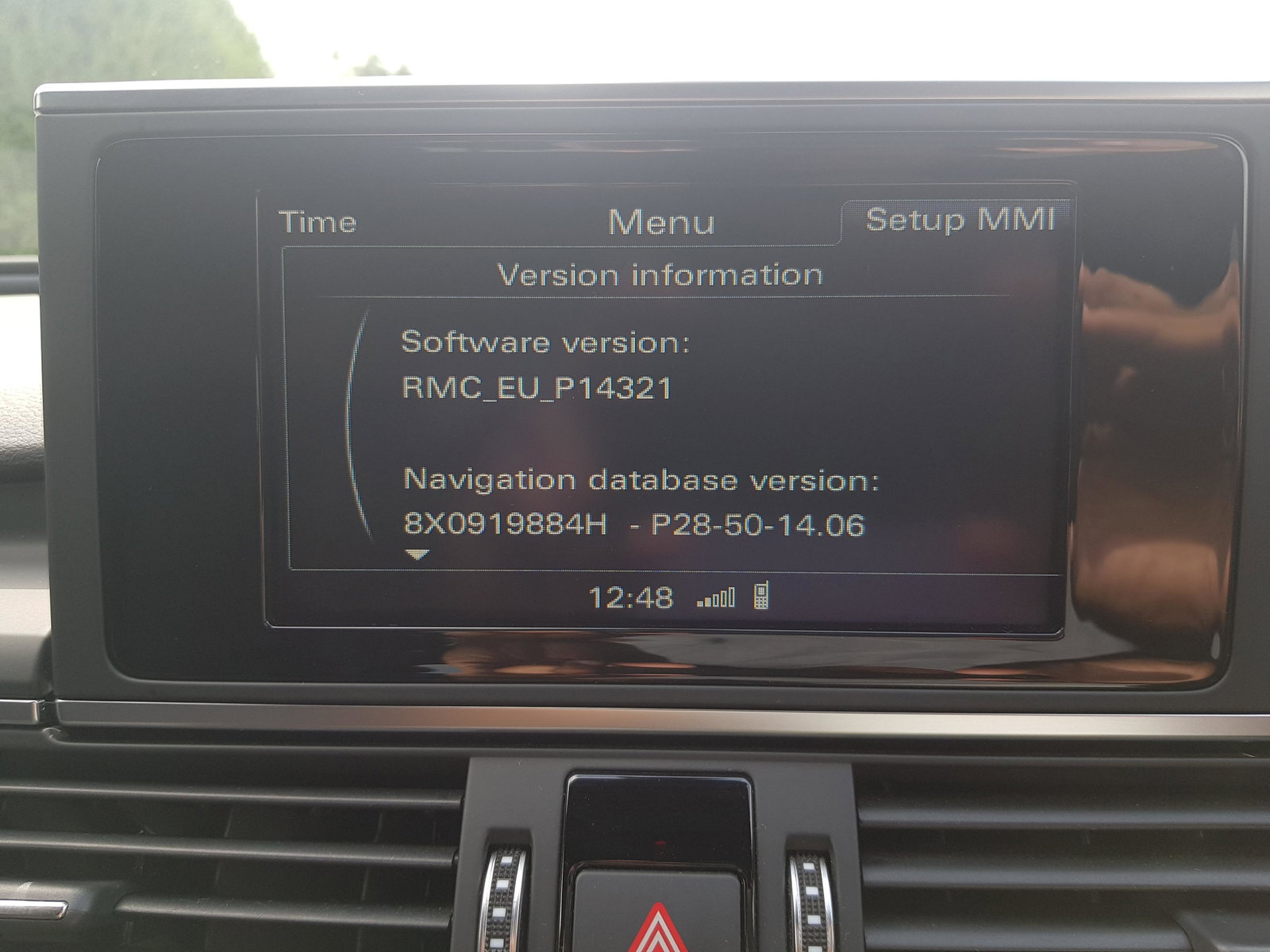
  1. Hi peeps, I've seen a few posts regarding the screen cast of mobile phones on to the screen of their Audi mmi screens but they've all been American so didn't want to purchase any of the recommended components in case it wouldn't work on a UK spec Audi. I have a 2015 Audi A6 and not entirely sure which MMI system I have but I've uploaded the software that it runs if that helps identify it. Does anyone know what components I need to mirror my Android Samsung Note 8 phone to my Audi screen and the procedure for it? Thanks


Background Picker
Customize Layout

Account

Navigation

Search

Search

Configure browser push notifications

Chrome (Android)
  1. Tap the lock icon next to the address bar.
  2. Tap Permissions → Notifications.
  3. Adjust your preference.
Chrome (Desktop)
  1. Click the padlock icon in the address bar.
  2. Select Site settings.
  3. Find Notifications and adjust your preference.