Skip to content
View in the app

A better way to browse. Learn more.

Audi Owners Club (UK)

A full-screen app on your home screen with push notifications, badges and more.

To install this app on iOS and iPadOS
  1. Tap the Share icon in Safari
  2. Scroll the menu and tap Add to Home Screen.
  3. Tap Add in the top-right corner.
To install this app on Android
  1. Tap the 3-dot menu (⋮) in the top-right corner of the browser.
  2. Tap Add to Home screen or Install app.
  3. Confirm by tapping Install.


AudiCal

Members
  • Joined

  • Last visited

Everything posted by AudiCal

  1. Thanks! Yeh either s3 or rs3, depending on my financial state at the time!
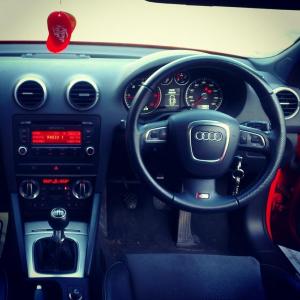
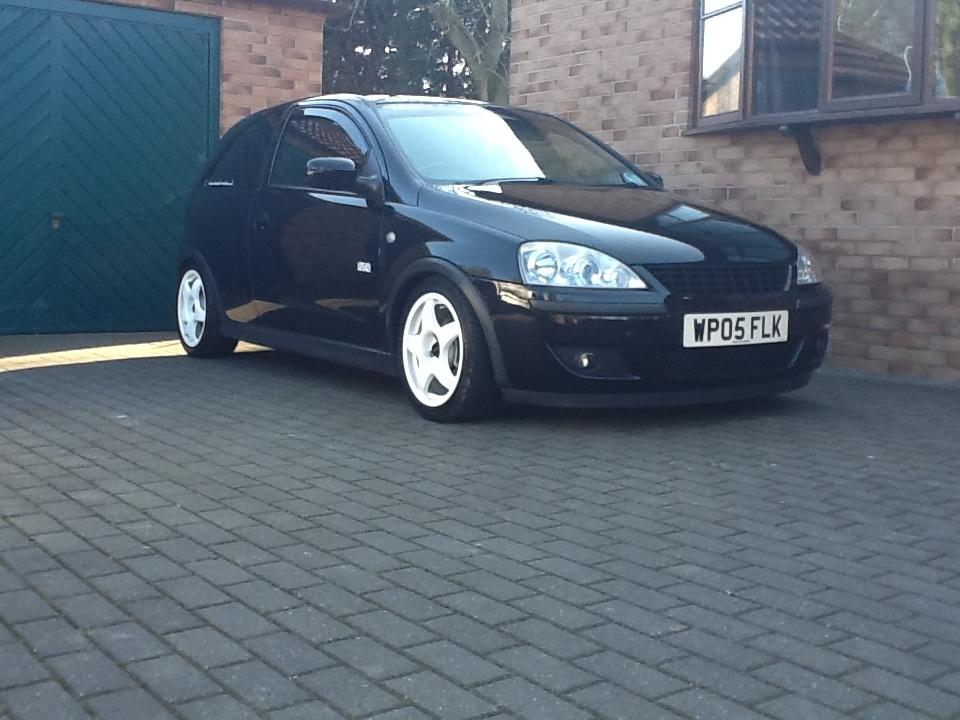
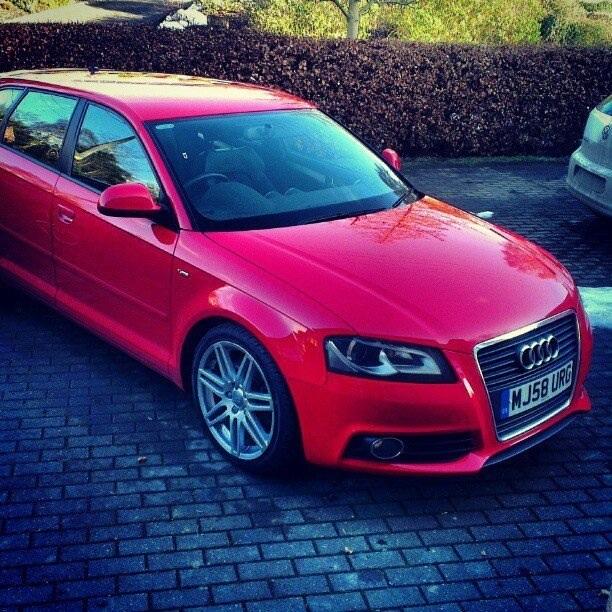
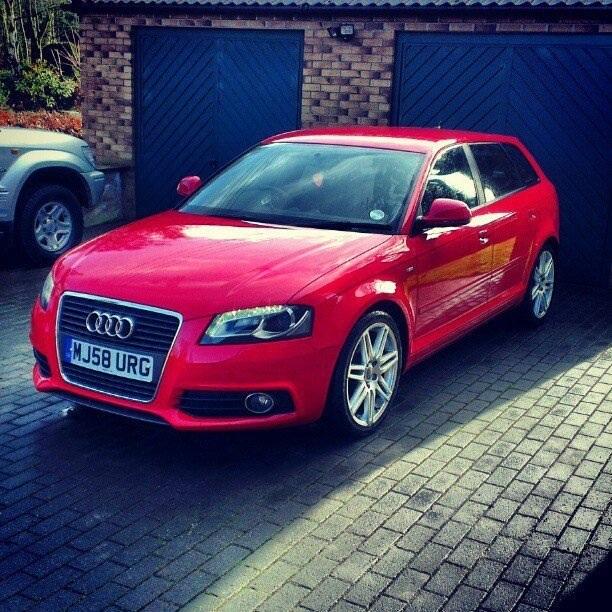
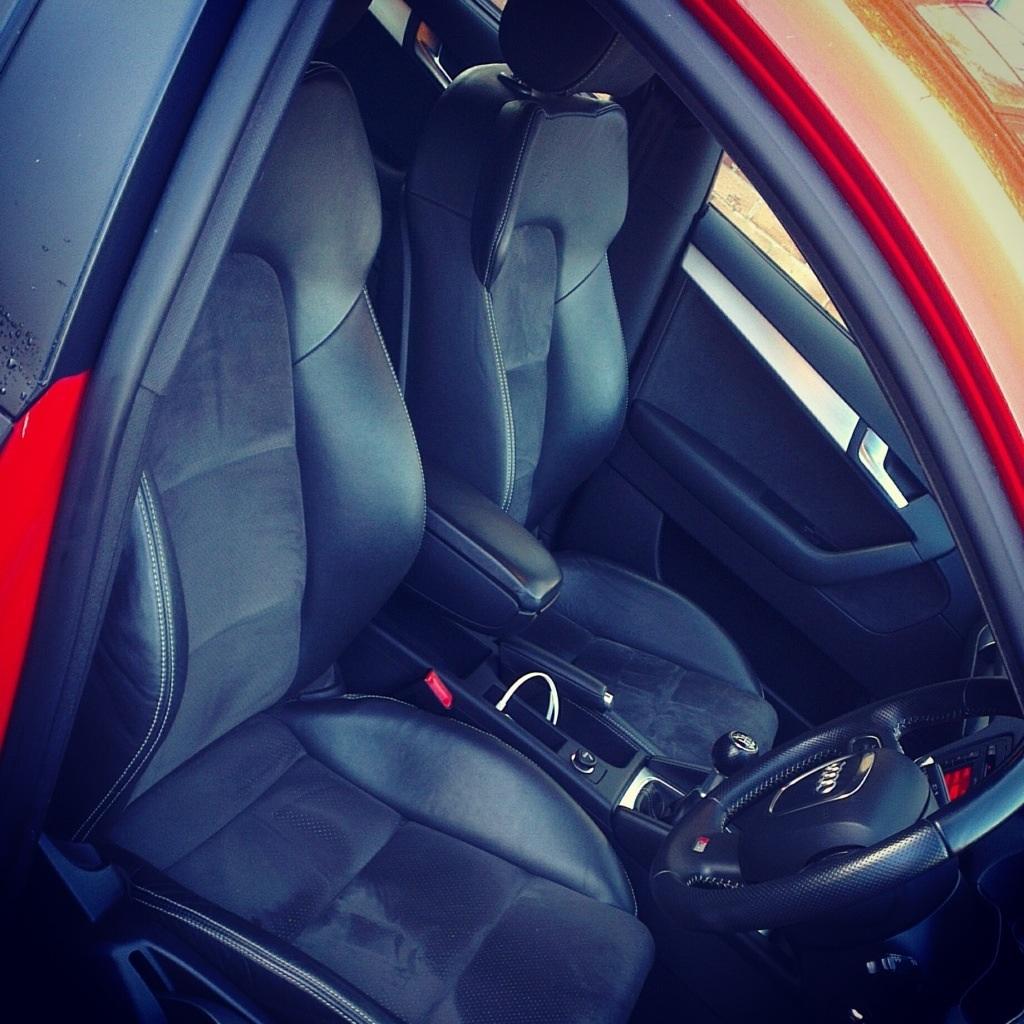
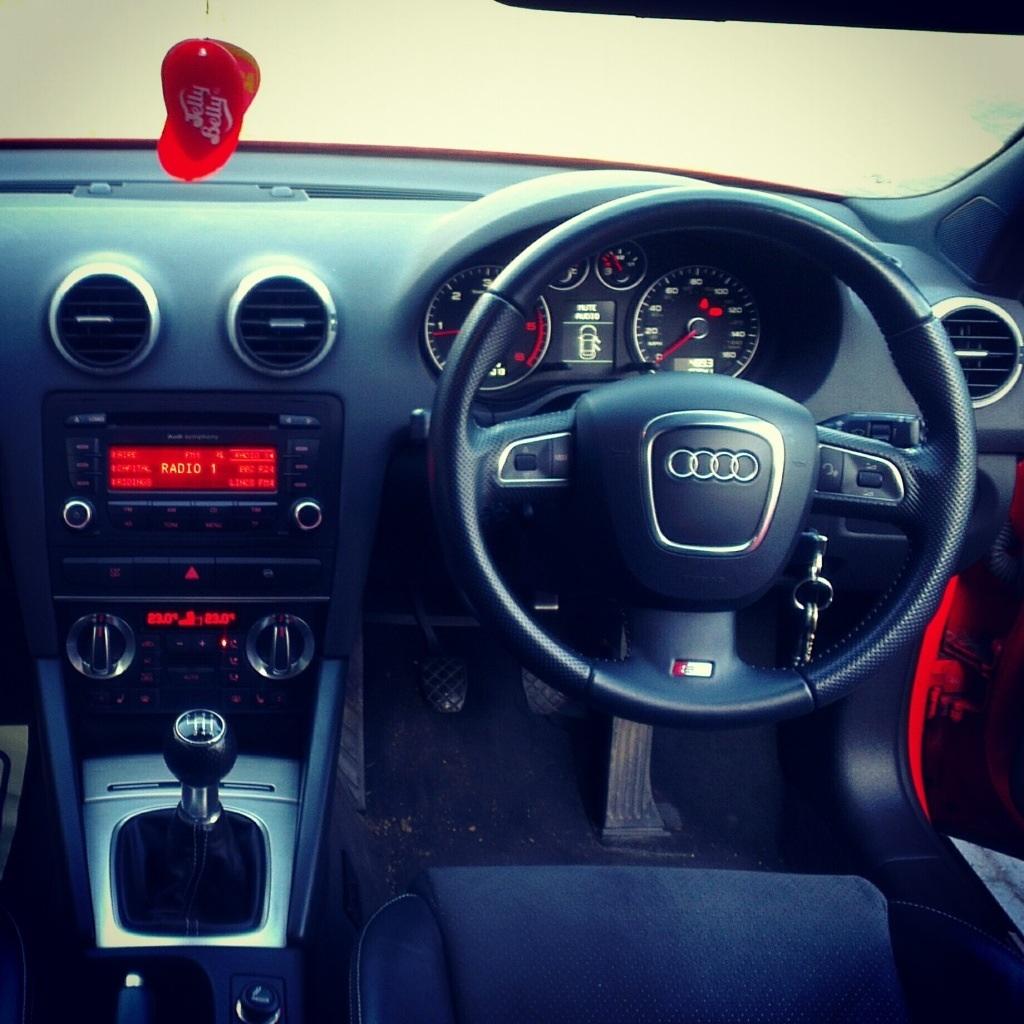
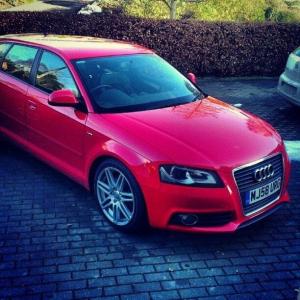
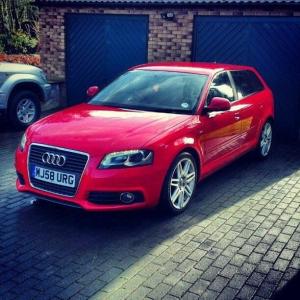
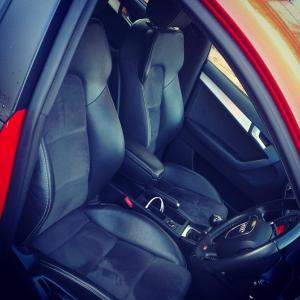
  2. Hi guys, just introducing myself, previously from corsacuk so big step up from vauxhall to Audi, Use to own a 1.2 Corsa C which was great fun and stuck to the bends like glue! Then wanted a Vxr, but at my age insurance is silly money, and NFU would insure me on an a3 but not Vxr, thought audi was out of my price bracket, but as dad owns a 12plate Audi a4 estate 2.0tdi (177) he pushed me to getting an a3 and helped act as a bank to borrow a little bit of money off him (which I'm paying him back immediately!) Absolutely love the car and the power! Here's a few picture of it! Also, looking at remaps, any experience/advice you guys can throw my way?


Background Picker
Customize Layout

Account

Navigation

Search

Search

Configure browser push notifications

Chrome (Android)
  1. Tap the lock icon next to the address bar.
  2. Tap Permissions → Notifications.
  3. Adjust your preference.
Chrome (Desktop)
  1. Click the padlock icon in the address bar.
  2. Select Site settings.
  3. Find Notifications and adjust your preference.