




Skip to content
View in the app

A better way to browse. Learn more.

Audi Owners Club (UK)

A full-screen app on your home screen with push notifications, badges and more.

To install this app on iOS and iPadOS
  1. Tap the Share icon in Safari
  2. Scroll the menu and tap Add to Home Screen.
  3. Tap Add in the top-right corner.
To install this app on Android
  1. Tap the 3-dot menu (⋮) in the top-right corner of the browser.
  2. Tap Add to Home screen or Install app.
  3. Confirm by tapping Install.


Andreas Englezos

Members
  • Joined

  • Last visited

Everything posted by Andreas Englezos

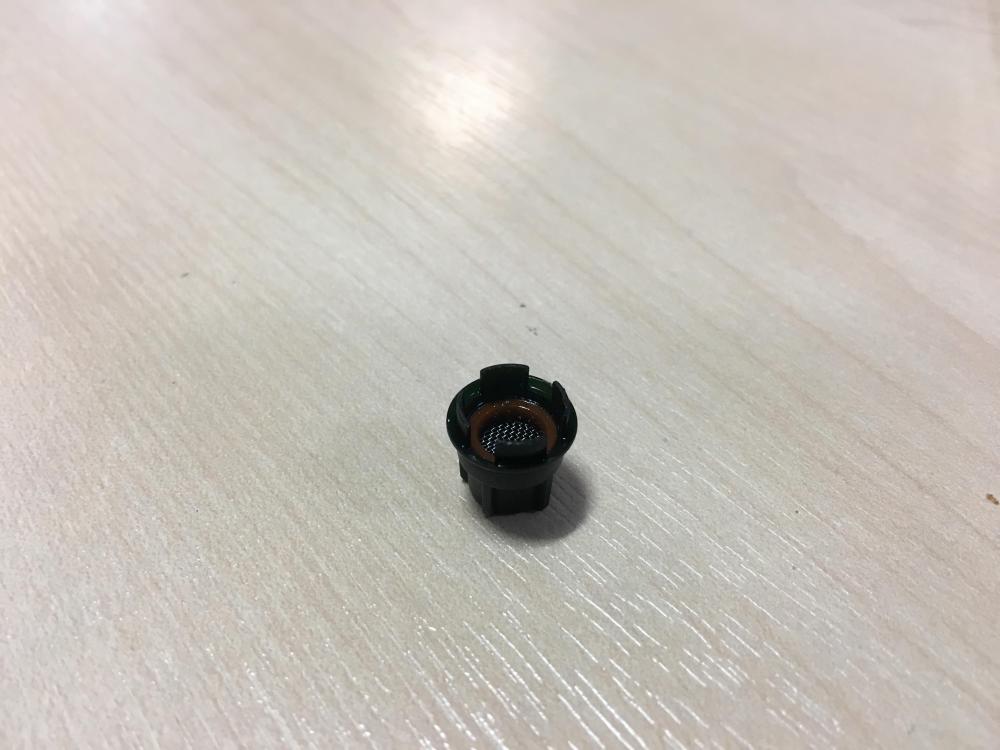
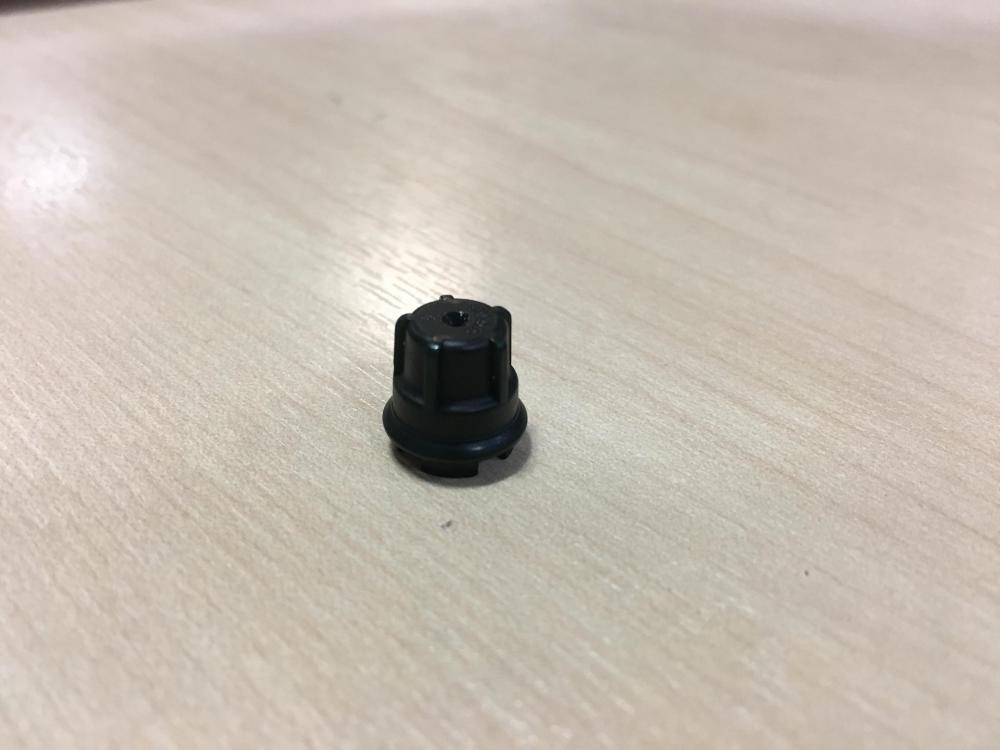
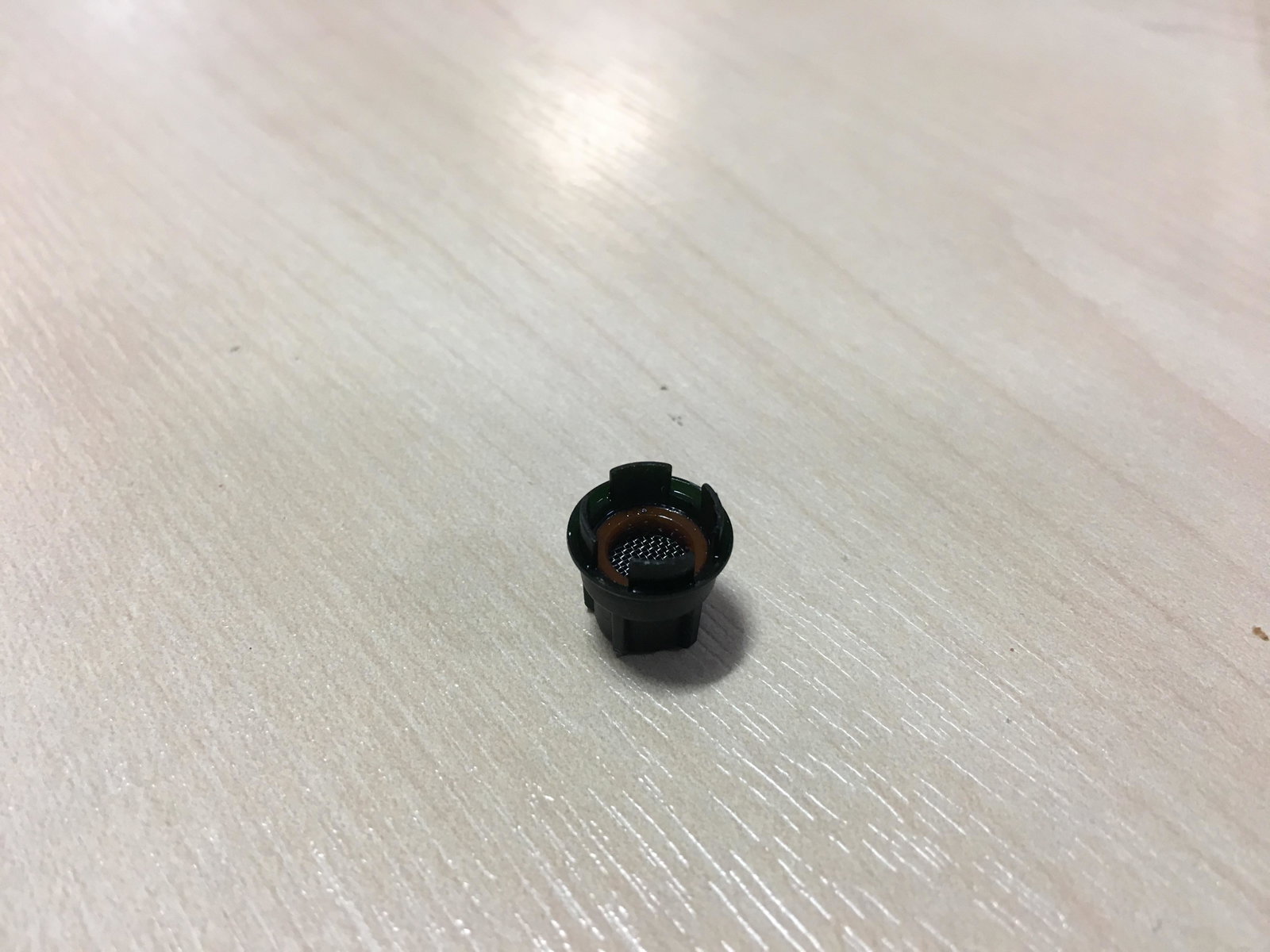
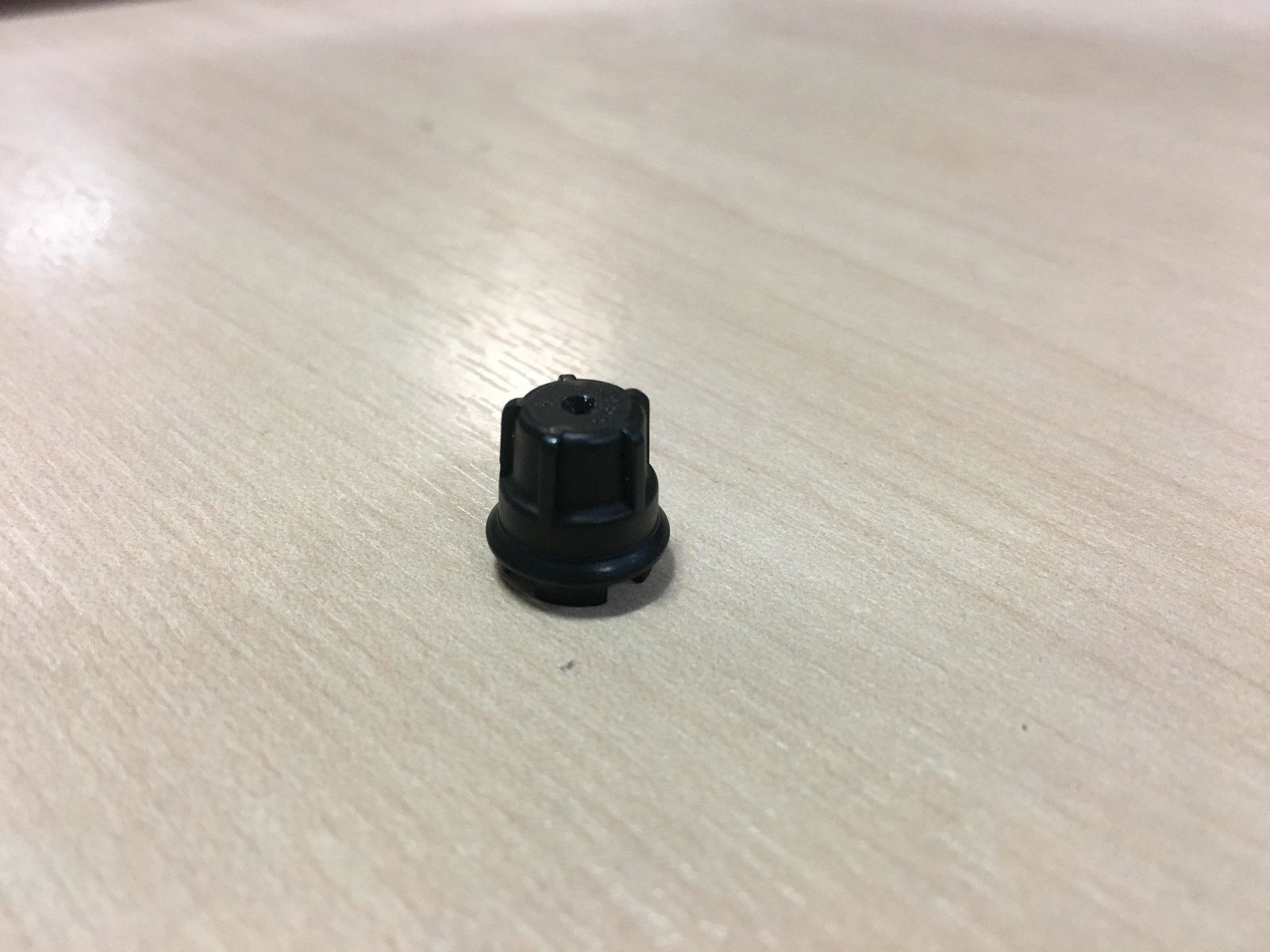
  1. I have a 2009 A4 2.0 TFSI with a CDNC engine code and I had the unfortunate pleasure of having to put new pistons in it due to high oil consumption. I am a qualified mechanic and I have taken the engine apart and it is nearly back together again apart from I have a small plastic part which to all intents and purposes it looks something to do with oil but i have no recollection of removing it or where it should go. I found it in a box where I have kept and labelled a lot of the nuts and bolts and the odd part. I attach photos of the part. Any help greatly appreciated.
Background Picker
Customize Layout

Account

Navigation

Search

Search

Configure browser push notifications

Chrome (Android)
  1. Tap the lock icon next to the address bar.
  2. Tap Permissions → Notifications.
  3. Adjust your preference.
Chrome (Desktop)
  1. Click the padlock icon in the address bar.
  2. Select Site settings.
  3. Find Notifications and adjust your preference.