Skip to content
View in the app

A better way to browse. Learn more.

Audi Owners Club (UK)

A full-screen app on your home screen with push notifications, badges and more.

To install this app on iOS and iPadOS
  1. Tap the Share icon in Safari
  2. Scroll the menu and tap Add to Home Screen.
  3. Tap Add in the top-right corner.
To install this app on Android
  1. Tap the 3-dot menu (⋮) in the top-right corner of the browser.
  2. Tap Add to Home screen or Install app.
  3. Confirm by tapping Install.

S4Badge

Members
  • Joined

  • Last visited

Everything posted by S4Badge

  1. It’s the 4.0 L twin turbo V8. Prefacelift so running 560 stock from the factory
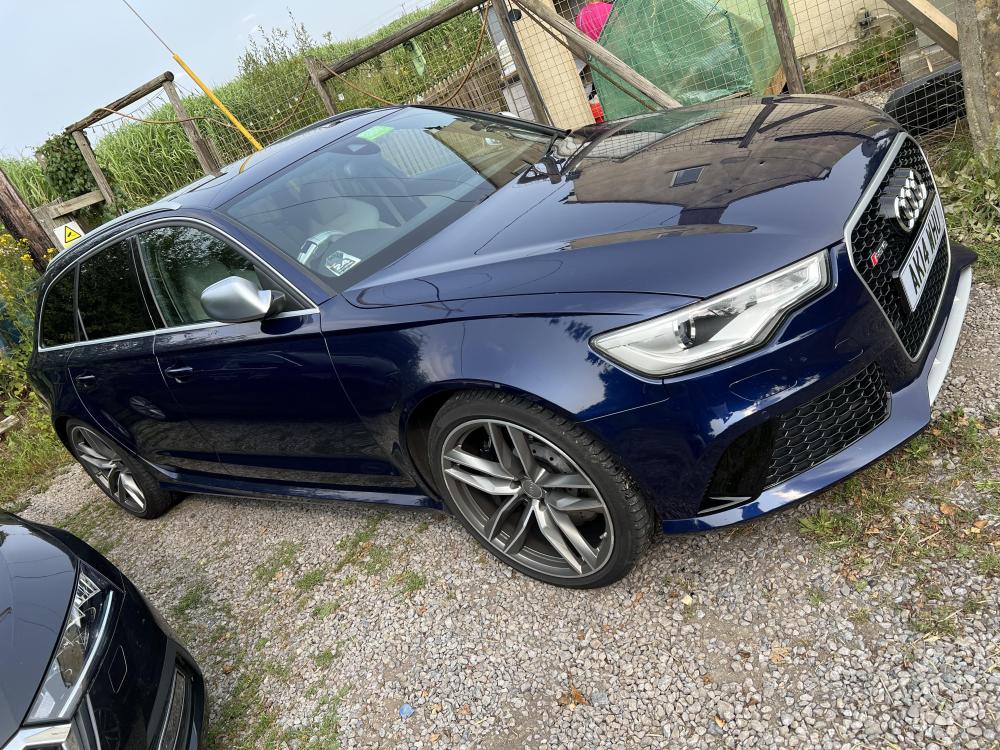
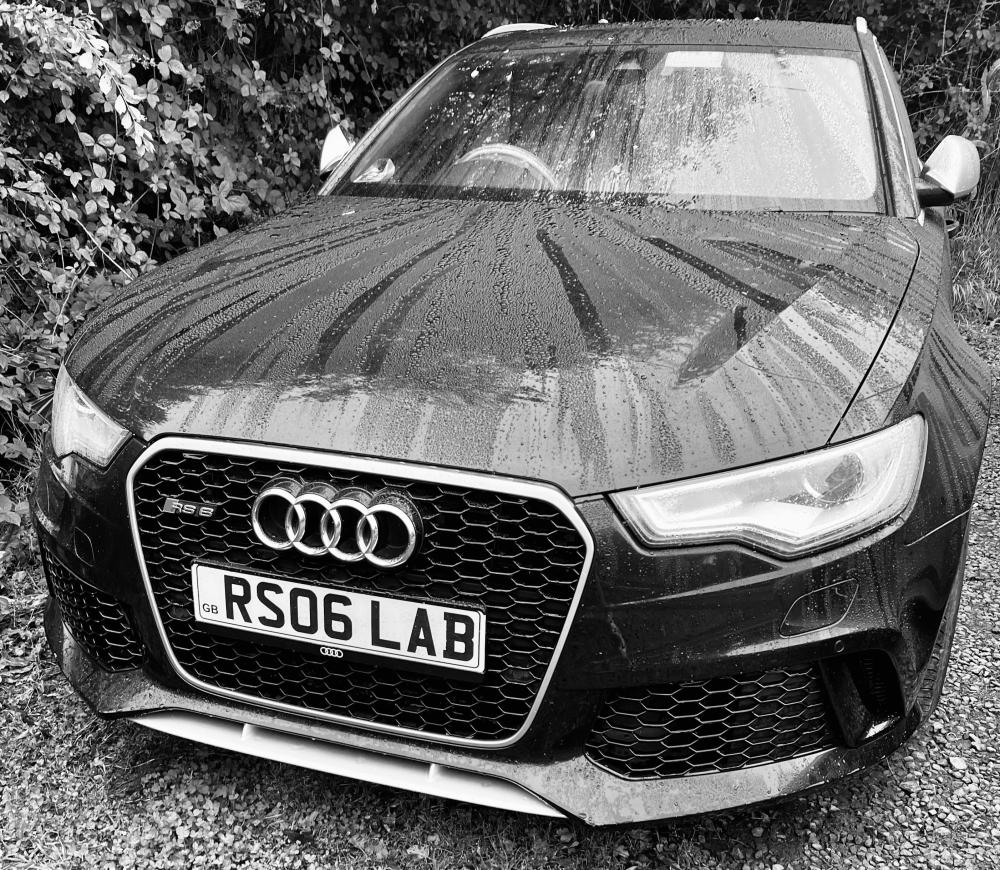
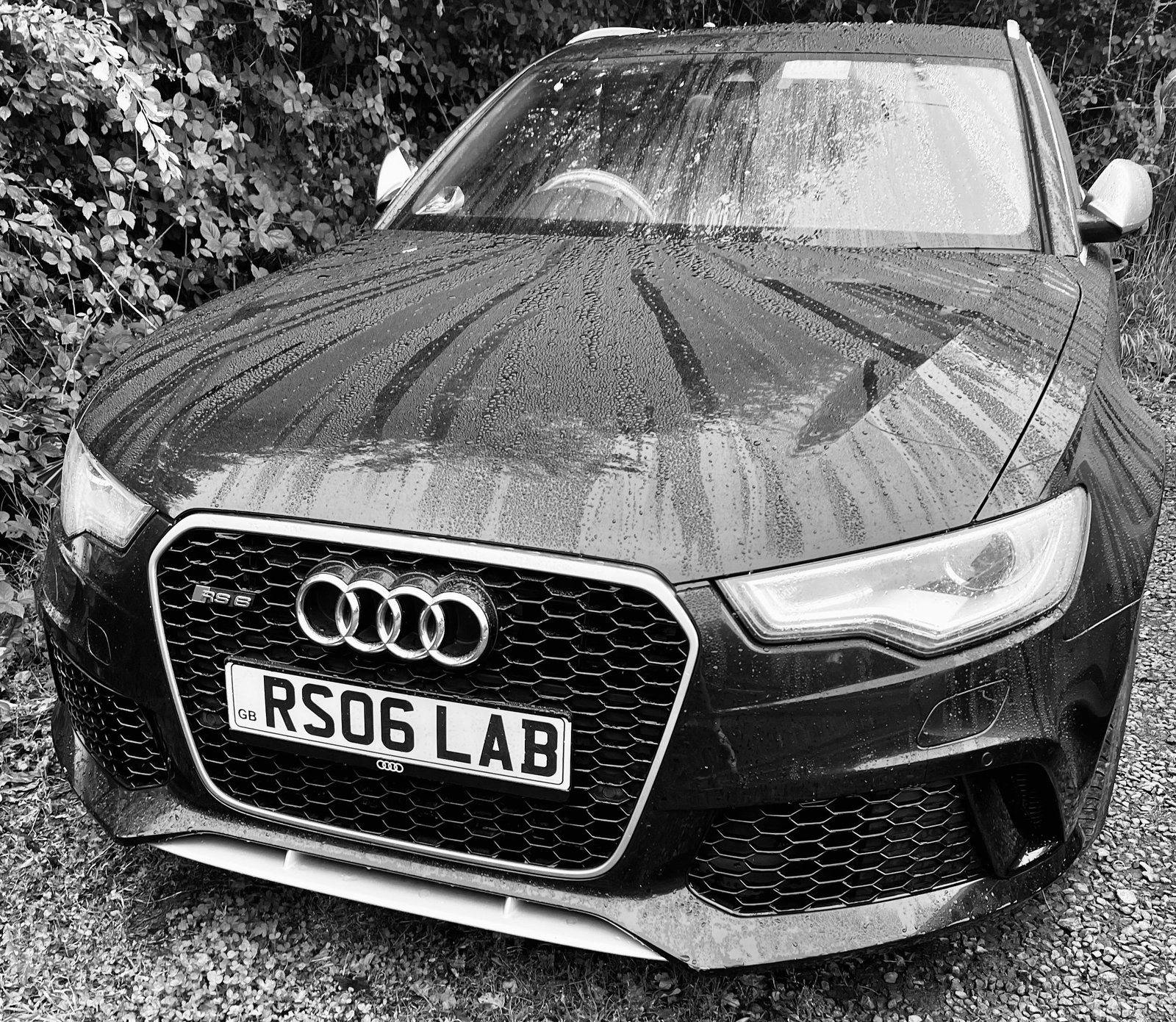
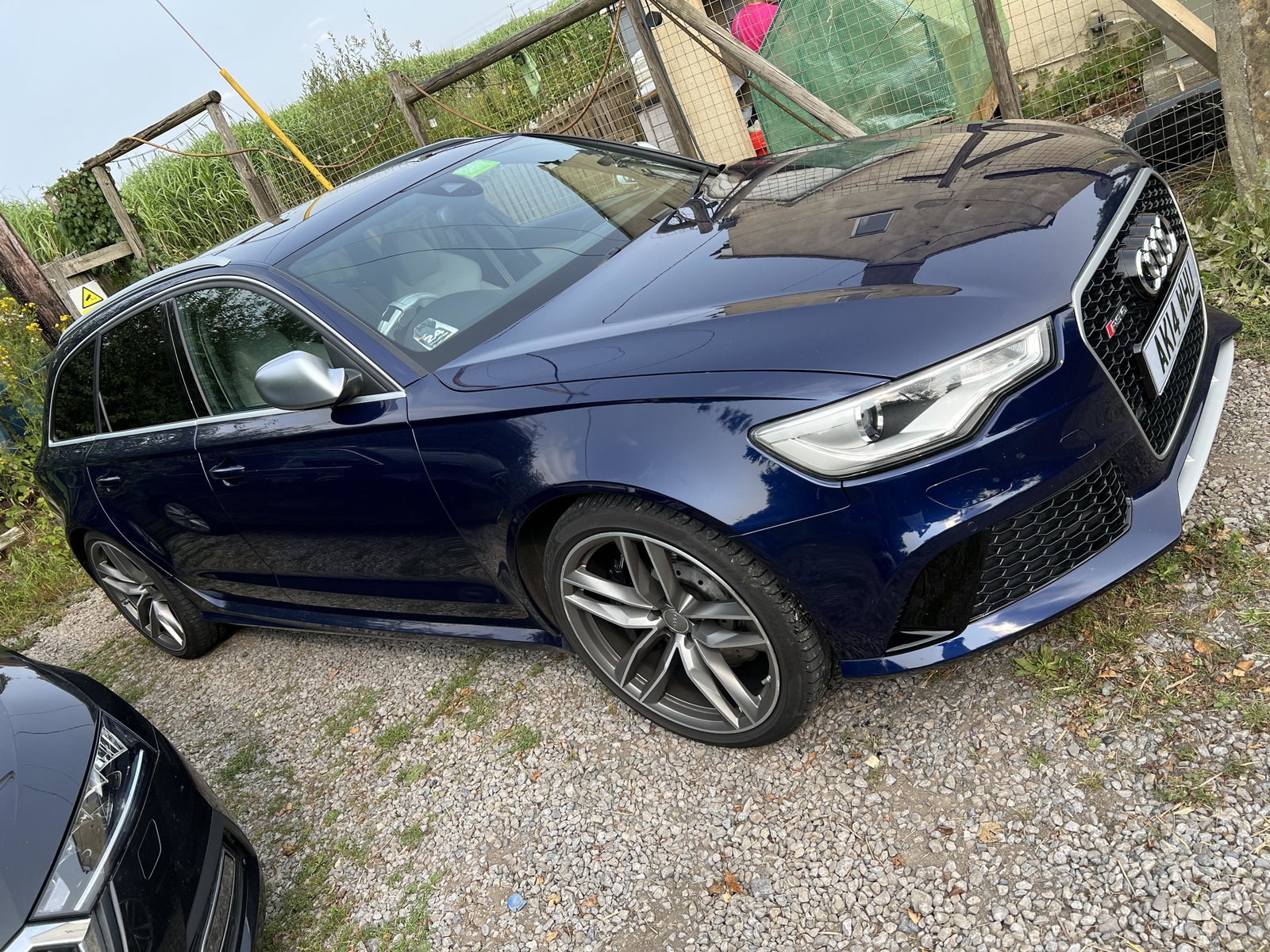
  2. Had a B8 S4 for a while ( it’s quite a few pages back) then a lease Etron. Now bought a 2014 C7 RS6.
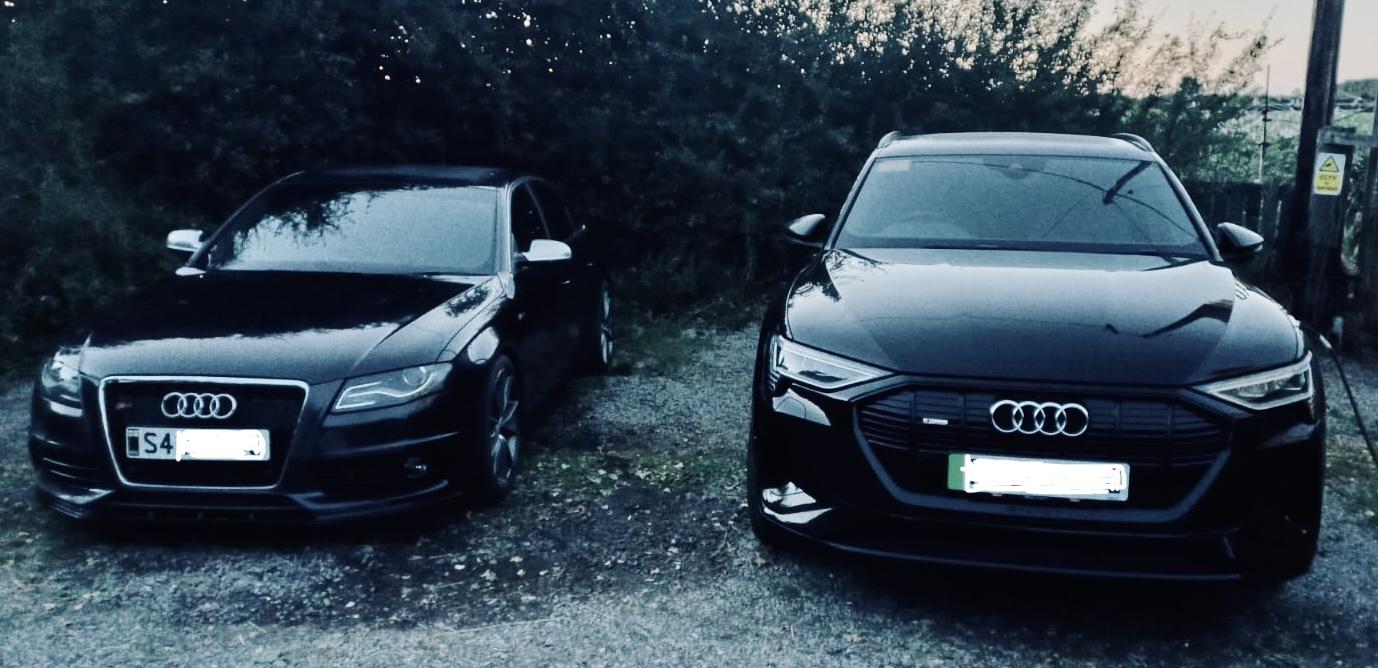
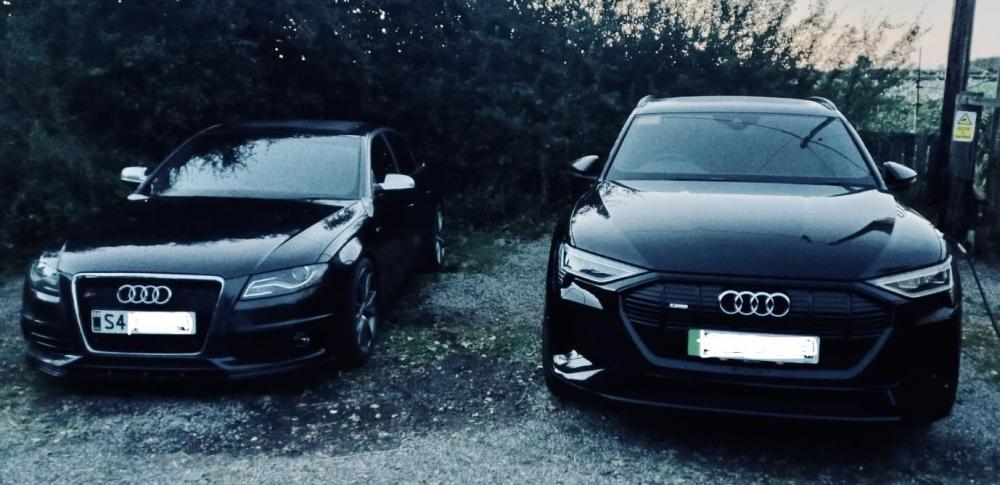
  3. Been here a while as have a B8 S4. Added something new to the drive in the shape of a 22 e-tron 50 Quattro Black Edition. So here are the pair of them. Really happy with the EV, such a great car to drive.
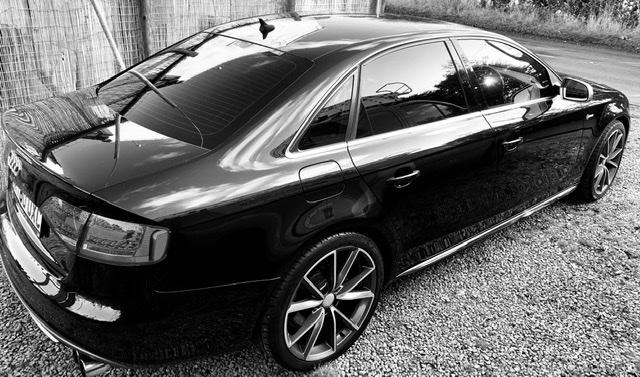
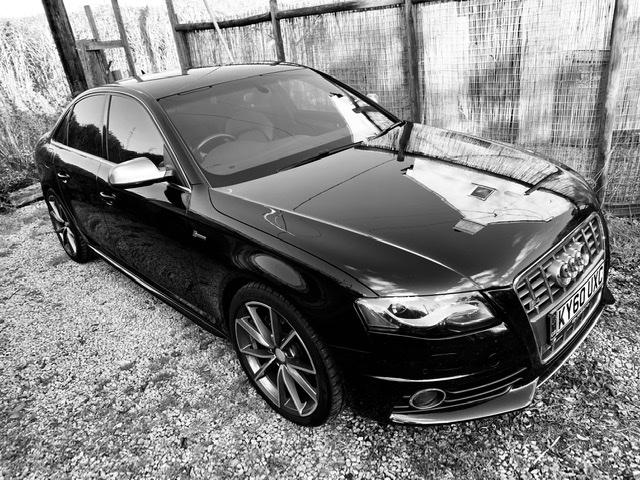
  4. Hello. Just acquired my 3rd Audi. Previously owned an A6 2.5tdi Allroad and a Mk1 1.8TT with the BAM engine. This is a 2010 S4 with the S-tronic box. Absolutely thrilled to bits with it, and will be looking to extract a few more horses from her and tighten up the handling in the very near future. Any advise about Stage 1/1+ remaps, Suspension and handling improvements gratefully appreciated.

Background Picker
Customize Layout

Account

Navigation

Search

Search

Configure browser push notifications

Chrome (Android)
  1. Tap the lock icon next to the address bar.
  2. Tap Permissions → Notifications.
  3. Adjust your preference.
Chrome (Desktop)
  1. Click the padlock icon in the address bar.
  2. Select Site settings.
  3. Find Notifications and adjust your preference.