




Skip to content
View in the app

A better way to browse. Learn more.

Audi Owners Club (UK)

A full-screen app on your home screen with push notifications, badges and more.

To install this app on iOS and iPadOS
  1. Tap the Share icon in Safari
  2. Scroll the menu and tap Add to Home Screen.
  3. Tap Add in the top-right corner.
To install this app on Android
  1. Tap the 3-dot menu (⋮) in the top-right corner of the browser.
  2. Tap Add to Home screen or Install app.
  3. Confirm by tapping Install.


Davidwelch

Members
  • Joined

  • Last visited

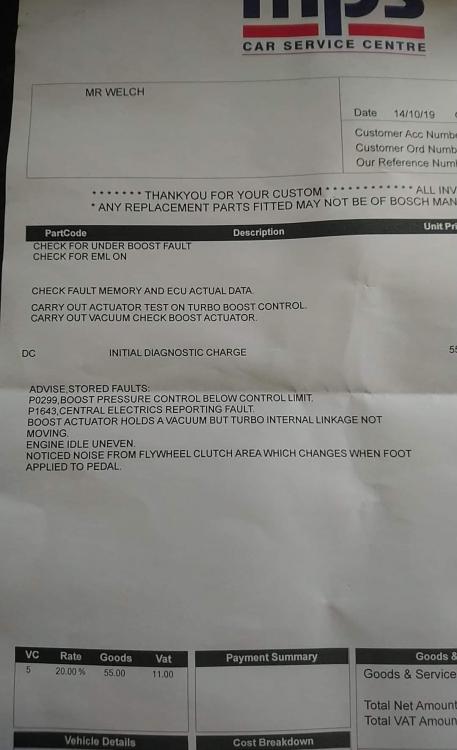
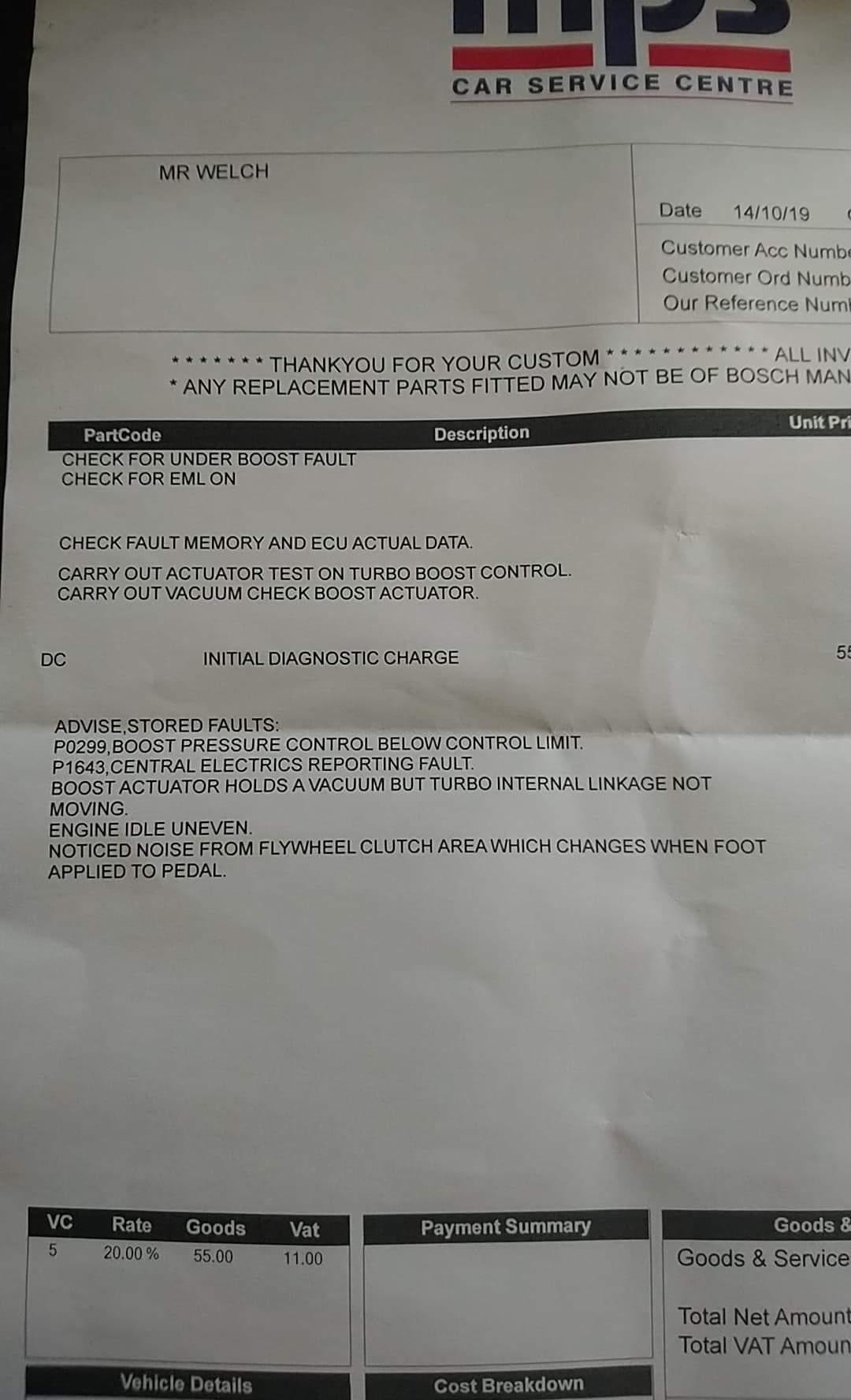
  1. Thanks Trevor, the dealer told me the actuator was stickin and that they would replace it. I'm no mechanic, so I've posted the report which drew my attention to the faults. Sunny today yes 😂 The next A3 I buy I'll make sure to get a diagnostic done before I spend £120 on new discs and pads all round!
  2. I've been an A3 2.0 tdi owner for about three weeks. Today I returned the vehicle to the dealer for a refund as it was faulty. I've definitely caught the Audi bug and am currently looking at 2011 2.0tdi black edition and would like to ask what issues if any I should be looking out for before parting with my pounds. Pleasure to meet you guys, looking forward to your input and buying my first proper Audi within the next few months, just means I'm going to be cycling to work, brrrrr.


Background Picker
Customize Layout

Account

Navigation

Search

Search

Configure browser push notifications

Chrome (Android)
  1. Tap the lock icon next to the address bar.
  2. Tap Permissions → Notifications.
  3. Adjust your preference.
Chrome (Desktop)
  1. Click the padlock icon in the address bar.
  2. Select Site settings.
  3. Find Notifications and adjust your preference.