tonyabacus
Members
-
Joined
-
Last visited
Everything posted by tonyabacus
-
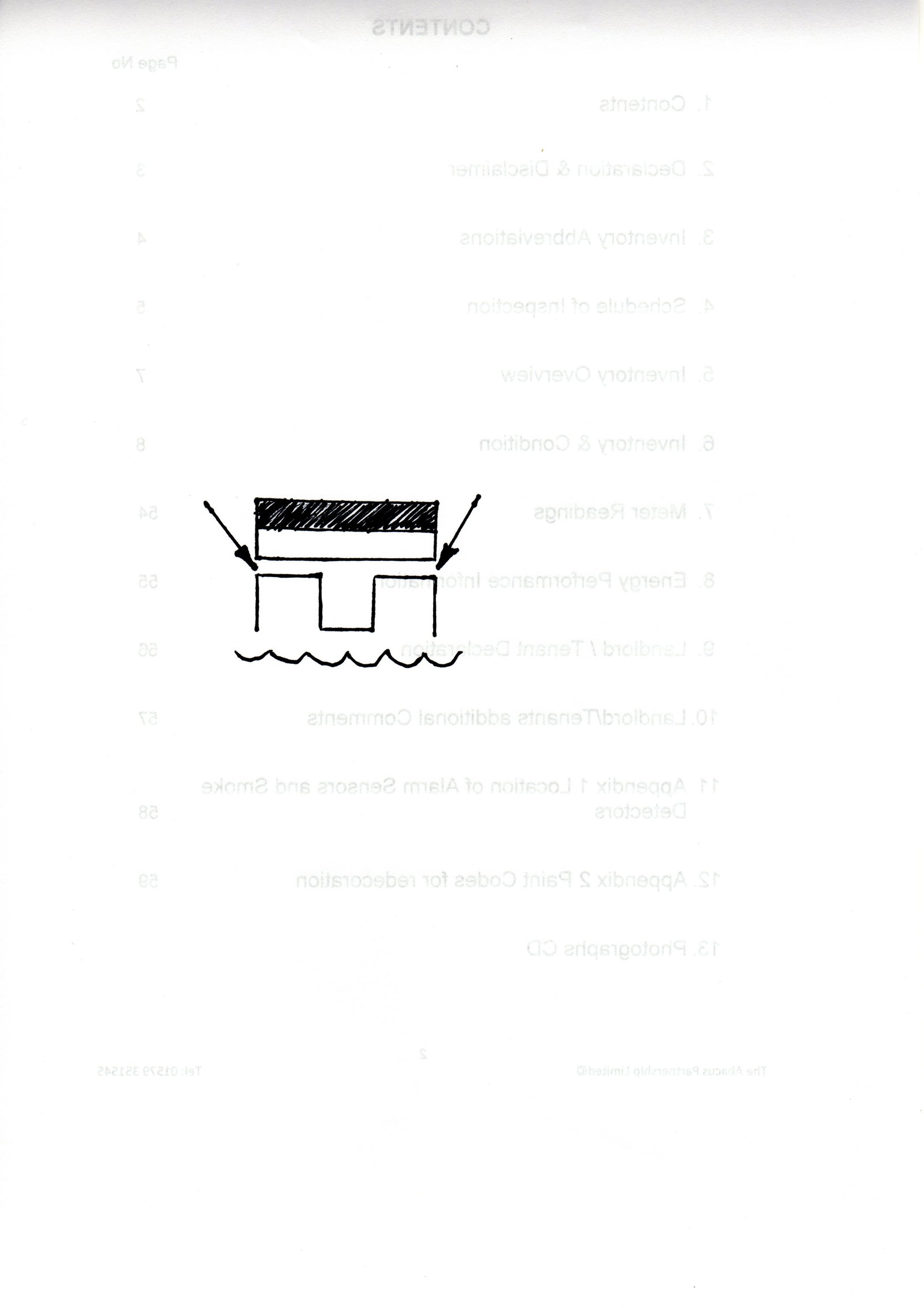
I have a 2002 TT Mk1 225. Wife driving car and a strange symbol flashes up on the Dis, only there for a moment. I go through the handbook, Dis and on Internet and show her all the symbols I can find, but none like she described. Following day the same thing happens, this time she stops and although the symbol has disappeared she makes a sketch of what it looked like. I cannot find anything on the Net that looks anything like it. Are there any Tech's out there who might have seen it, perhaps only seen on VAG, or indeed anyone who has seen the like before. Car runs fine, Dis works okay with clear script and no pixilation's, so a bit puzzling. Below is a copy of the drawing my wife made, she tells me it definitely was not a red symbol, but more orange. Thanks Tony
-
Hi Andrew Have a look at the Autel range of scanners, I have been using one now for 10 years, just a small hand held and it has been invaluable. Once you look through their range of kit and found one you think will be suitable, have a look on eBay or similar for used. Many owners buy the scanners and then sell them on once they have sold their car, so you may find one that's affordable Tony