Proudaudi
Members
-
Joined
-
Last visited
-
Il try now. Thanks
-
Hi Gareth.. the garage I bought from is 3 hours or so away and obviously I work so flexibility isn’t so great to get to the garage hence why I’m asking on here.. thanks
-
Proudaudi joined the community
-
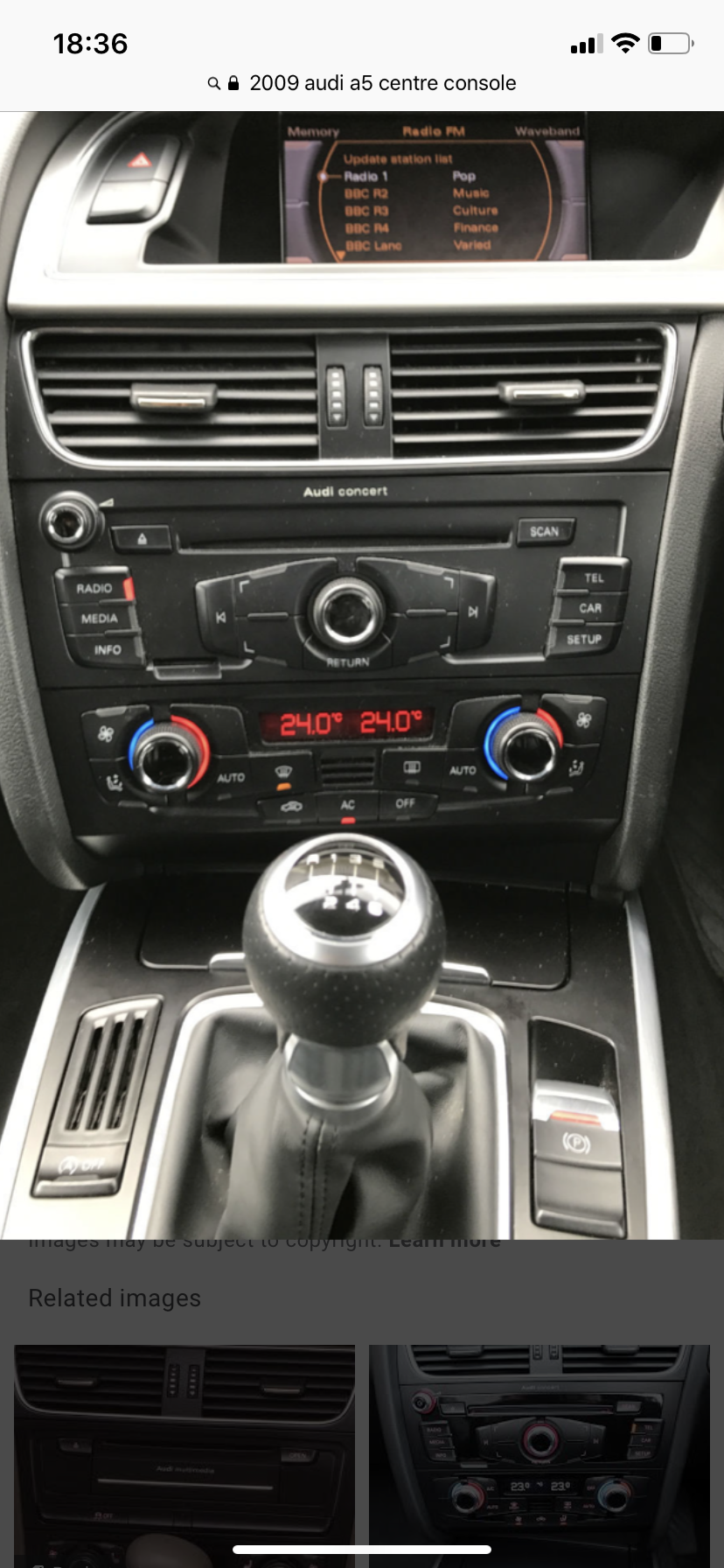
Hi all I’m new to Audi brand .. iv recently purchased a 2009 on plate and 2010 on logbook Audi A5 S-Line 2.0tdi special edition Quattro and the garage Iv bought it from are adamant that it has built in sat nav in it. There is no obvious sat nav button and there is no centre dial below the gear stick basic buttons are radio, media , info , tel, car and setup and then ur esp button n handbrake button near the gear stick.it displays no further settings on the screen but like I sed the garages tech guy is 1000% sure it has.. can some enlighten me to where this is. Iv tried holding the car/setup button for hidden menu and nothing appears . Tia matty