Mick J
Members
-
Joined
-
Last visited
-
Yes Gareth, I wouldn't have chosen them, but they were fitted along with new discs just prior to me buying the car. I am hoping to have the alloys refurbished soon and I will see what the dust level is like on the newly finished wheels. My son runs EBC pads on his RS4 and rates them highly. Regards, Michael
-
Hello Gareth, Thanks. I have bought a genuine Audi oil filter and Quantum 5w 40 fully synthetic, even though the oil has been changed recently. I haven't bought the fuel filter yet so I will be mindful of your advice. The brakes have just been replaced. Not sure what discs but mintex pads. I will look at changing the fluid after winter. Cheers, Michael
-
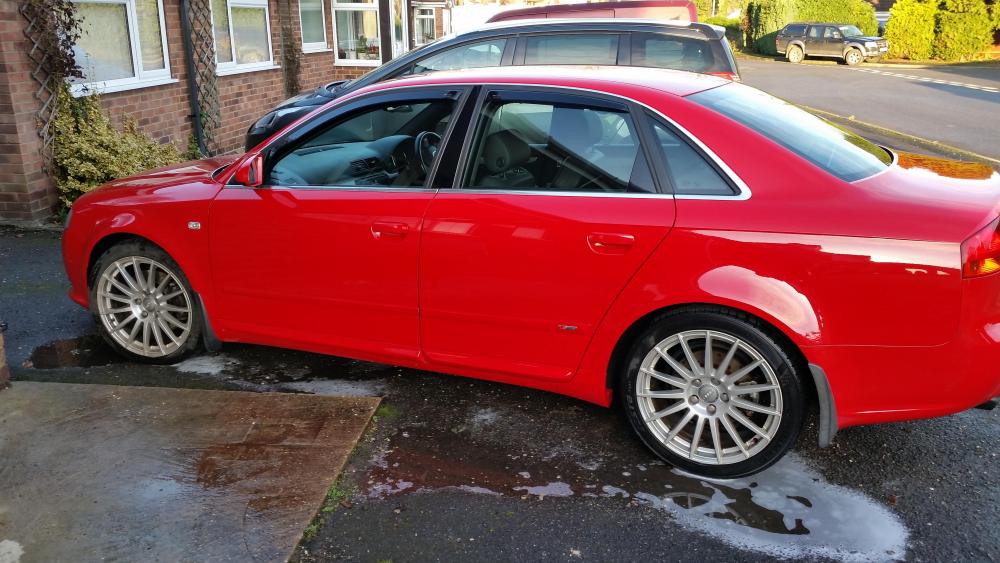
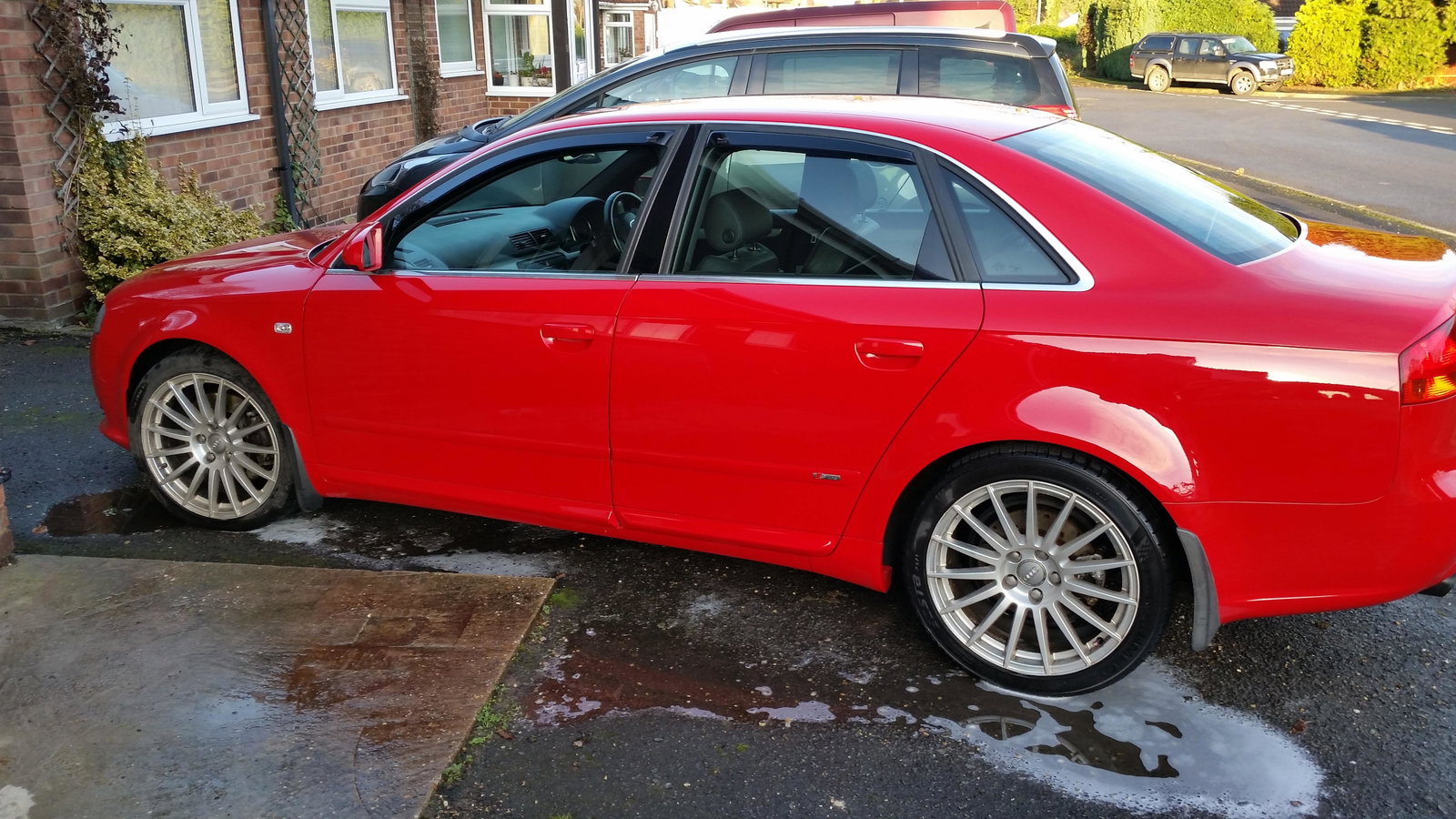
Hi, just joined the forum. I have bought a 2006 A4 2.0 TFSI Quattro. I'm looking to make sure it is as reliable as possible. I am planning on changing the fuel pump cam follower, oil and filter, air filter and fuel filter and plugs. I have already changed the cabin filter. Is there anything else I should be aware of? Also are there any aftermarket stainless exhaust systems available that are well made and not too loud? Thanks Mick