GUY BURDON
Members
-
Joined
-
Last visited
-
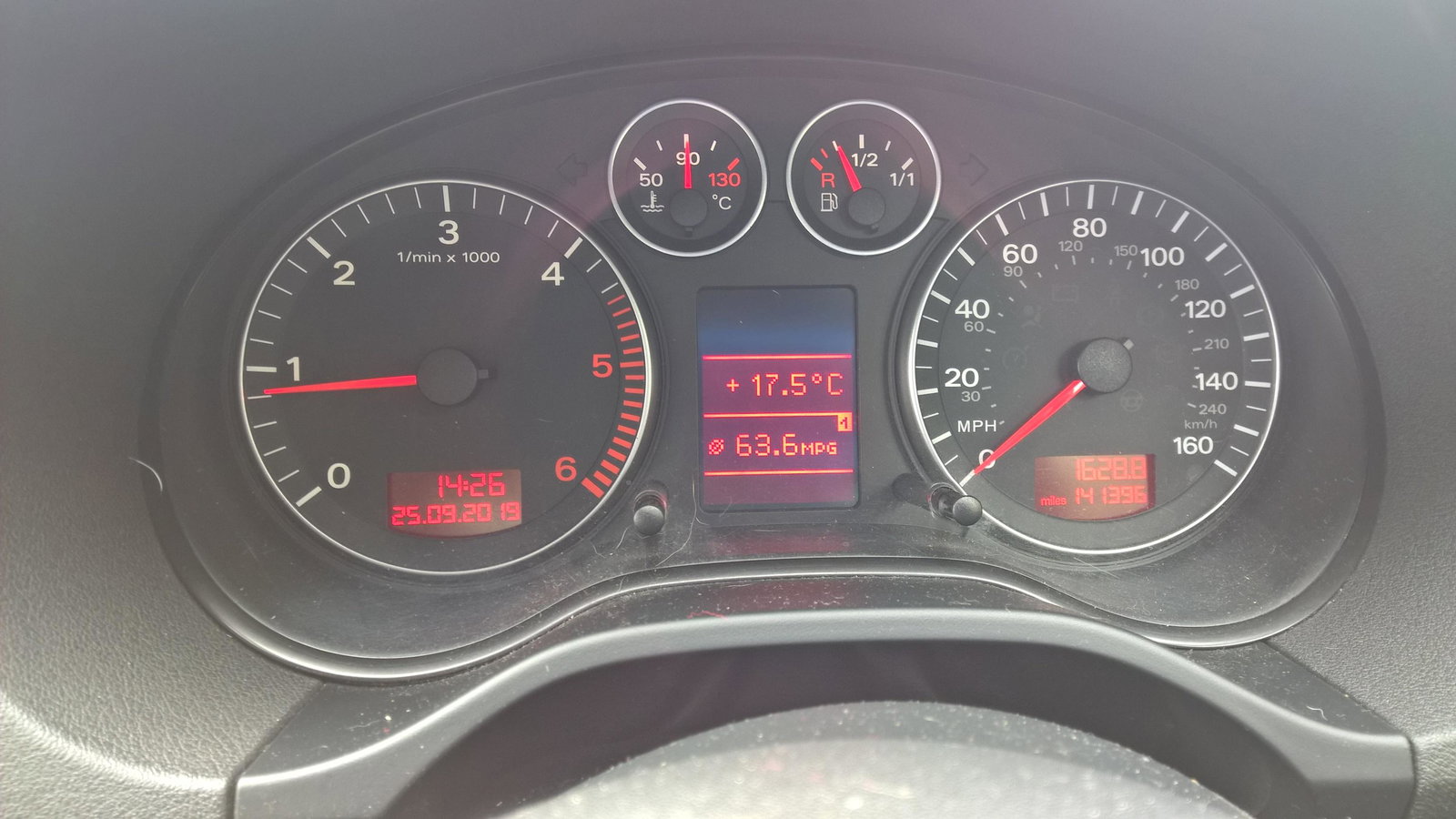
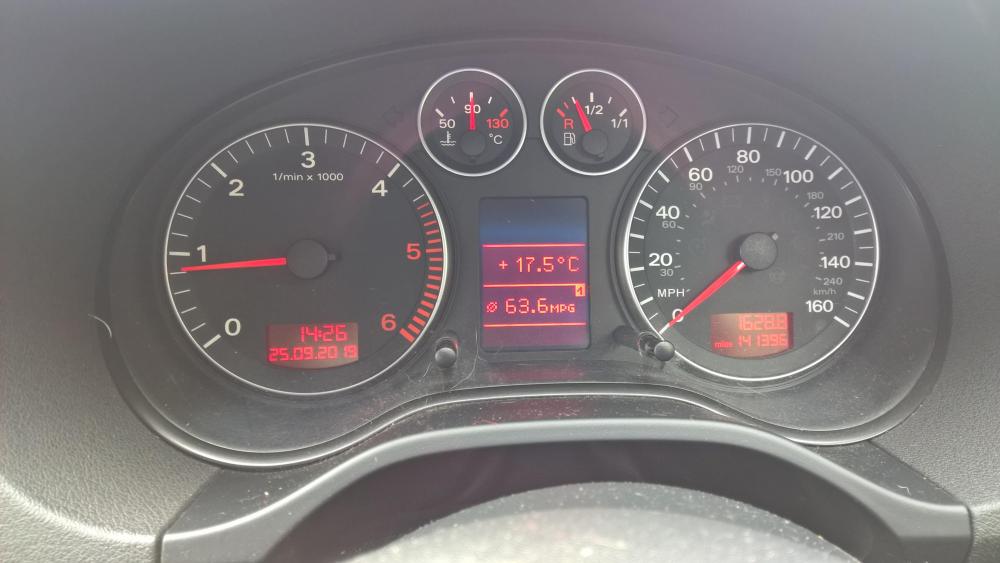
Thanks for replying Trevor. I had the Belts, tensioners , and water pump changed just to be sure last Summer. I will do about 6k a yr as I have some other vehicles also. found my MPG pic. is this average or well good?
-
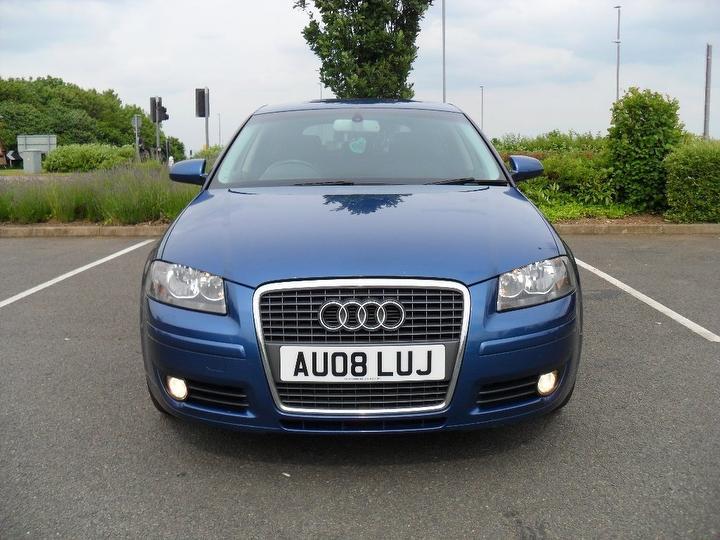
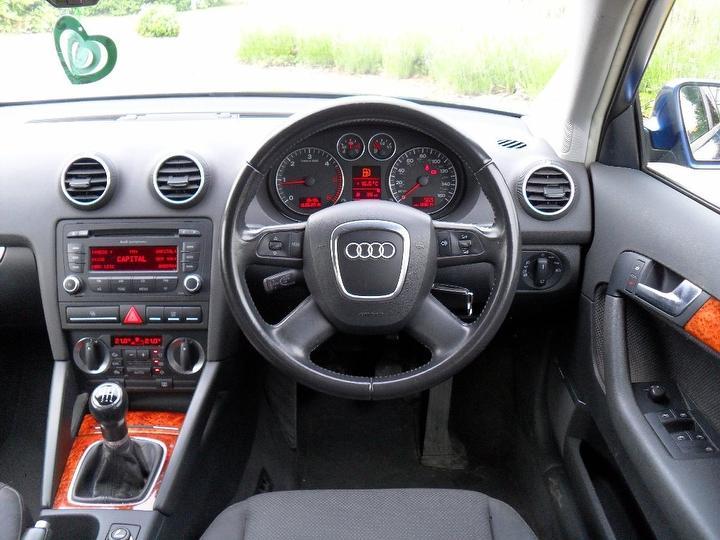
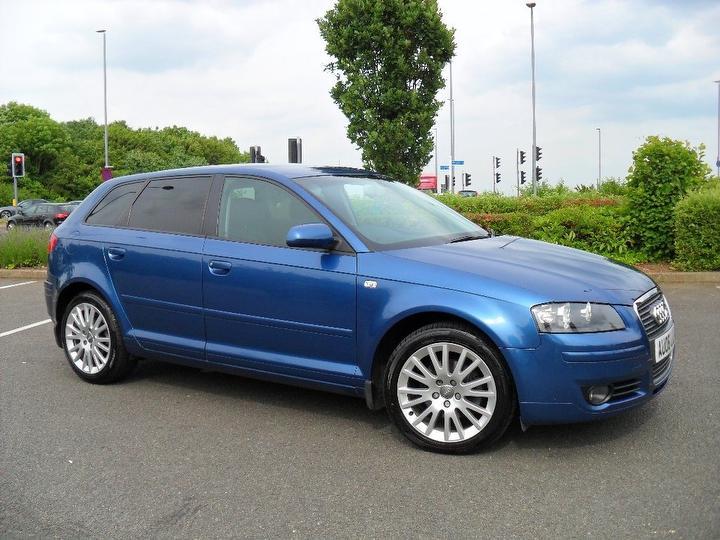
Hi everyone 😀 I am a new member, and thanks for admitting me to the group. I have purchased a yr ago (June 2018) an A3 5dr, 2.0Tdi SE on an April 2008 plate. I gather this is called an 8P (pre-facelift as it doesn`t have LED`s)? I opted for the 6sp manual, with cruise / climate / wood trims/ reversing beeps. I am so amazed at how there is no noises / clunks / rattles from the car even on bumpy roads! and everything feels taught and precise. all my electrics extras work fine, and I am really happy with the car. My wife doesn`t like the central locking having to be pressed more than once to do all drs tho`. on a gentle plod @ 50mph on cruise on A roads, I achieved 63mpg (got a pic of it somewhere?) which I was astounded it had done! My Engine code is BKDC48082 which I believe is a 138bhp? But TUNIT Performance say it is logged at 178BHP on their data base and DVLA? How can I tell which it is? is it 16v or 8v engine? any advice on this engine thing is greatly received 🙂 I would def get another one next time around as after a yr of this one I`m well hooked on Audis 🙂