imranlaa
Members
-
Joined
-
Last visited
Everything posted by imranlaa
-
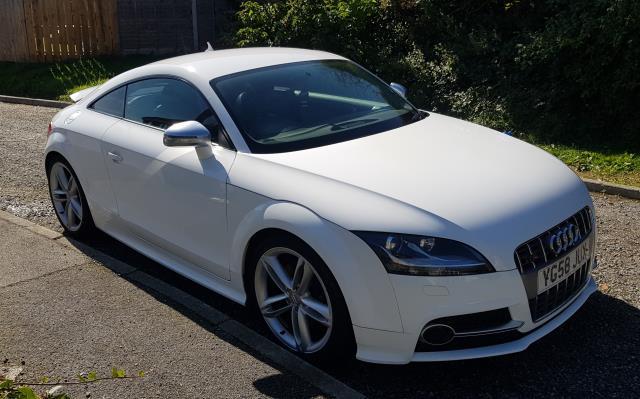
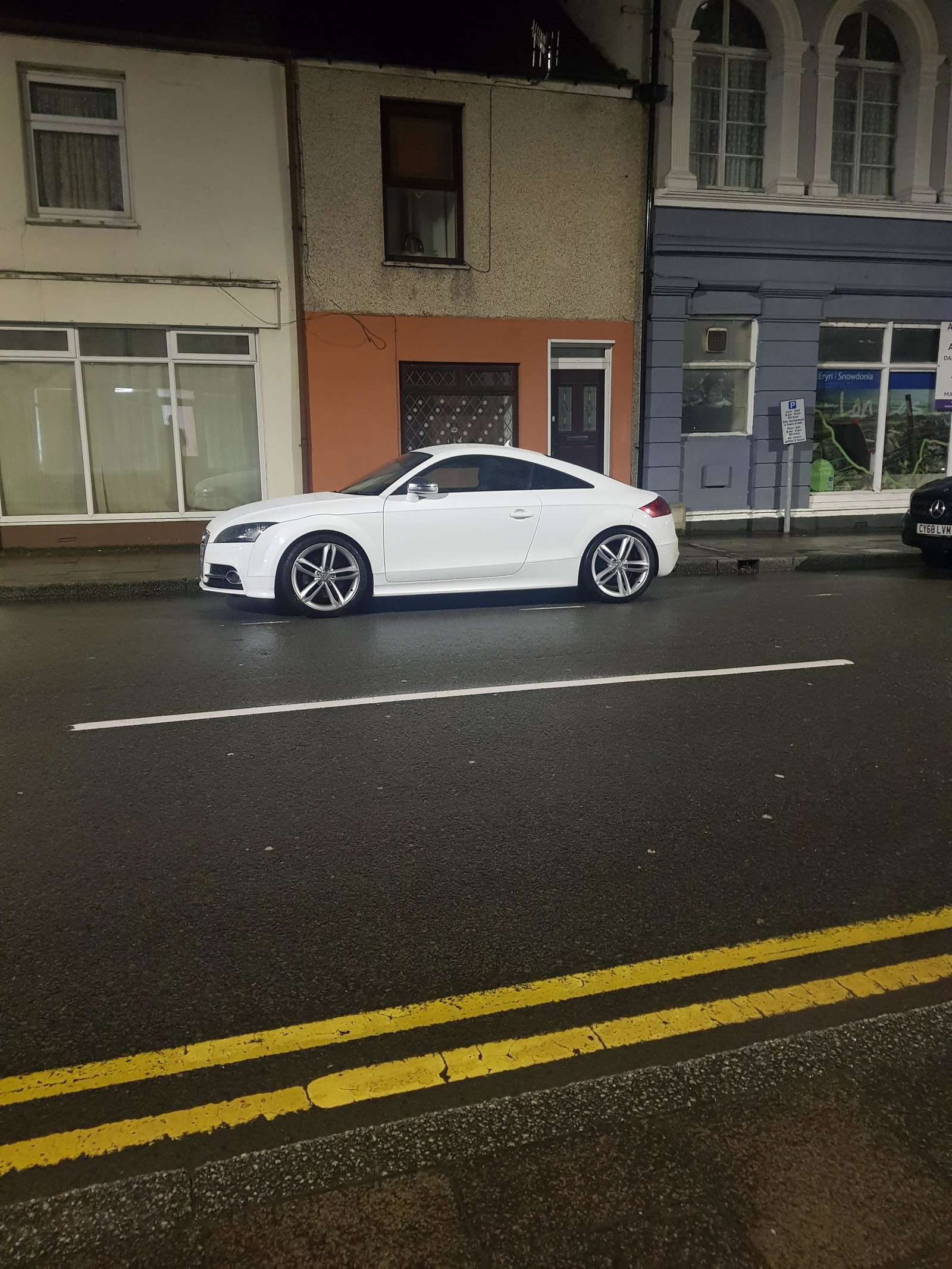
Good morning! i currently own a mk2 audi tts running 380bhp, last week i noticed every time i put my foot down the front wheels were allways spinning, i took the car to the garage and they serviced the haldex and changed the propshaft coupling, this fixed the problem. A week later the problem has came back! front wheels keep spinning in 1st 2nd and 3rd. the haldex pump got replaced 2 years ago also. can anyone point me in the right direction? thankyou!
-
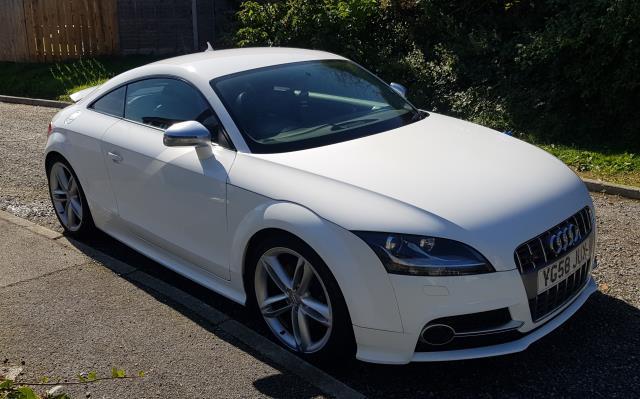
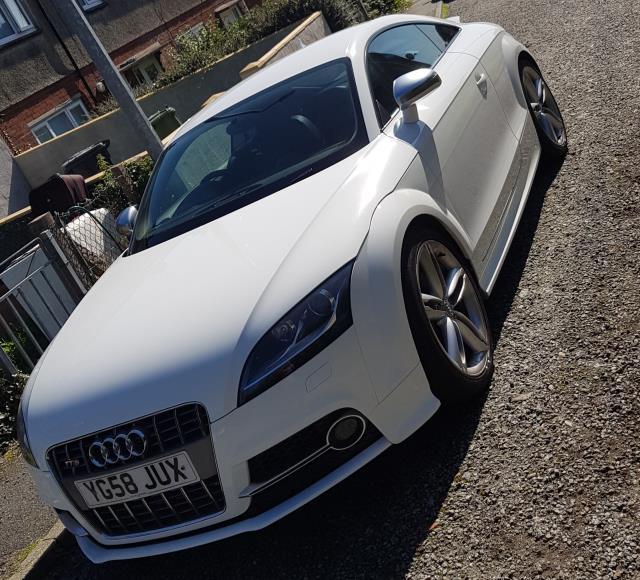
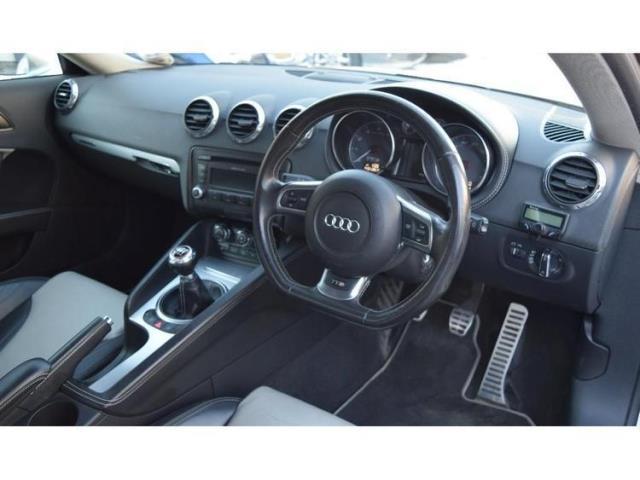
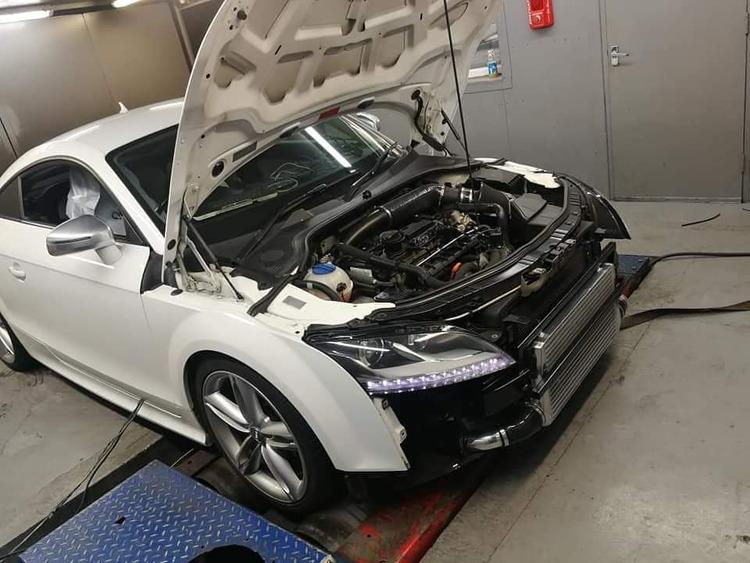
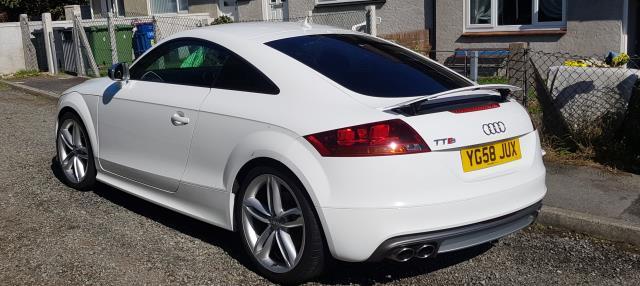
58 Plate Audi TTS 2.0 TFSI Quattro 82k. Full service history, clean example. Its 2.0 Petrol Engine with a r-rech stage 2 plus Produces 370BHP And Matched With Its 6 Speed Manual Gearbox And Legendary Quattro All Wheel Drive System Makes For A Superb Drive. 3.5 inch trackslag downpipe ram air intake wellycooler intercooler vis hpfp rs4 valve runner flap delete powerflex lower engine mount millers nanodrive 5w30 oil injector and valve clean uprated helix clutch kit from aks tuning. timing belt,water pump and thermostat changed. new top mounts, droplinks, oil pickup pipe, pcv valve, subframe bolts and propshaft coupling recently replaced. just had the haldex service done 18/12/19. Excellent Spec Includes, Magnetic Ride Suspension, Heated Seats, Alloy Wheels (19In), Xenon Lights, Leather Interior, Radio, CD Player, Aux Input, Digital Climate Control, Sports Suspension, Electric Windows, Electric heated Door Mirrors, Multi Function Steering Wheel, Alarm, Immobiliser, Remote central locking , parrot handsfree kit. £8995
-
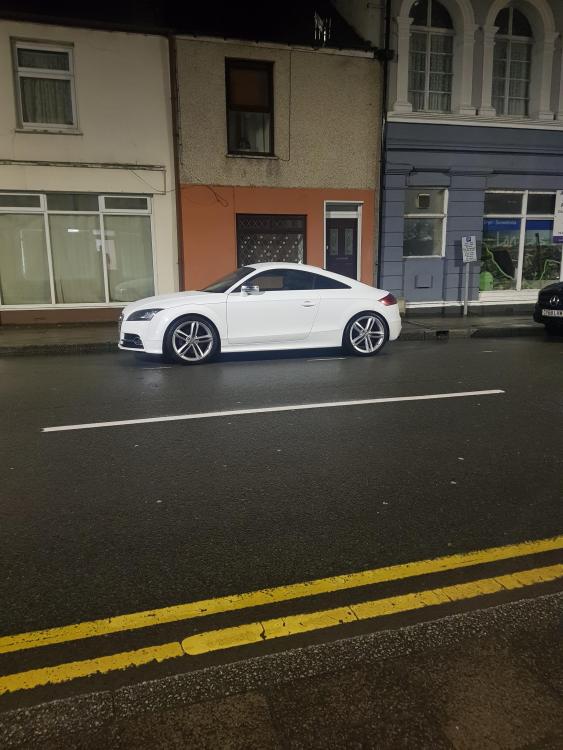
Hey everyone! Im new to this site here is my stage 2+ TTS running 370bhp