Kineticconsular
Members
-
Joined
-
Last visited
-
Hi Forum, I have a 2012 Audi A3 which I'm looking to upgrade my Brakes Front and Rear Discs but I'm looking for Drilled/Slotted discs I'm just uncertain of the specifications, I;e diameter of disks Does anyone know a store where I could purchase some good quality ones with potentially some steel braided lines. Thanks In advance
-
Nope, filled up and its still there,
-
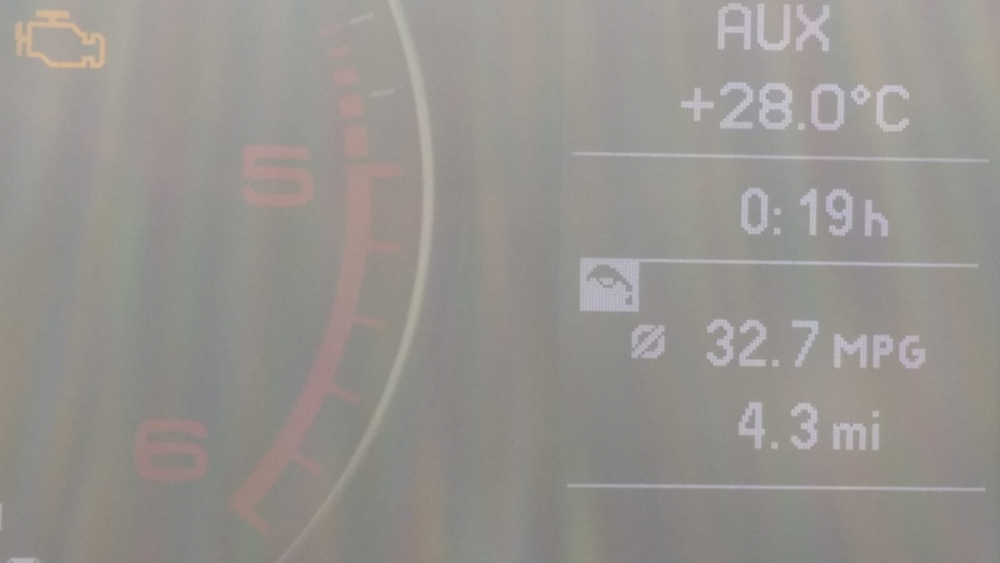
the black and white symbol oil can , I've looked in my manual but can't find out what its for, any ideas. thanks.,
-
I have a local V-a-g group specialist who has quoted me roughly £550 to have the belt and water pump done, i will make a note of the parts you've recommended to me, is that a good price ? I'm guessing Audi would charge me a hella lot more. thanks for the help, my small knowledge of cars and reality is starting to show 😕
-
I've been able to call all the garages that have serviced the car, i've checked since 60k, and all have said they've no records of it being done,
-
Thanks for the reply, looking over my Audi service schedule booklet, it actually says it recommends all Audi toothed belts, be replaced at 115k. anyway, i'll have the car booked in immediately
-
I have recently bought my (61} audi A3 black edition s line 2.0 TDI as my first car, upon the service history it looks as though it hasn't been done with 90k on the clock , what is the recommended amount of miles it should be done, thanks.