S4VBK
Members
-
Joined
-
Last visited
-
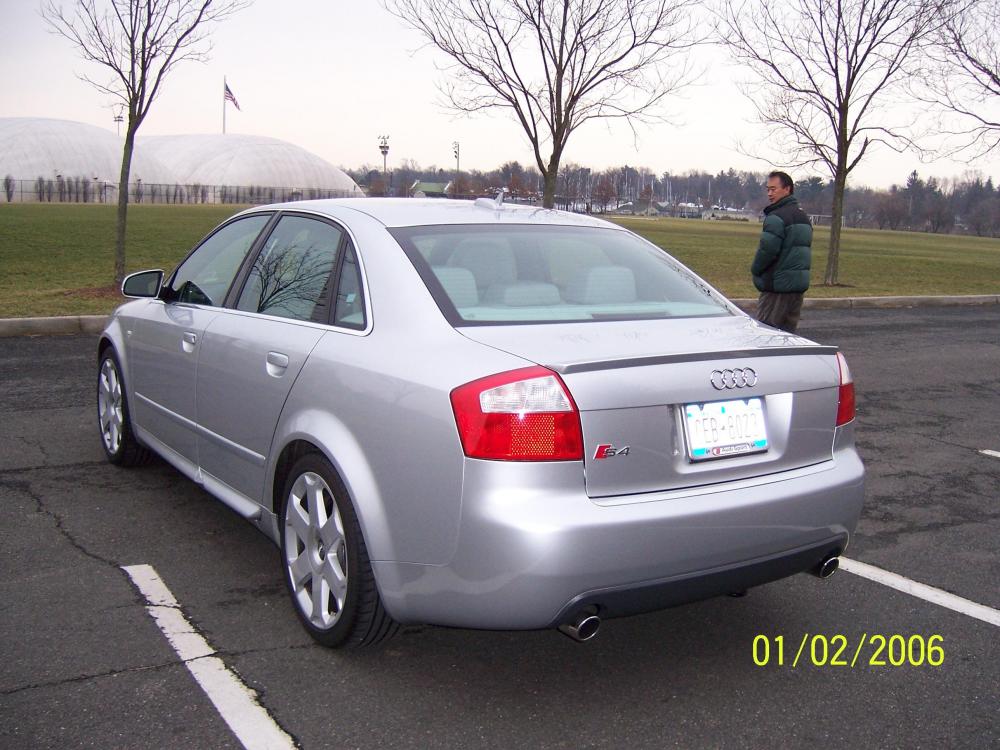
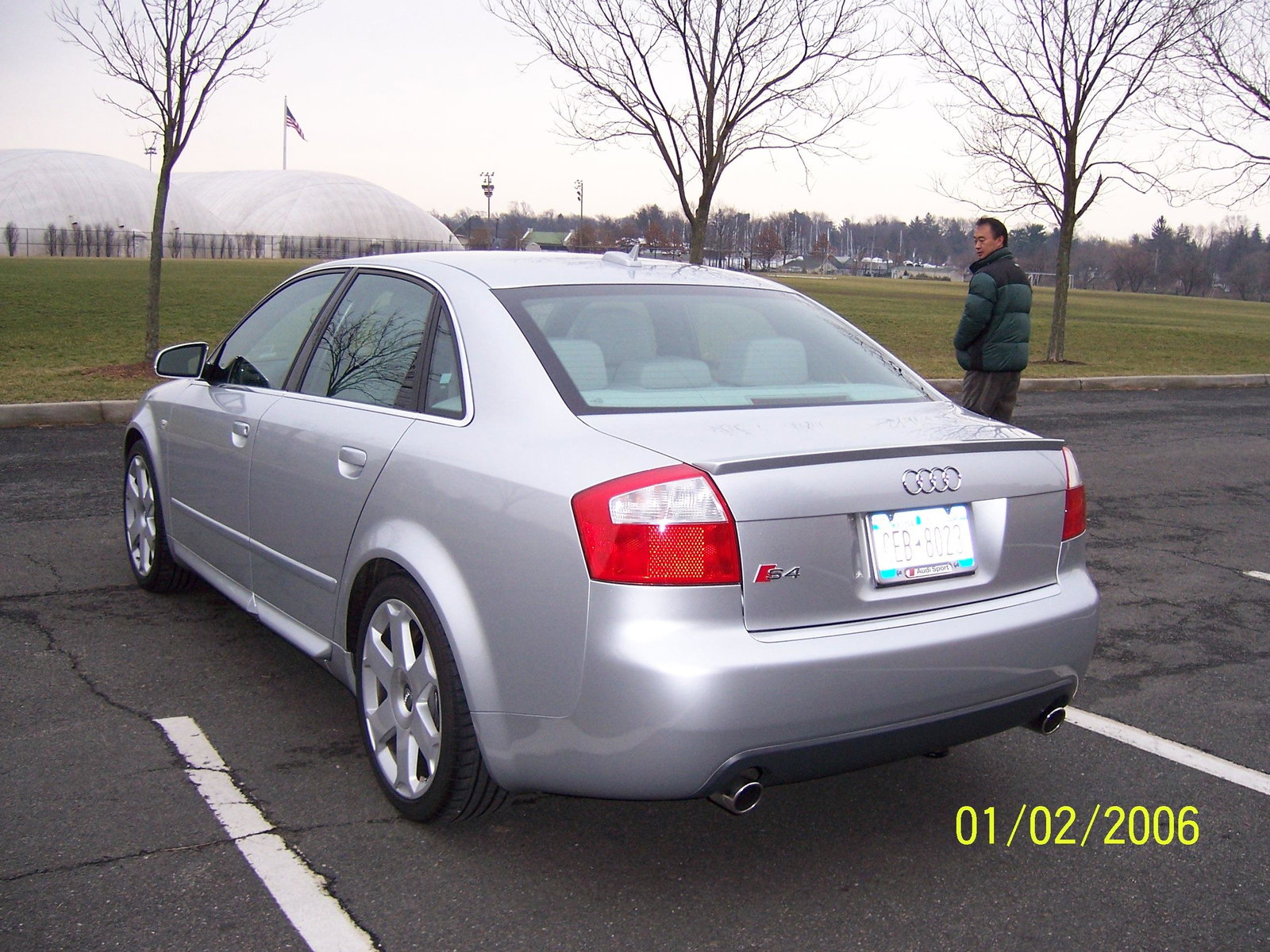
Hi, Just want to let the forum know that I am finally letting go my beloved Audi S4 (B6) from New York, USA. The car has been to Niagara falls (twice), Washington D.C., Atlanta, Georgia - just to name a few places! More info. on the car: The car was purchased in the summer of 2005, from an Audi dealership in New Jersey (next to New York - but registered in New York, where I worked at the time), as a Audi Certified vehicle (same as Audi Approved in the UK) with a four year warranty and only 1991 miles on the clock. It currently has 101K miles (91K in USA, where it has a full Audi Service history). The car's specs are slide/tilt sunroof, 6 CD changer, heated seats, folding heated dimmed mirrors, 6-speed manual. I imported the vehicle when I returned to the UK in late 2011, then registered on the road in summer 2017. Car is currently taxed and MOT, and used as a ’weekend’ car only. My 'daily' is an another Audi. Open to offers (07532681107) [email protected].