Skip to content
View in the app

A better way to browse. Learn more.

Audi Owners Club (UK)

A full-screen app on your home screen with push notifications, badges and more.

To install this app on iOS and iPadOS
  1. Tap the Share icon in Safari
  2. Scroll the menu and tap Add to Home Screen.
  3. Tap Add in the top-right corner.
To install this app on Android
  1. Tap the 3-dot menu (⋮) in the top-right corner of the browser.
  2. Tap Add to Home screen or Install app.
  3. Confirm by tapping Install.

Maztom83

Members
  • Joined

  • Last visited

Everything posted by Maztom83

  1. Thanks Steve, yeah it seems like a good one, I paid £1900 for it last week, it's got a fsh, it got a full mot (independent garage) the morning of delivery and it's done just under 85k miles, its booked in for a full service plus transmission fluid change next month so I think I got a good deal
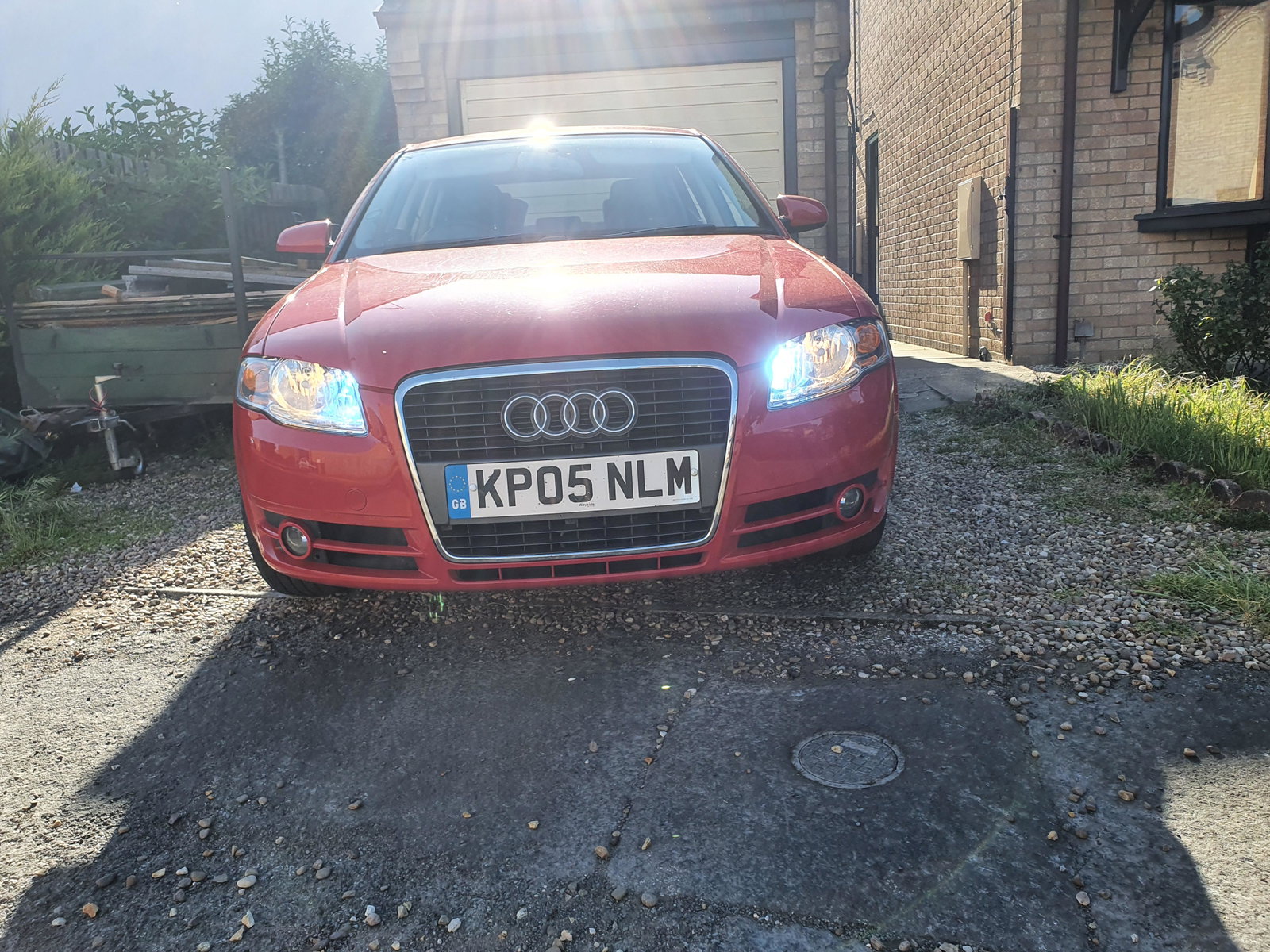
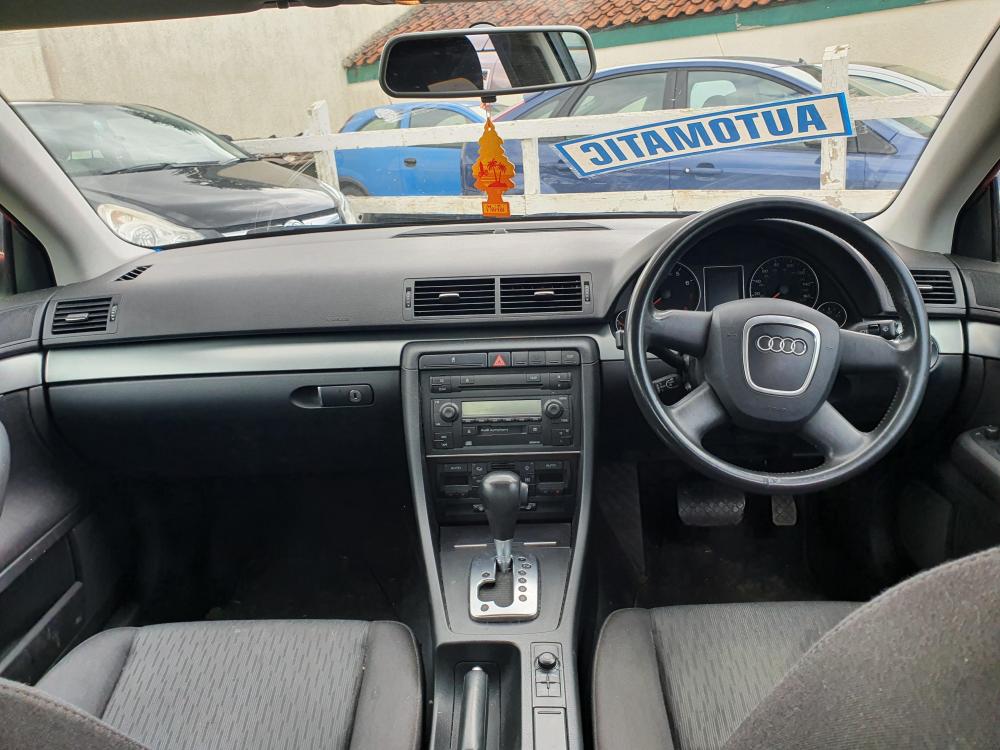
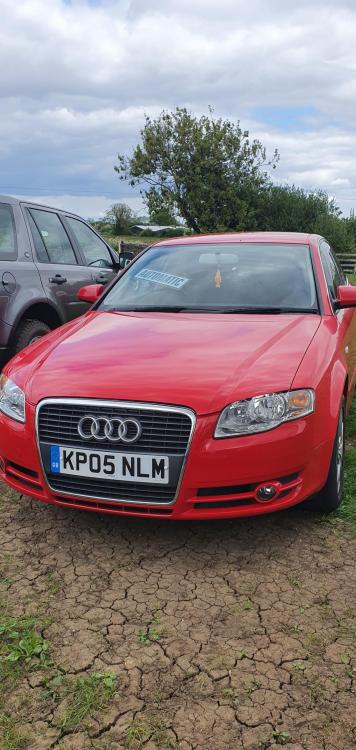
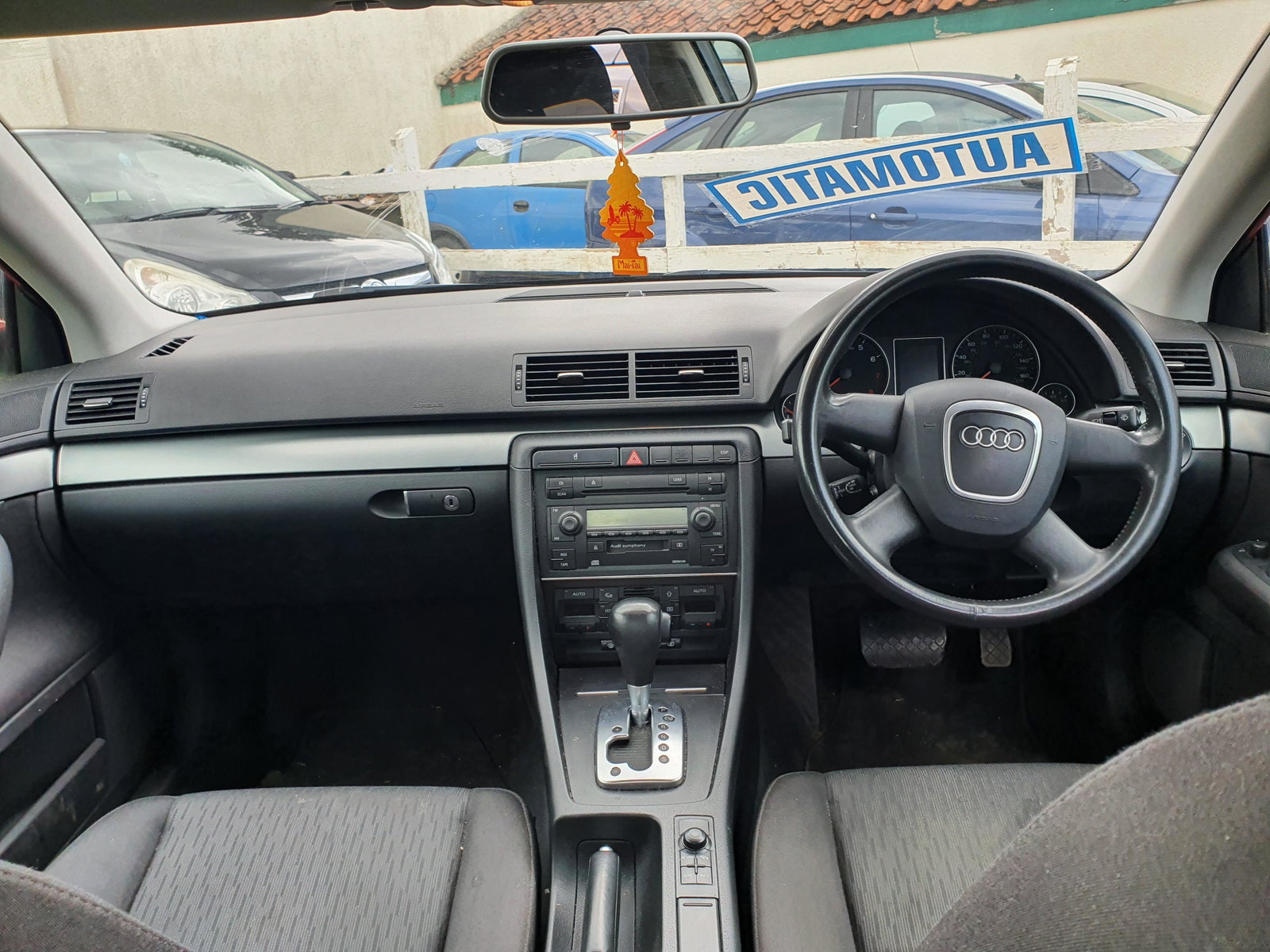
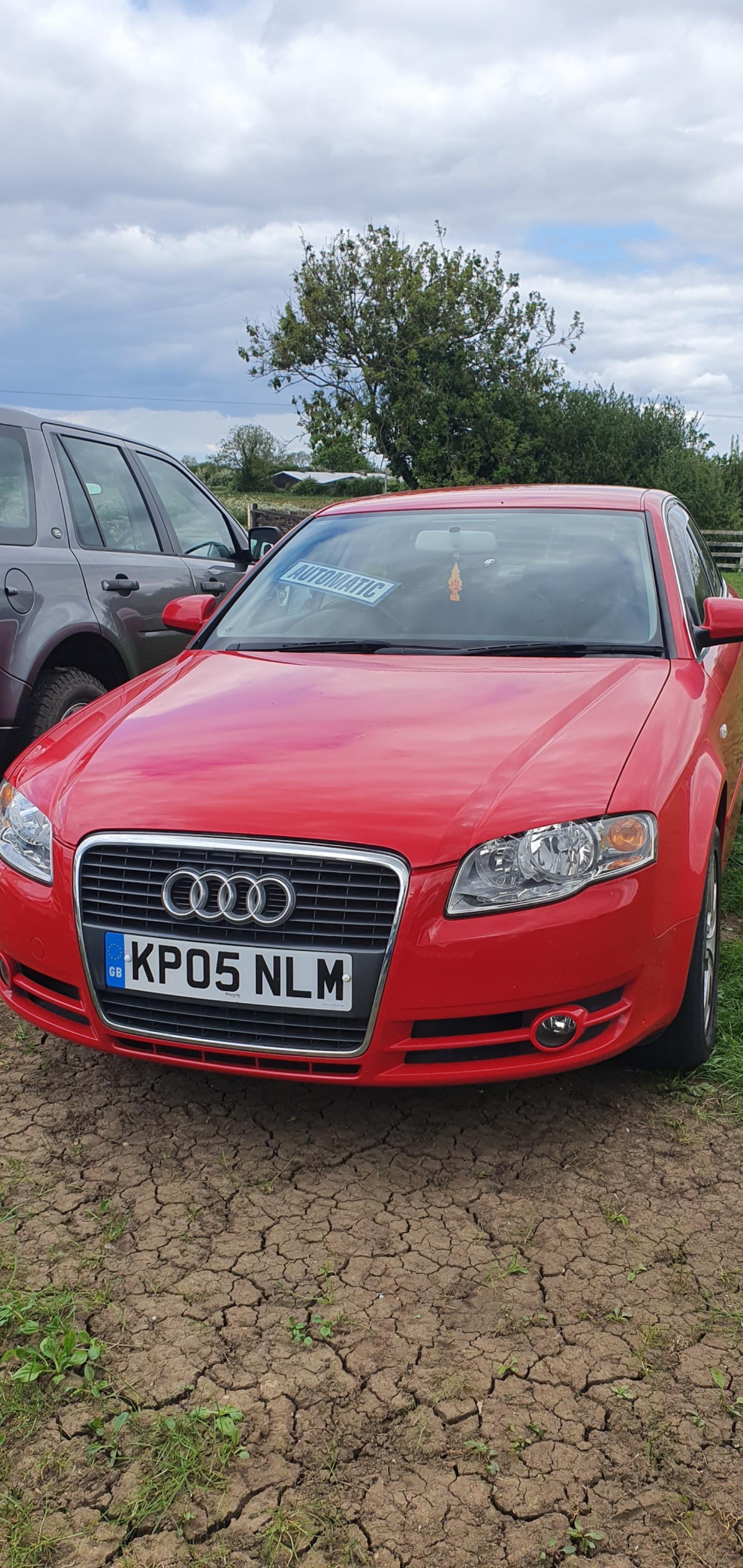
  2. Hey guys, I'm new to owning Audi's, I've recently bought my first one. I wont be doing any crazy mods as this is primarily a family car but I want it to look nice and be more up to date. I will be doing most things myself and I will be getting a remap. All I have done Up to now is fit a hid headlight conversion unit, I have ordered some new sidelight bulbs and some drl's. Red 2005 a4 B7 Saloon, 2.0 tsfi
Background Picker
Customize Layout

Account

Navigation

Search

Search

Configure browser push notifications

Chrome (Android)
  1. Tap the lock icon next to the address bar.
  2. Tap Permissions → Notifications.
  3. Adjust your preference.
Chrome (Desktop)
  1. Click the padlock icon in the address bar.
  2. Select Site settings.
  3. Find Notifications and adjust your preference.