




Skip to content
View in the app

A better way to browse. Learn more.

Audi Owners Club (UK)

A full-screen app on your home screen with push notifications, badges and more.

To install this app on iOS and iPadOS
  1. Tap the Share icon in Safari
  2. Scroll the menu and tap Add to Home Screen.
  3. Tap Add in the top-right corner.
To install this app on Android
  1. Tap the 3-dot menu (⋮) in the top-right corner of the browser.
  2. Tap Add to Home screen or Install app.
  3. Confirm by tapping Install.


Alf123c

Members
  • Joined

  • Last visited

  1. Hey everyone, I’m considering buying a 2011 Audi C6 A6 with the 2.0 TDI 170 PS (168hp) engine from a friend. It has high mileage, but I know it has been well looked after with regular maintenance. Before pulling the trigger, I wanted to check if anyone knows the engine code for this model and what potential issues I should be aware of at higher mileages. I’ve heard these engines can be pretty reliable if maintained properly, but are there any common failures or major repairs I should be budgeting for? Any advice or personal experiences would be greatly appreciated! Thanks in advance.
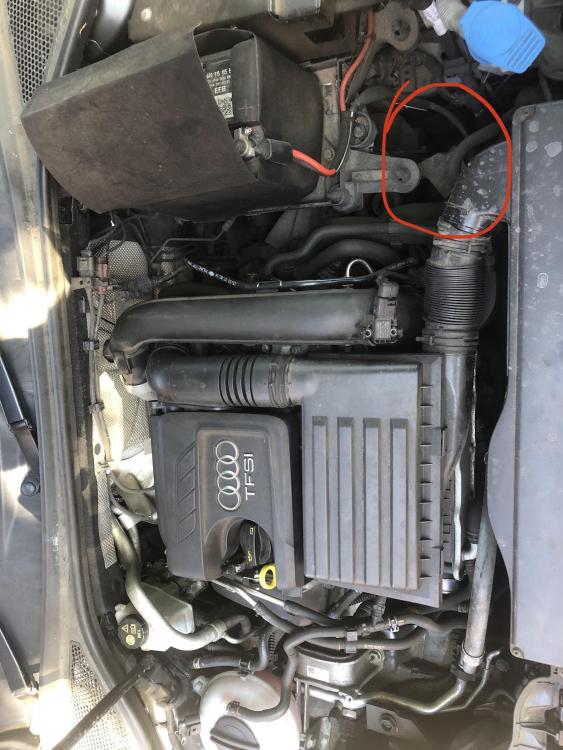
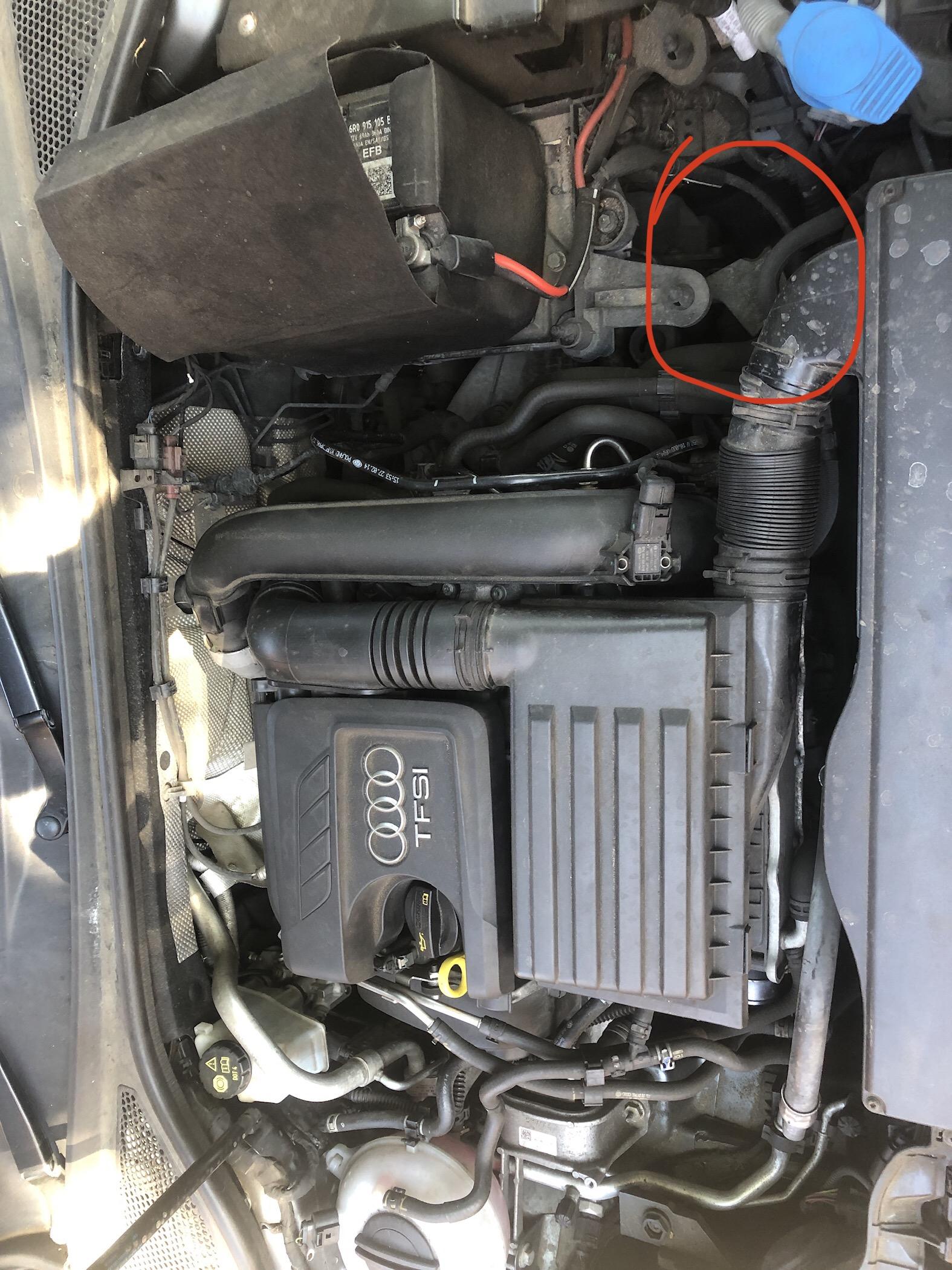
  2. Can anyone tell me what this does out of pure curiosity it’s a lever near the right side of the radiator.


Background Picker
Customize Layout

Account

Navigation

Search

Search

Configure browser push notifications

Chrome (Android)
  1. Tap the lock icon next to the address bar.
  2. Tap Permissions → Notifications.
  3. Adjust your preference.
Chrome (Desktop)
  1. Click the padlock icon in the address bar.
  2. Select Site settings.
  3. Find Notifications and adjust your preference.