Kwok
Members
-
Joined
-
Last visited
Everything posted by Kwok
-
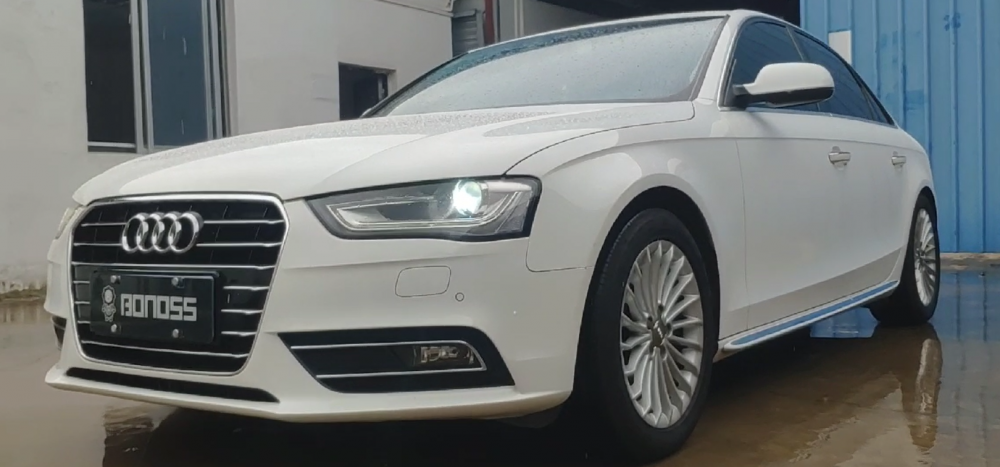
This is my Audi.
-
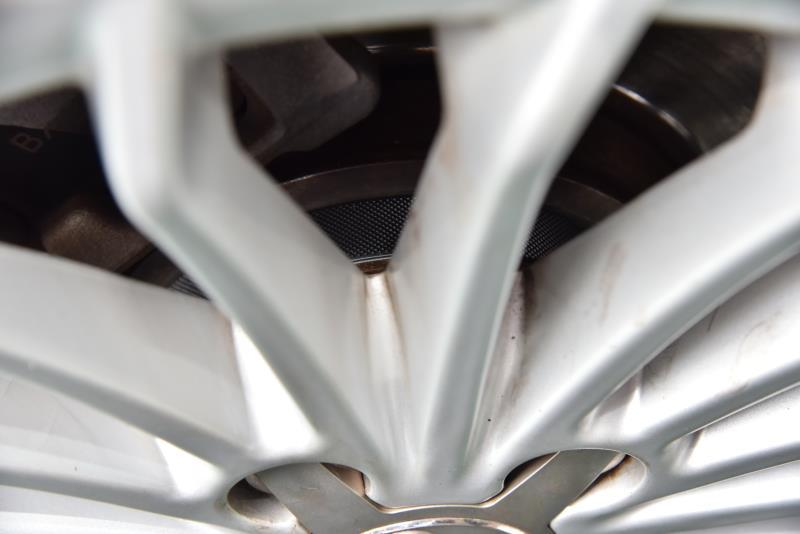
After modification of the wheel hub. The thickness of the mounting screw is different. With the thickness just away from the brake disc. Thickened shims also serve this purpose. There is also to make the hub protrude from the width of the car. Increase the width of the car to increase the stability of the steering. Not easy to roll over. It cannot solve the problem of skidding. Just like the difference between a van and a car. Van. The body is tall. The width of the tires on both sides is small. Turning fast will turn over. If you widen it, it won't. In fact, adding a gasket does not affect safety. Mainly your screw. The quality is better. Mainly depends on the quality of your modified screw. So it is very important to use good quality screws.
-
This video maybe could help you. https://www.youtube.com/channel/UCFUrG02LARjmcRwMApiWnNQ
-
-
-
That is a good idea, because I also installed.😋
-
-
-
Wheel spacers can increase the distance between cars, balance the center of gravity of the car, reduce the deformation of the body, increase the stability and improve the resistance and other functions . It can effectively solve the problems of automobile speeding, body floating and tightness when cornering.