Skip to content
View in the app

A better way to browse. Learn more.

Audi Owners Club (UK)

A full-screen app on your home screen with push notifications, badges and more.

To install this app on iOS and iPadOS
  1. Tap the Share icon in Safari
  2. Scroll the menu and tap Add to Home Screen.
  3. Tap Add in the top-right corner.
To install this app on Android
  1. Tap the 3-dot menu (โ‹ฎ) in the top-right corner of the browser.
  2. Tap Add to Home screen or Install app.
  3. Confirm by tapping Install.


Hillidge

Members
  • Joined

  • Last visited

  1. Hillidge replied to Hillidge's topic in Audi TT Club
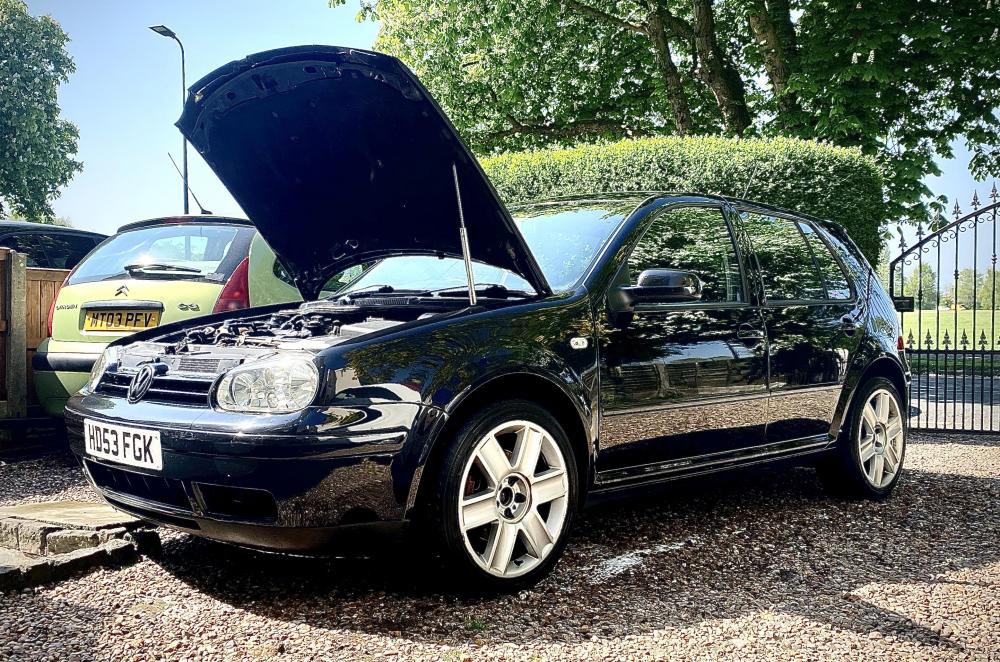
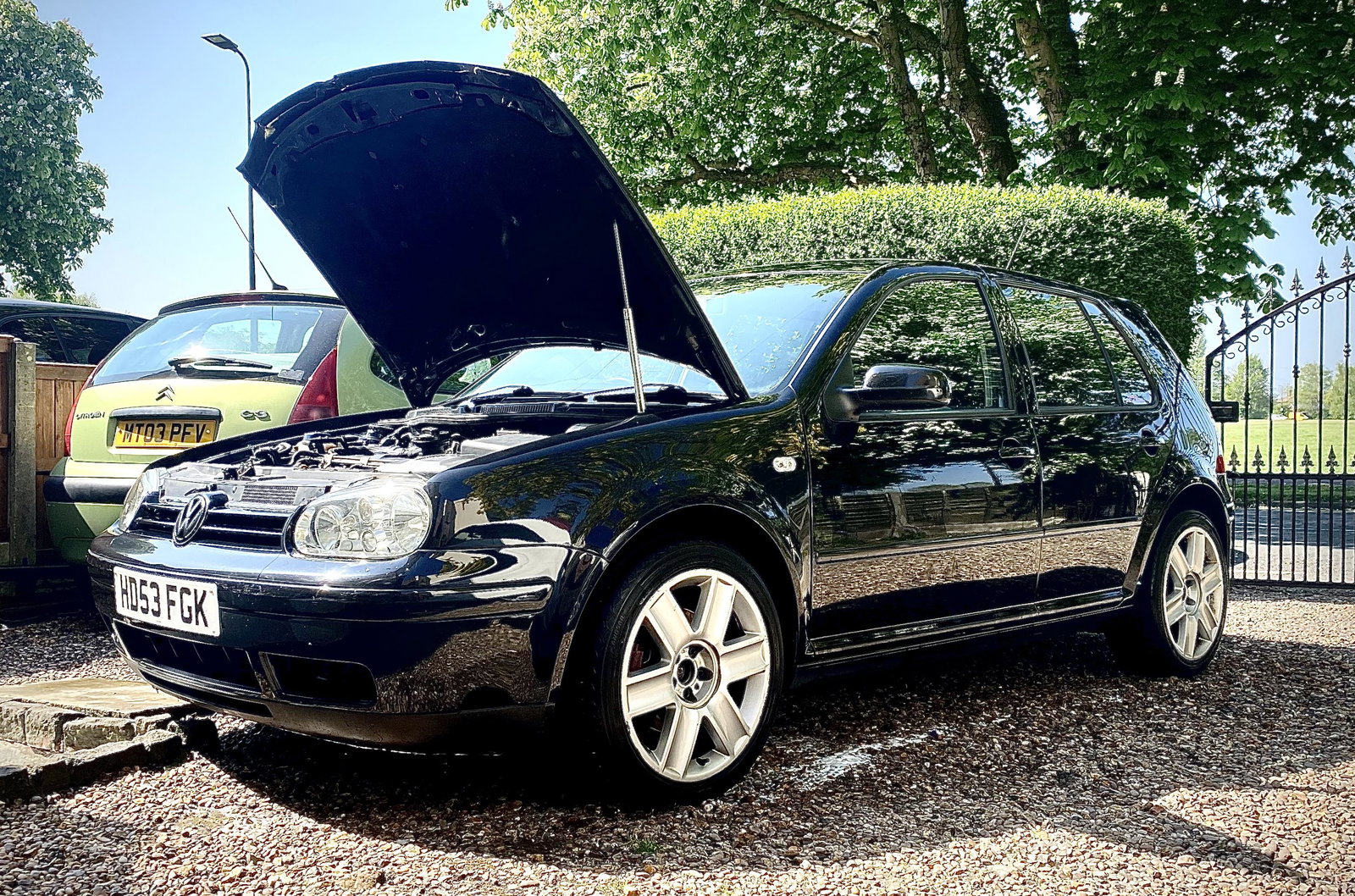
    Thanks for the info ๐Ÿ˜ Thanks itโ€™s getting there now, it was abit of a dog when I bought it. Itโ€™s a gttdi pd130 and has 222,300 on the clock but still runs like a dream ๐Ÿ˜
  2. Hillidge replied to Hillidge's topic in Audi TT Club
    Cheers Steve massive help ๐Ÿ‘๐Ÿป Do you know roughly what they are worth as they only seem to sell them abroad ๐Ÿ˜‚
  3. Hillidge joined the community
  4. Hillidge posted a topic in Audi TT Club
    I have these alloys on my golf which I am told are from a TT, I canโ€™t find them anywhere and was wondering if anyone can give me some information on them ๐Ÿ˜


Background Picker
Customize Layout

Account

Navigation

Search

Search

Configure browser push notifications

Chrome (Android)
  1. Tap the lock icon next to the address bar.
  2. Tap Permissions โ†’ Notifications.
  3. Adjust your preference.
Chrome (Desktop)
  1. Click the padlock icon in the address bar.
  2. Select Site settings.
  3. Find Notifications and adjust your preference.