Skip to content
View in the app

A better way to browse. Learn more.

Audi Owners Club (UK)

A full-screen app on your home screen with push notifications, badges and more.

To install this app on iOS and iPadOS
  1. Tap the Share icon in Safari
  2. Scroll the menu and tap Add to Home Screen.
  3. Tap Add in the top-right corner.
To install this app on Android
  1. Tap the 3-dot menu (⋮) in the top-right corner of the browser.
  2. Tap Add to Home screen or Install app.
  3. Confirm by tapping Install.


Slate

Members
  • Joined

  • Last visited

Everything posted by Slate

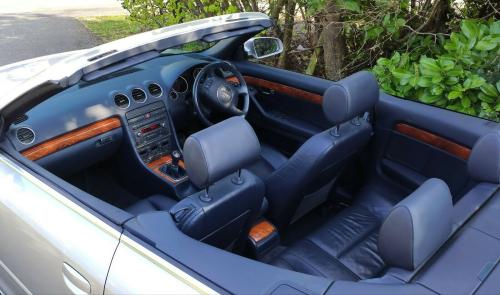
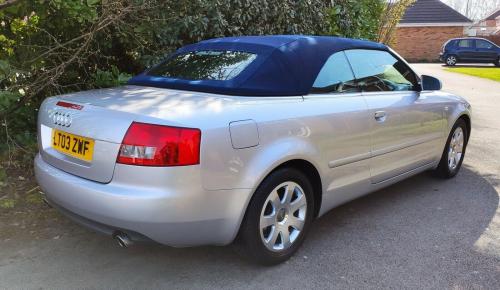
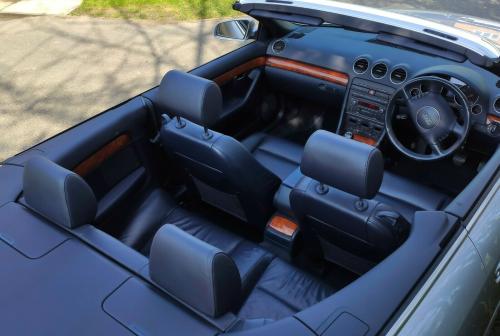
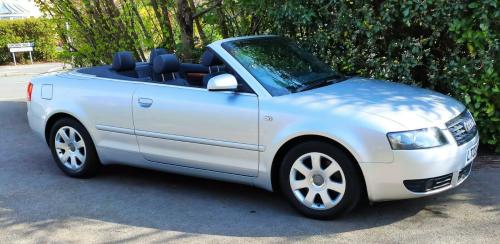
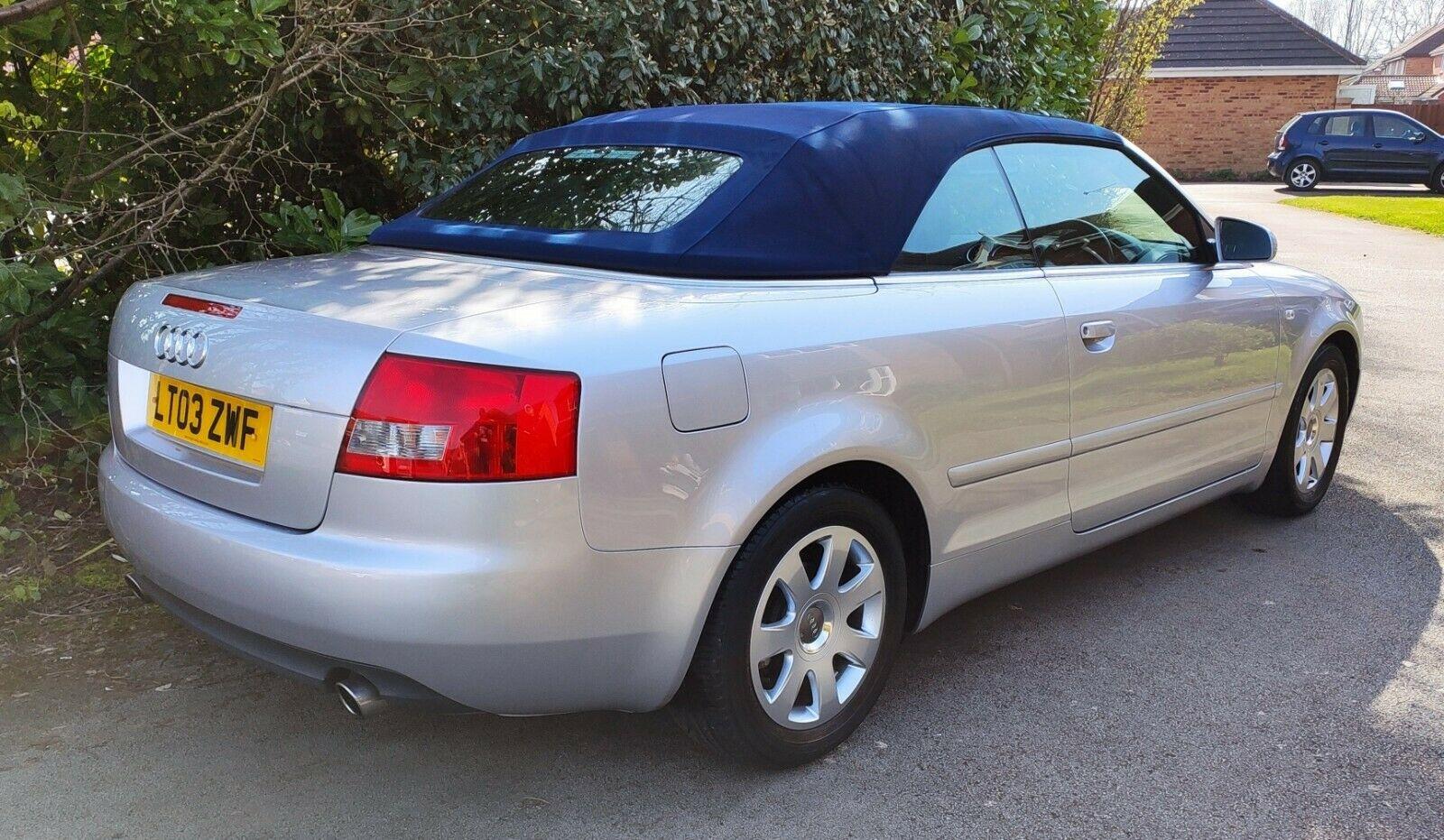
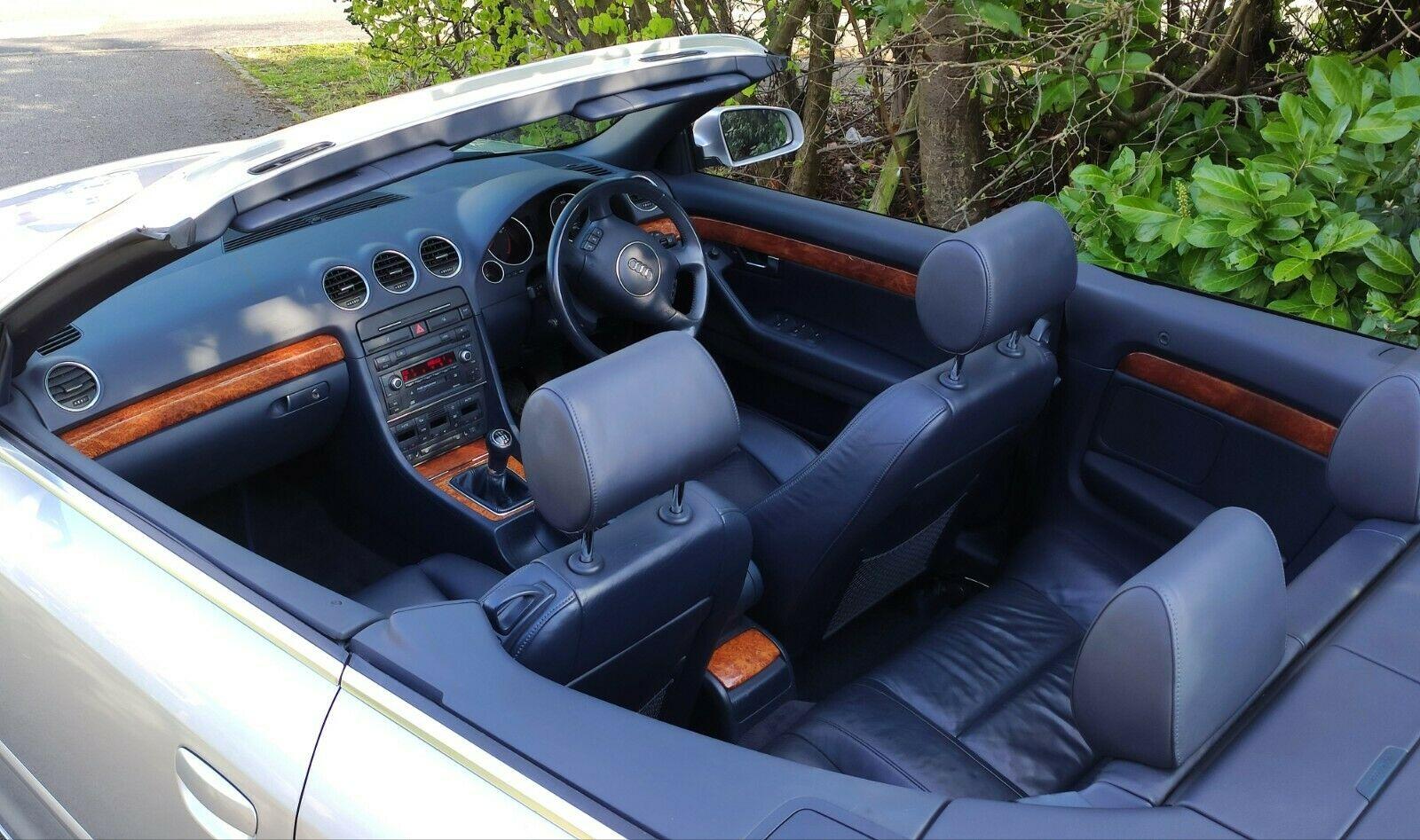
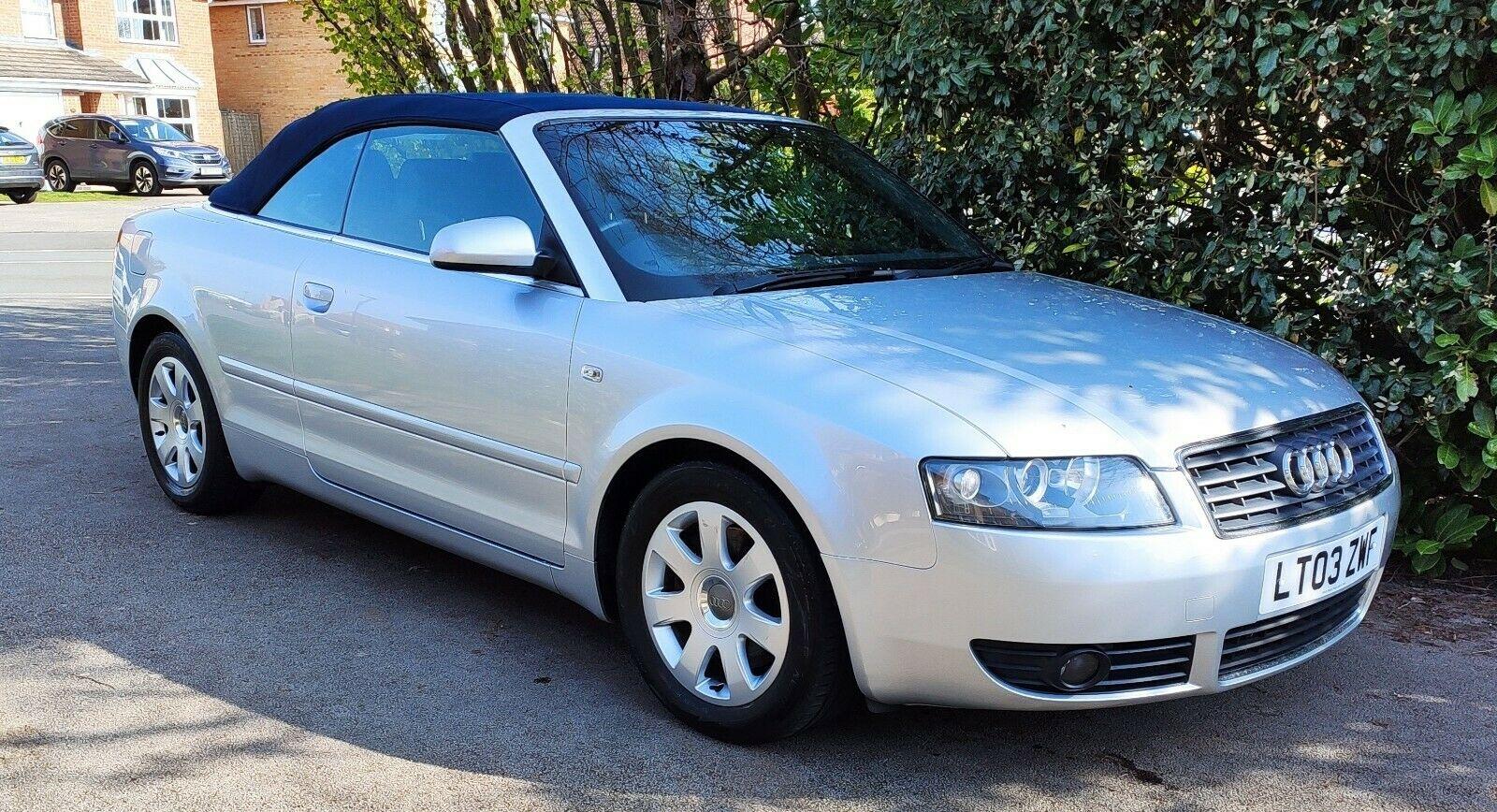
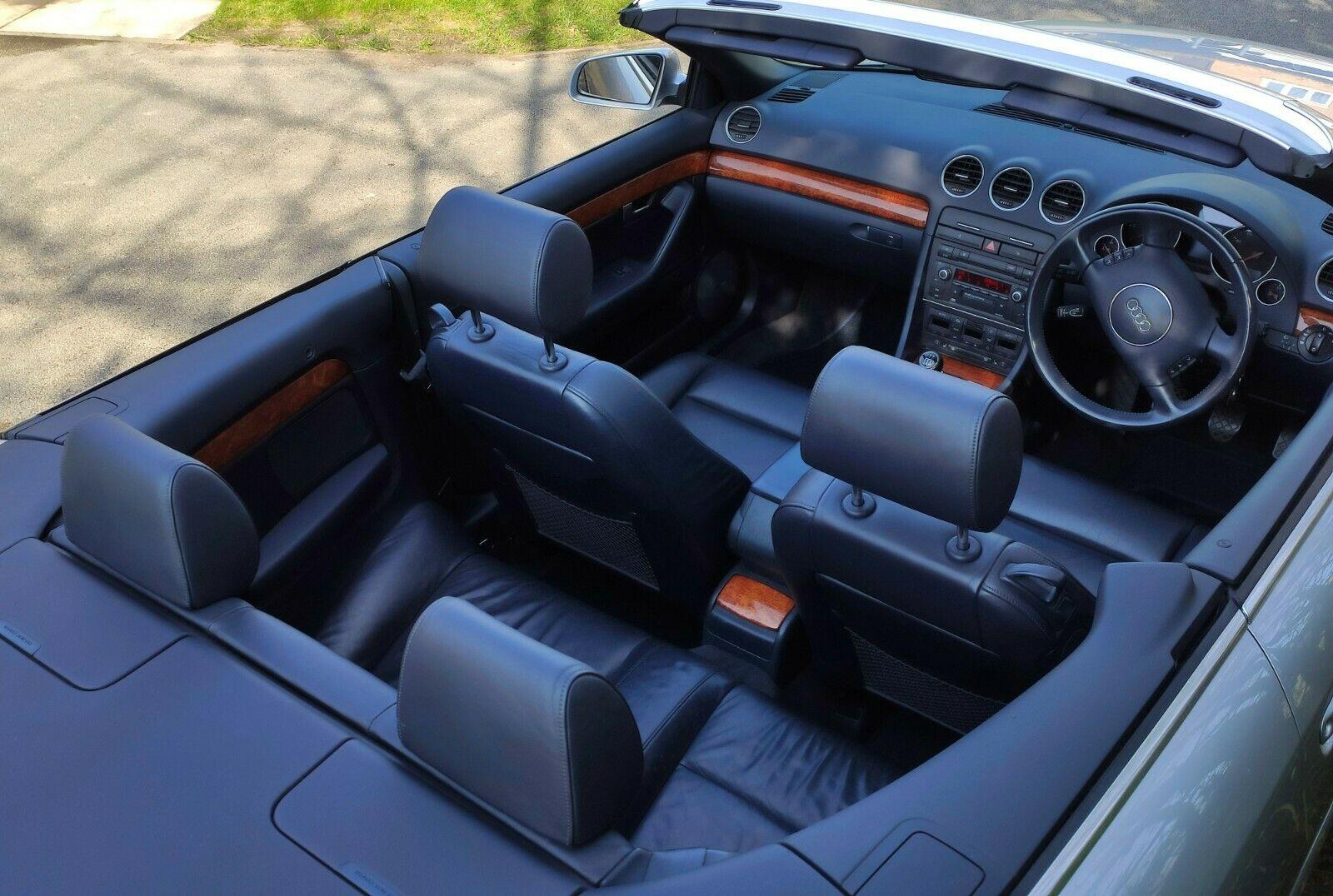
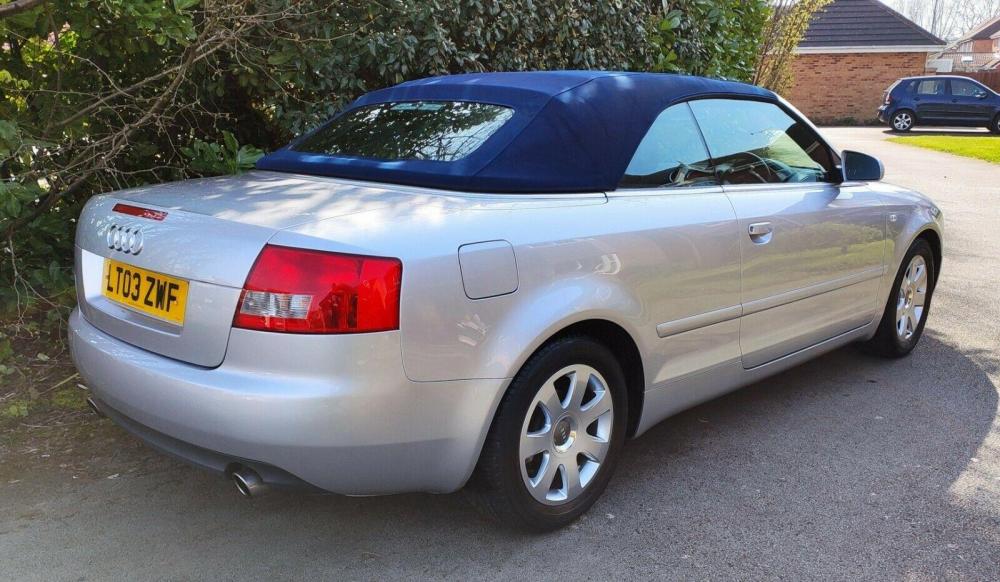
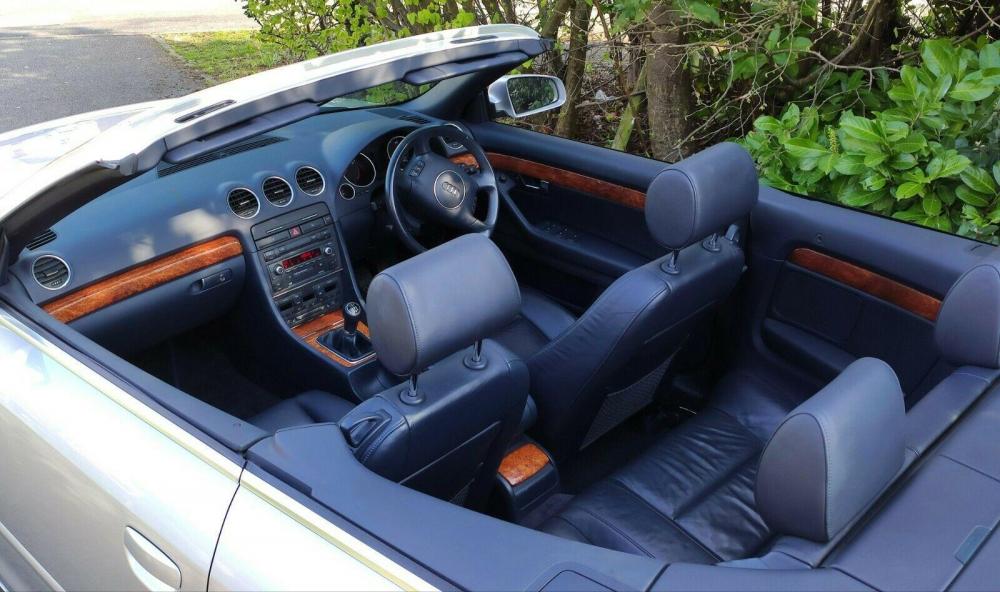
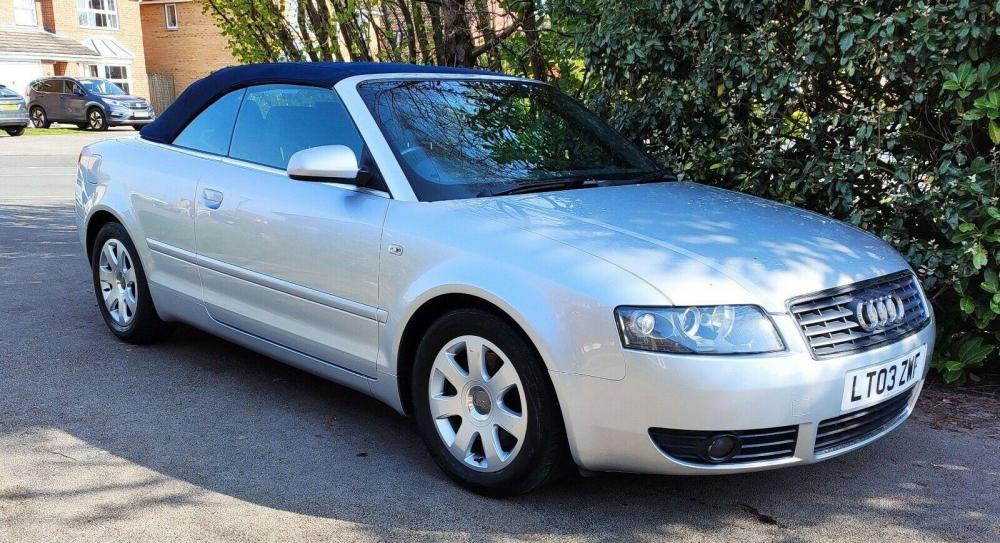
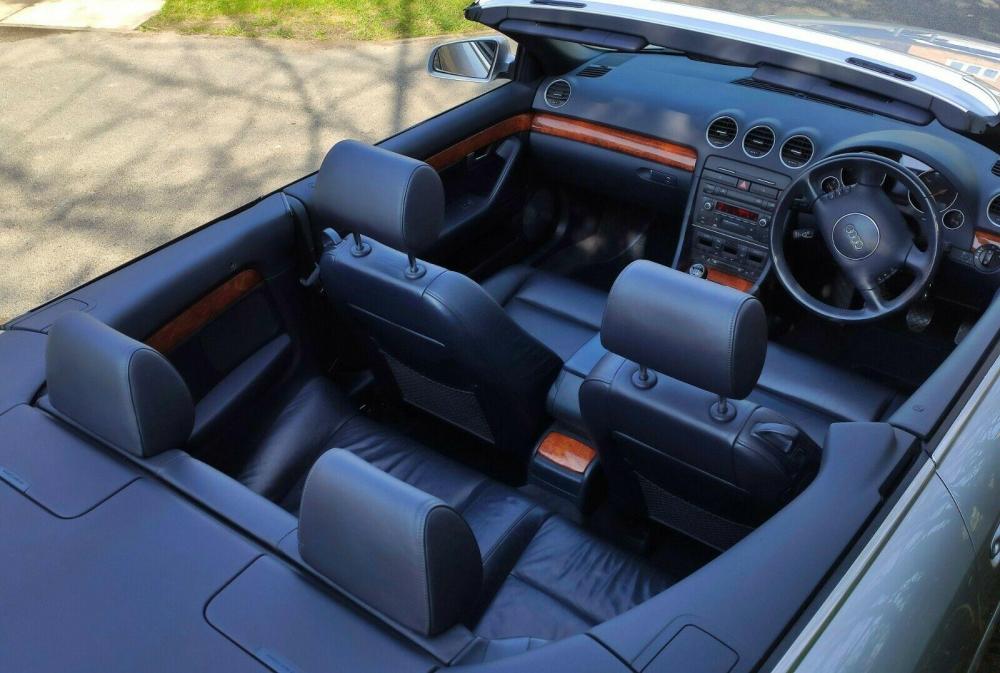
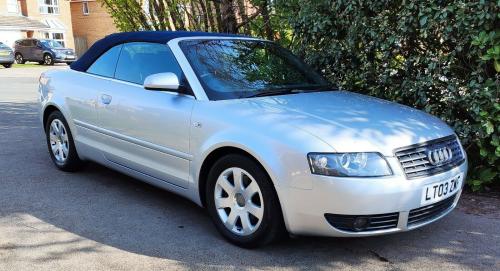
  1. I’ve owned multiple Audi’s and VW’s over the years and bought an A4 B6 3.0ltr convertible with 125k on the clock when I was “persuaded” to sell my motorcycle about 5 years back. What a gem it was to drive, but it had a few niggles from time to time mainly due to wear and tear. Then when a friend passed away a couple of years back I bought his 04 plate Z4 with just 58k on it thinking I’m going to enjoy this - but it was the dark side tempting me and I didn’t, so I got rid of it last week and immediately chanced on this beauty of a 2003 B6 with just 71k on the clock, fsh and the glorious v6, although 2.4 this time. So pleased I did, it’s a fab car and mint inside and only a couple of minor paint chips outside. Now the sun needs to come back !
Background Picker
Customize Layout

Account

Navigation

Search

Search

Configure browser push notifications

Chrome (Android)
  1. Tap the lock icon next to the address bar.
  2. Tap Permissions → Notifications.
  3. Adjust your preference.
Chrome (Desktop)
  1. Click the padlock icon in the address bar.
  2. Select Site settings.
  3. Find Notifications and adjust your preference.