griff44
Members
-
Joined
-
Last visited
-
Anyone know where to get spare leads from for xtron stereos ? i purchased a used xtrons stereo and it didn't come with the rear view camera plug in lead
-
I spoke to Audi in the week, just in case anyone else is wanting to know the colour code is 1H7 silver
-
My headliner is dark grey too if that indicates black edition ?
-
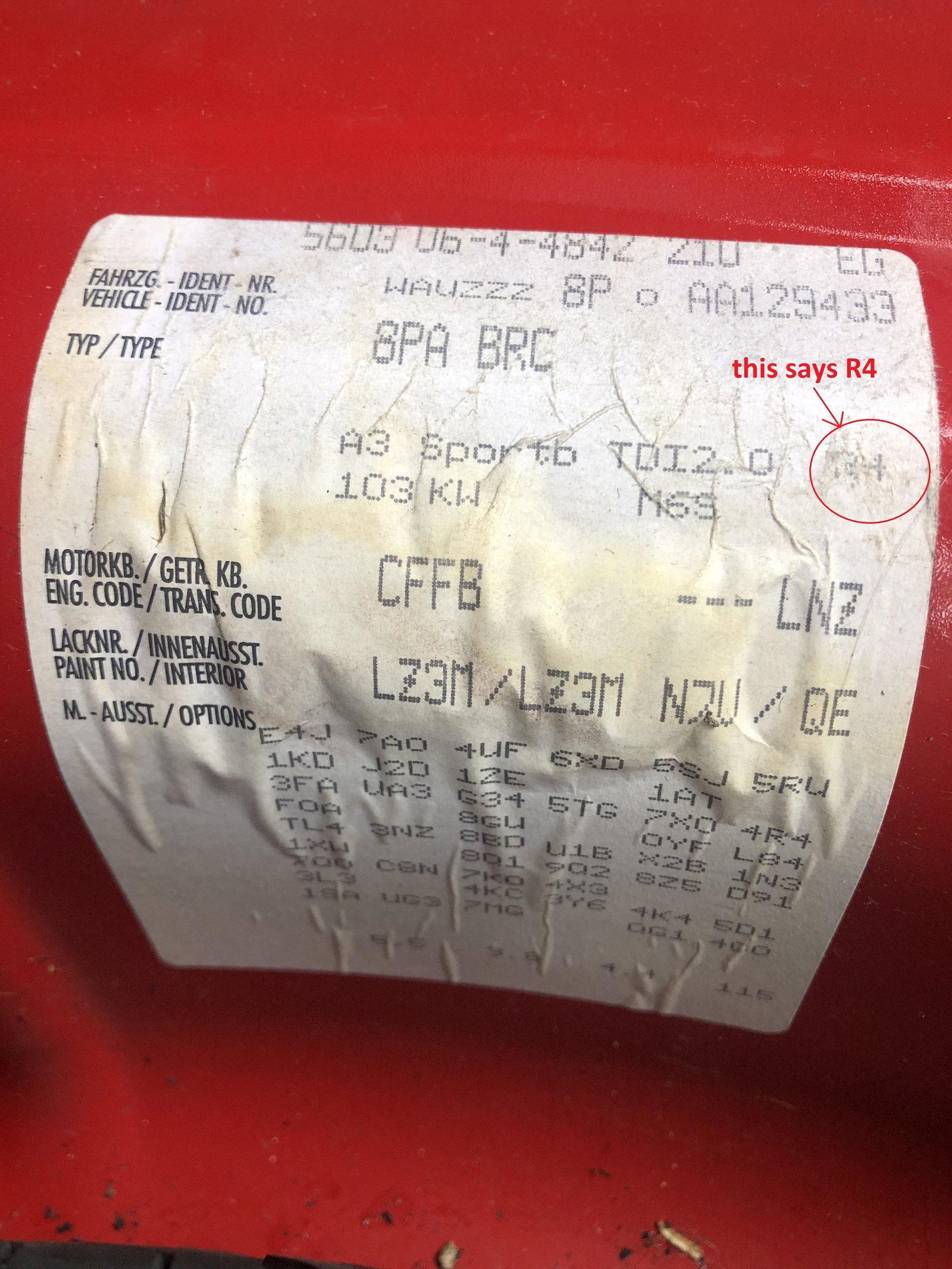
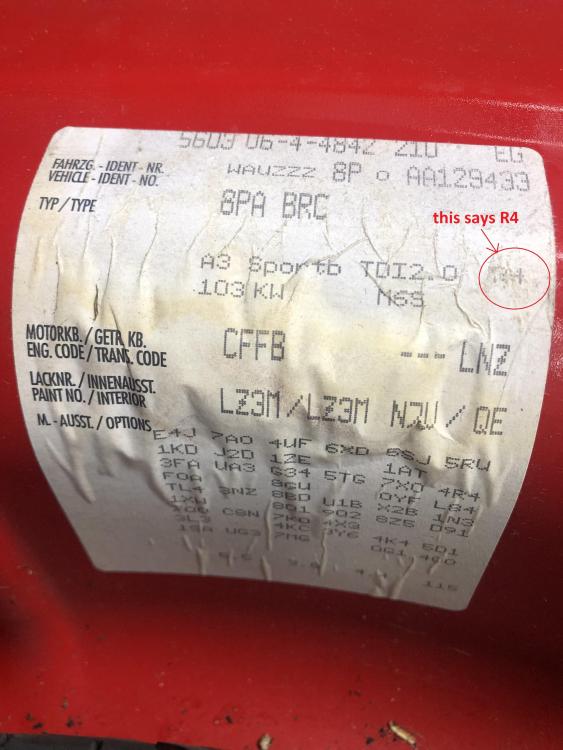
Thanks for the quick reply, i'm not sure if mine is a black edition - can you tell by the type of wheel which i have ? I have attached a picture of my data sticker from within the boot well
-
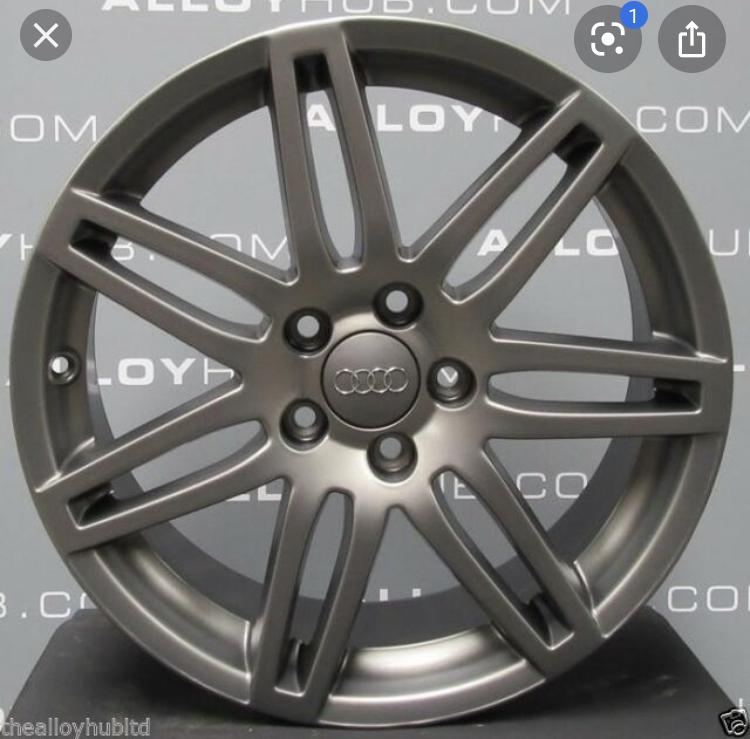
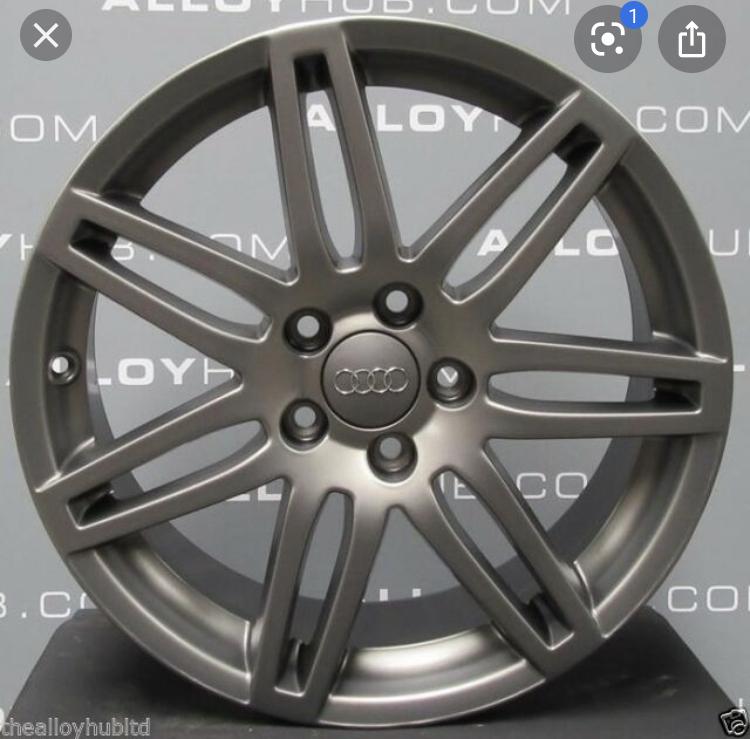
I’m looking to restore a set of Audi A3 S Line 2010 wheels that a previous owner has sprayed Matt black - I have attached a picture of the type of wheels they are from off the net.. I’ve seen a code for the black edition wheels but my cars just an ordinary S Line 2.0TDi 2010
-
That’s great thanks for confirming
-
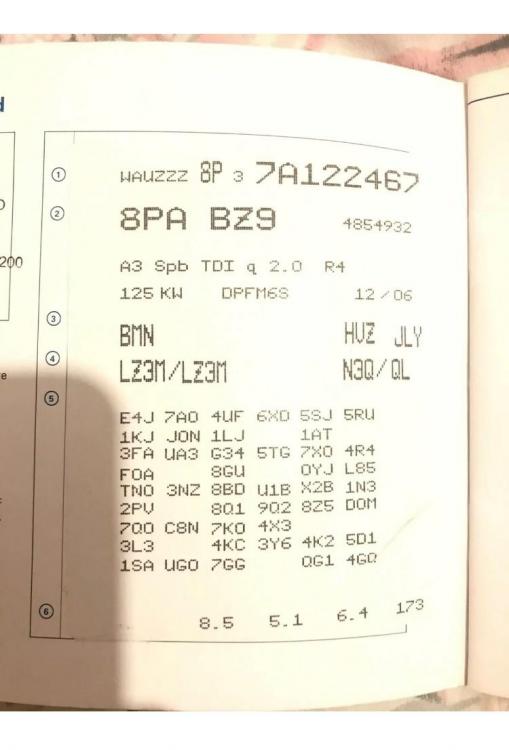
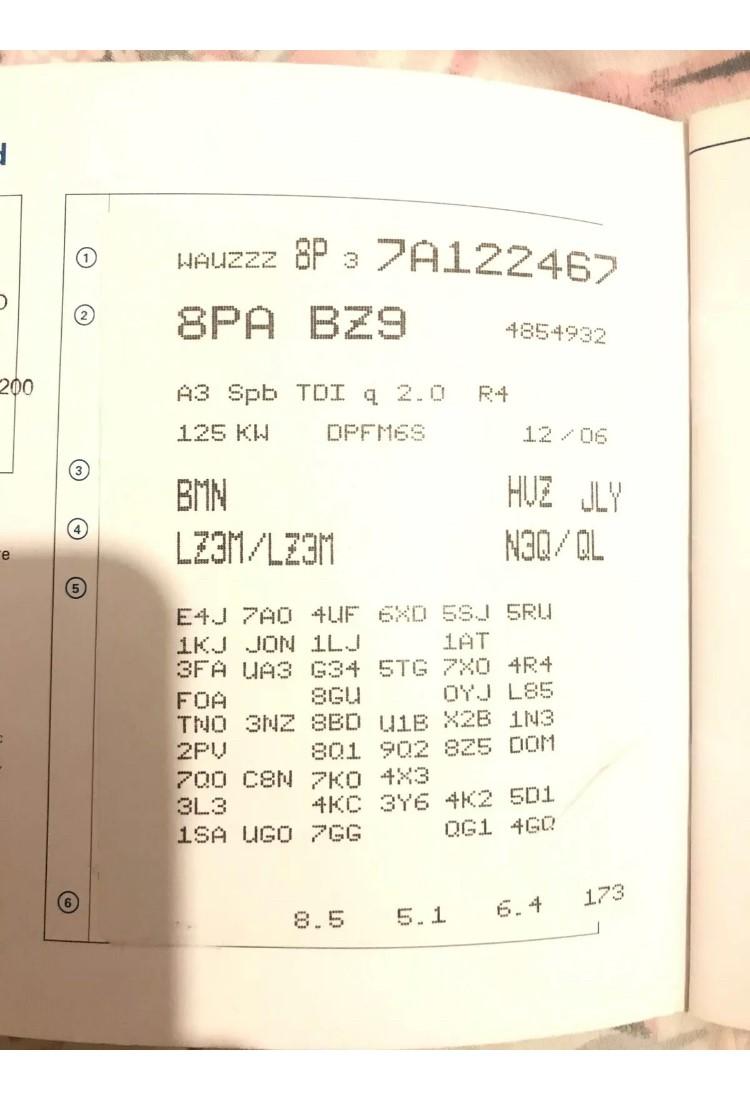
Afternoon fellow members, first time post. I'm after some help with my A3? I've got a 2010 Audi A3 S Line and have damaged my rear tailgate to the extent that its best to replace than repair. I have seen one on a 2006/2007 Audi (i assume its a 2006/2007 see attached info from the log book its come off) , exact colour as mine so just wandered if it will fit my car a 2010 ? Thanks James