





Skip to content
View in the app

A better way to browse. Learn more.

Audi Owners Club (UK)

A full-screen app on your home screen with push notifications, badges and more.

To install this app on iOS and iPadOS
  1. Tap the Share icon in Safari
  2. Scroll the menu and tap Add to Home Screen.
  3. Tap Add in the top-right corner.
To install this app on Android
  1. Tap the 3-dot menu (⋮) in the top-right corner of the browser.
  2. Tap Add to Home screen or Install app.
  3. Confirm by tapping Install.

ORRowe

Members
  • Joined

  • Last visited

Everything posted by ORRowe

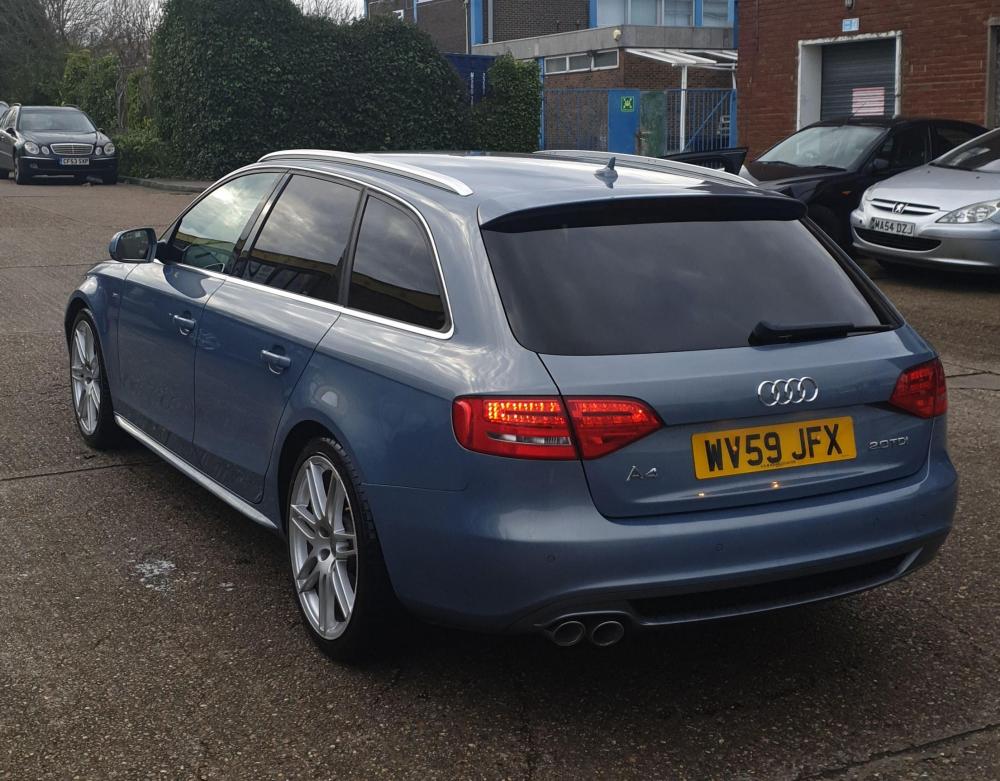
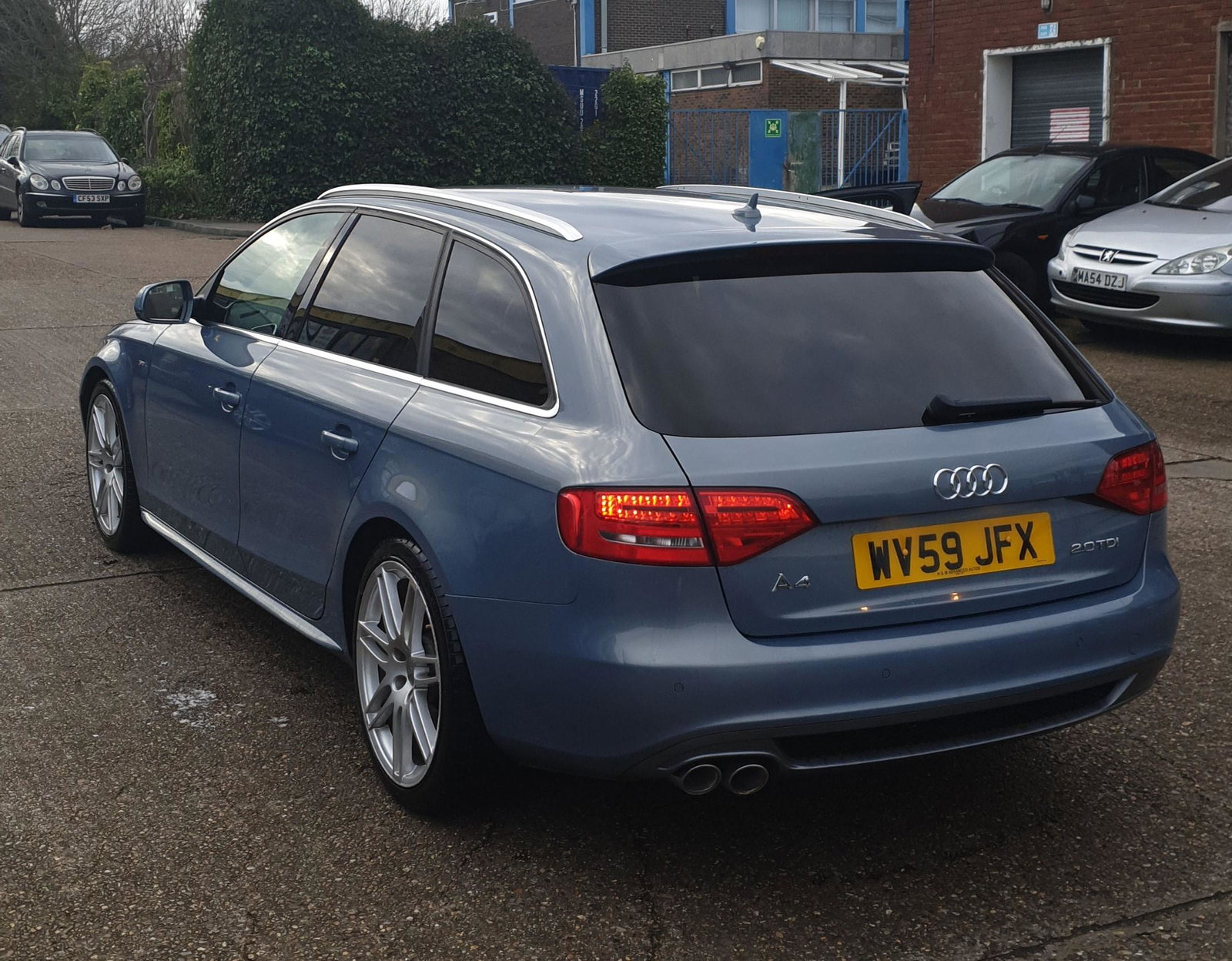
  1. So, I have a 2010 A4 b8 Avant. With the bog standard and fairly pants MMI Symphony. No DAB. No Sat Nav. No Bluetooth. It may as well have an 8 trak it feels that outdated. I want to upgrade it and have looked at a few options but want some advice for what / if others have done anything. 1st option is to buy a used MMI 3G from ebay. With the upgraded screen, lower control unit etc and install that. Keeps it looking stock but is still fairly dated. 2nd option is an aftermarket screen upgrade that has android play / apple play / whatever other phone mirroring play. But there seems to be a bit of a wide range of these. From the cheep Chinese stuff to higher end full alpine kits. What have people got in their A4 b8 to make it feel less like it has the ICE from an 1982 Austin Metro?


Background Picker
Customize Layout

Account

Navigation

Search

Search

Configure browser push notifications

Chrome (Android)
  1. Tap the lock icon next to the address bar.
  2. Tap Permissions → Notifications.
  3. Adjust your preference.
Chrome (Desktop)
  1. Click the padlock icon in the address bar.
  2. Select Site settings.
  3. Find Notifications and adjust your preference.