




Skip to content
View in the app

A better way to browse. Learn more.

Audi Owners Club (UK)

A full-screen app on your home screen with push notifications, badges and more.

To install this app on iOS and iPadOS
  1. Tap the Share icon in Safari
  2. Scroll the menu and tap Add to Home Screen.
  3. Tap Add in the top-right corner.
To install this app on Android
  1. Tap the 3-dot menu (⋮) in the top-right corner of the browser.
  2. Tap Add to Home screen or Install app.
  3. Confirm by tapping Install.


Vanessa21

Members
  • Joined

  • Last visited

  1. Thank you so much for your help Steve. Kind regards Vanessa
  2. Hi Steve, Hopefully this works. Kind regards Vanessa
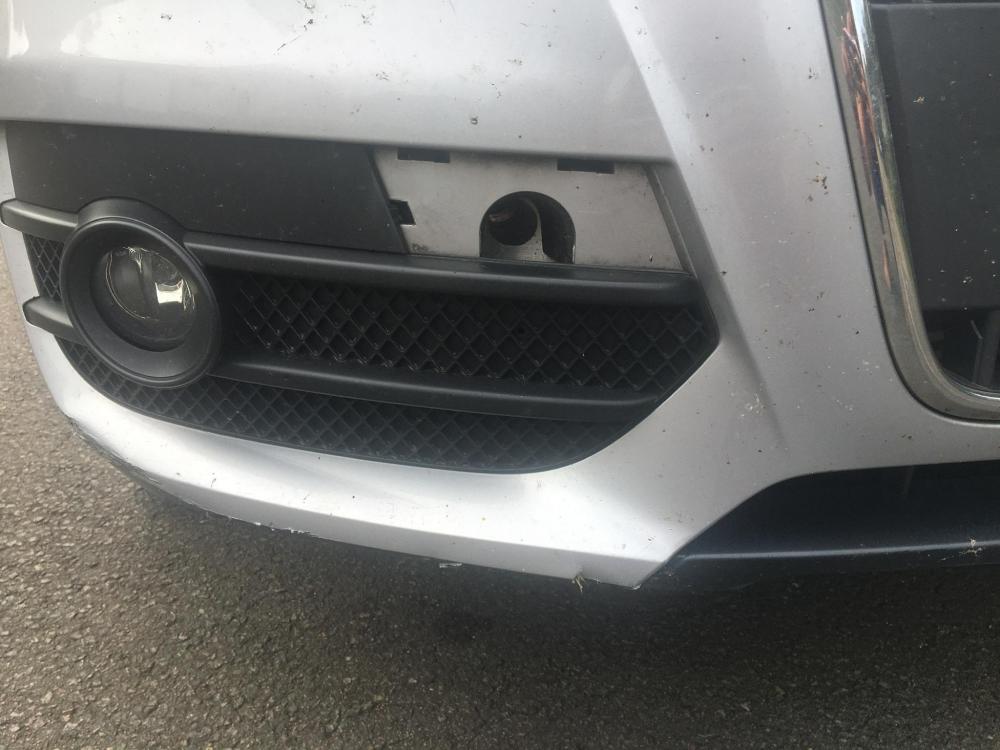
  3. Thanks Steve, I was hoping to put a picture in here but I have no option too. Any suggestions? Kind regards Vanessa
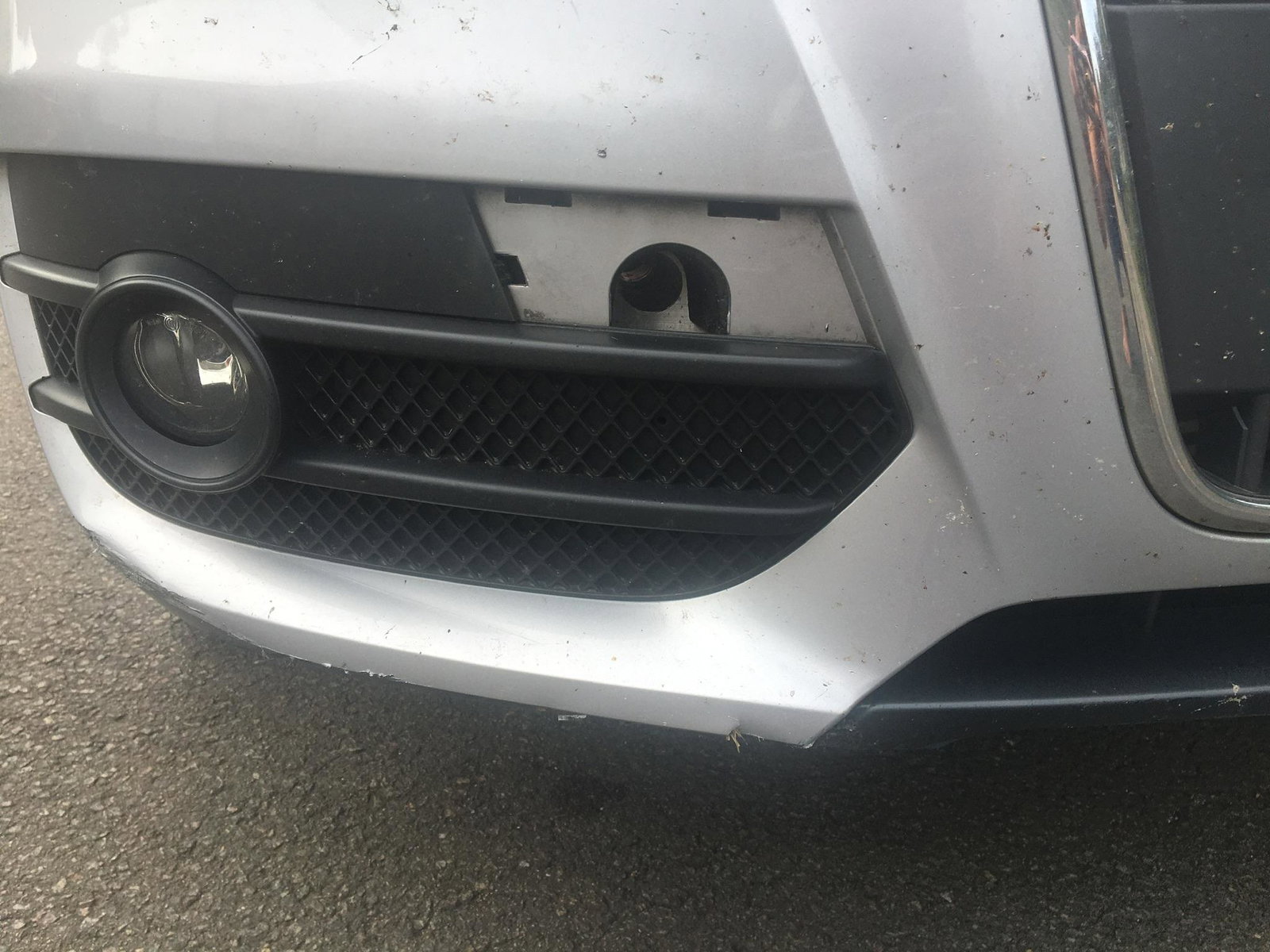
  4. Hi Steve, Thank you for getting back to me but it doesn't look right to me unless I am being dumb. The bit I need goes just above the fog light grille and looks like it just clips in.. If that is the right part then thank you again. Kind regards Vanessa
  5. Hello All, If anyone could help me I would be most grateful! I have searched and searched but with no luck. I am trying to find a missing part for my Audi Q3 64plate but it is evading me! Could anyone help or throw me in the right direction please? It is the tow line cover drivers side on the front of the car. Kind regards Vanessa


Background Picker
Customize Layout

Account

Navigation

Search

Search

Configure browser push notifications

Chrome (Android)
  1. Tap the lock icon next to the address bar.
  2. Tap Permissions → Notifications.
  3. Adjust your preference.
Chrome (Desktop)
  1. Click the padlock icon in the address bar.
  2. Select Site settings.
  3. Find Notifications and adjust your preference.