MarkG
Members
-
Joined
-
Last visited
Everything posted by MarkG
-
I’ve updated the maps myself with an SD card about a year ago. Is there an MMI update that can be done with that or do Audi have to do the MMI (or risk somewhere else)?
-
Thanks I will ask them. Surprised they haven’t mentioned it when they’ve had the car. They never usually miss a chance to sell something.
-
MHI2_ER_AU57X_S2519
-
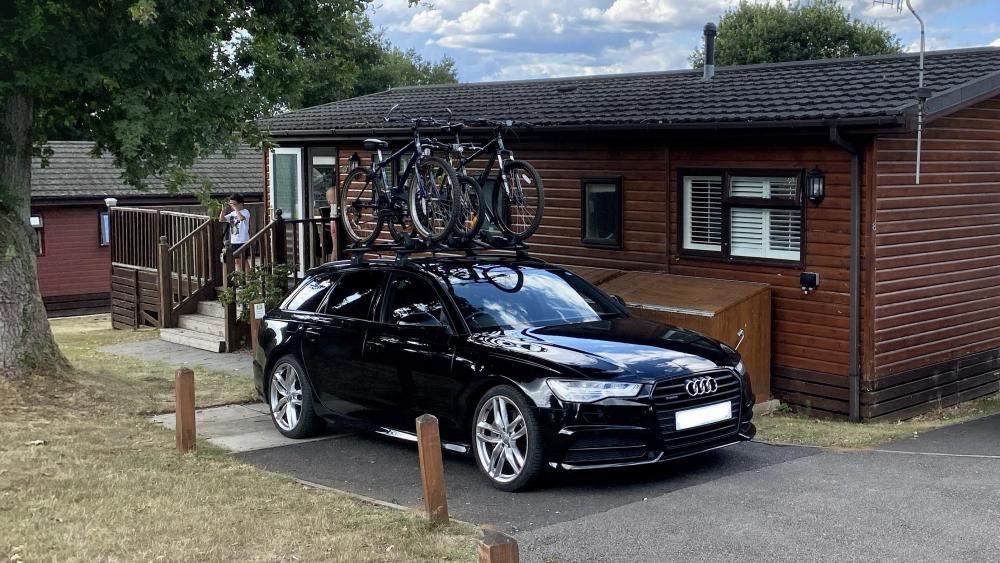
This is my A6 Avant Quattro Black Edition on its holiday 🙂
-
Since installing iOS 13.6 on my iPhone I can no longer accept or ignore calls using the dash or wheel buttons. Worse than that, the dash stays locked on an incoming call even when the call has stopped on the phone. Has anyone else had this problem? Does anyone know if Audi has updates for the car that may be able to resolve such issues? My current recommendation would be to avoid iOS 13.6 if you use your phone in the car. And hi, this is my first forum post 🙂 Mark