JT_0306
Members
-
Joined
-
Last visited
Everything posted by JT_0306
-
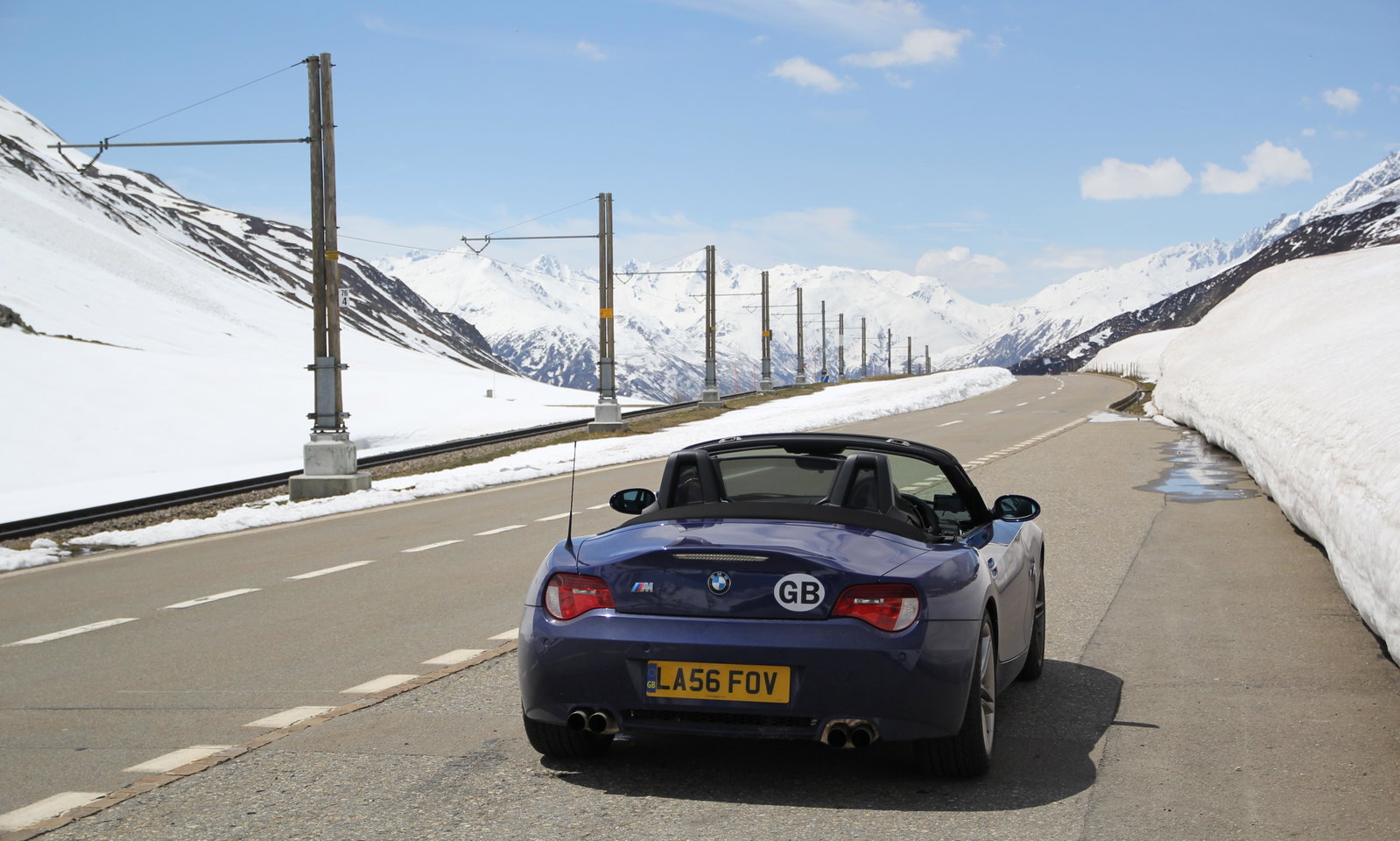
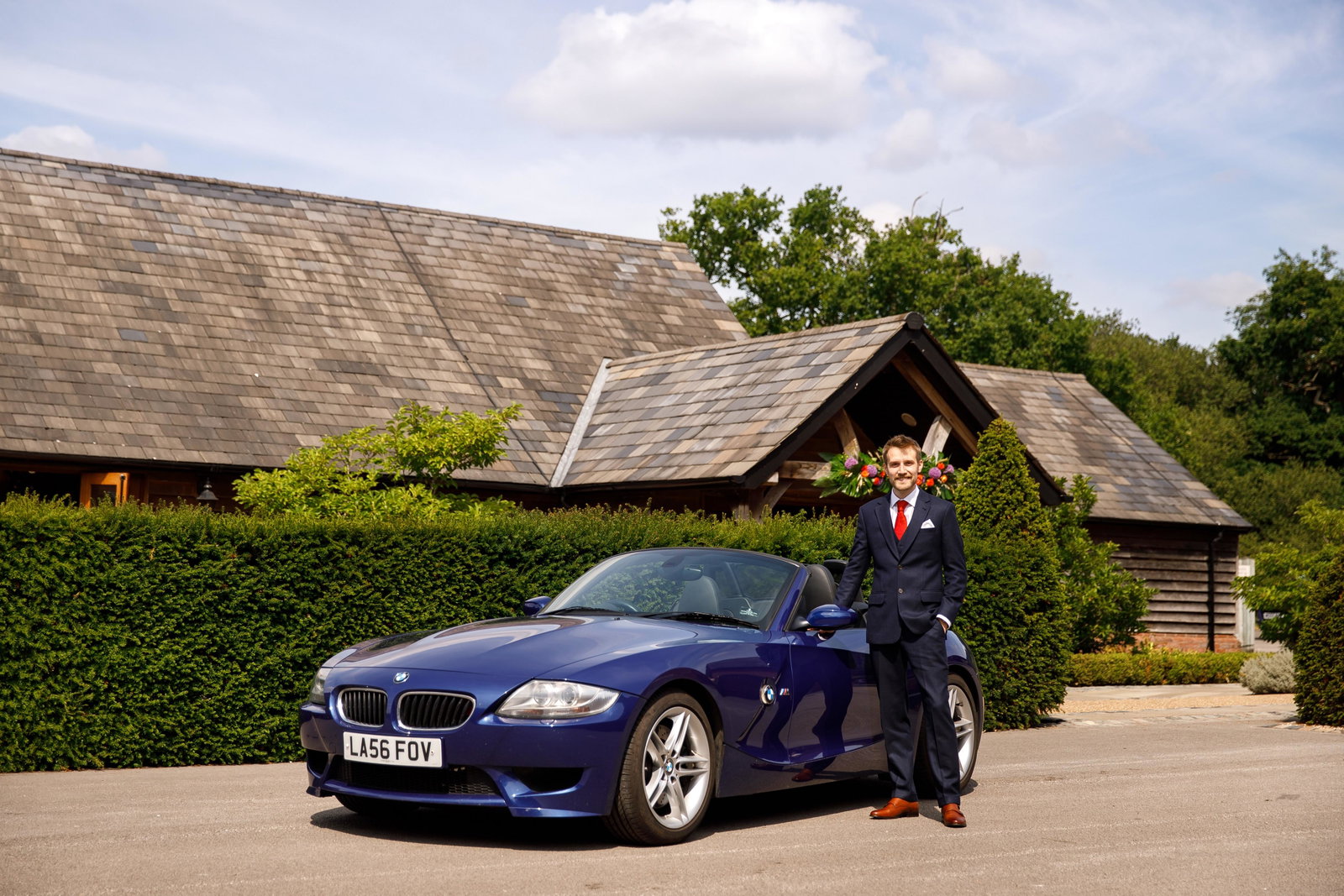
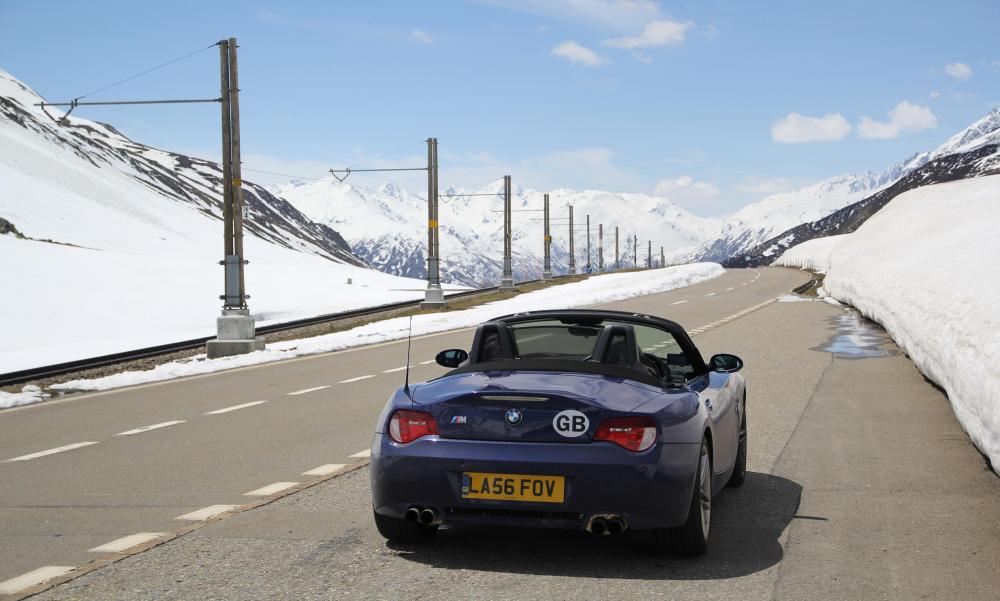
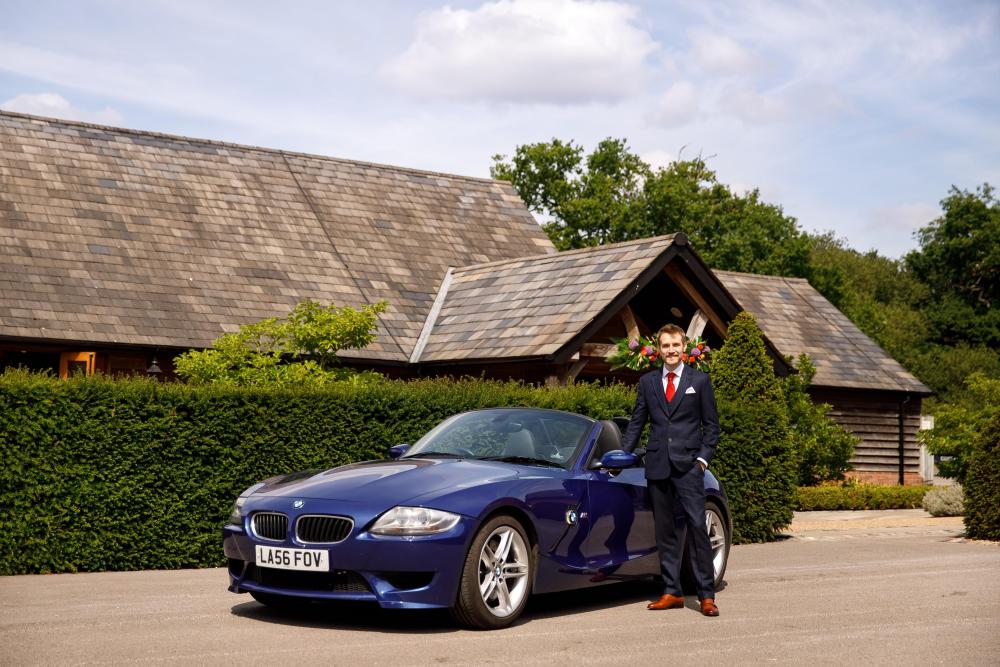
Haha! Yes I am. My other car is also a Z4MR (below) and it was when I was looking at the page for that meetup on the Ace Cafe website that I saw the Audi one immediately after. My username is the same on the Z4 Forum and I am guessing you are second on the list for that event?
-
Ah okay. Thanks for getting back to me Steve.
-
Thanks Steve. Very kind. I love the blue and am a sucker for roadsters/spyders. RE: the meet up. This is what I have seen: https://london.acecafe.com/event/audi-owners-club-uk-6pm-3/?back=9 Is it not this club/forum then? JT
-
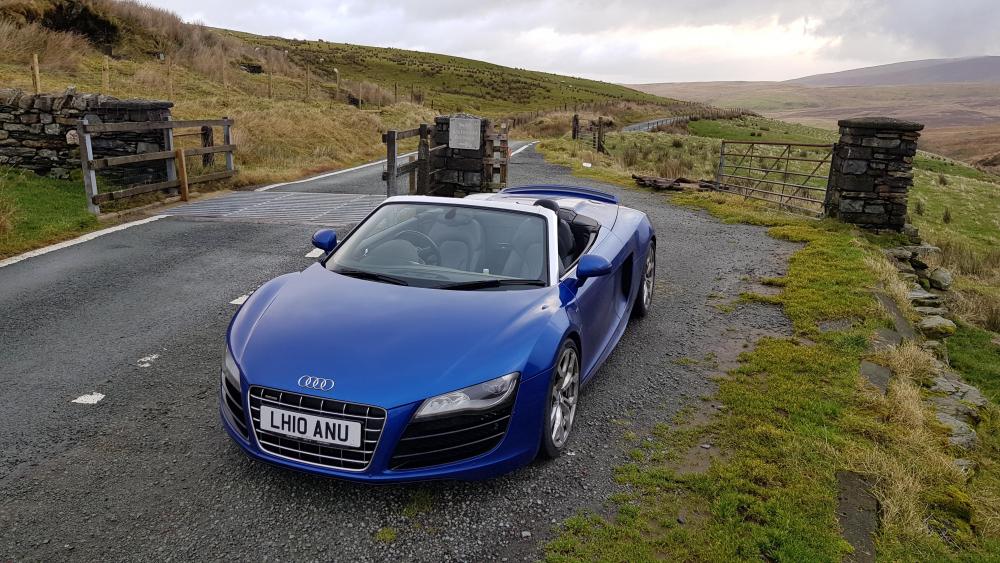
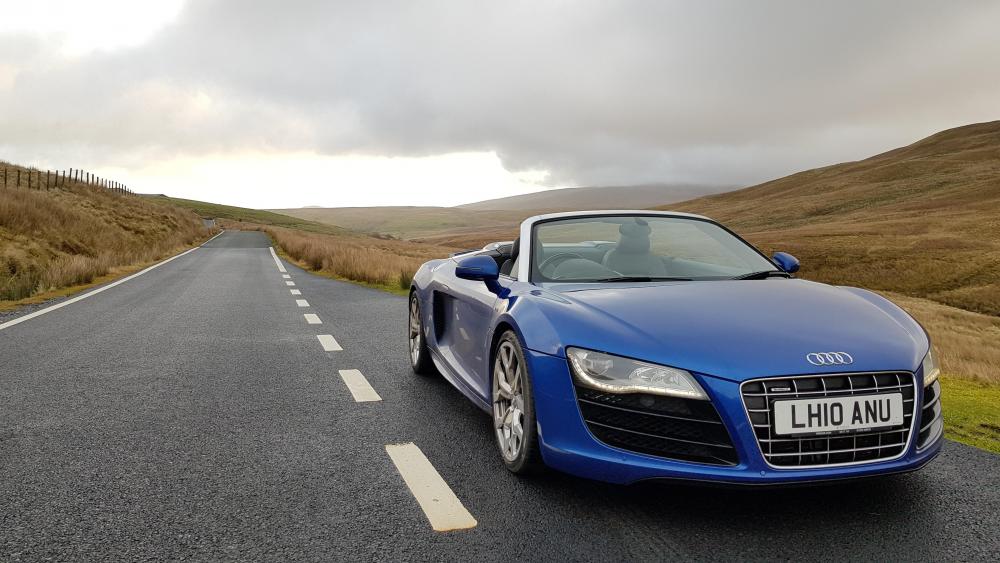
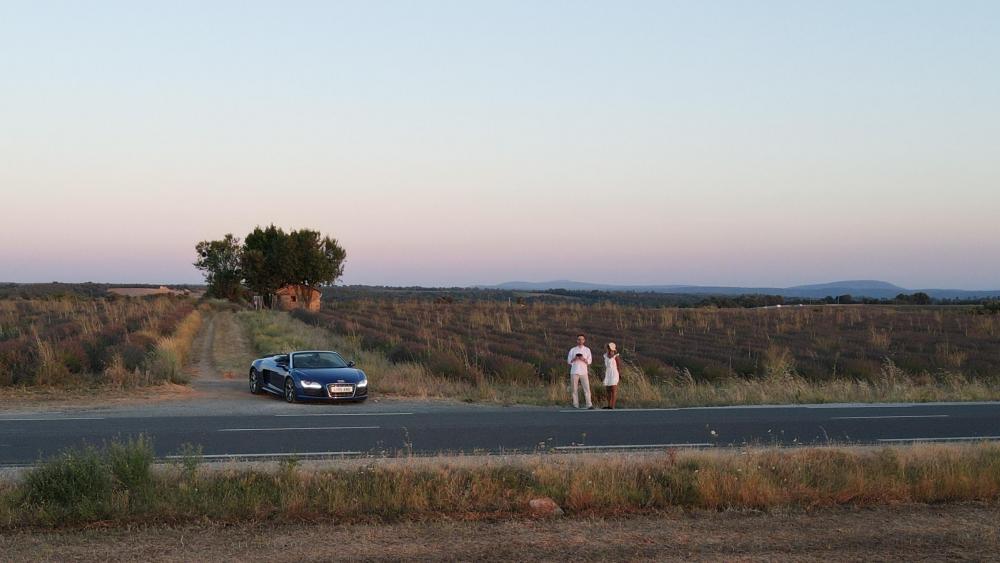
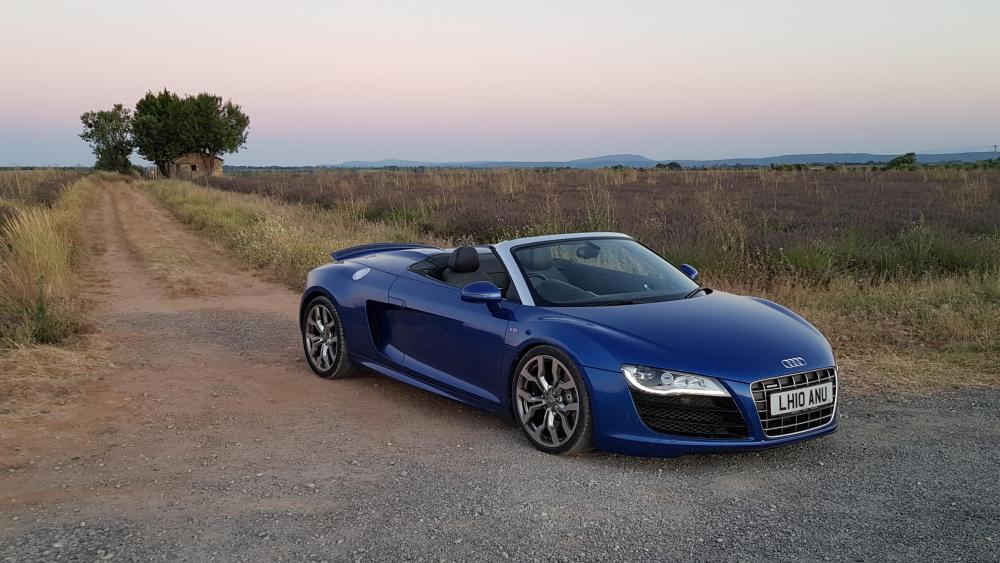
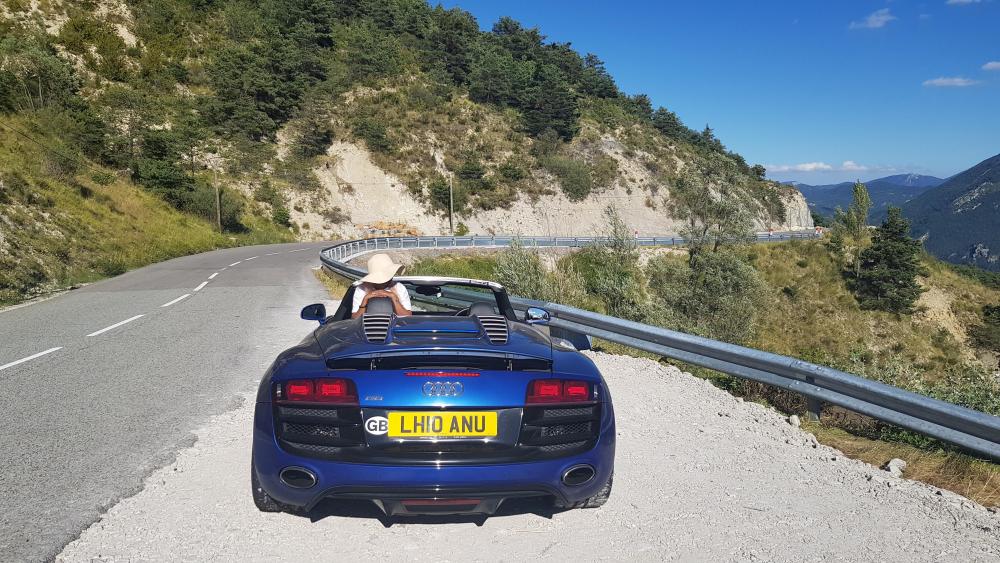
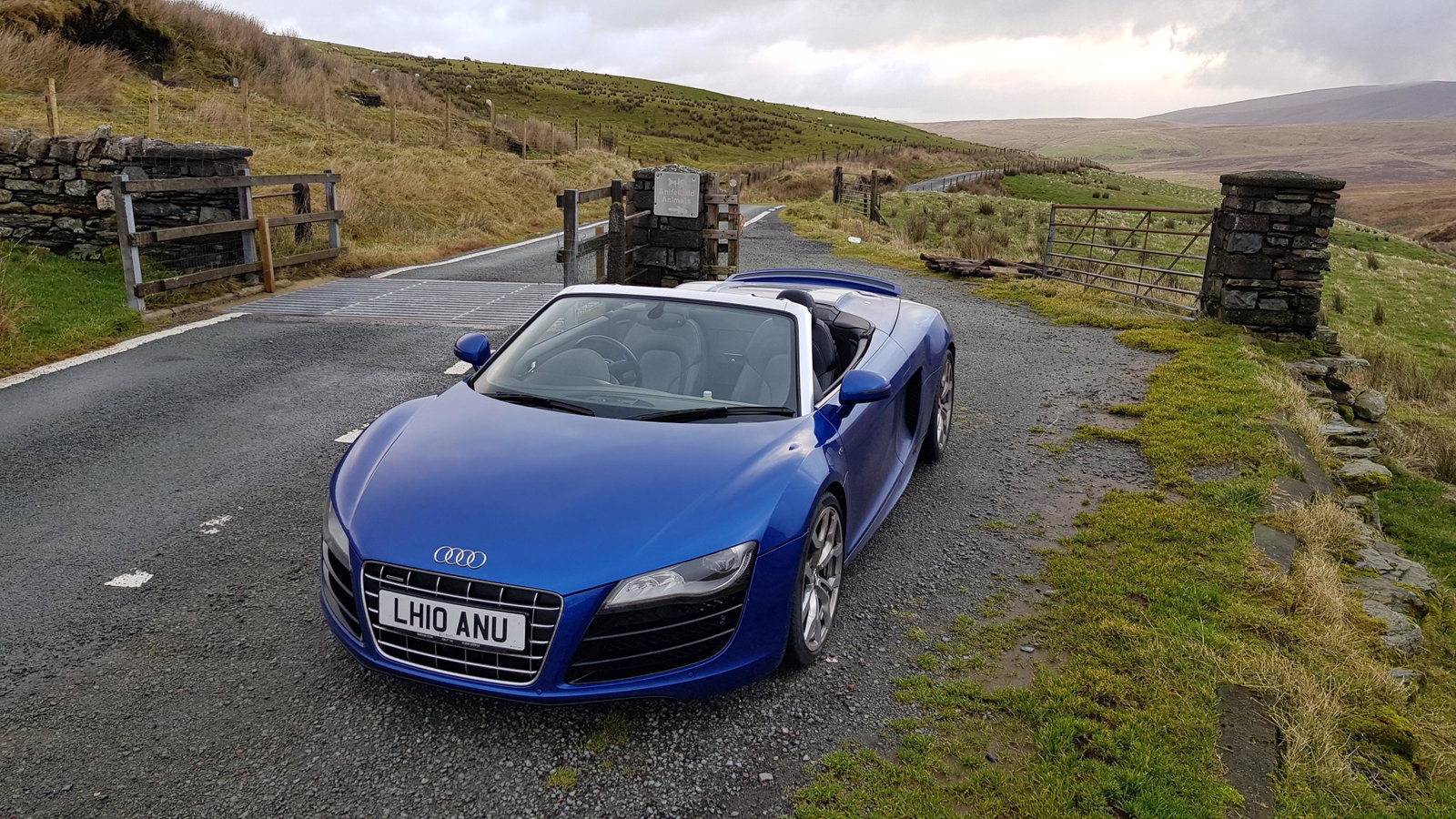
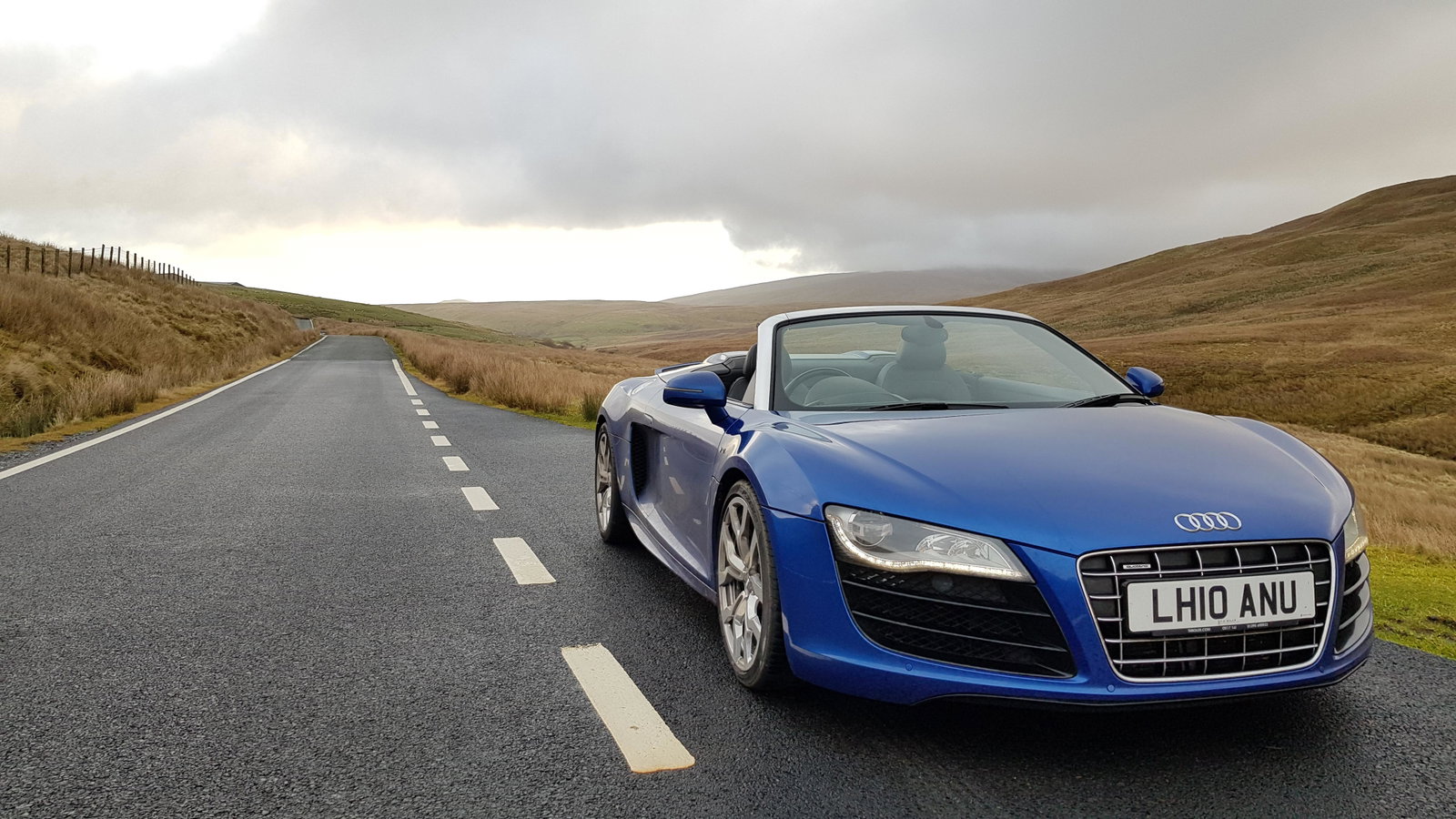
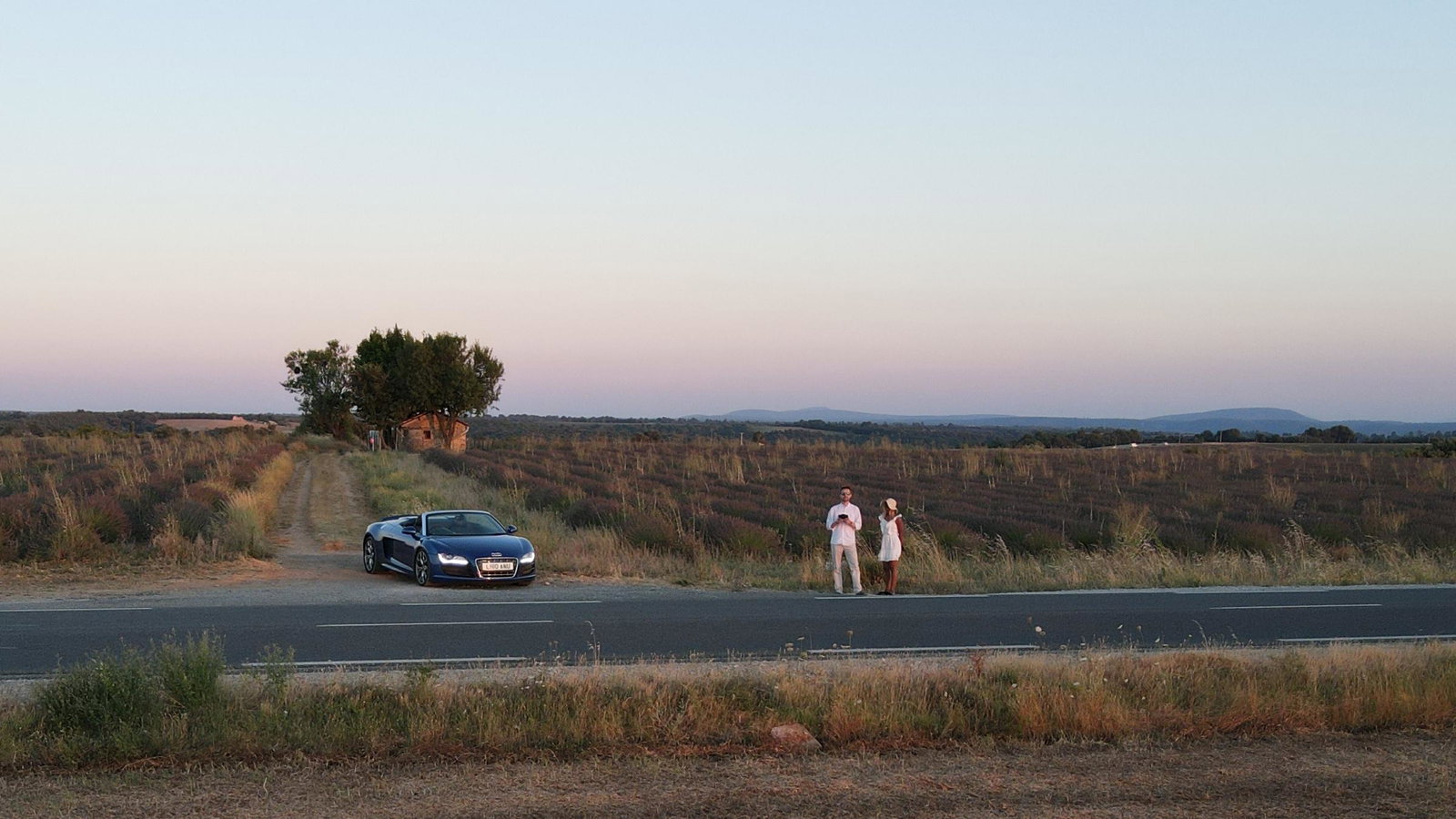
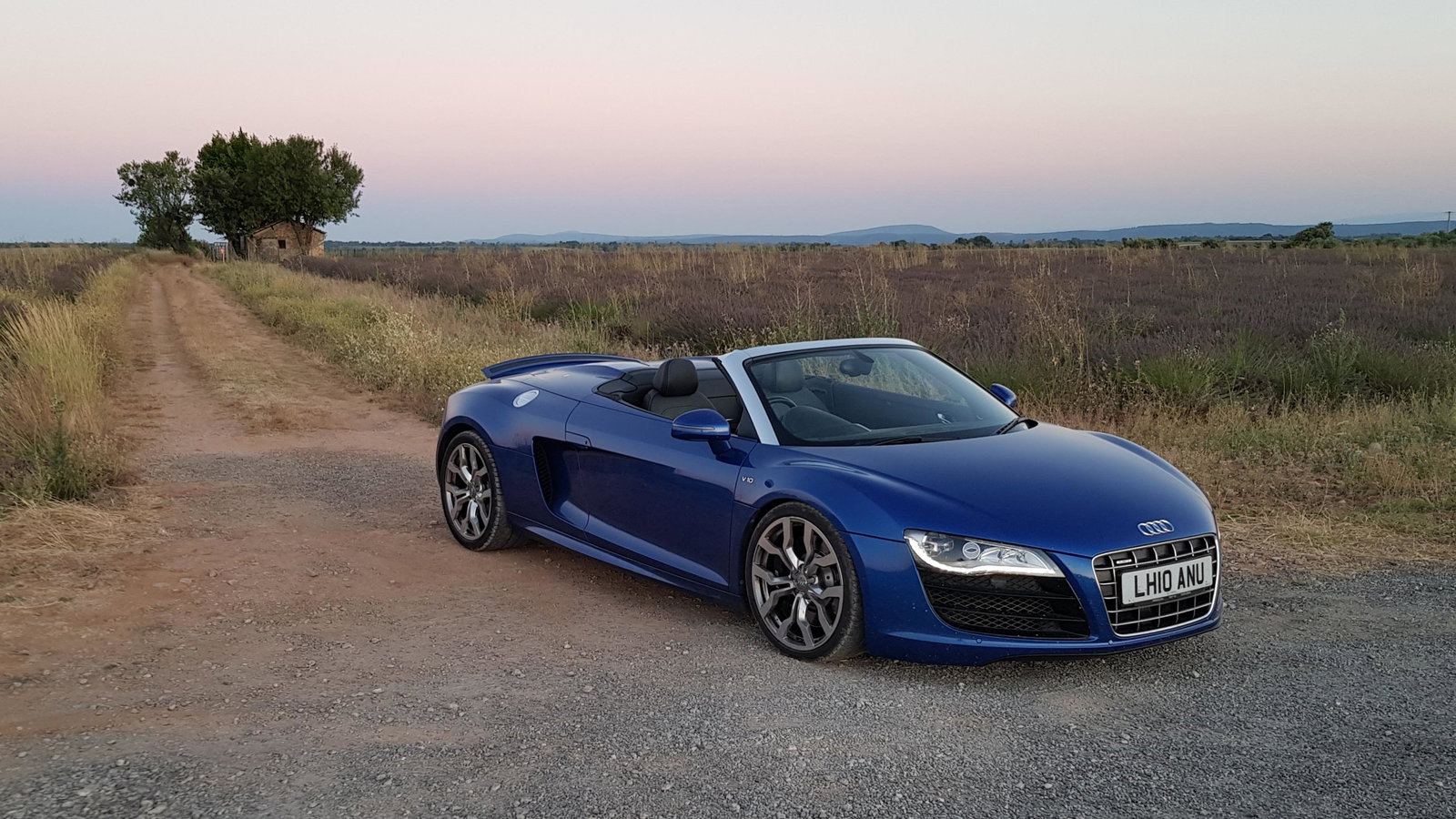
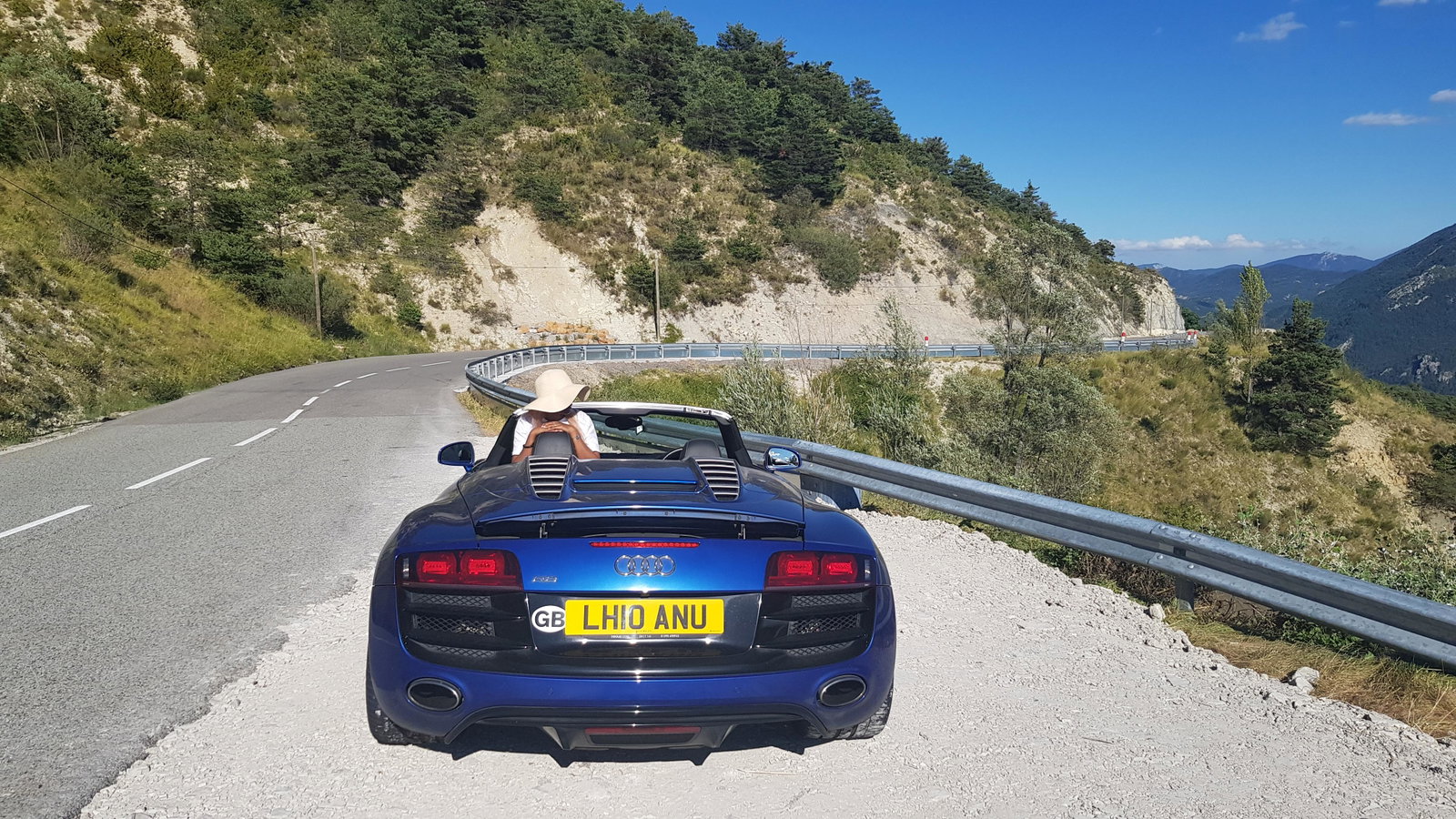
Hi everyone, Nice to virtually meet you all! I have a Gen 1, V10 R8 Spyder that I bought last may and have just come across this club and thought I would join. I saw that there is a meet up at the Ace Cafe on the 19th September. I found it on their calendar as I am heading there earlier in the day for another meetup. Are there any details anywhere here about it? Not sure if I am being dim but I have scanned the forum and cannot find anything about it. It would be great to join the meetup if it is still happening! If anyone is interested to hear more about the car, I did a write-up on it shortly after getting it, which can be found here I have also posted some pics below. I look forward to learning more about the club! JT