Olly
Members
-
Joined
-
Last visited
Everything posted by Olly
-
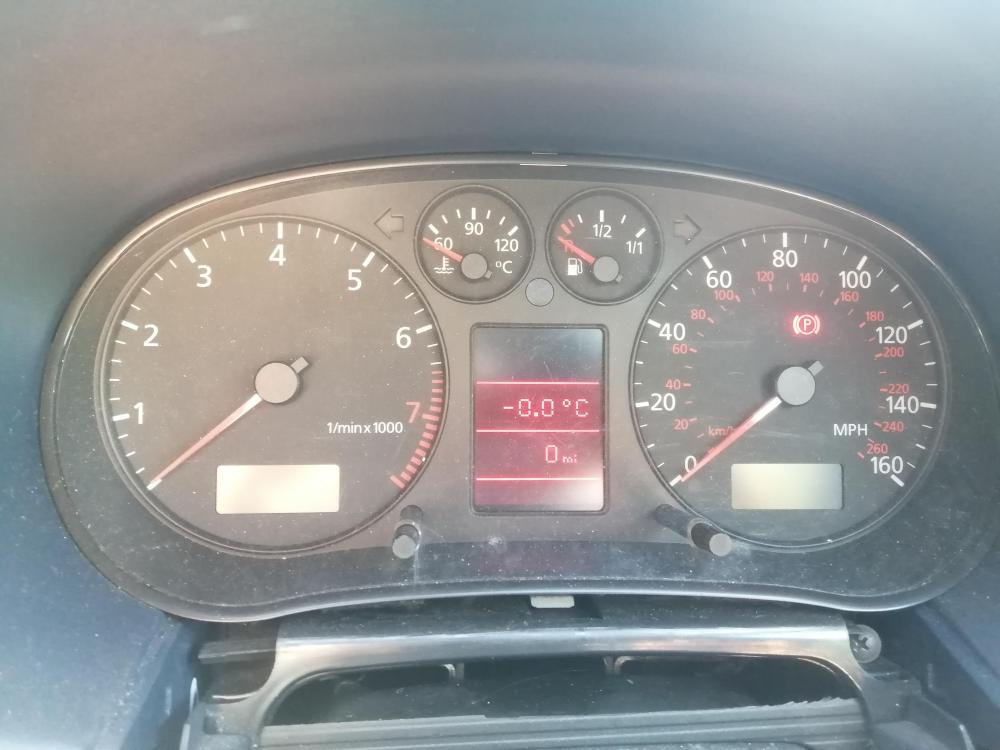
Hello! I have an issue with my dashboard (none of the instruments read anything, only the LCD display works). Everything else in the car is fine as far as I know. I've bought a second instrument cluster to replace it and I have access to an Autel MaxiDAS DS808 to try reprogramming it but I can't figure out whether it has the required functionality. Does anybody either know how to do this or know that it definitely won't work?
-
Hi Steve, thank you for your reply. Yes I think they are actually, or at least they have been - there was even a plant growing there a few weeks ago! What would that mean?
-
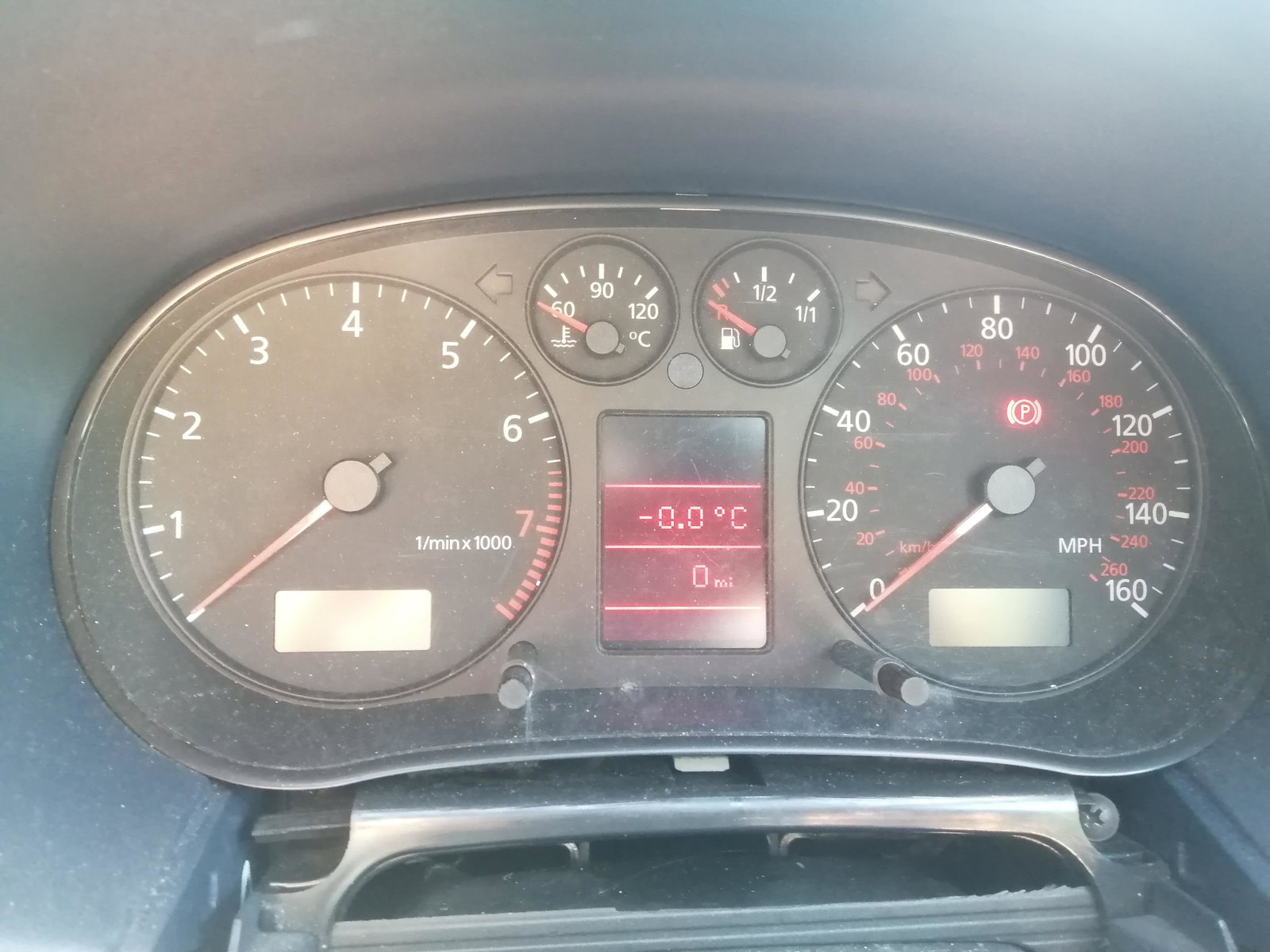
Hey everyone! I have an Audi A3 (8L I believe, from 2001) which has the symptoms mentioned in the topic title. I believe all three started around the same time although I didn't notice the battery drain immediately. Photo attached with the state of the instrument panel on starting the car. Initially the instrument panel would start off like that but eventually come on again if the car was driven for long enough. The time needed to make it come back on gradually increased until even a 150 mile drive wasn't sufficient. Has anyone encountered this issue before or know what the solution might be? Any help greatly appreciated, thanks very much in advance. Olly