





Matt Barnes
Members
-
Joined
-
Last visited
Everything posted by Matt Barnes
-
thanks again for the info Steve, cheers..Matt 👍
-
Hi Steve, yes I think you’re correct on both counts…the hens teeth and the chunky switch.. the c5 RS6 doesn’t have the headlight angle adjustment either, just the dial cluster brightness roller and a blanked section where the headlight angle adjustment ‘would’ be on other models (and no symbol present as in your 2nd pic). I’m not sure if a complete replacement switch unit with the headlight angle roller would still fit and work? (obviously not the headlight angle function) I’m befuddled as to why there are so many LHD replacements available and zero RHD ones 🧐 thanks for the reply, much appreciated Matt 👍
-
Hi there - I was wondering if anyone had ever managed to find a supplier for a replacement headlight switch for C5 RS6 avant..? The web seems awash with LHD versions, but no RHD ones 🧐 The one I have in the car is still functional but looks like it’s been used exclusively by Wolverine & Freddy Krueger’s love child… cheers Matt
-
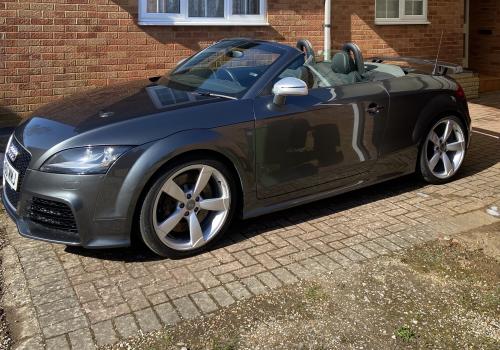
© Matt Barnes
-
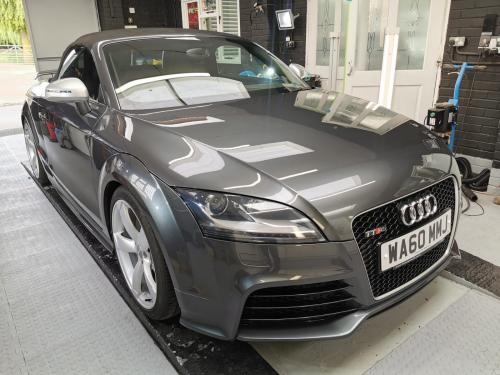
© Matt Barnes