JDD
Members
-
Joined
-
Last visited
Everything posted by JDD
-
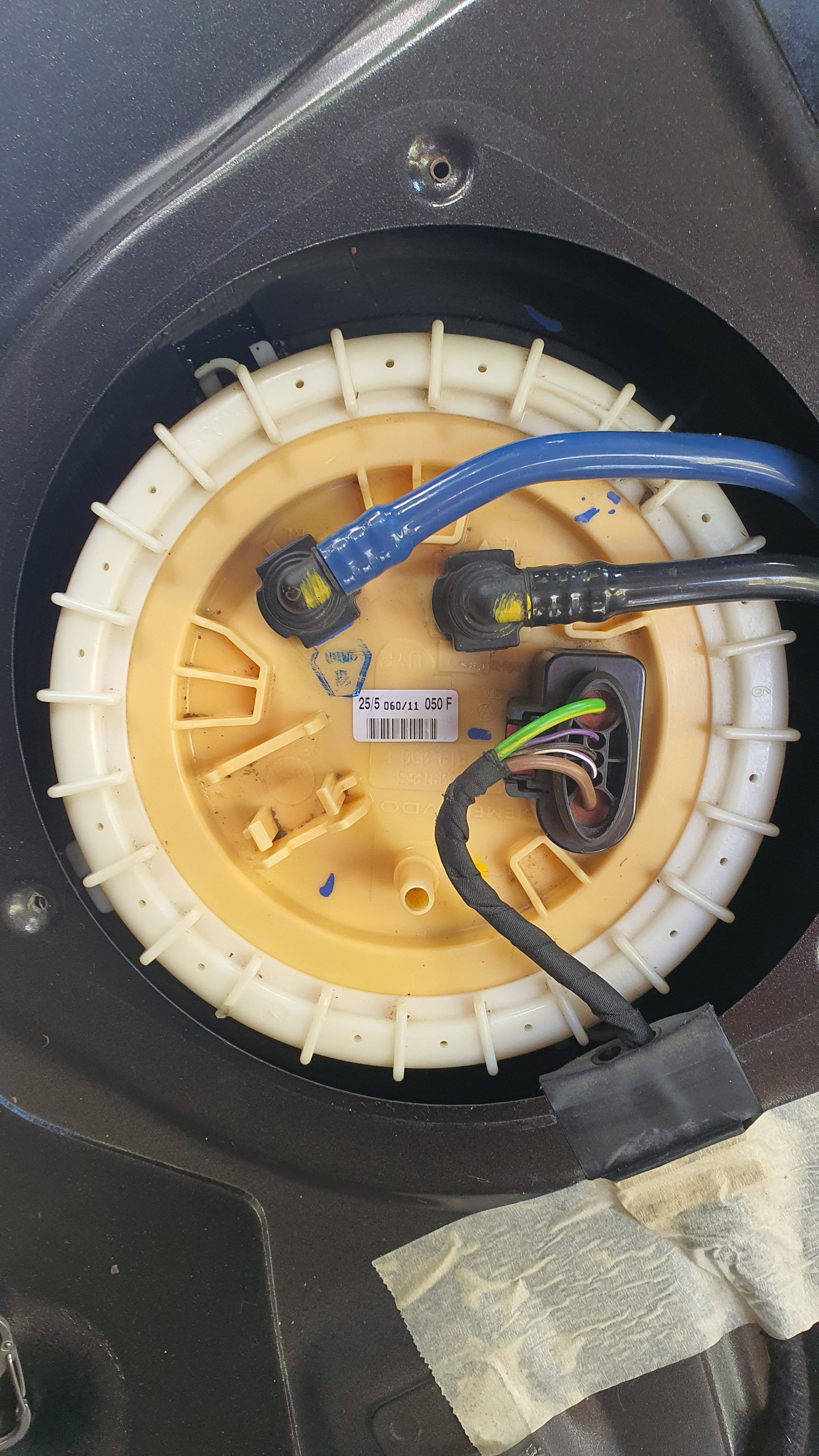
Hi Stevey Y I can only see the one sensor/pump under the rear seat. It's the only thing connected... and, it's not the problem! Bosch new for 150 is excellent! What's in the picture is the only thing I can see, no secondary unit? Thanks though, you have gone part way to answering where I am heading with this.
-
Well that seems fairly normal! So a quote for £1500 to replace both fuel sensors (parts only £750 each!) would seem to me a bit excessive? ... oh, and no guarantee it would work after fitting!
-
Many thoughts. https://m.youtube.com/watch?v=7RLczl36xZU
-
How many fuel sensors does a 2011 A6 Allroad have? Seriously! ... apart from the sensor/pump combo Part #4F0 919 050F
-
Hi, I hope someone can help me. I am trying to get roof bars for my 2011 A6 Allroad. The rails appear to be 2012 as the 2011 that Audi told me are the ones (4f series ) don't fit at all. The rails match the 2012 photos (4g series) I can see on the web. The width between the rails is approx 104cm at the inner faces. The clamp/bracket pin holes are approx. 90mm apart. Can anyone tell me what the width is between the closest faces on the 4G9 071 151 L series bars is, and if the bracket/clamp width is adjustable at all? Many thanks