jackpalmer92
Members
-
Joined
-
Last visited
Everything posted by jackpalmer92
-
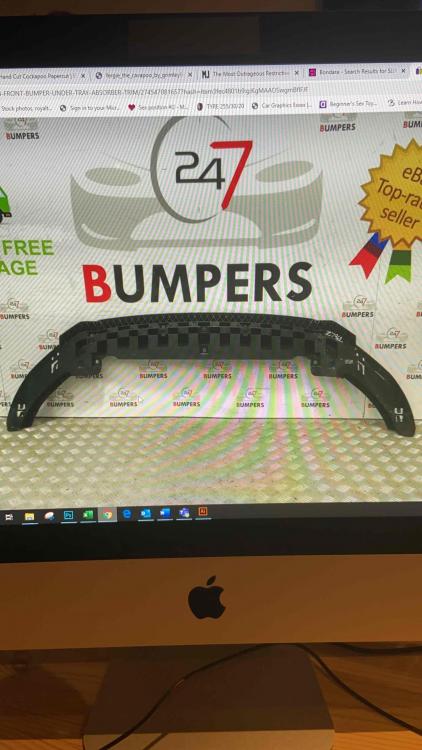
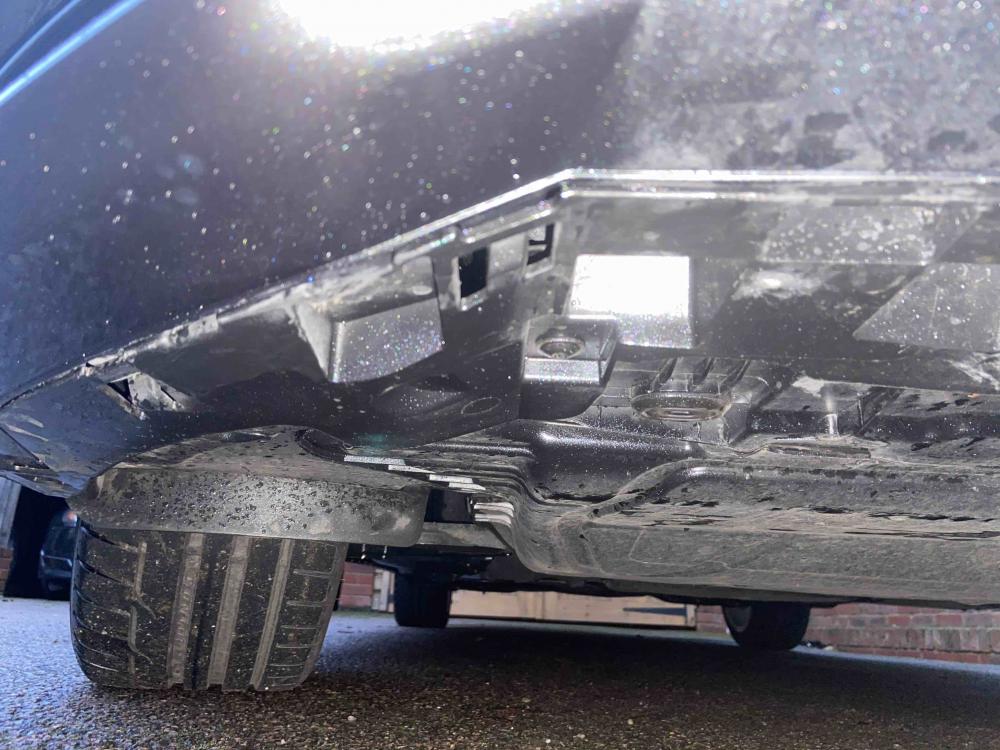
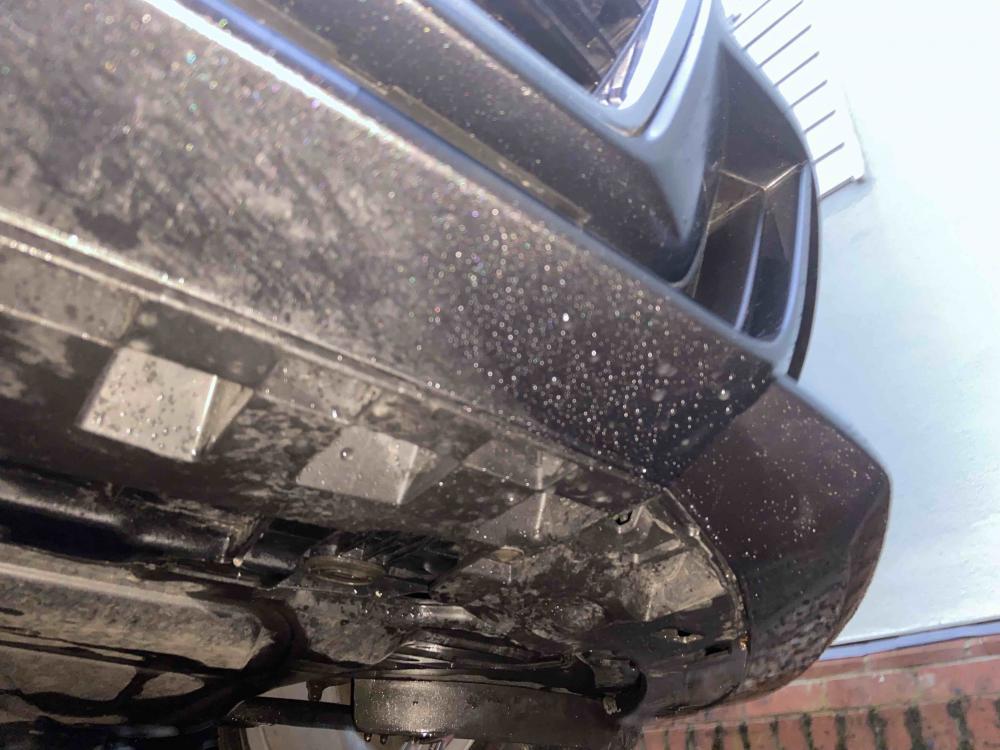
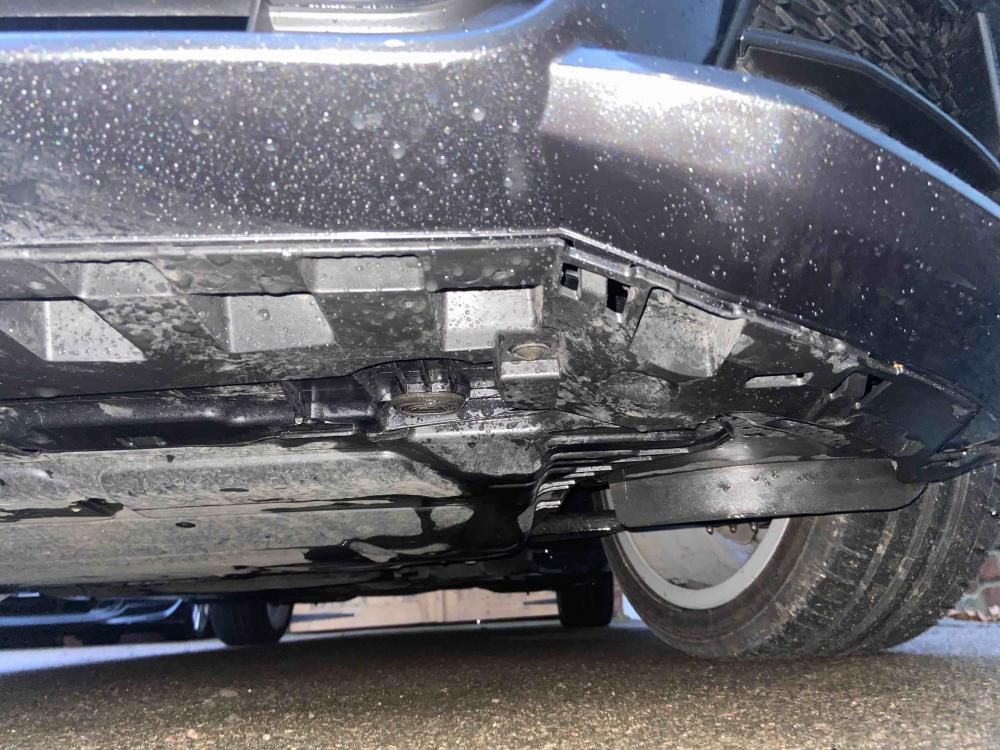
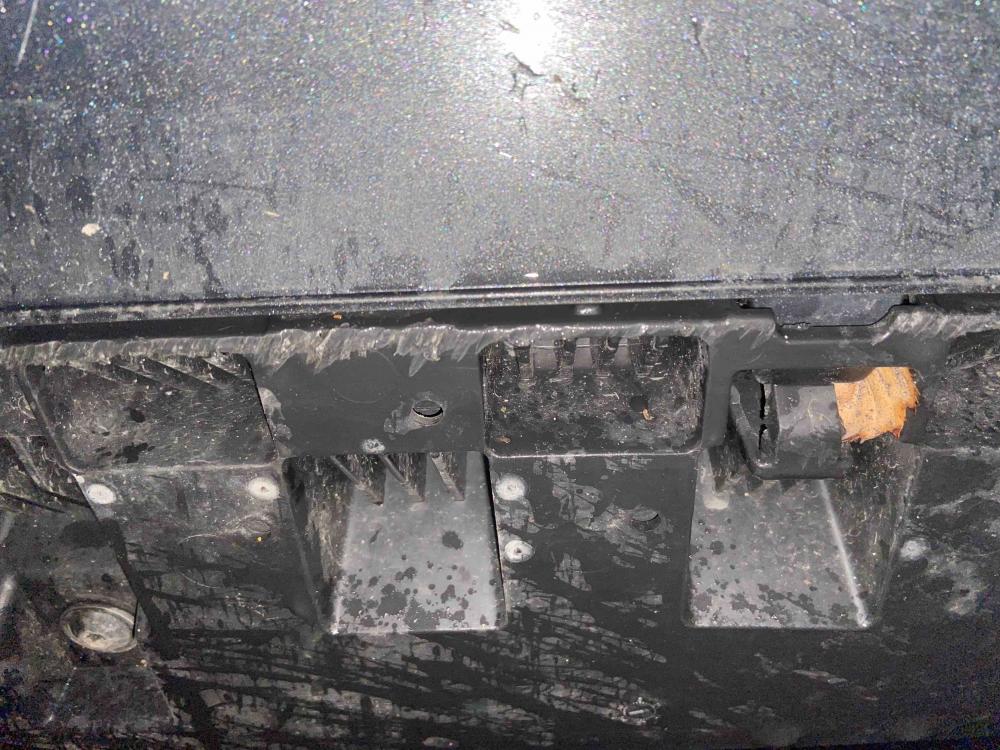
Hi all, Hoping for some advice from everyone on here. My mum just bought a 2018 A3 Sportback S-Line from Audi stansted. Upon initial negiotations with audi they promised to right any damage I could find on the car. The front bumper undertray was pretty chewed up - so I asked for it to be replaced. She picked the car up today. First thing i did was look underneath to only find what looks like they have simply removed the undertray in hope that she wouldn't realise what they had done...which she didn't. I hope I'm wrong. i hope this is the undertray and how it is meant to sit but it looks to me and from my memory of when i first had a look when getting the car that an extra piece is meant to be fixed into this (pictures below) to provide partial cover for the underside of the bumpers paintwork. Any help would be hugely appreciated - called Audi already and the salesman has tried to claim that the car doesn't come with the part i am talking about - however I have since found them for sale for our specific model so i know he is chatting ****. First picture (ebay pic) is the type of thing i figured slotted into what is currently under the car and fixed over the top? All help really appreciated guys and girls thank you, hoping I'm just being stupid but I am sure it didn't originally look like this!