kingroon
Members
-
Joined
-
Last visited
Everything posted by kingroon
-
-
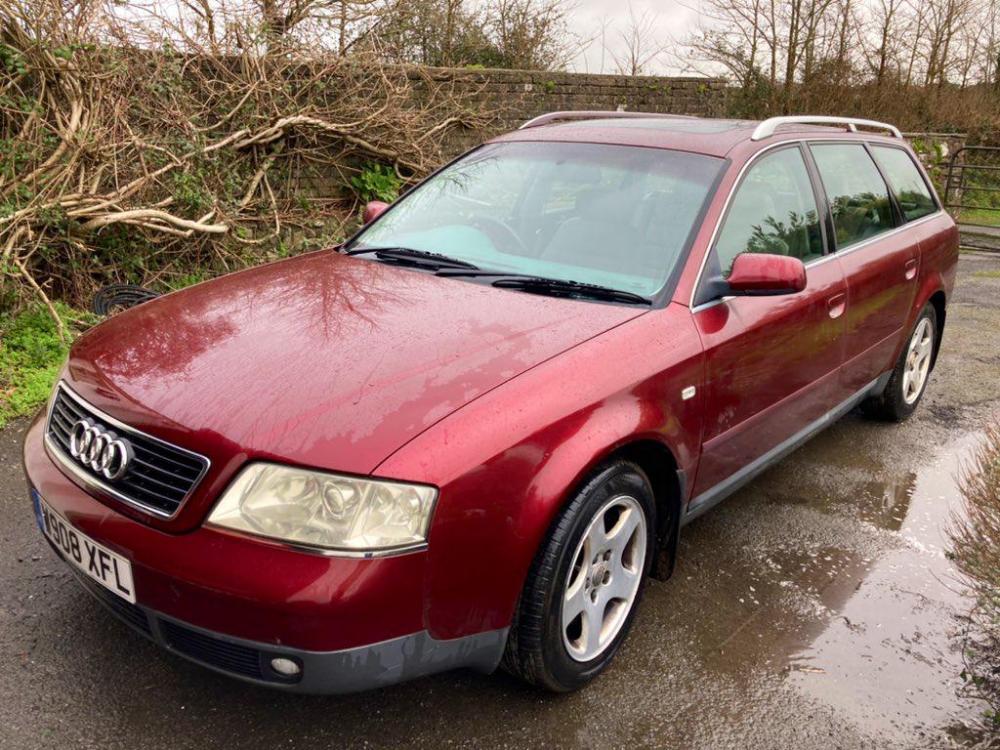
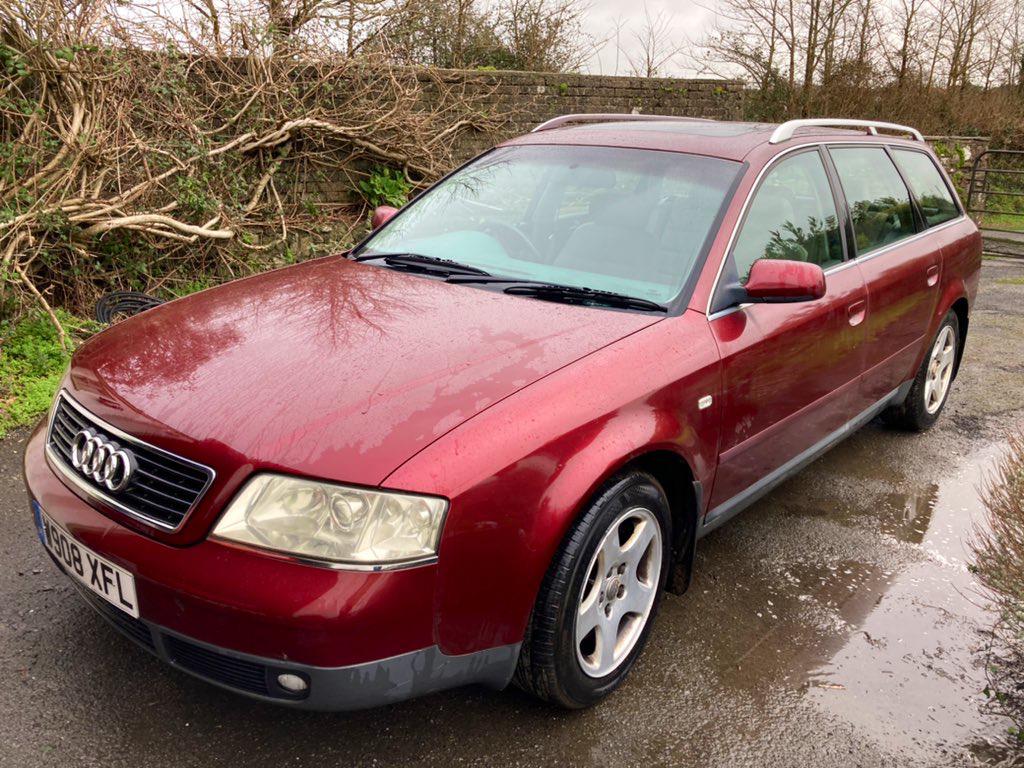
Hi there, thought I'd say Hello before I start posting questions and asking for help..! 🙂 I bought a '00 A6 SE Avant, with the 2.4L V6 and a Manual 'Box last week, and, whilst I may have bought for a [very] low price, was aware that it would need a bit of TLC and Work to bring it back to good.. In the few days I have owned it, I have really enjoyed driving it around [on essential journeys only, we are still in Lockdown after all] to the Vets, Supermarket and local Woods for a Walk.. Already tackling some of the minor jobs, I replaced the Rear Boot Door Gas Struts, have some new Rubber waiting to go on at the Weekend and have some new OEM Headlights to bolt in. Unfortunately, the Clutch is on its way out [imminently] and having spoken to a local Garage, know that I am staring down the Barrel at a £1K Bill including the Flywheel replacement. Like I said, I knew some Work would need to be done.. But.. I intend to have the A6 for a while, so consider it / have told myself it is an investment..!