markinwidnes
Members
-
Joined
-
Last visited
-
Not done my Italian tune yet. The only thing I've noticed off the freeze frame is the MAP sensor reading 41 inHg. I dont quite understand how it can have that reading from an engine that isn't running. Maybe someone can enlighten me?
-
Ha ha "Italian tune" love it! Yeh, I believe finding a Good branded fuel with a detergent helps, and a drop of redex. Good advice cos I wouldn't of thought of this before my Italian job. Thanks guys.
-
Thanks for the reply. Yeh, I'll take it for a good run. it's worth a shot.
-
markinwidnes changed their profile photo
-
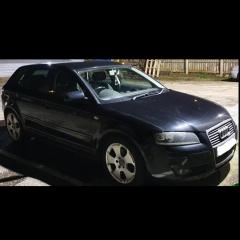
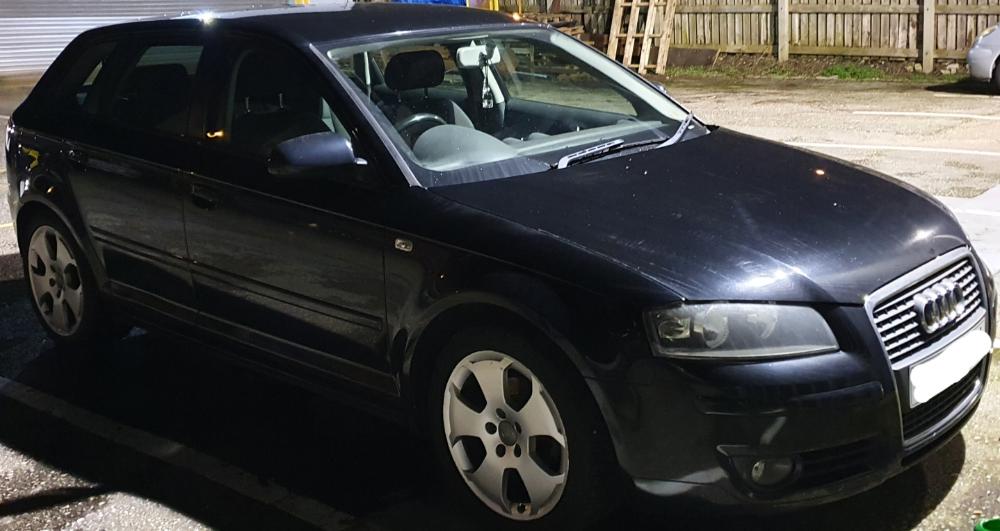
2006 A3 8PA 1.9tdi Hi, my EML occasionally comes on and stays on when I start the car. It never comes on when I'm driving. It can stay on for a few days then go off by itself, then it can sometimes stay off for almost a week before its back again. I cant really notice any difference in performance. i cleared the code last week. started it today and it came back. I turned the engine off and plugged in my code reader and got this info. P0236 Generic Turbocharger Boost Sensor A Circuit Range/Performance Freeze Frame Data: DTC FRZF P0236 LOAD_PCT (%) 0.0 ETC (F) 36 MAP (inHg) 41.0 RPM (/min) 0 VSS (mph) 0 IAT (F) 32 MAF (lb/min) 0.000 TP (%) 94.9 Any help would be appreciated Thanks, Mark