Skip to content
View in the app

A better way to browse. Learn more.

Audi Owners Club (UK)

A full-screen app on your home screen with push notifications, badges and more.

To install this app on iOS and iPadOS
  1. Tap the Share icon in Safari
  2. Scroll the menu and tap Add to Home Screen.
  3. Tap Add in the top-right corner.
To install this app on Android
  1. Tap the 3-dot menu (⋮) in the top-right corner of the browser.
  2. Tap Add to Home screen or Install app.
  3. Confirm by tapping Install.


Ads78

Members
  • Joined

  • Last visited

Everything posted by Ads78

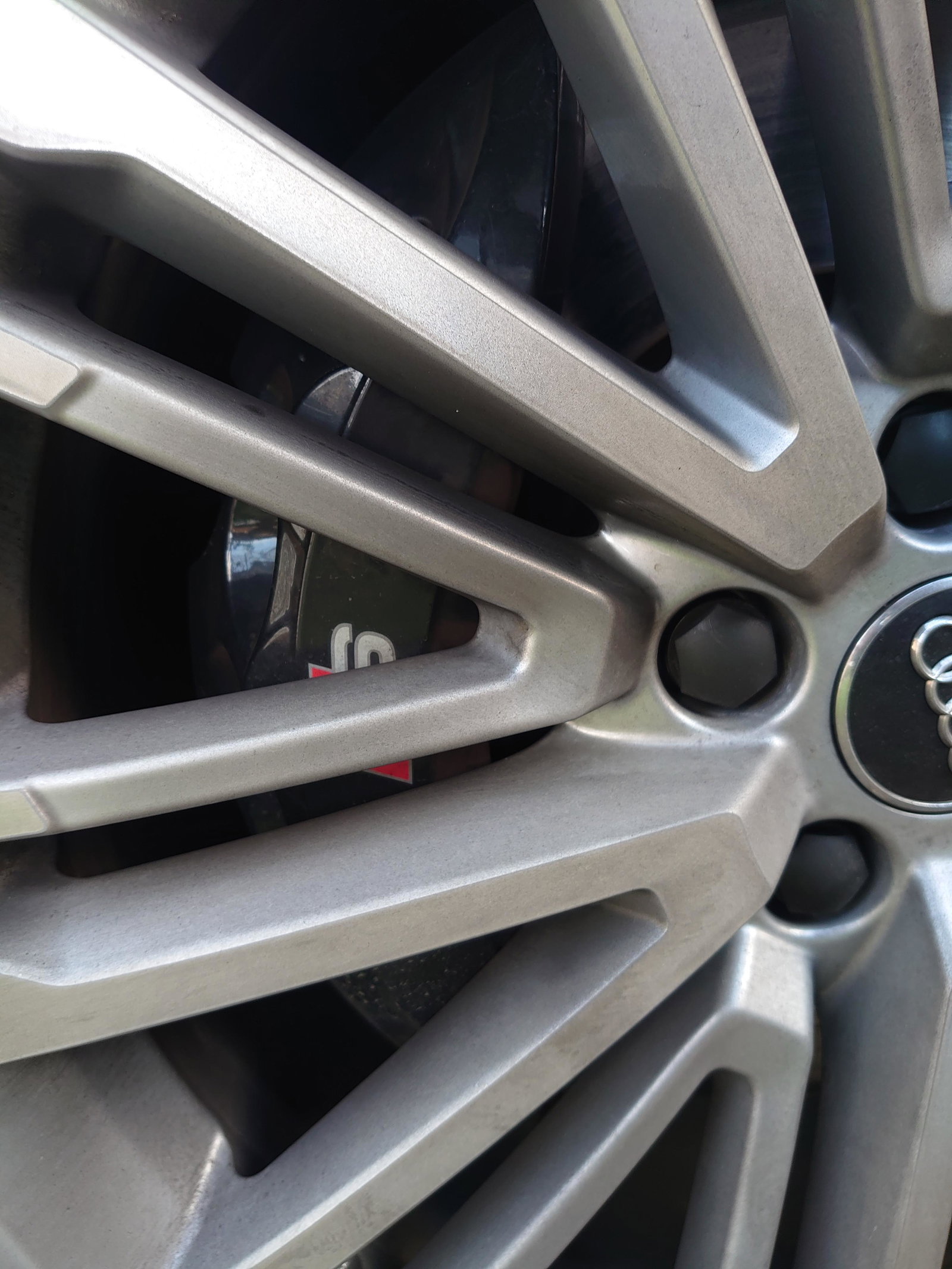
  1. Hi all In my first Audi (2017 S4), picked it up 10 days ago. I've been driving a MY00 Impreza wagon for the last 15 years (and a 94 Corvette on rare occasions that it comes out of the garage), first car I've owned with an auto box. Not the greatest pic of my wheels... Took as long to clean those as the rest of the car and I'm not convinced I did a great job! On the lookout for some Speedlines already. I've never got my head around offset and wonder if these would fit? https://www.ebay.co.uk/itm/AUDI-TTRS-8J-MK2-TTS-GENUINE-19-LE-MANS-ALLOY-WHEEL-SET-SPEEDLINE-9J-ET52-5X112-/124481529297?_trksid=p2349624.m46890.l49292


Background Picker
Customize Layout

Account

Navigation

Search

Search

Configure browser push notifications

Chrome (Android)
  1. Tap the lock icon next to the address bar.
  2. Tap Permissions → Notifications.
  3. Adjust your preference.
Chrome (Desktop)
  1. Click the padlock icon in the address bar.
  2. Select Site settings.
  3. Find Notifications and adjust your preference.