




Skip to content
View in the app

A better way to browse. Learn more.

Audi Owners Club (UK)

A full-screen app on your home screen with push notifications, badges and more.

To install this app on iOS and iPadOS
  1. Tap the Share icon in Safari
  2. Scroll the menu and tap Add to Home Screen.
  3. Tap Add in the top-right corner.
To install this app on Android
  1. Tap the 3-dot menu (⋮) in the top-right corner of the browser.
  2. Tap Add to Home screen or Install app.
  3. Confirm by tapping Install.

Shane...

Members
  • Joined

  • Last visited

  1. No problem mate! Thank you very much!
  2. Shane... posted a topic in Audi A7 Club
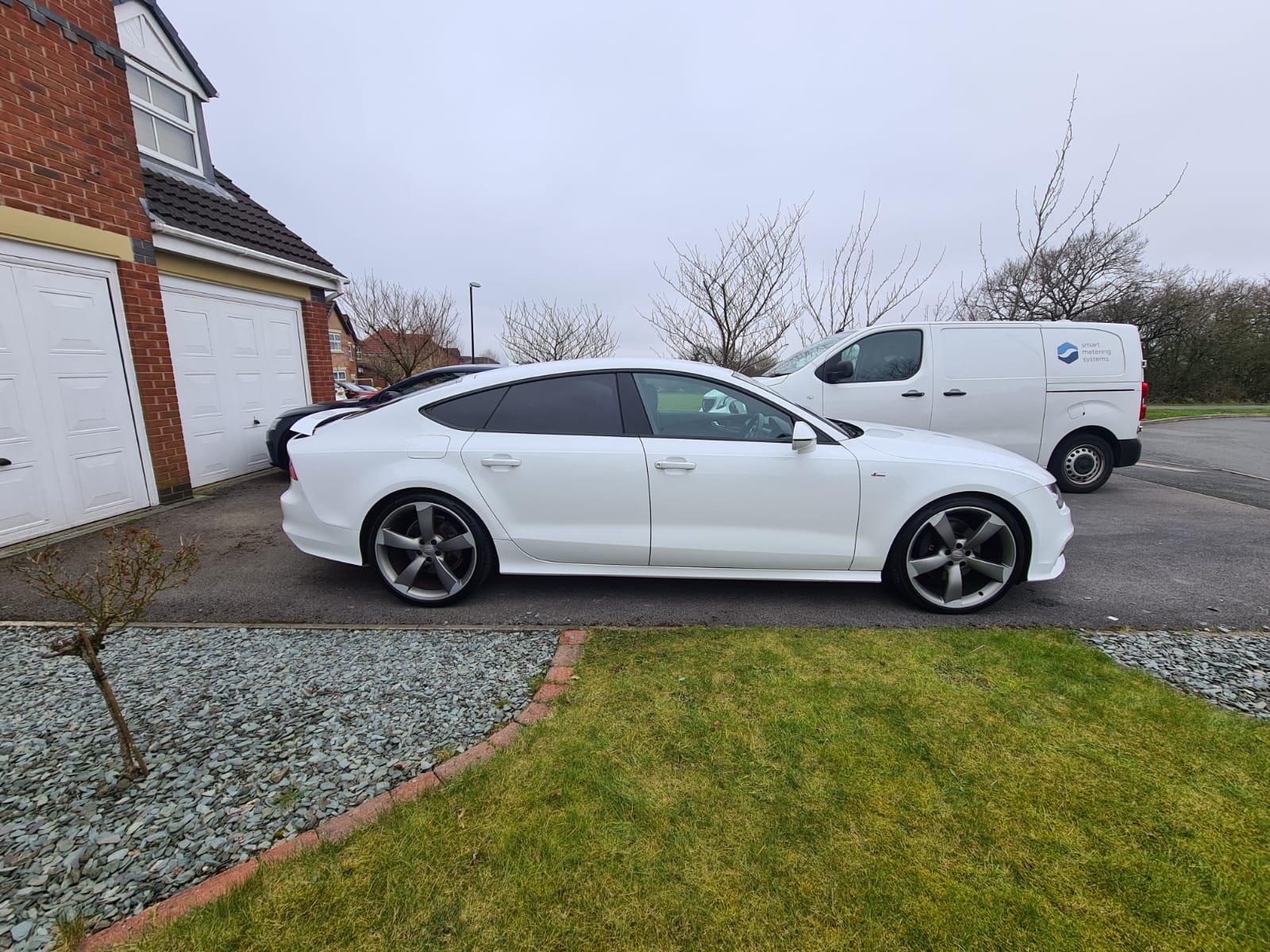
    Hi everyone. Just bought an A7 last weekend. Its a pre-facelift and my 1st "mod" is going to be facelift rear lights. I'm struggling to find any decent information or guides around the Internet so any useful information or links would be massively appreciated! Thanks in advance 👍
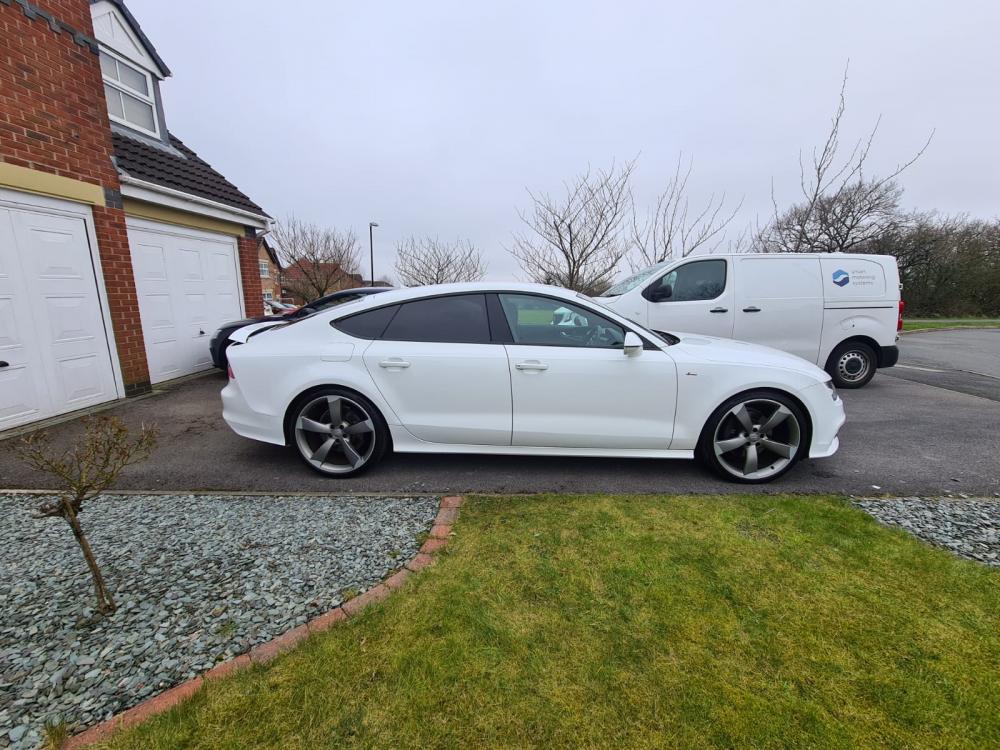
  3. Hi mate. I've had the same struggle as you trying to get information on how to do this retrofit! I'd really appreciate if you could share what you've learned and also where you managed to order the cables from. I have already got the lights on order 👍


Background Picker
Customize Layout

Account

Navigation

Search

Search

Configure browser push notifications

Chrome (Android)
  1. Tap the lock icon next to the address bar.
  2. Tap Permissions → Notifications.
  3. Adjust your preference.
Chrome (Desktop)
  1. Click the padlock icon in the address bar.
  2. Select Site settings.
  3. Find Notifications and adjust your preference.