Skip to content
View in the app

A better way to browse. Learn more.

Audi Owners Club (UK)

A full-screen app on your home screen with push notifications, badges and more.

To install this app on iOS and iPadOS
  1. Tap the Share icon in Safari
  2. Scroll the menu and tap Add to Home Screen.
  3. Tap Add in the top-right corner.
To install this app on Android
  1. Tap the 3-dot menu (⋮) in the top-right corner of the browser.
  2. Tap Add to Home screen or Install app.
  3. Confirm by tapping Install.

Rayz0

Members
  • Joined

  • Last visited

Everything posted by Rayz0

  1. Thanks
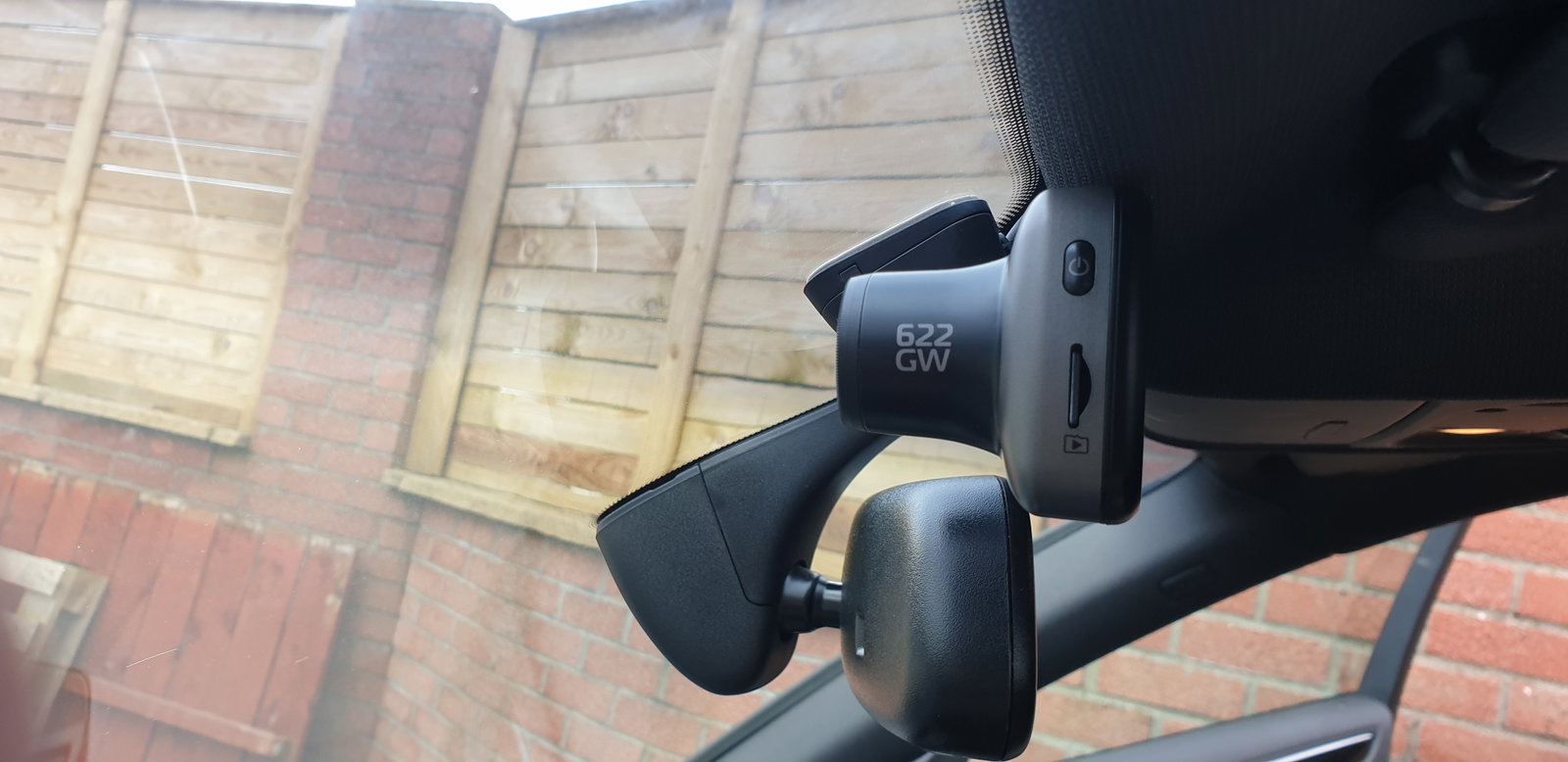
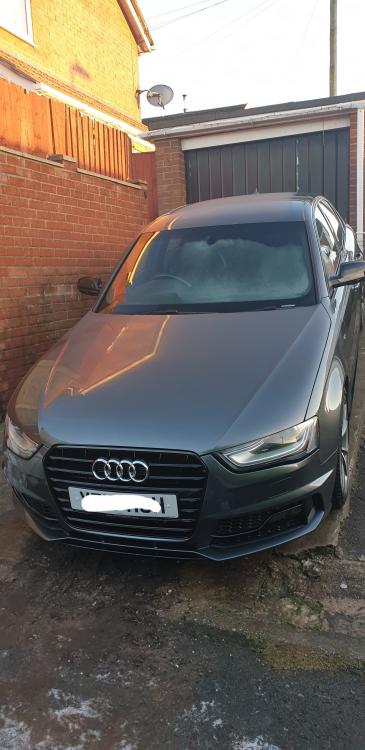
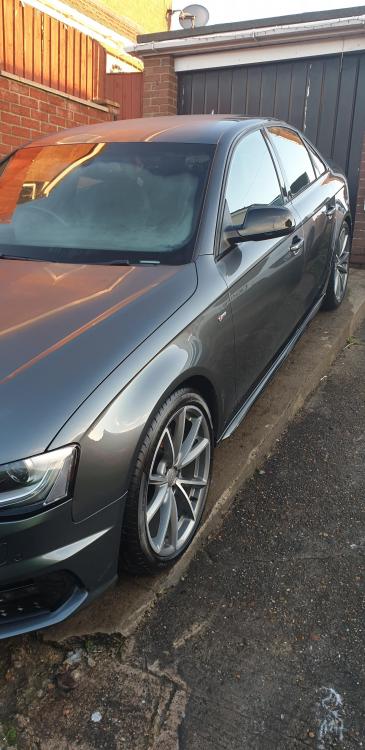
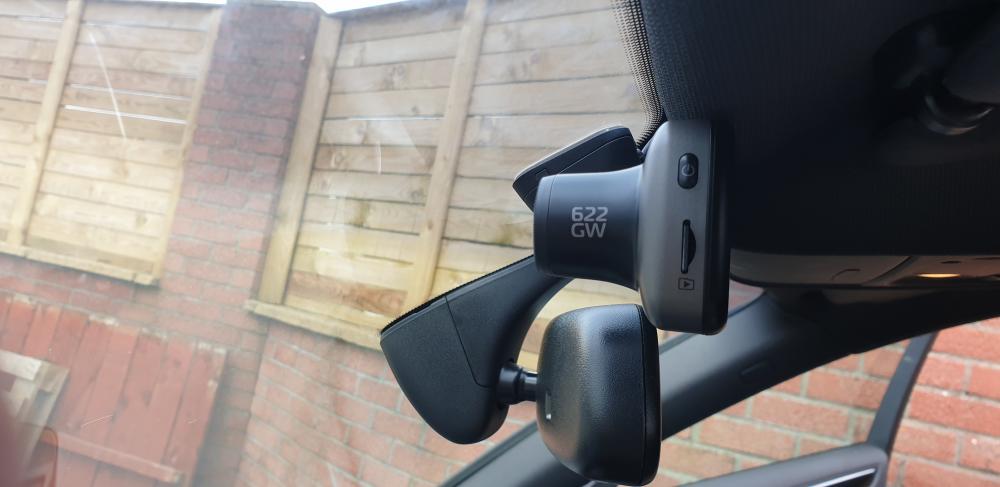
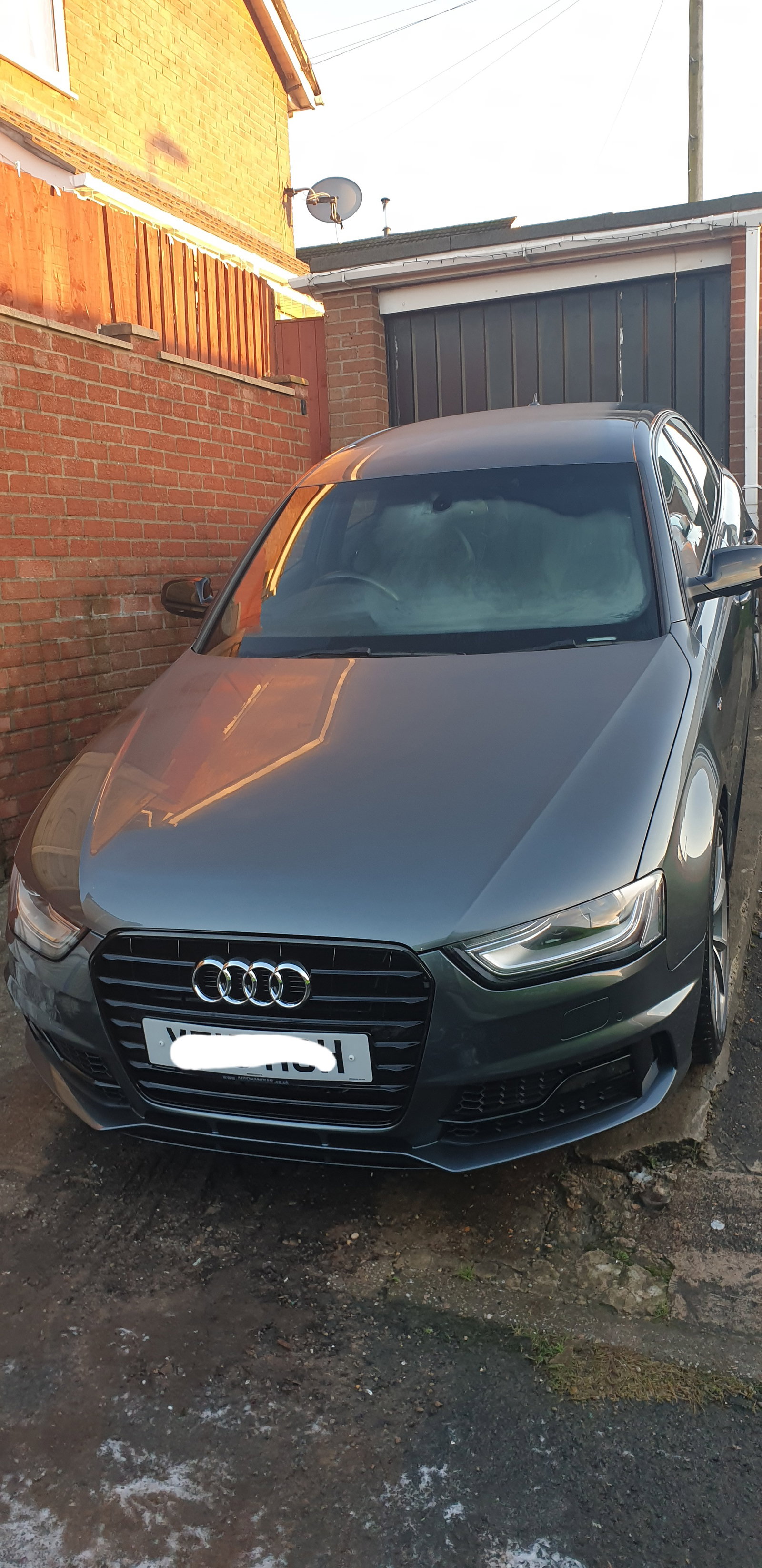
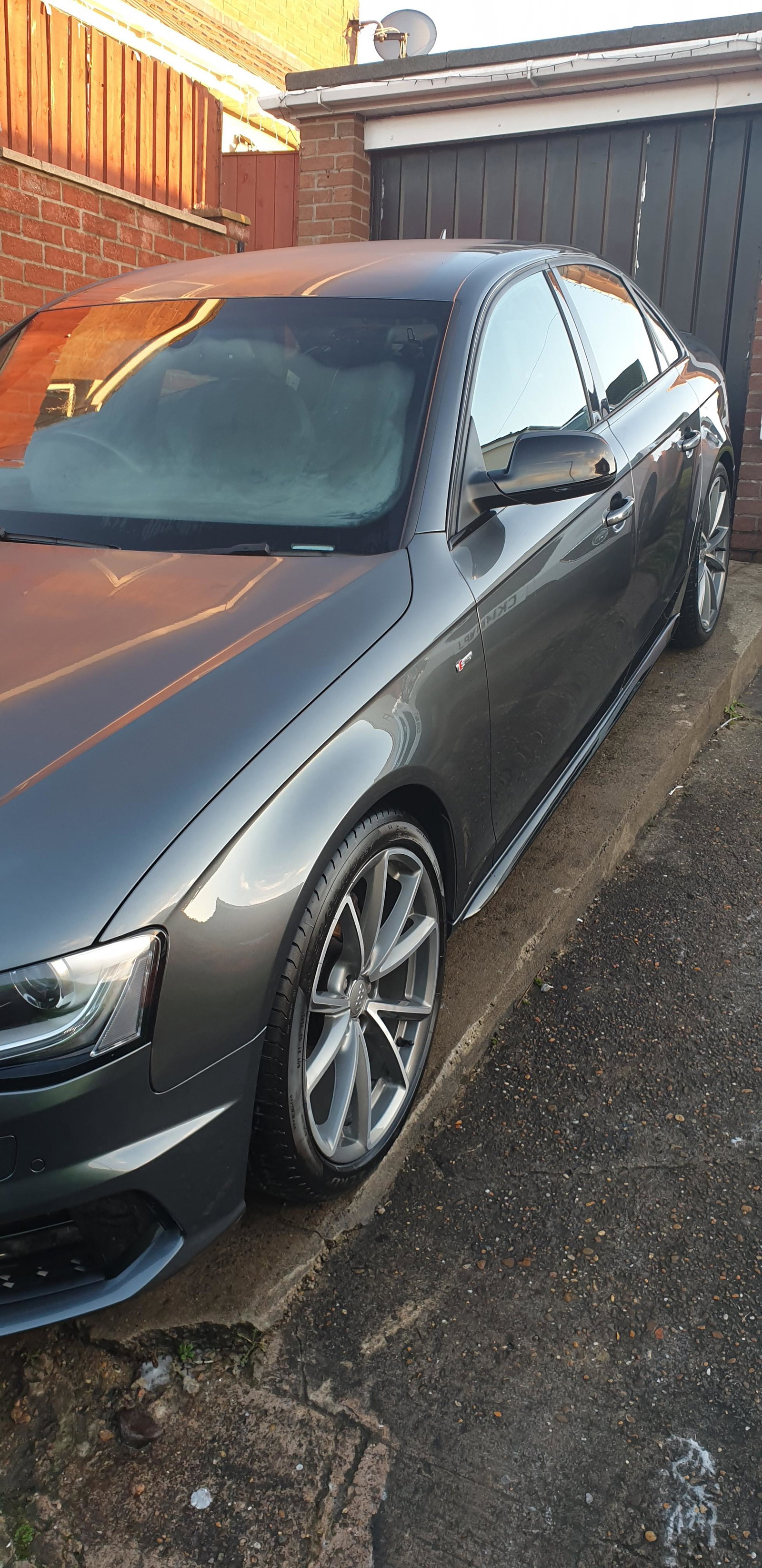
  2. Hi I'm Ben I live in south wales. I bought a 2015 A4 Black Edition plus a few months ago and really pleased with the purchase. car was fully serviced, taxed for 6 months and 2 new rear tyres fitted when i bought it so hopefully shouldnt have anything to worry about for a year. First thing for the car was a dashcam. I fitted the Nextbase 622GW and a rear facing camera. Was very easy to install and hide all the cables and does intrude on vision to much. Plans: I kurbed my left front alloy 😞 so going to replace them for a new set and then get the originals refurbished. Want to learn to do maintenance on the car myself such as changing brakes, servicing etc with hopefully advancing to other things. So im sure I will ask stupid questions along the way. Cheers
Background Picker
Customize Layout

Account

Navigation

Search

Search

Configure browser push notifications

Chrome (Android)
  1. Tap the lock icon next to the address bar.
  2. Tap Permissions → Notifications.
  3. Adjust your preference.
Chrome (Desktop)
  1. Click the padlock icon in the address bar.
  2. Select Site settings.
  3. Find Notifications and adjust your preference.