Skip to content
View in the app

A better way to browse. Learn more.

Audi Owners Club (UK)

A full-screen app on your home screen with push notifications, badges and more.

To install this app on iOS and iPadOS
  1. Tap the Share icon in Safari
  2. Scroll the menu and tap Add to Home Screen.
  3. Tap Add in the top-right corner.
To install this app on Android
  1. Tap the 3-dot menu (⋮) in the top-right corner of the browser.
  2. Tap Add to Home screen or Install app.
  3. Confirm by tapping Install.

NathanB

Members
  • Joined

  • Last visited

Everything posted by NathanB

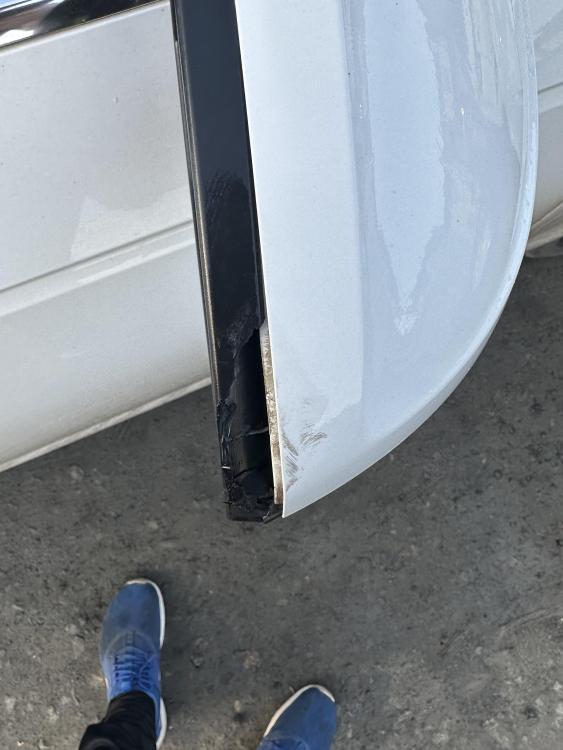
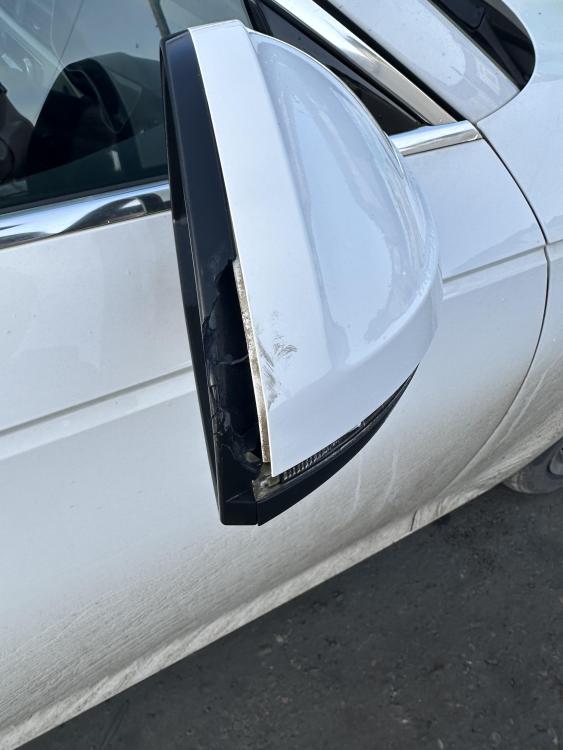
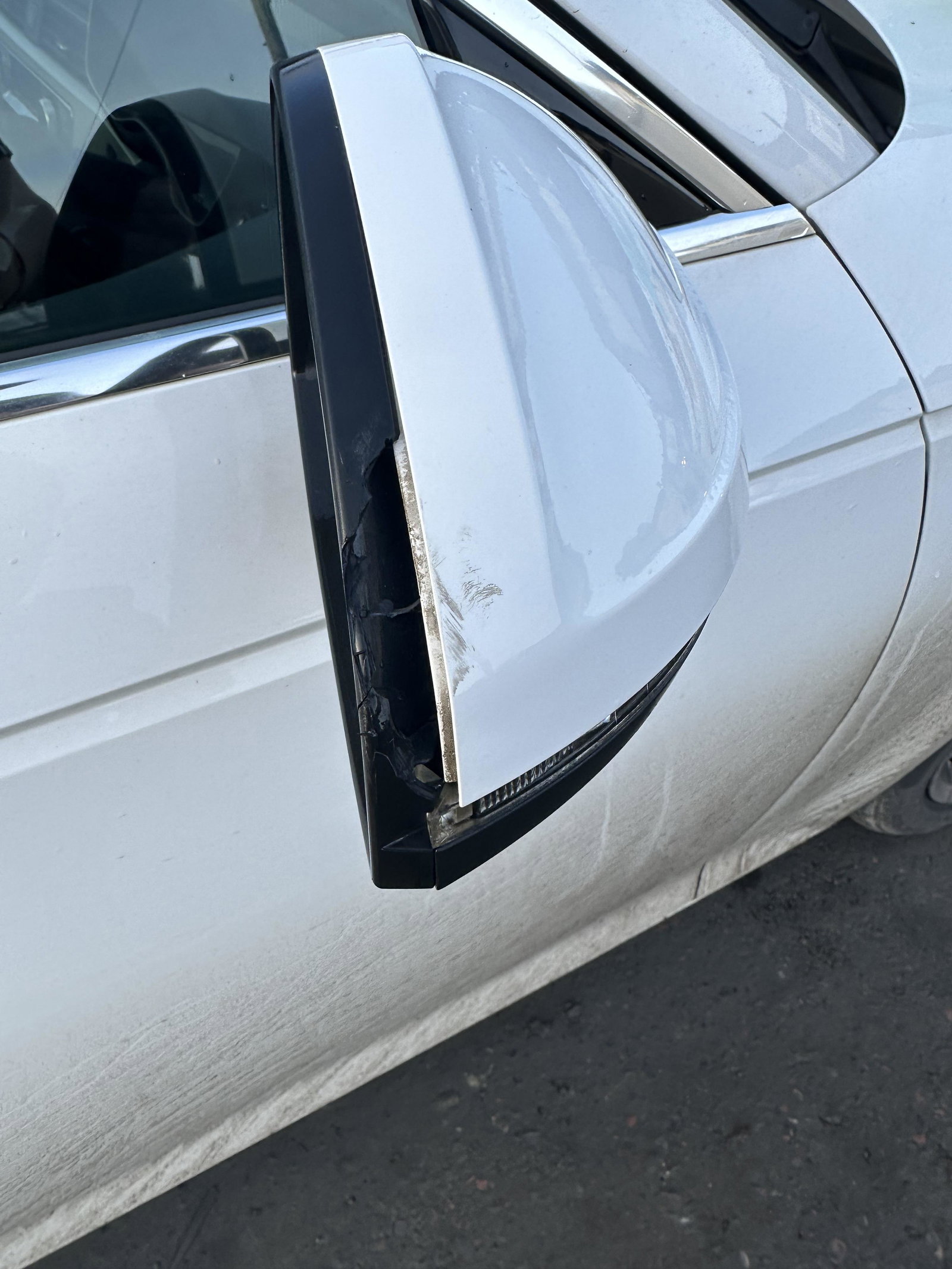
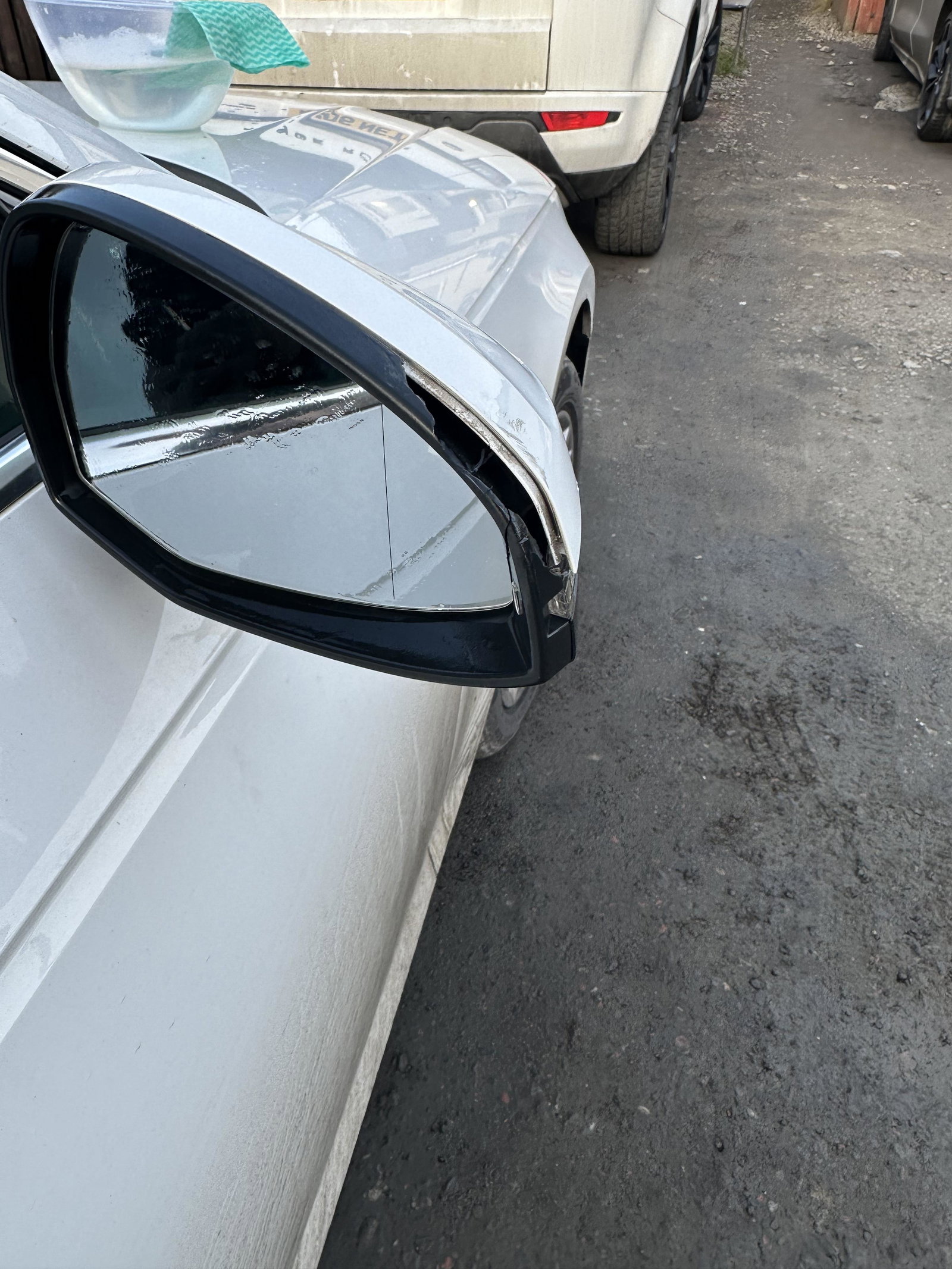
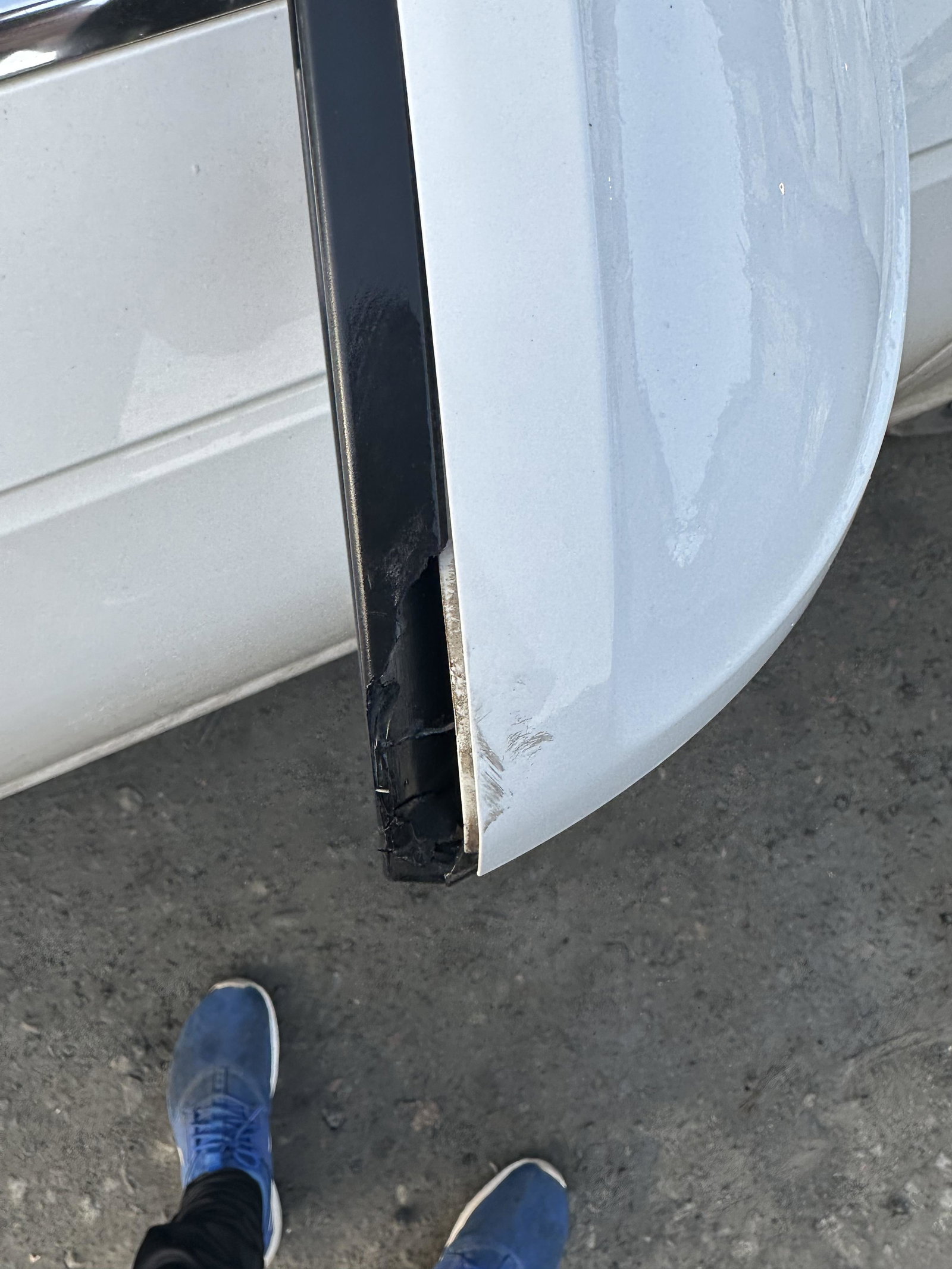
  1. Hi guys, someone’s clipped my car in the street last night. just wondering if anyone can advise whether it’s a full wing mirror replacement or if I can get the trim that’s damaged as a spare part anywhere? pictures attached
  2. Thanks Steve
  3. Hi guys, I’m picking up an a4 sport 1.4 tfsi this week and wondered if anyone could tell me how to find out if it has the ‘sweeping indicator’ feature. Looked all over the internet and can’t seem to find any definitive answers. if anyone knows give me a shout! also if anyone has any feedback on the car they could share it would also be appreciated.

Background Picker
Customize Layout

Account

Navigation

Search

Search

Configure browser push notifications

Chrome (Android)
  1. Tap the lock icon next to the address bar.
  2. Tap Permissions → Notifications.
  3. Adjust your preference.
Chrome (Desktop)
  1. Click the padlock icon in the address bar.
  2. Select Site settings.
  3. Find Notifications and adjust your preference.