Skip to content
View in the app

A better way to browse. Learn more.

Audi Owners Club (UK)

A full-screen app on your home screen with push notifications, badges and more.

To install this app on iOS and iPadOS
  1. Tap the Share icon in Safari
  2. Scroll the menu and tap Add to Home Screen.
  3. Tap Add in the top-right corner.
To install this app on Android
  1. Tap the 3-dot menu (⋮) in the top-right corner of the browser.
  2. Tap Add to Home screen or Install app.
  3. Confirm by tapping Install.

Daffyrsq8

Members
  • Joined

  • Last visited

Everything posted by Daffyrsq8

  1. I’m gonna wait to get mine mapped as it new and will void the warranty but will definitely get it done eventually
  2. Lovely cars by the way, I was looking at trying to get the SQ7 but ended up with the RSQ8
  3. What next of the woods are you as I have family who is a mechanic for Audi
  4. Might seem like a silly question but does anyone know if 2021 Audi RSQ8 come with hud as standard?? thanks in advance
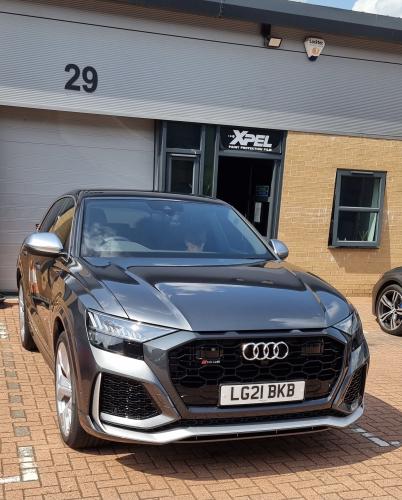
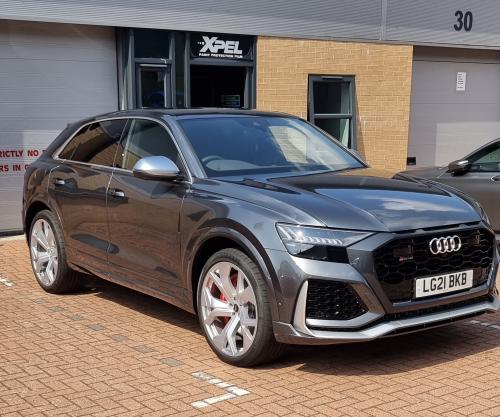
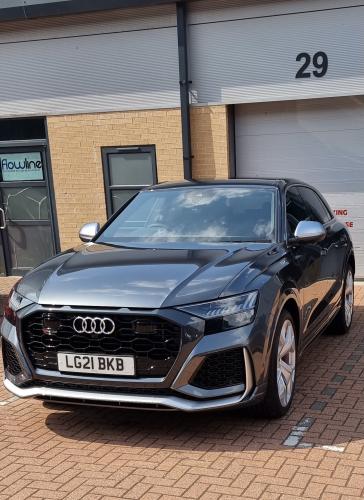
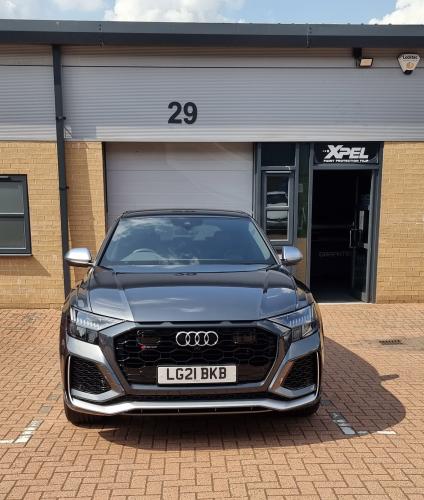
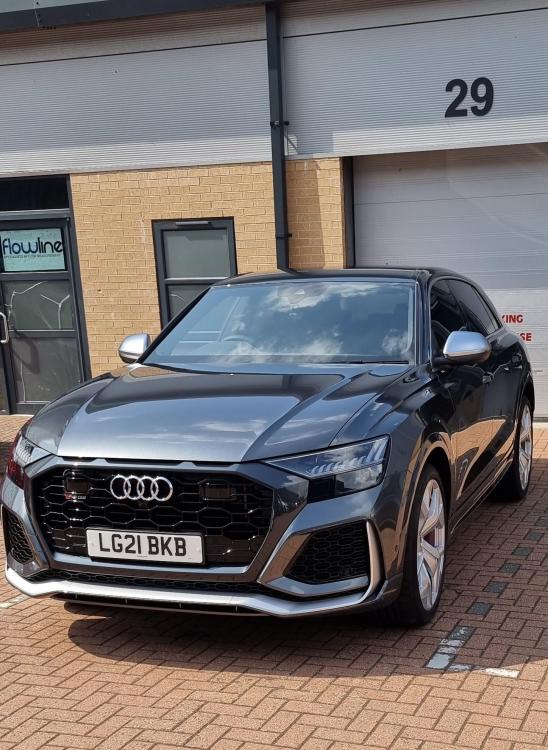
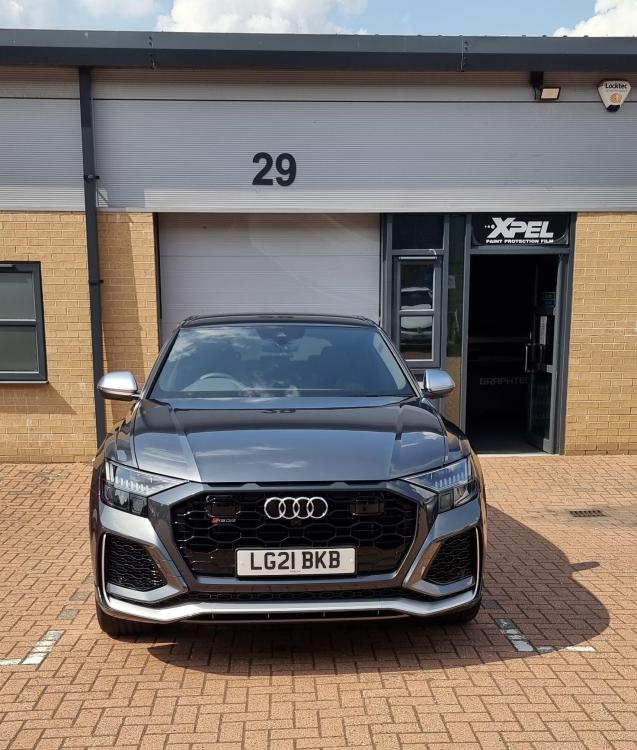
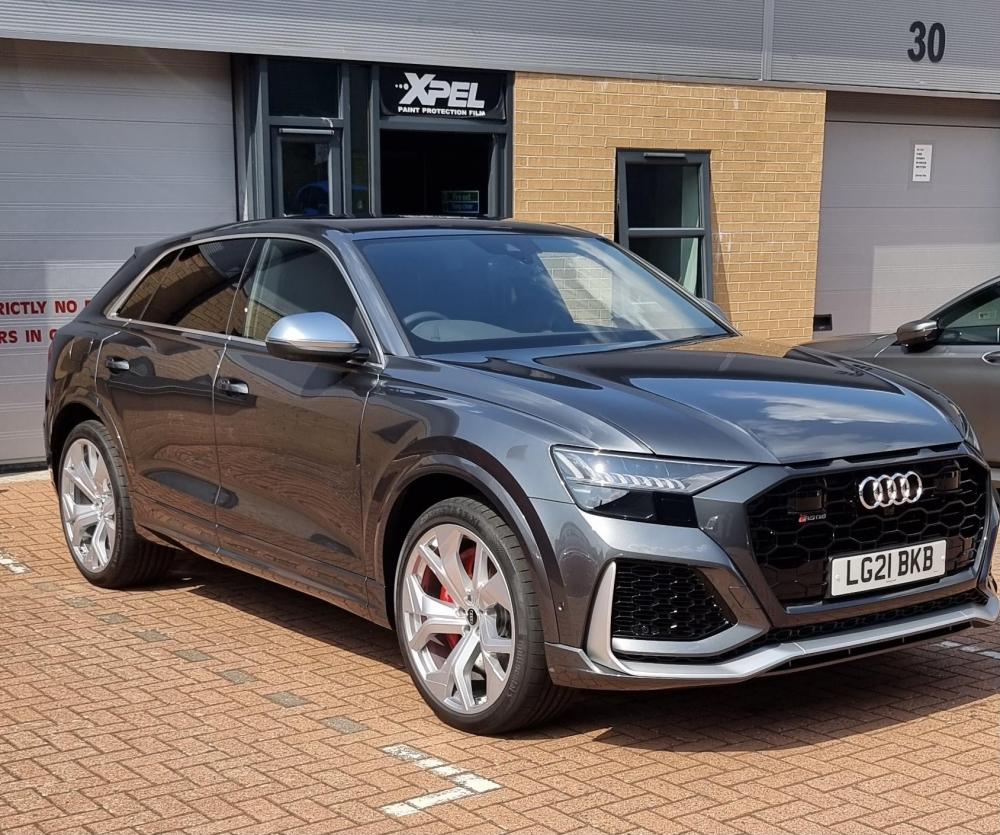
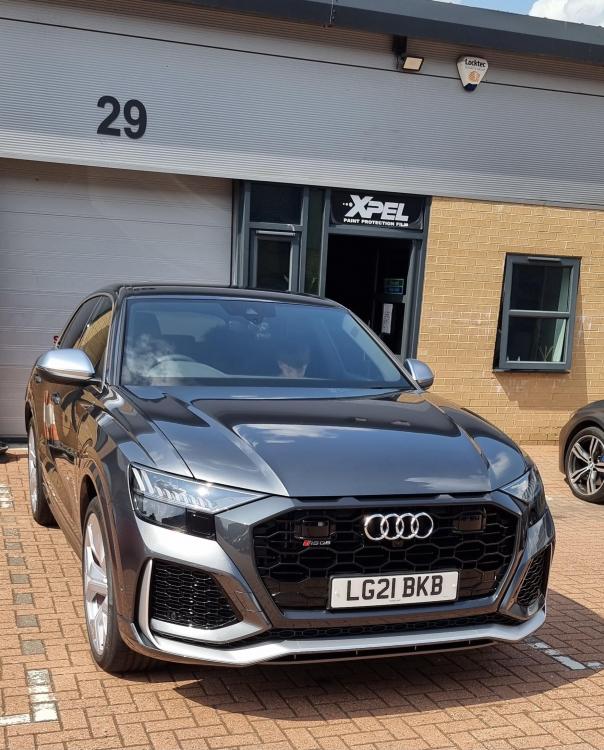
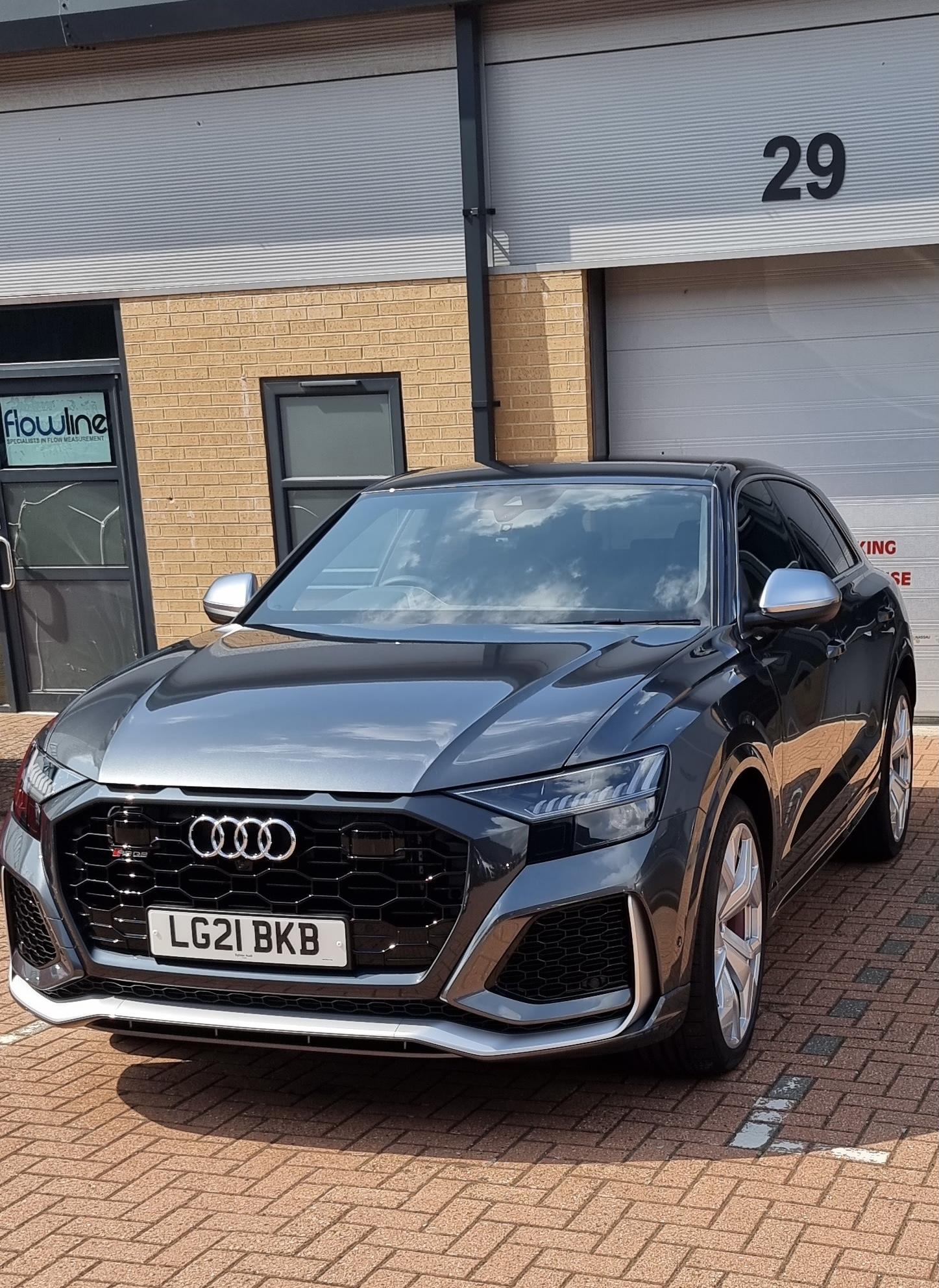
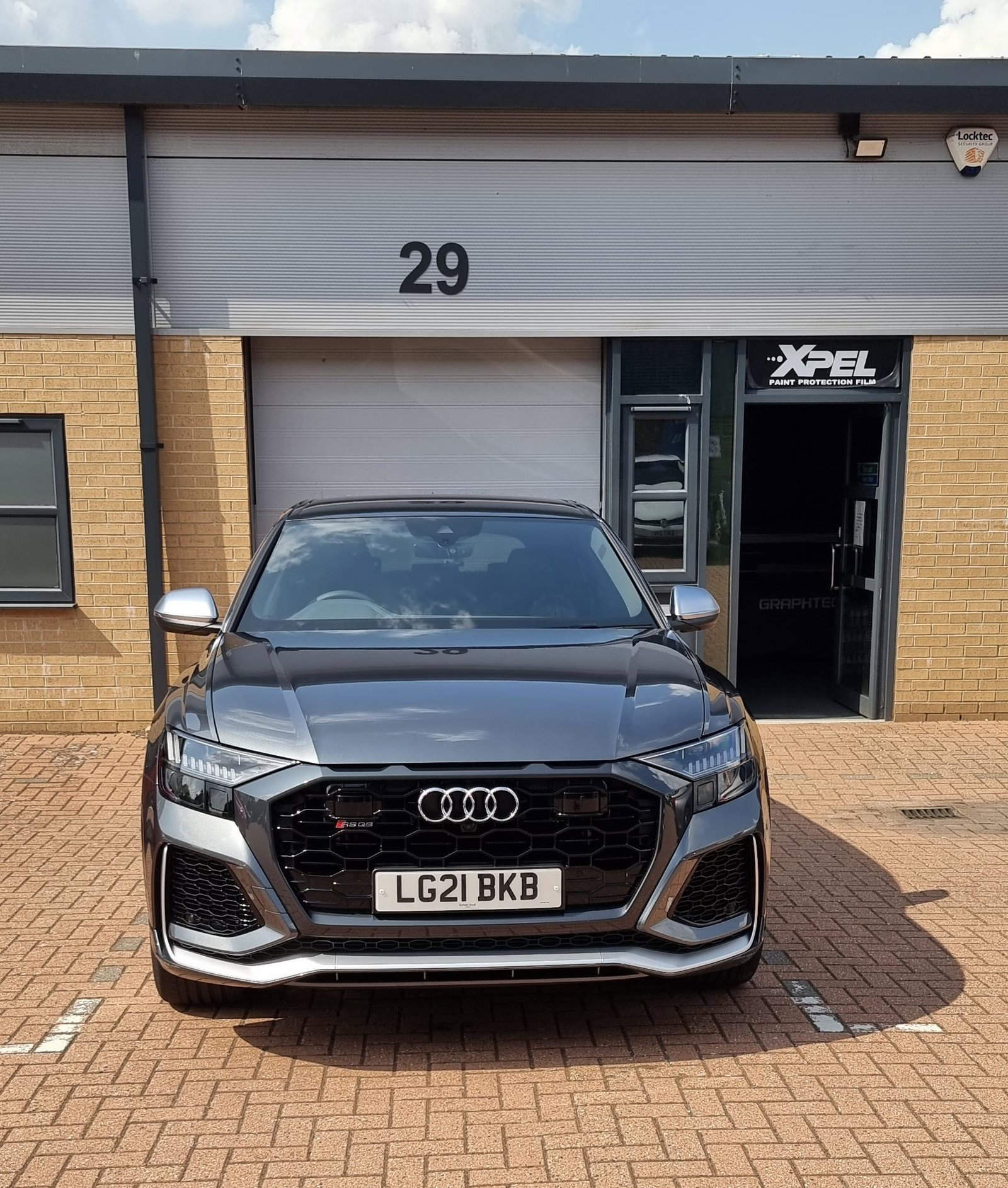
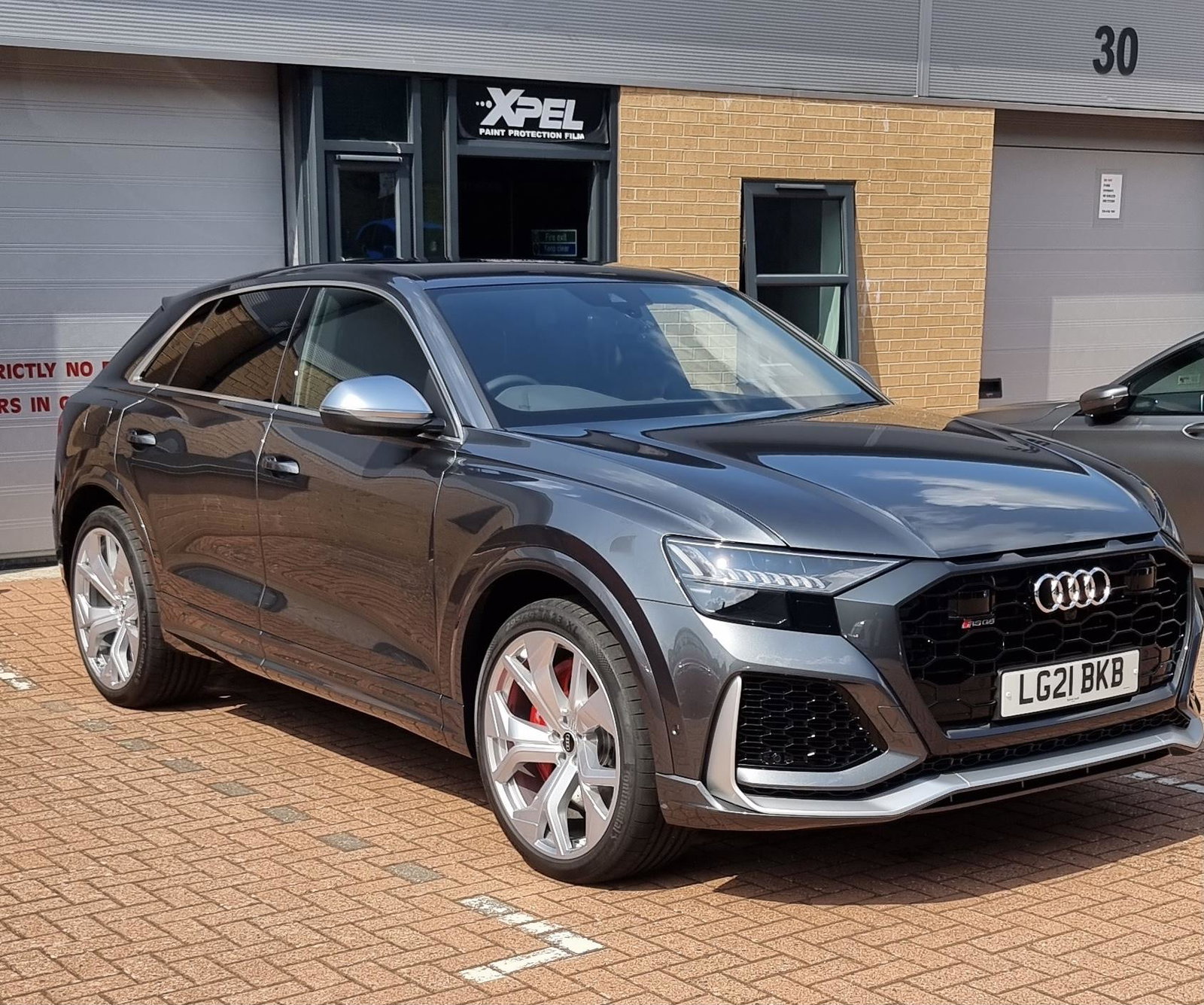
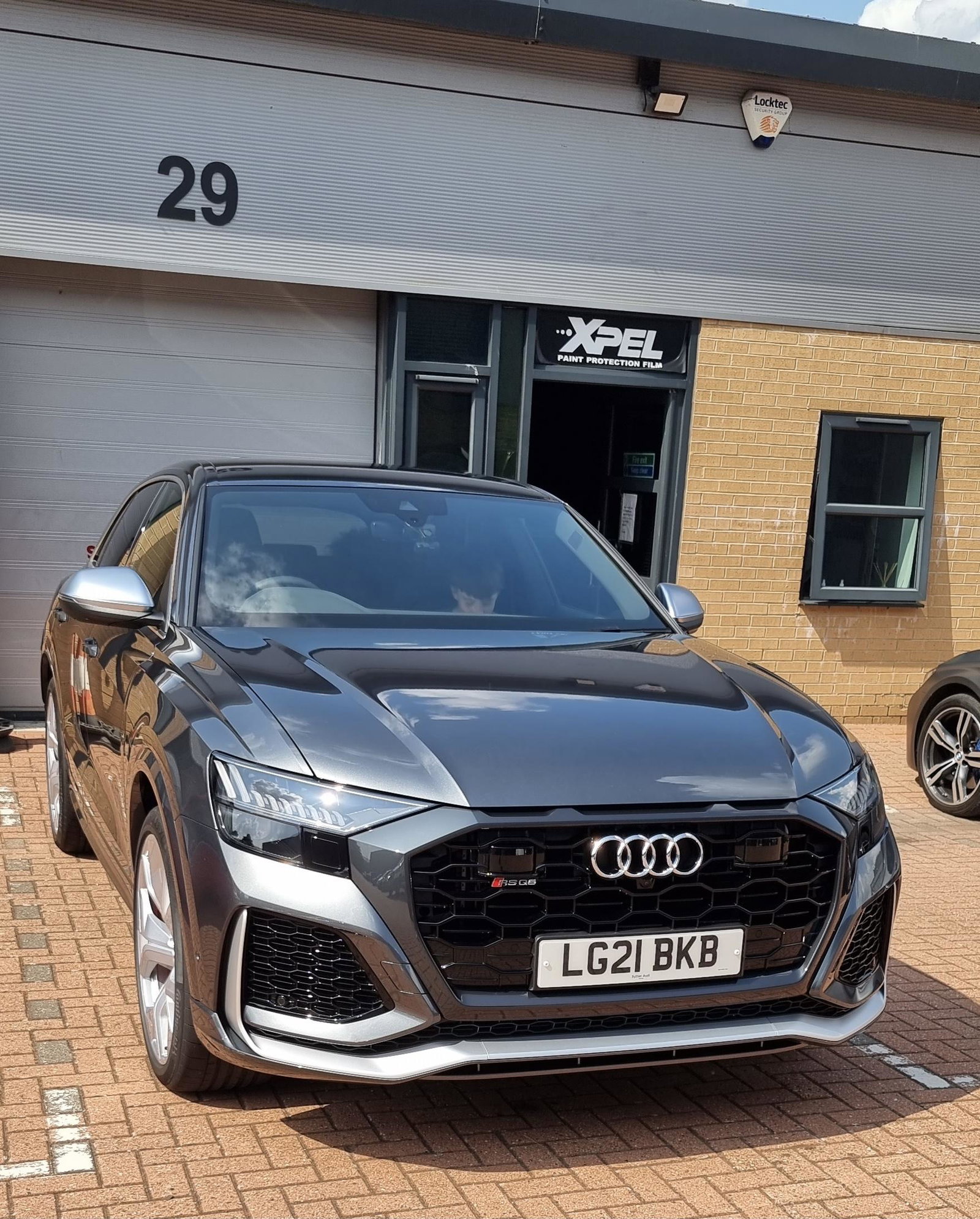
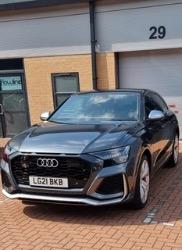
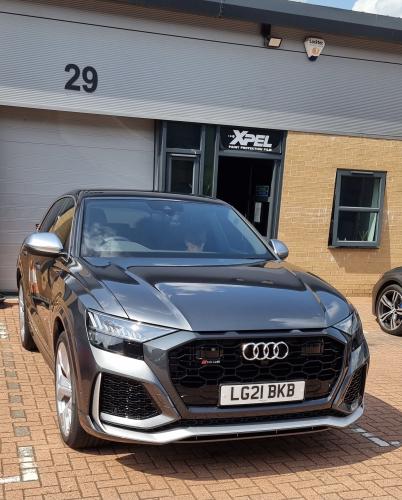
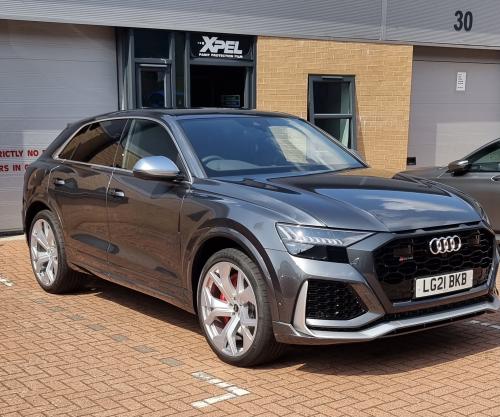
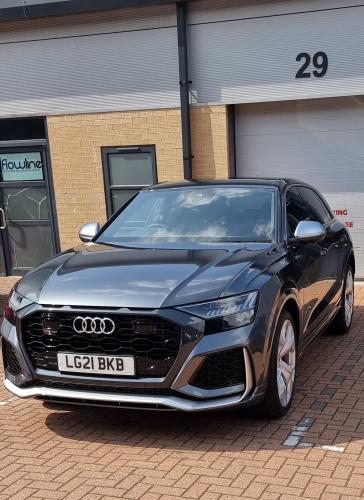
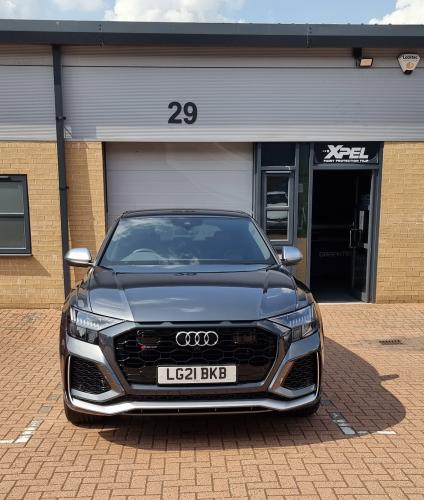
  5. Hi all, great to be here. I haven’t yet picked up my new Audi but will soon be a happy owner of a RSQ8 in September/October... will post a picture once it’s been collected... so excited 😆

Background Picker
Customize Layout

Account

Navigation

Search

Search

Configure browser push notifications

Chrome (Android)
  1. Tap the lock icon next to the address bar.
  2. Tap Permissions → Notifications.
  3. Adjust your preference.
Chrome (Desktop)
  1. Click the padlock icon in the address bar.
  2. Select Site settings.
  3. Find Notifications and adjust your preference.