




johnbhoy
Members
-
Joined
-
Last visited
Everything posted by johnbhoy
-
😁😁
-
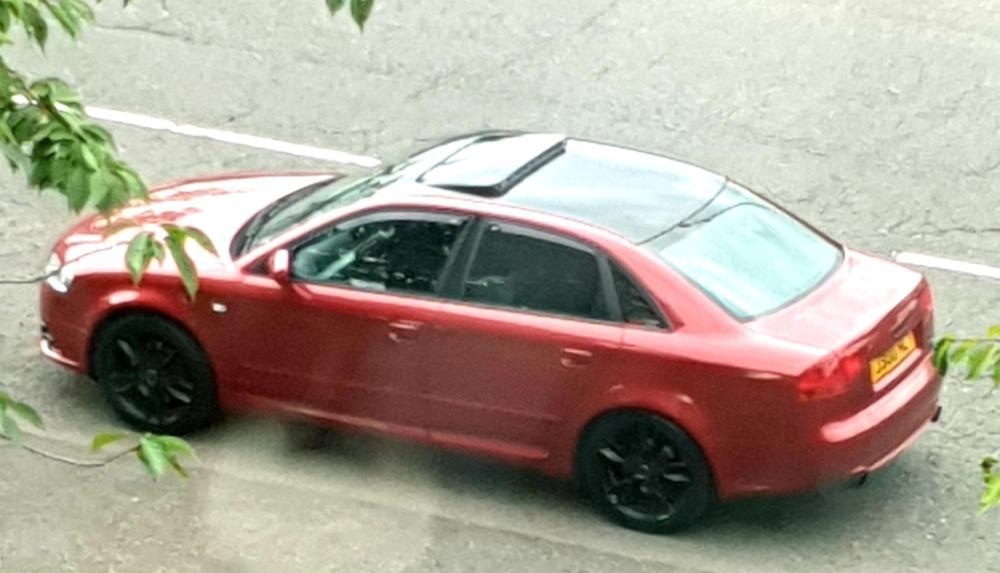
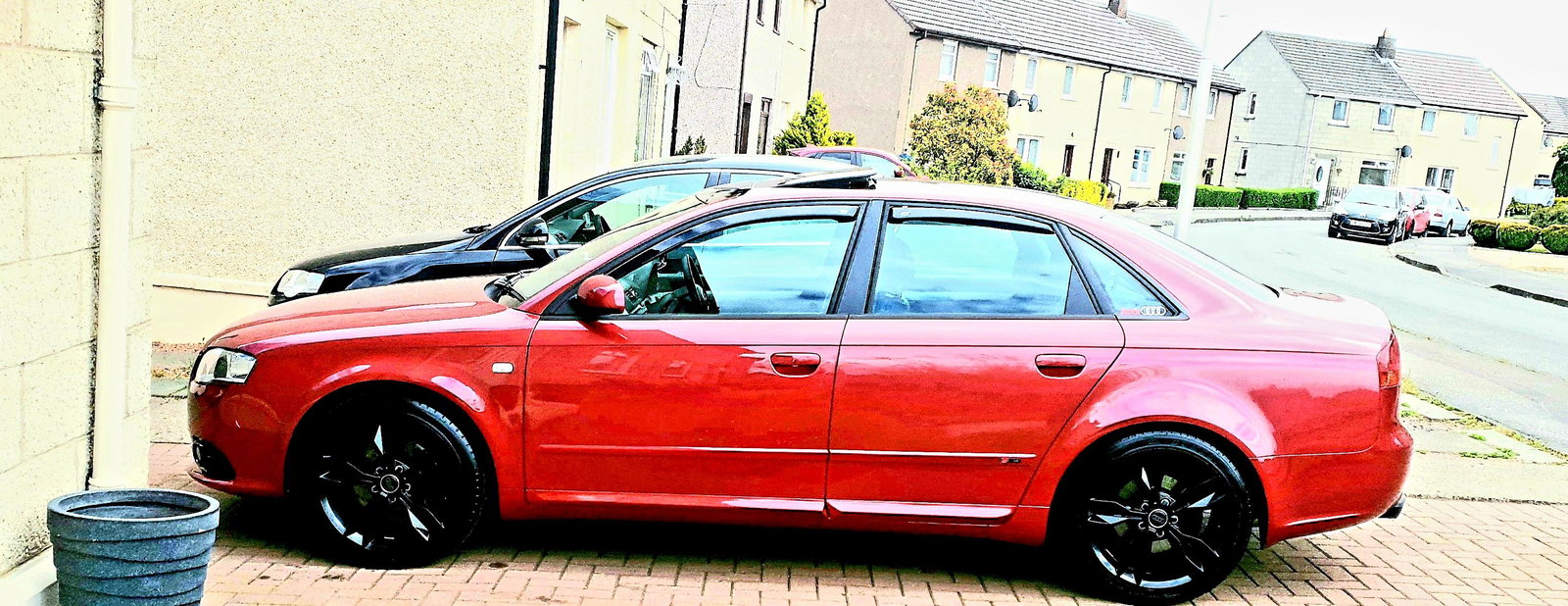
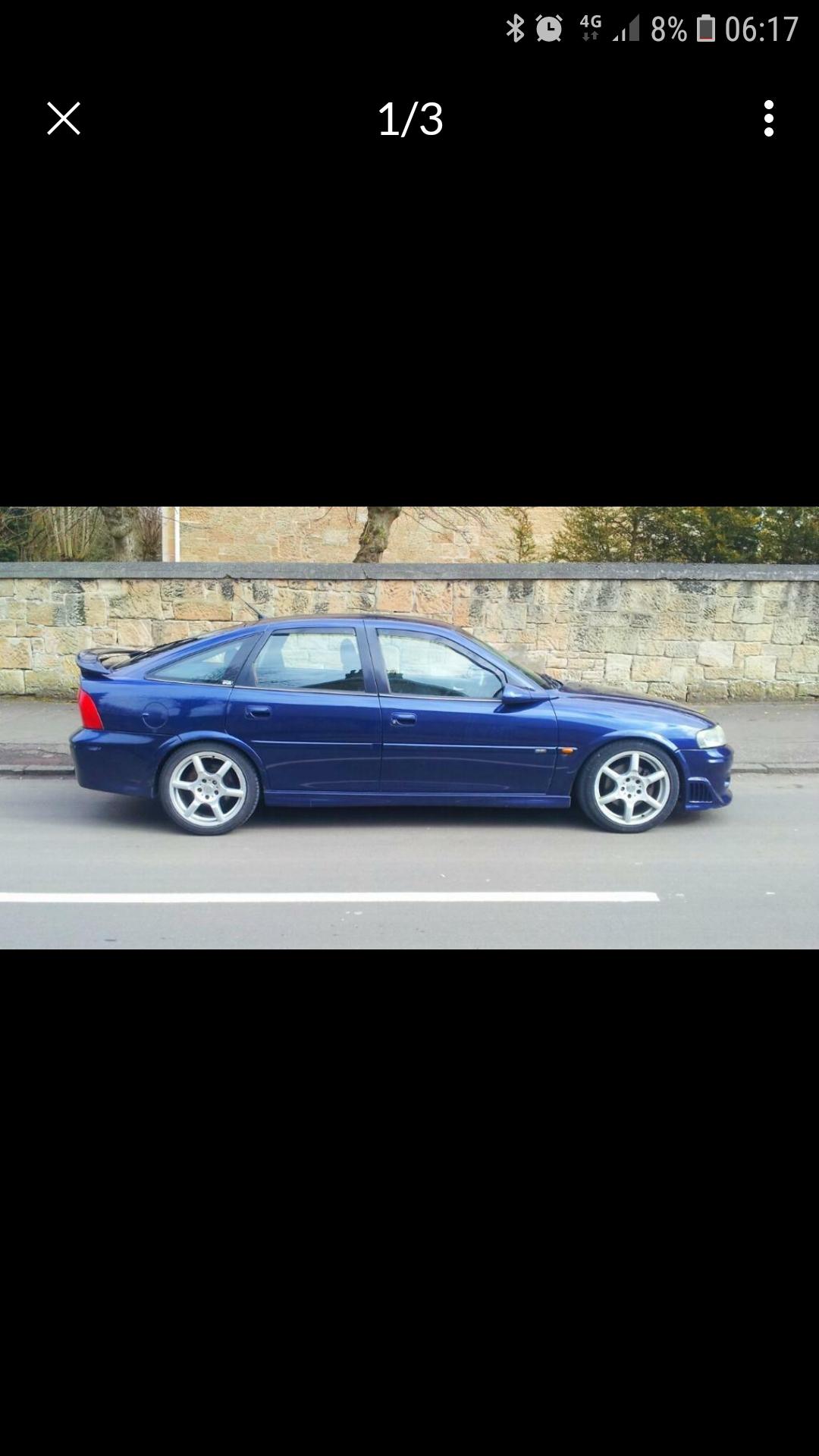
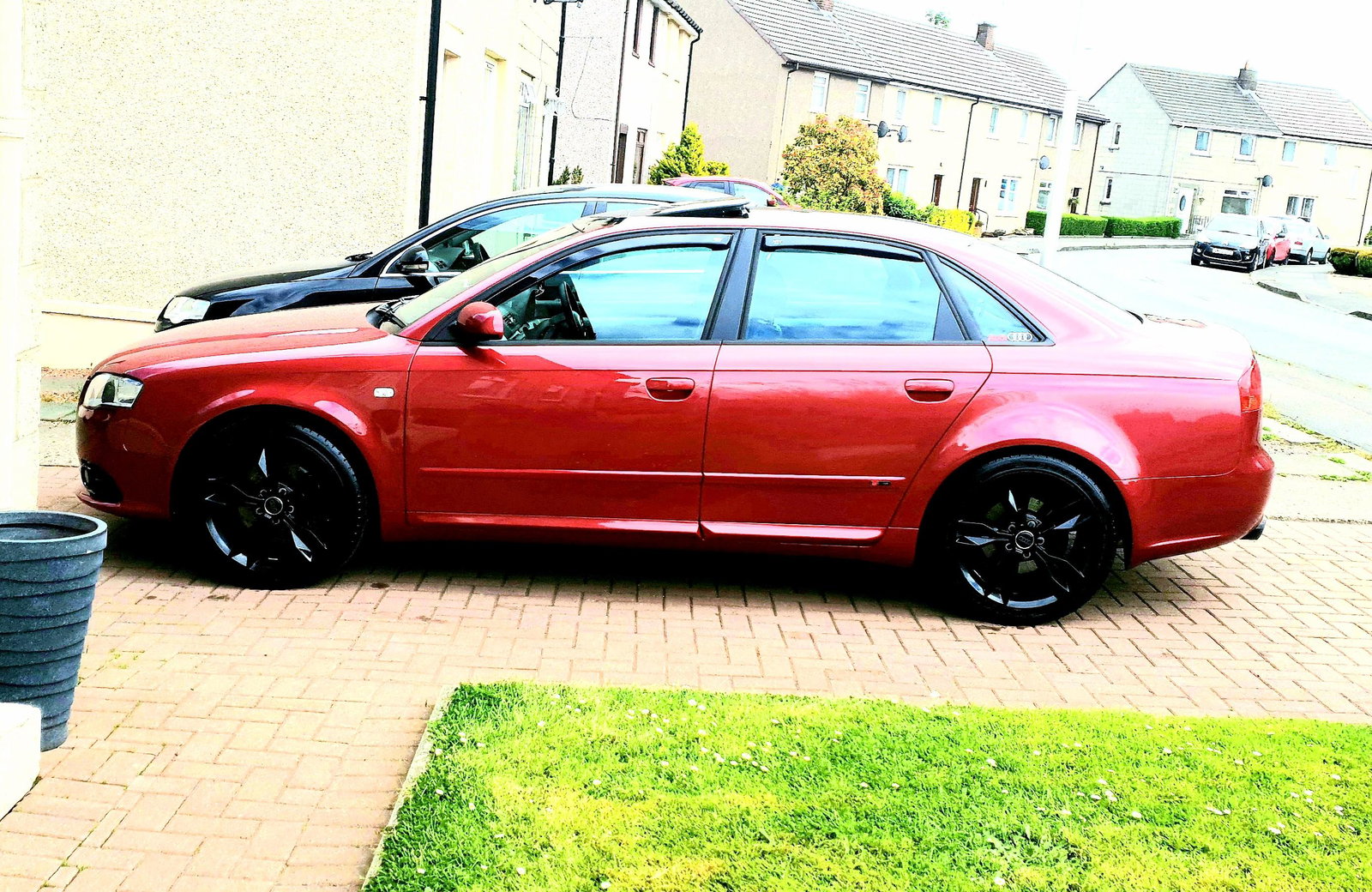
Gleaming for afew hrs ill the rain came on he jos of living in scotland lol
-
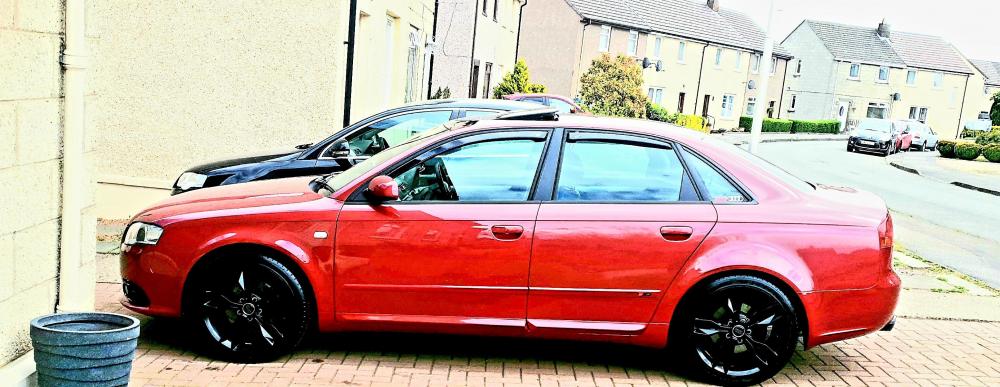
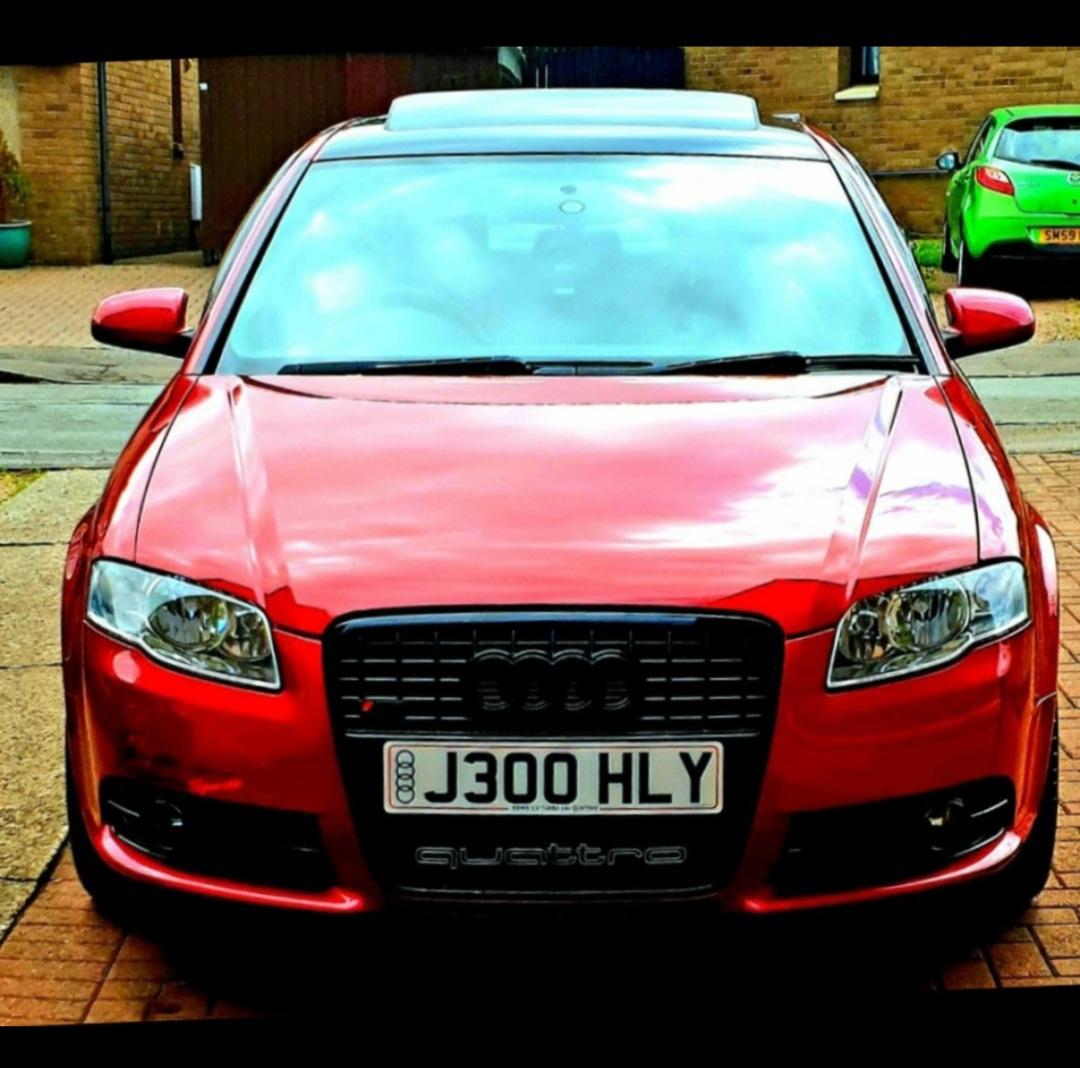
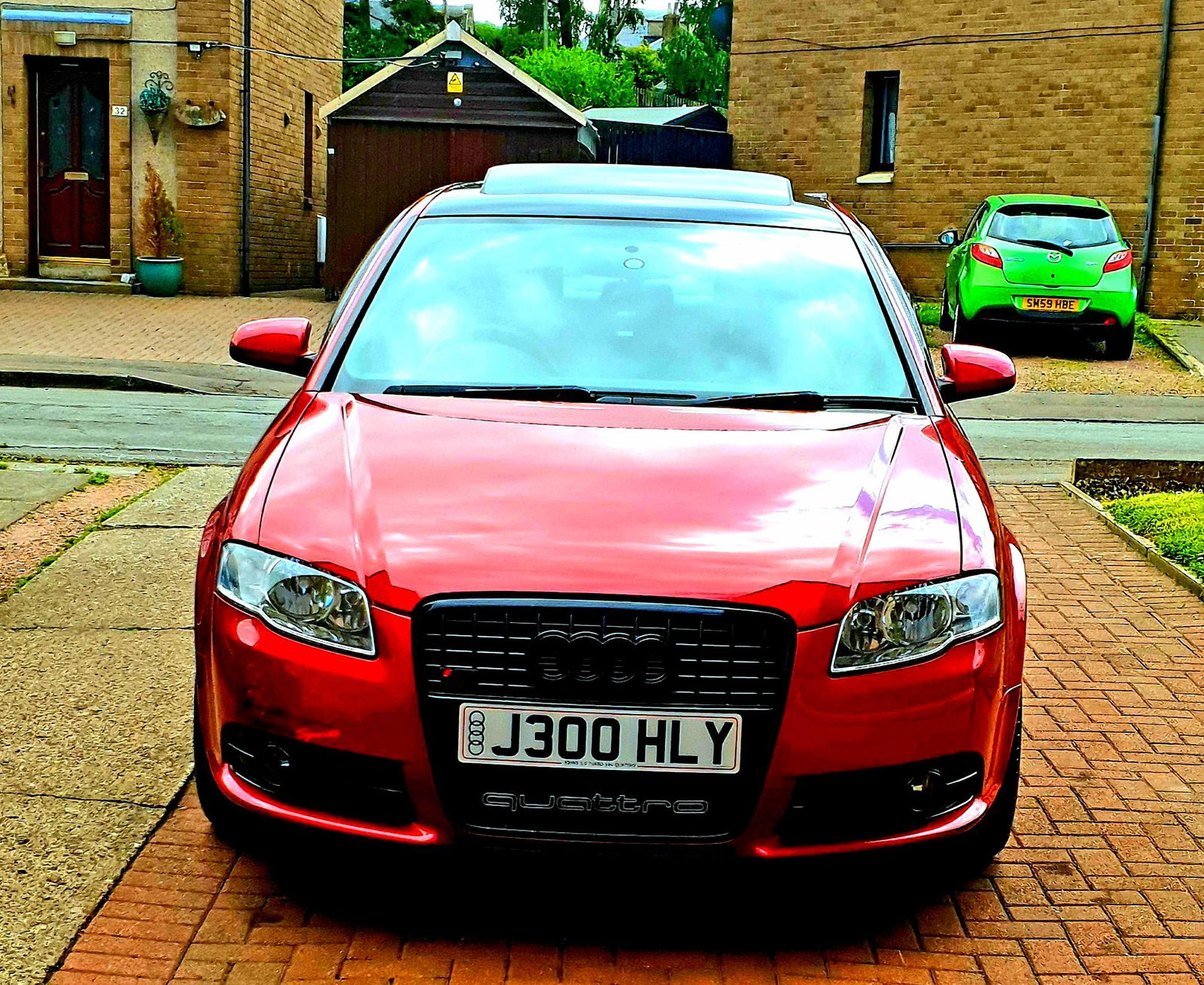
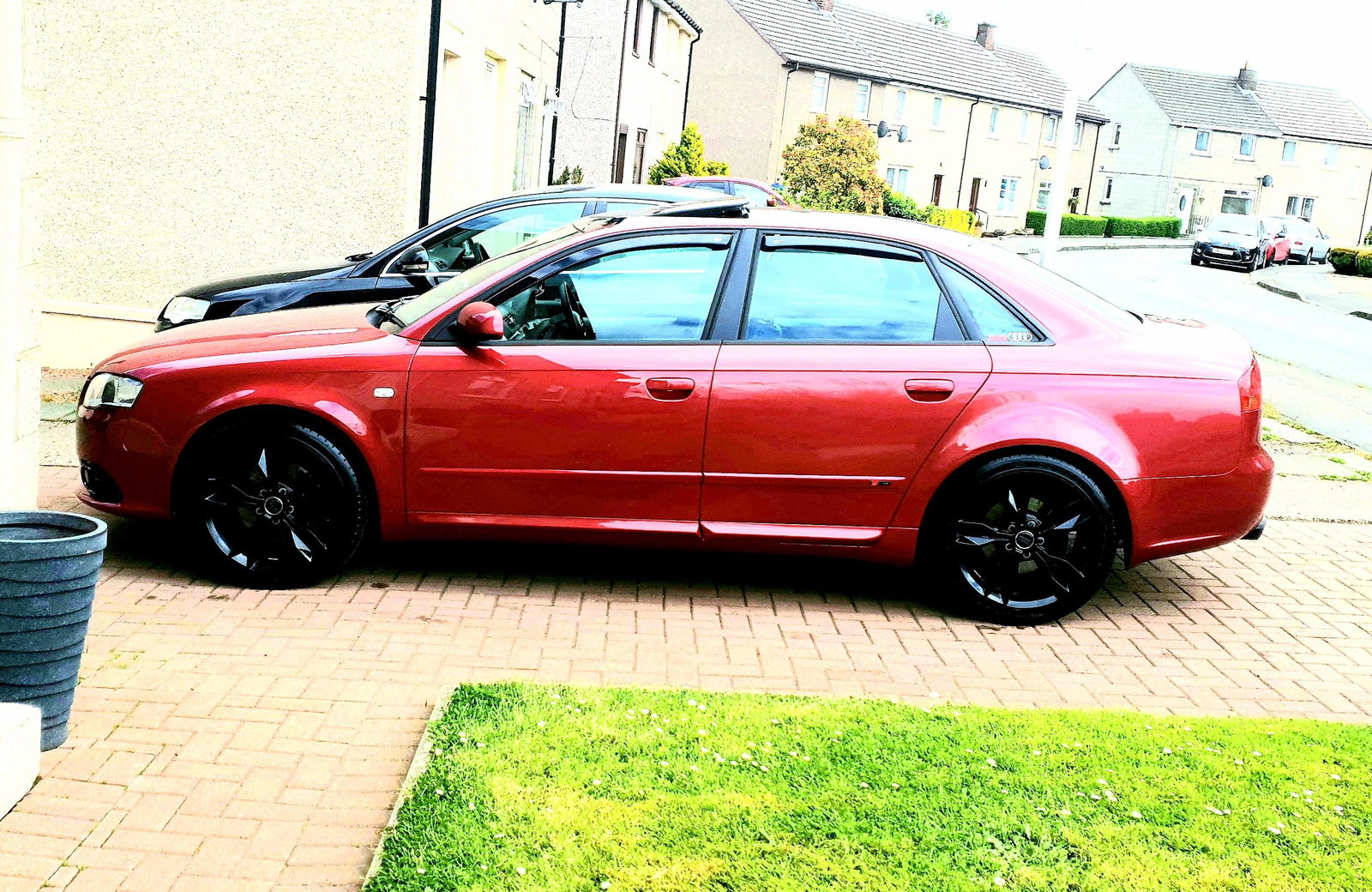
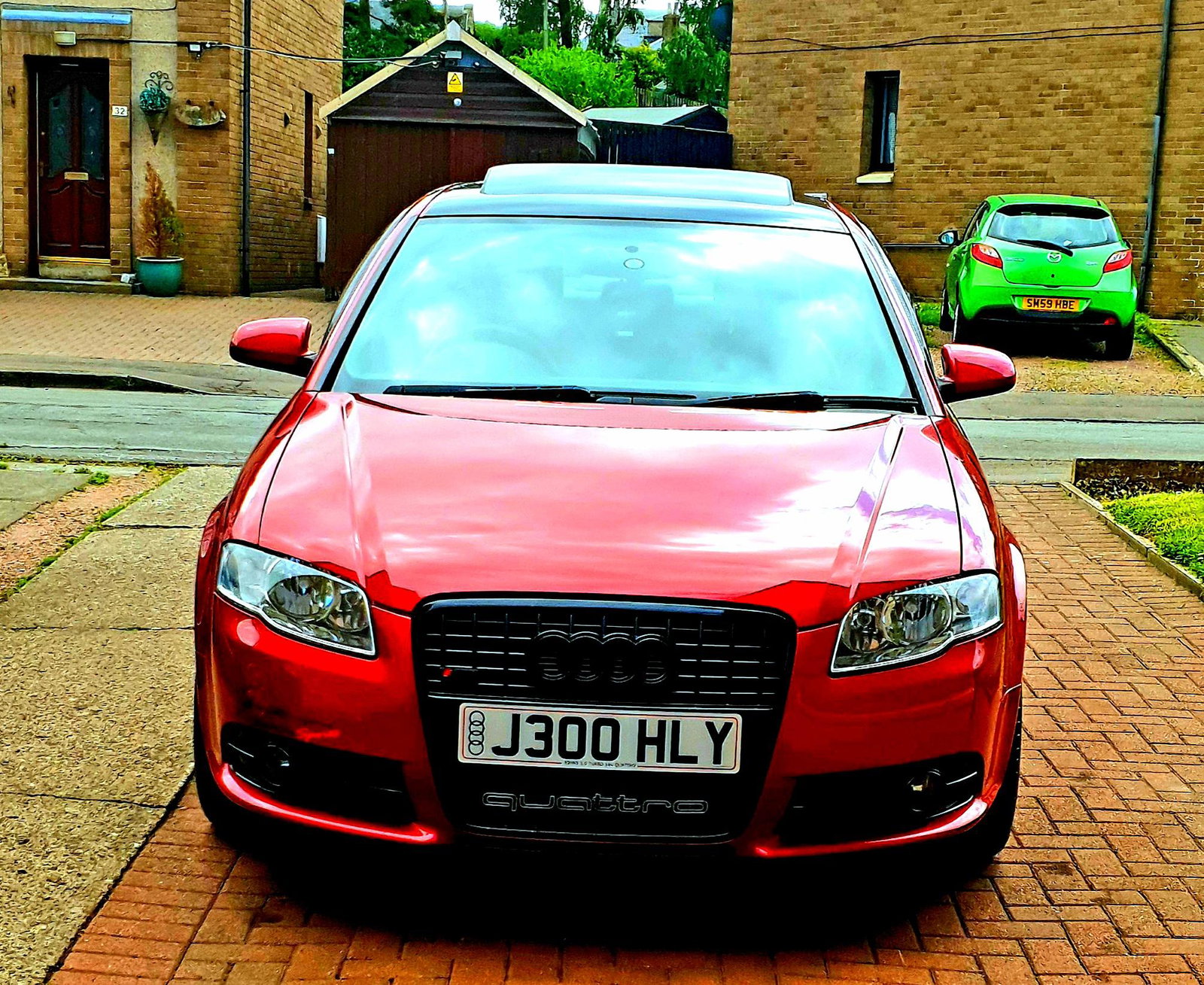
😁😁😁😊its the weekend fire up the quattro safe driving everyone
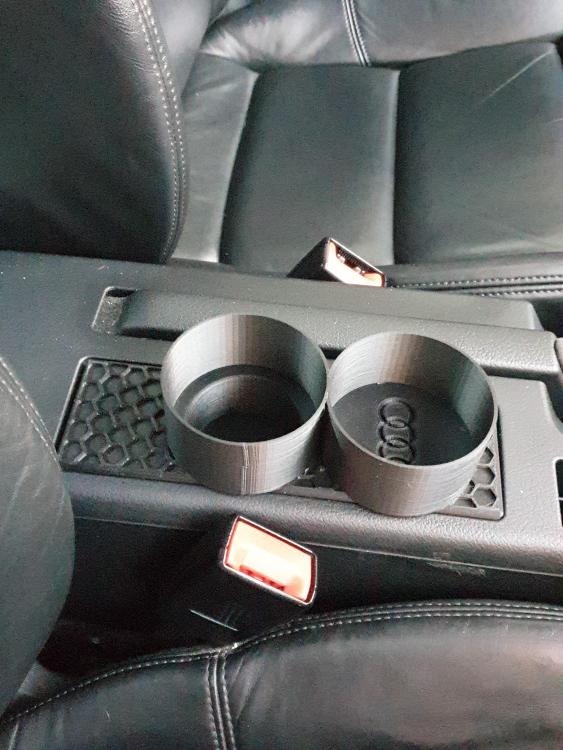
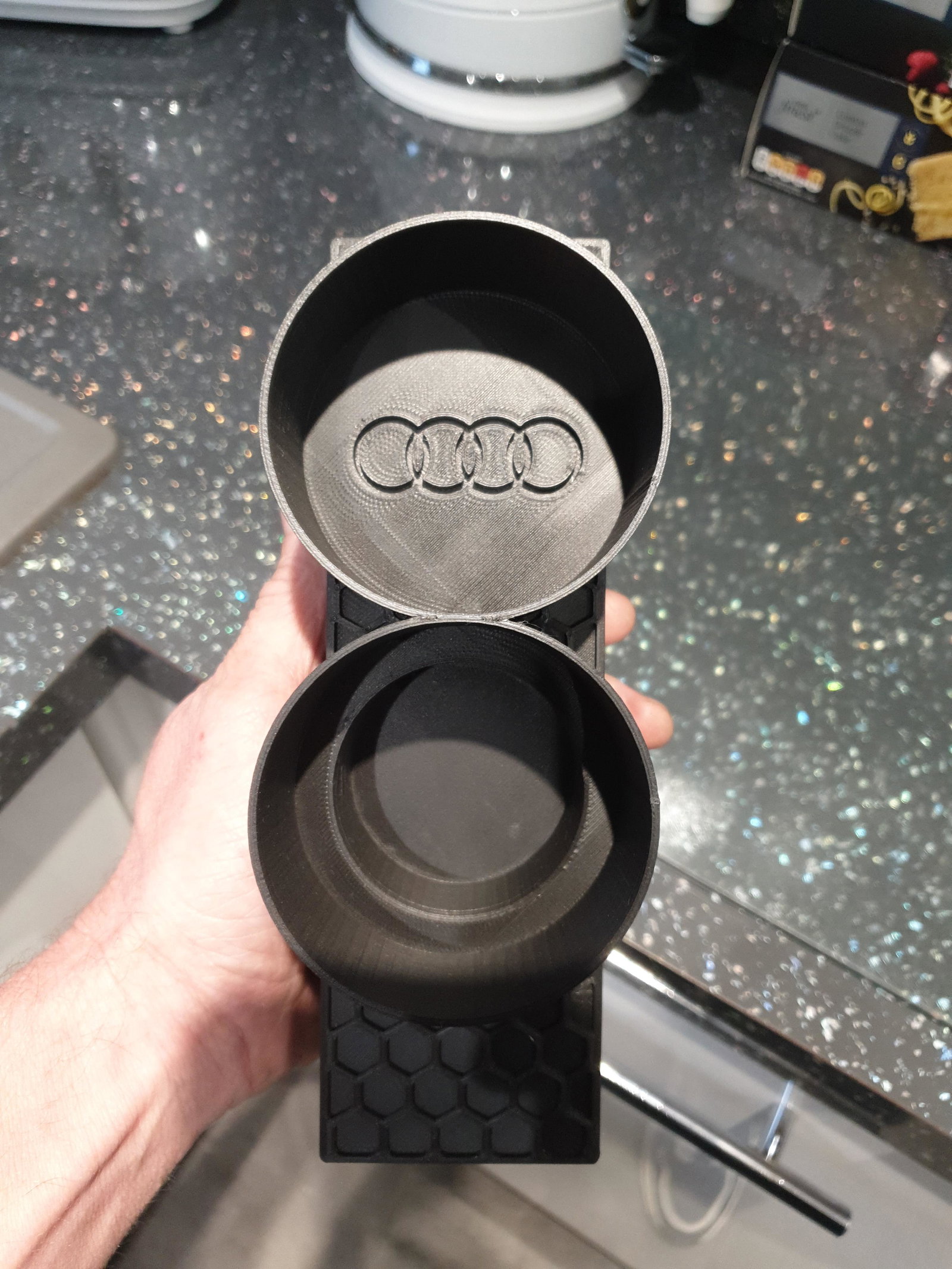
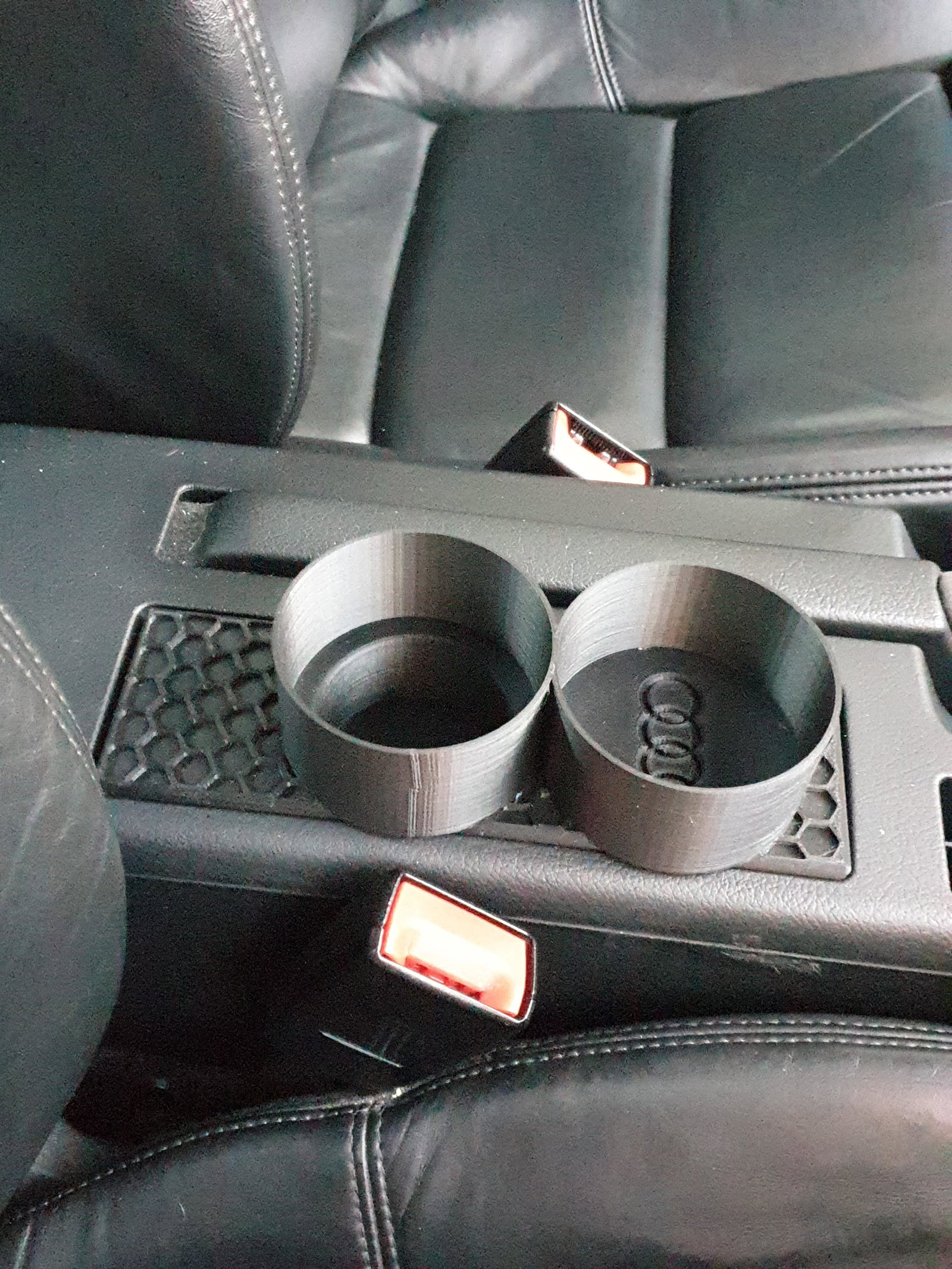
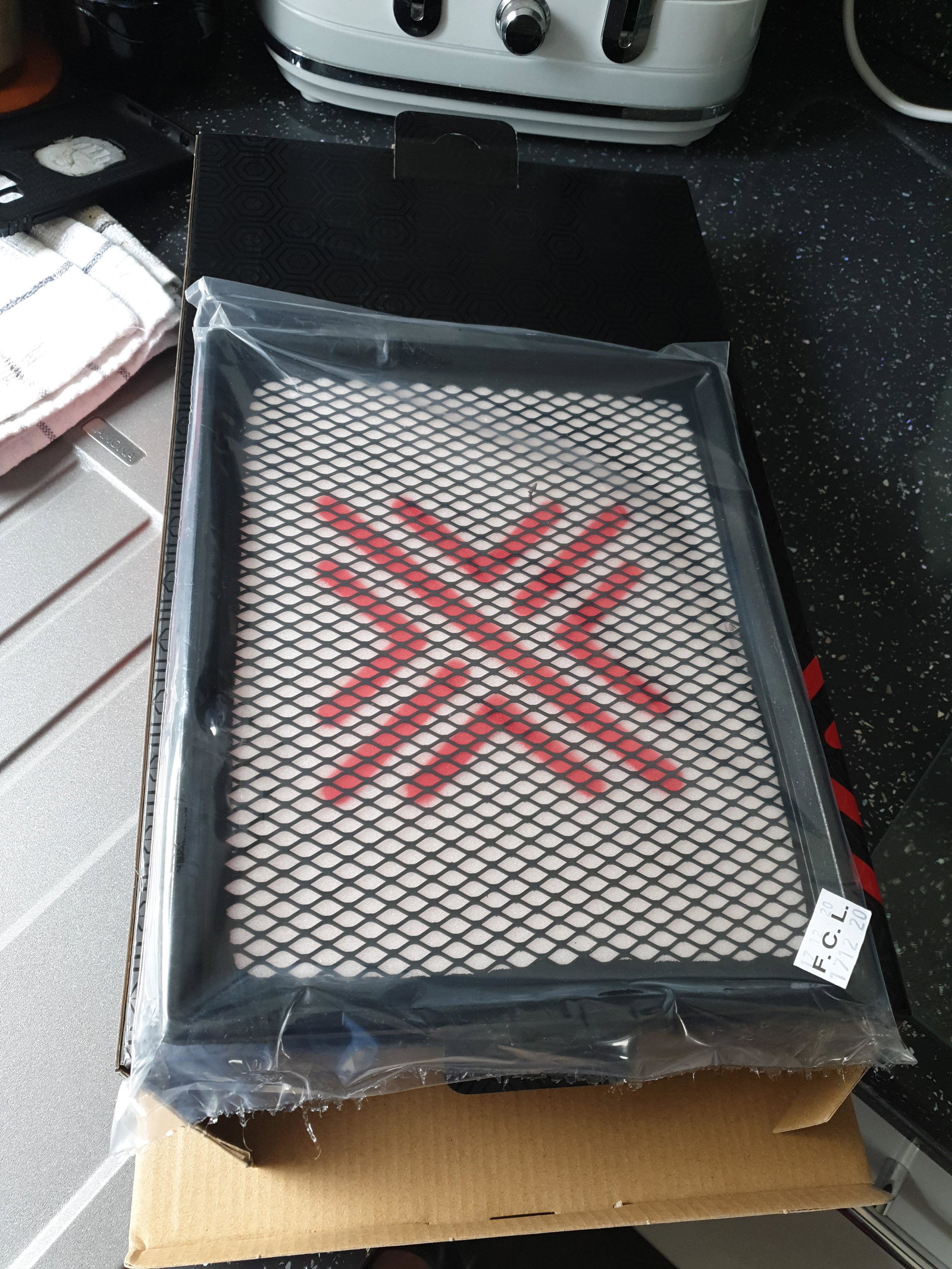
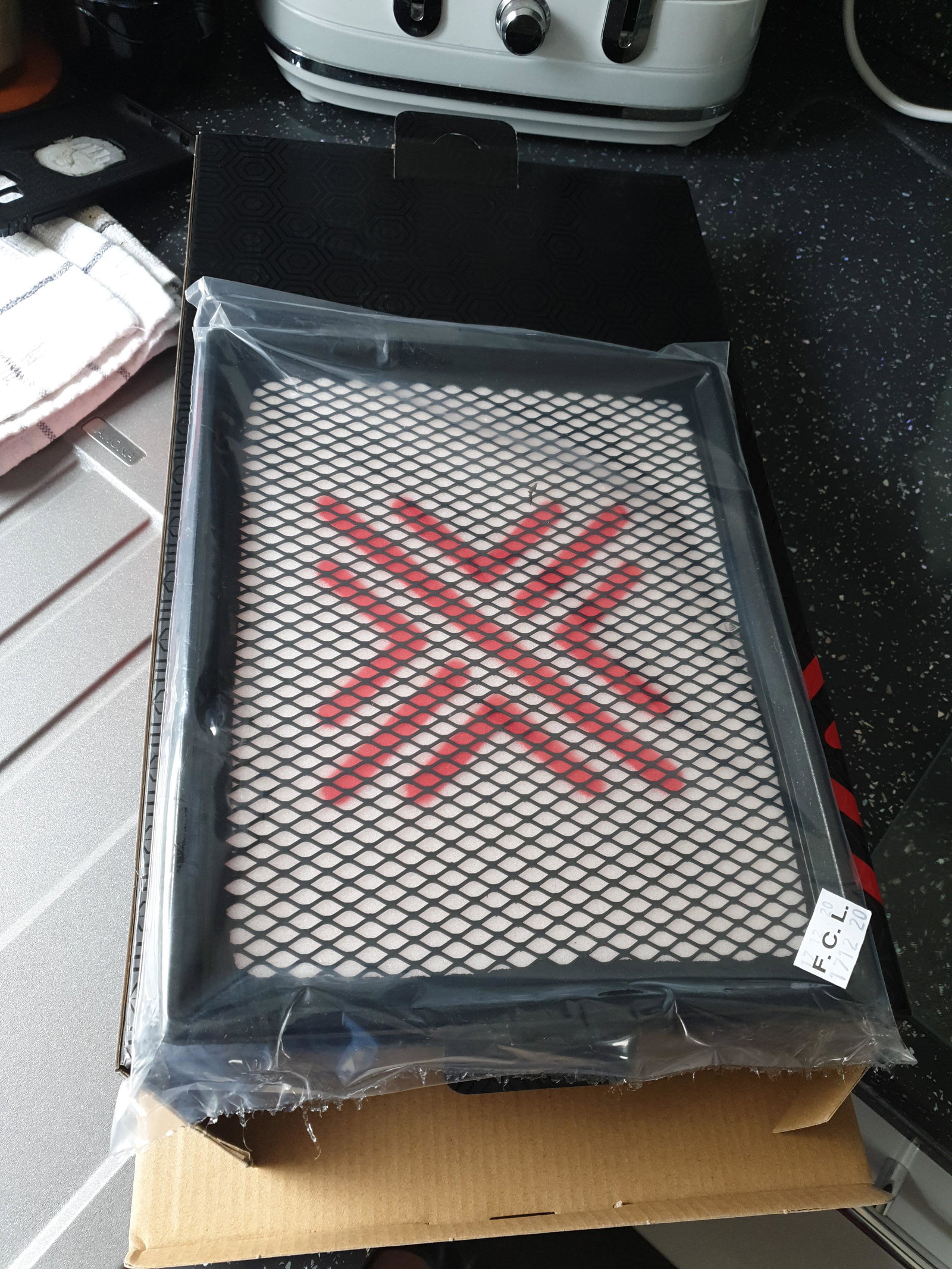
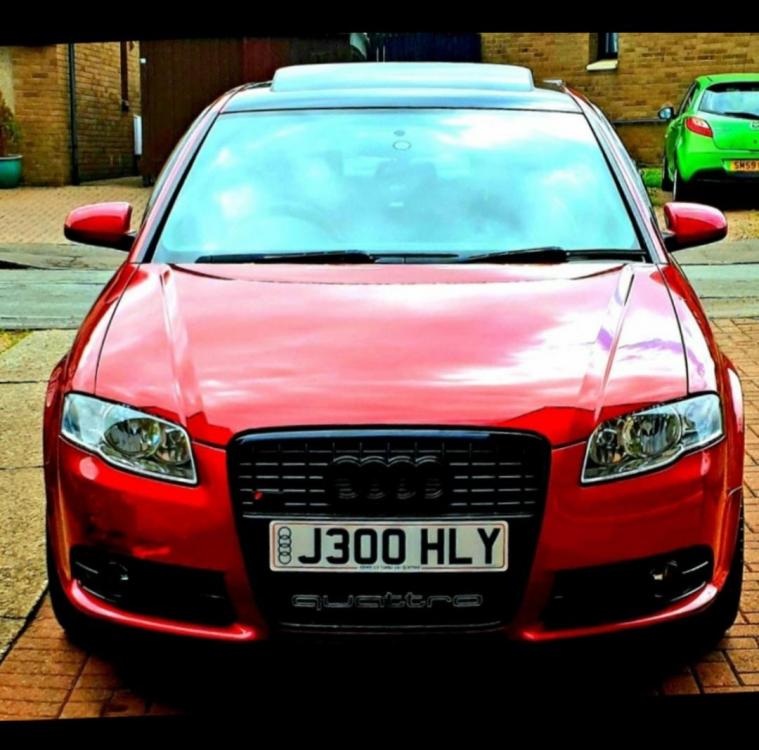 anyone one selling an induction kit for a4 b7 audi quattro 220bhp 2007 model special edition currently running a pipercross replacement snd a stainless steel exhaust at a cost of 800 quid by previous owner are inductiin any good for this model thanksmy audi a4 quattro has only one cup holder so purchased this on ebay they are 3d printed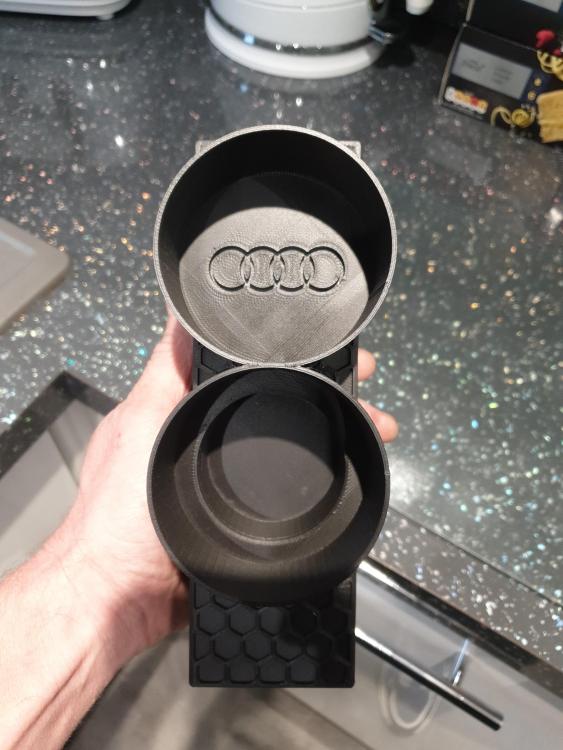
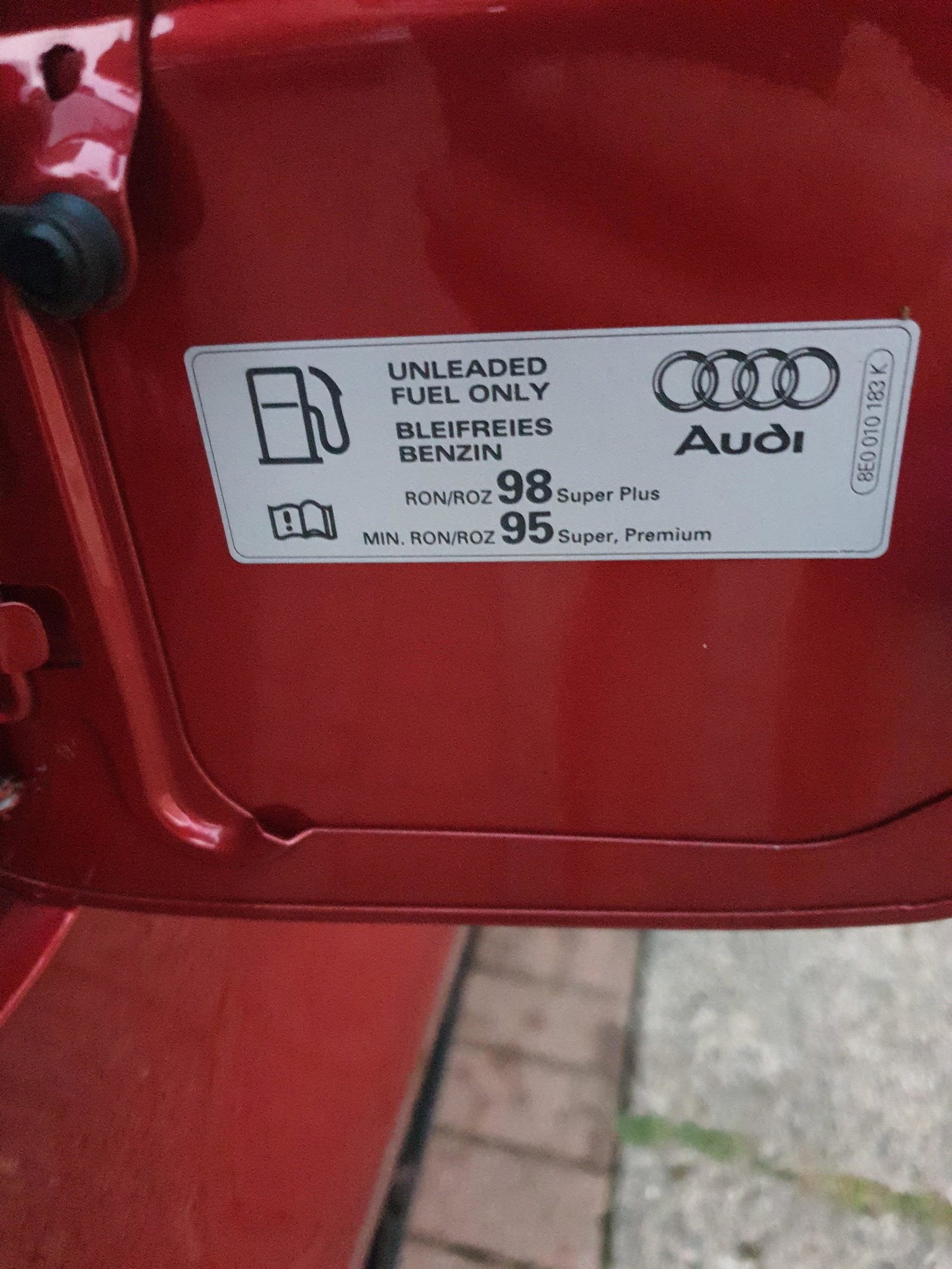
 fule cap sayin 95 and 98 octane cheaked tesco fuel pump today e10 saying its 95 so am guesding its ok can anyone else add any info
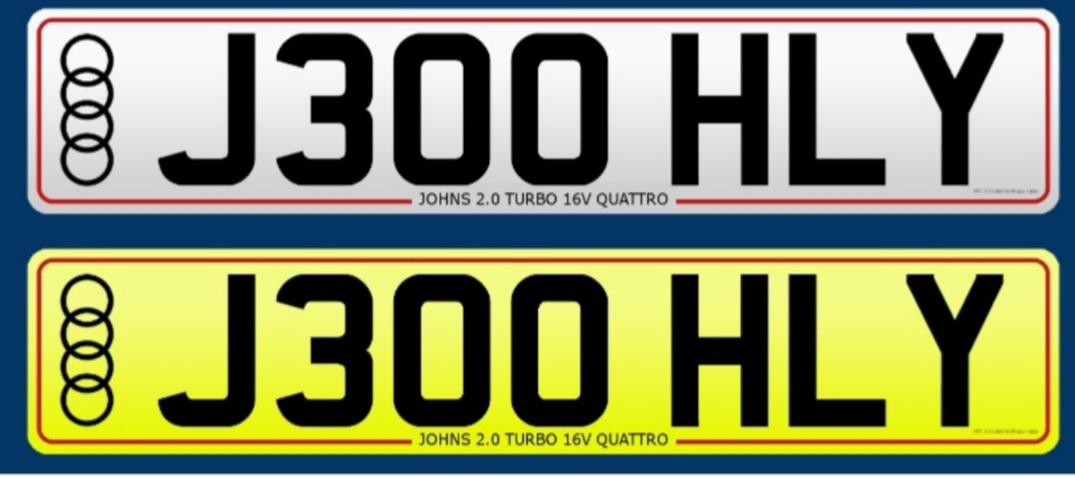
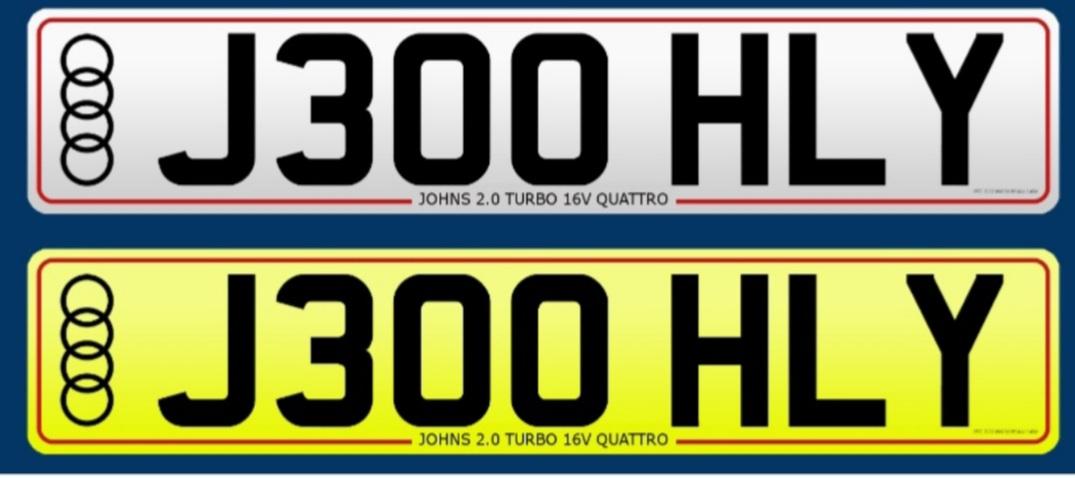
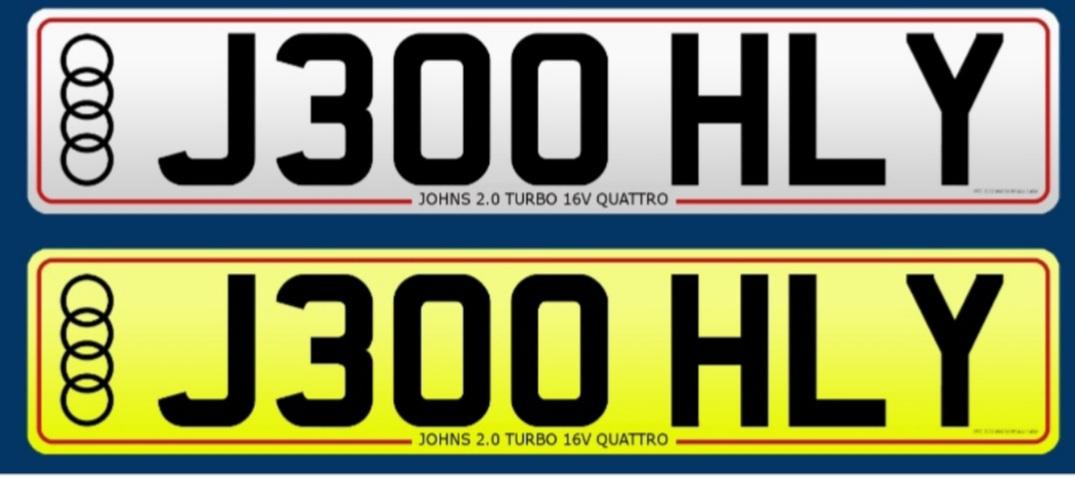
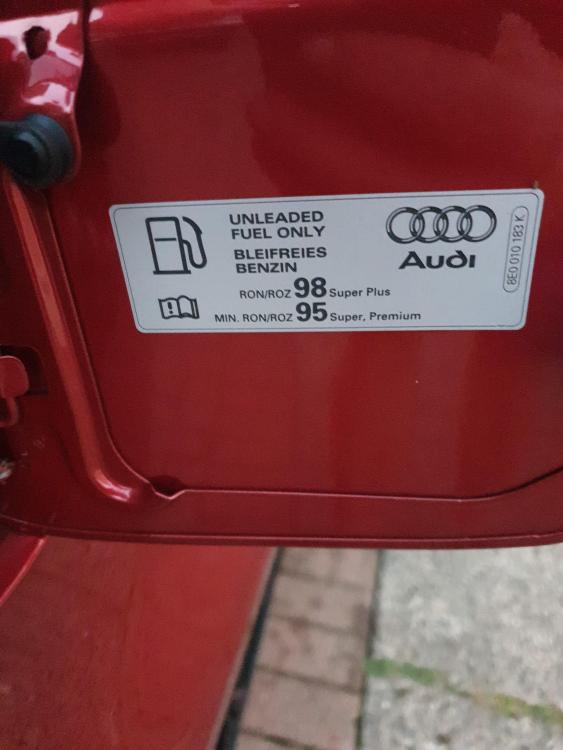 any one clear tbis up can i run e10 fuel on my 2007 audi a4 2.0tfsi quattro 220bhp model thanksmy custtom nbr pltates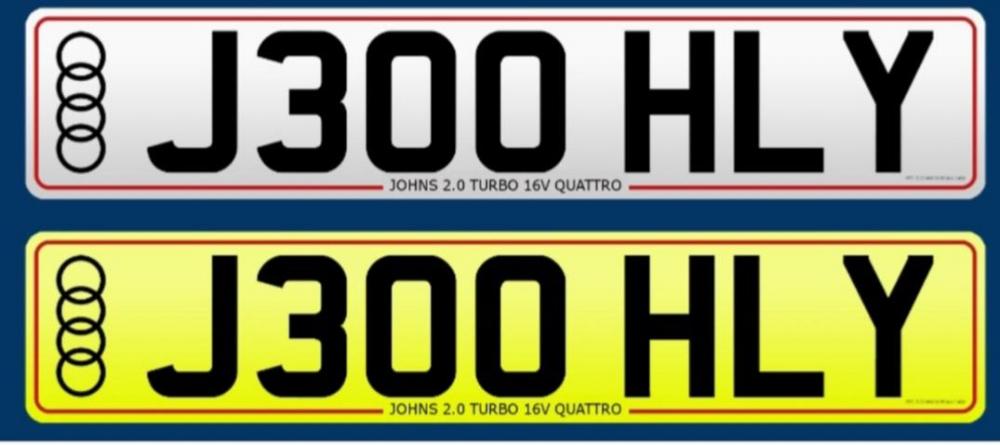
Account
Navigation
Search
Configure browser push notifications
Chrome (Android)
- Tap the lock icon next to the address bar.
- Tap Permissions → Notifications.
- Adjust your preference.
Chrome (Desktop)
- Click the padlock icon in the address bar.
- Select Site settings.
- Find Notifications and adjust your preference.
Safari (iOS 16.4+)
- Ensure the site is installed via Add to Home Screen.
- Open Settings App → Notifications.
- Find your app name and adjust your preference.
Safari (macOS)
- Go to Safari → Preferences.
- Click the Websites tab.
- Select Notifications in the sidebar.
- Find this website and adjust your preference.
Edge (Android)
- Tap the lock icon next to the address bar.
- Tap Permissions.
- Find Notifications and adjust your preference.
Edge (Desktop)
- Click the padlock icon in the address bar.
- Click Permissions for this site.
- Find Notifications and adjust your preference.
Firefox (Android)
- Go to Settings → Site permissions.
- Tap Notifications.
- Find this site in the list and adjust your preference.
Firefox (Desktop)
- Open Firefox Settings.
- Search for Notifications.
- Find this site in the list and adjust your preference.